Court Notices and Calendar
← Back to Best Case Cloud project
Overview
Role: Product Designer
Project: Utilize CINcompass code framework to create a new B2B web app that replaces MyEFCMail and integrates with Best Case desktop. The new web app is “Phase 1” in the strategy to create Best Case Cloud and migrate users to the new Best Case. Existing legacy firms can utilize this integration for free by setting up a cloud account to receive court notices and automatically calendar important hearings and deadlines, which should make their transition to Best Case Cloud much more seamless when it becomes available.
Type: Web App
Essential Features and Business Requirements
MyECFMail was powered by Silverlight, which is no longer supported by Microsoft, and the software became quickly outdated. The goal for Court Notices and Calendar was to replace MyECFMail and introduce legacy desktop users to cloud technology. Essential features for the Court Notices and Calendar product were similar to the features MyECFMail was already offering, with the added value of being on the cloud versus a locally-installed desktop application. In order to successfully replace MyECFMail and provide an alternative solution to existing users, Court Notices and Calendar must:
Integrate with users’ existing client list and desktop software, Best Case by Stretto.
Download and organize court notices by client and case.
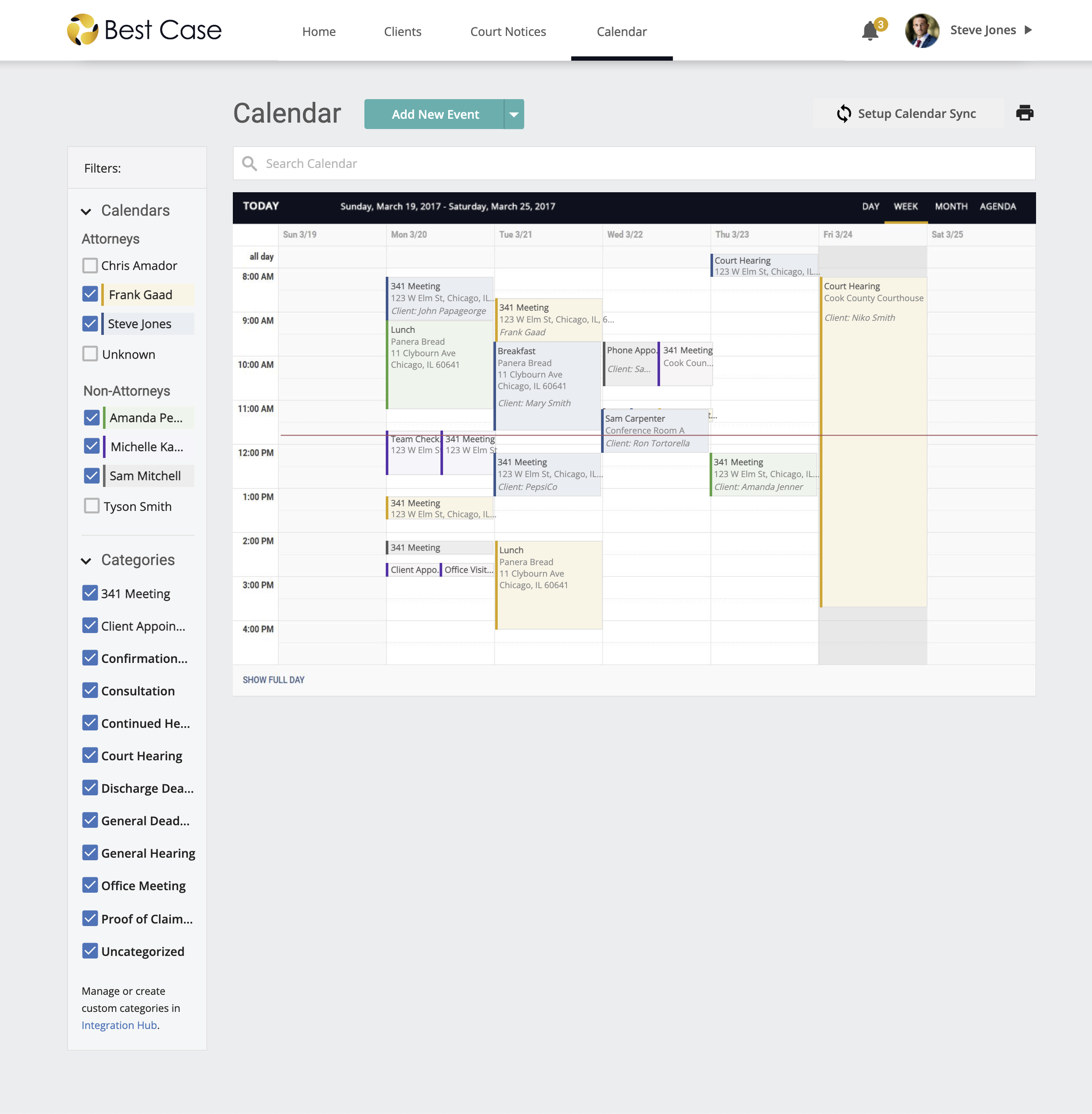
Automatically calendar important court dates, hearings, and deadlines.
Provide unlimited email and attachment previews for received notices.
Give users the ability to import court notice data from MyECFMail.
Competitor Analysis
Since I was new to the industry, I wanted to get an idea of who our competitors were before I started a redesign.
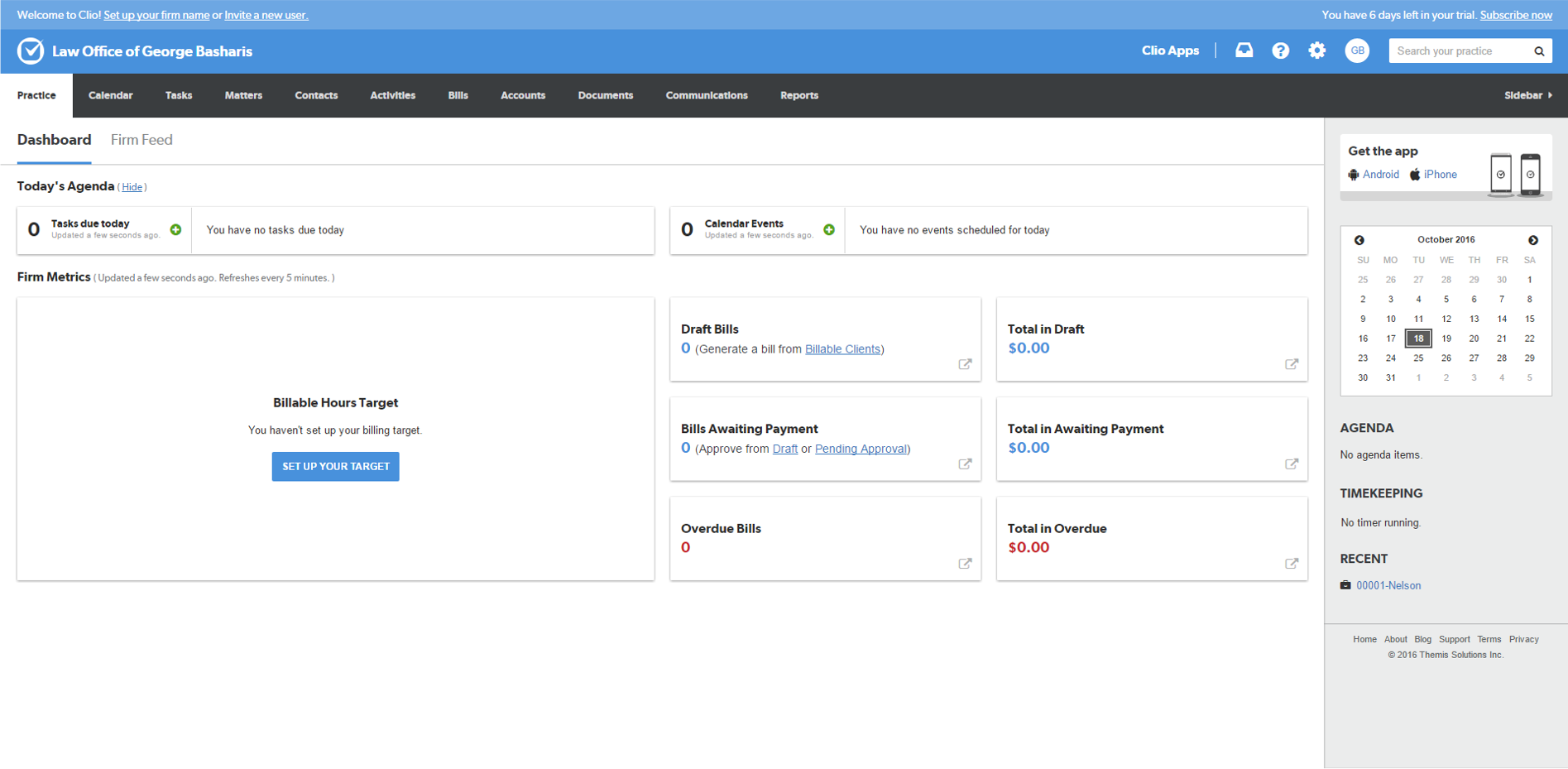
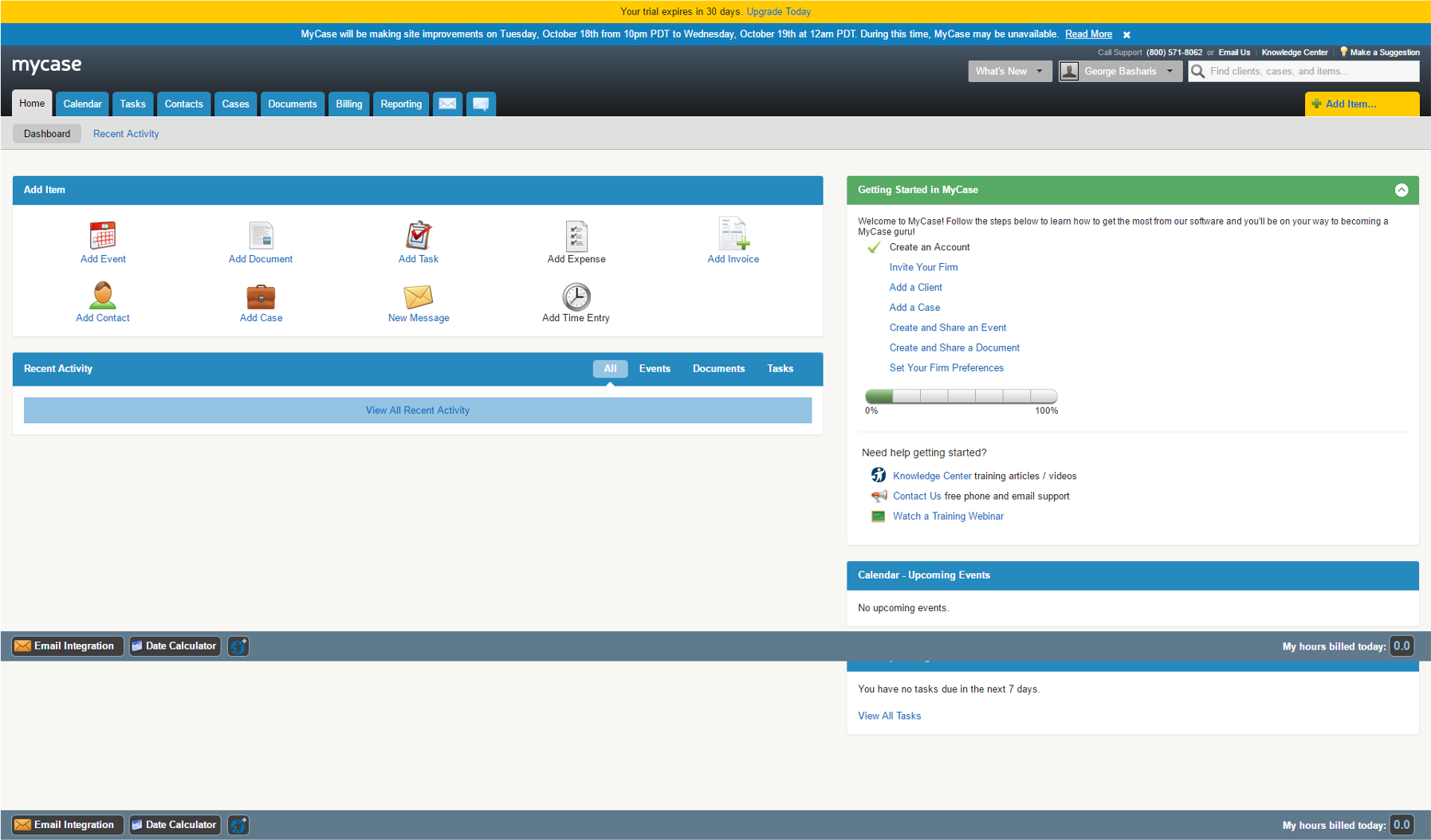
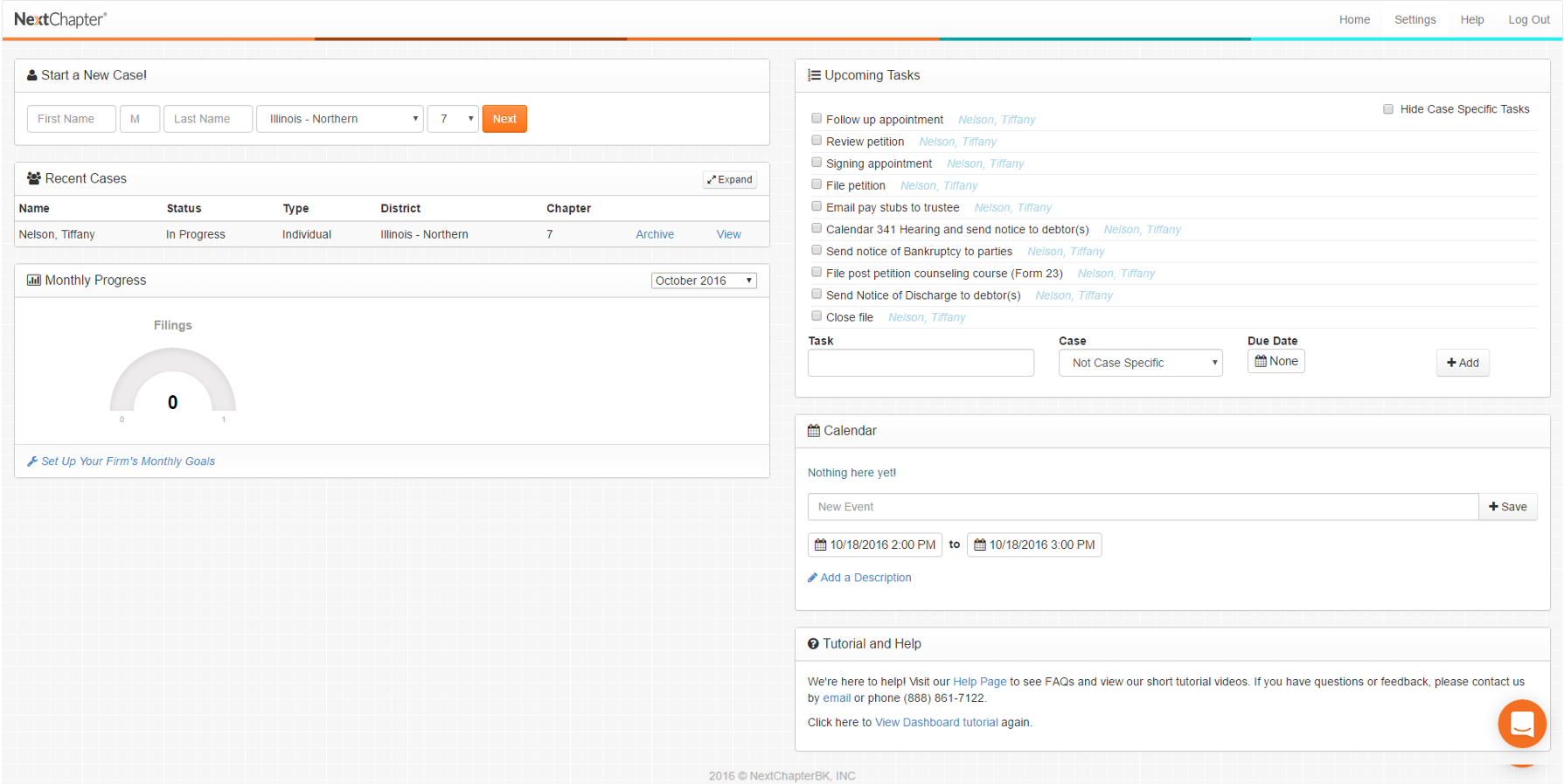
Focus Areas for Competitor Review
| Focus Area | Description |
|---|---|
| Architecture and Navigation | The relative clarity and consistency of the information architecture, content layout, and overall ease of browsing and readability. |
| Special Features and Supported Tasks | Special features or tasks that the software supports (e.g., integration of case management software with case filing software – how well does the site handle the user’s transition from case filing to case management, or vice versa?) |
| Terminology and Labeling | The relative clarity and consistency of the language use and element naming. |
| User Control and Freedom | How much control the site provides the user in relation to creating tasks, events, and automating processes. |
Redesign Principles
Provide simple navigation and page flows.
Present information in a simple, clutter-free, and visually appealing UI.
Use consistent design patterns, error handling, and terminology.
Offer good defaults and smart, efficient workflows.
Initial Product Management Survey
Resistance to Change
Many users have been using Best Case for a decade or longer, so naturally, there was a lot of resistance to change and fear of increased prices due to new product integrations. As bankruptcy filings continued to decrease every year, users valued low operating costs more than time-saving features if it meant they had to pay more.
“I do not have the caseload to justify additional expense or time in processing. What I do works fine.”
How Court Notices are Processed Today
Not every Best Case user was a MyECFMail user, so Product Management surveyed 154 users about their electronic case filing and court noticing habits. Of the 154 respondents, 87% (134) reported using their primary email to process court notices. When asked “What frustrates you most about Court emails?” the most common responses were:
Cost of “second look” fees ($50-100/month/user)
Time spent processing/reading emails (5 hours/month/user).
Manually scheduling court dates.
Site Map and Content Strategy
Based on the features of MyECFMail and my general understanding of the business and user needs, I created a proposed site map for the foundational architecture of the Court Notices and Calendar web app.
Keeping in mind that this product was setting the stage for the future “Best Case Cloud,” I organized this in a way that would allow us to expand our navigation intuitively and keep our legacy users’ familiarity with their legacy product. This was used to build out the designs for each page in my prototype.
Generative User Interviews

To better understand the typical day of my users and their habits as they relate to court notices and calendar, I scheduled 4 structured interviews. These interviews helped me understand the bankruptcy process, but more importantly, how tedious it is for users to manage court notice communications and documents through the PACER website (Public Access to Court Electronic Records).
Primary Pain Points with Court Noticing and Calendaring Today
Users get a single, free look at the court document. Any additional looks cost the user $.10 per look.
To avoid PACER fees, users download documents and save them on a self-organized file system on their local computer.
Users create folders in their email program using their clients name to organize court notices in case-specific folders.
These systems require manual effort to organize and are not efficient in searching the contents of emails or documents.
Understanding Users with Empathy Mapping
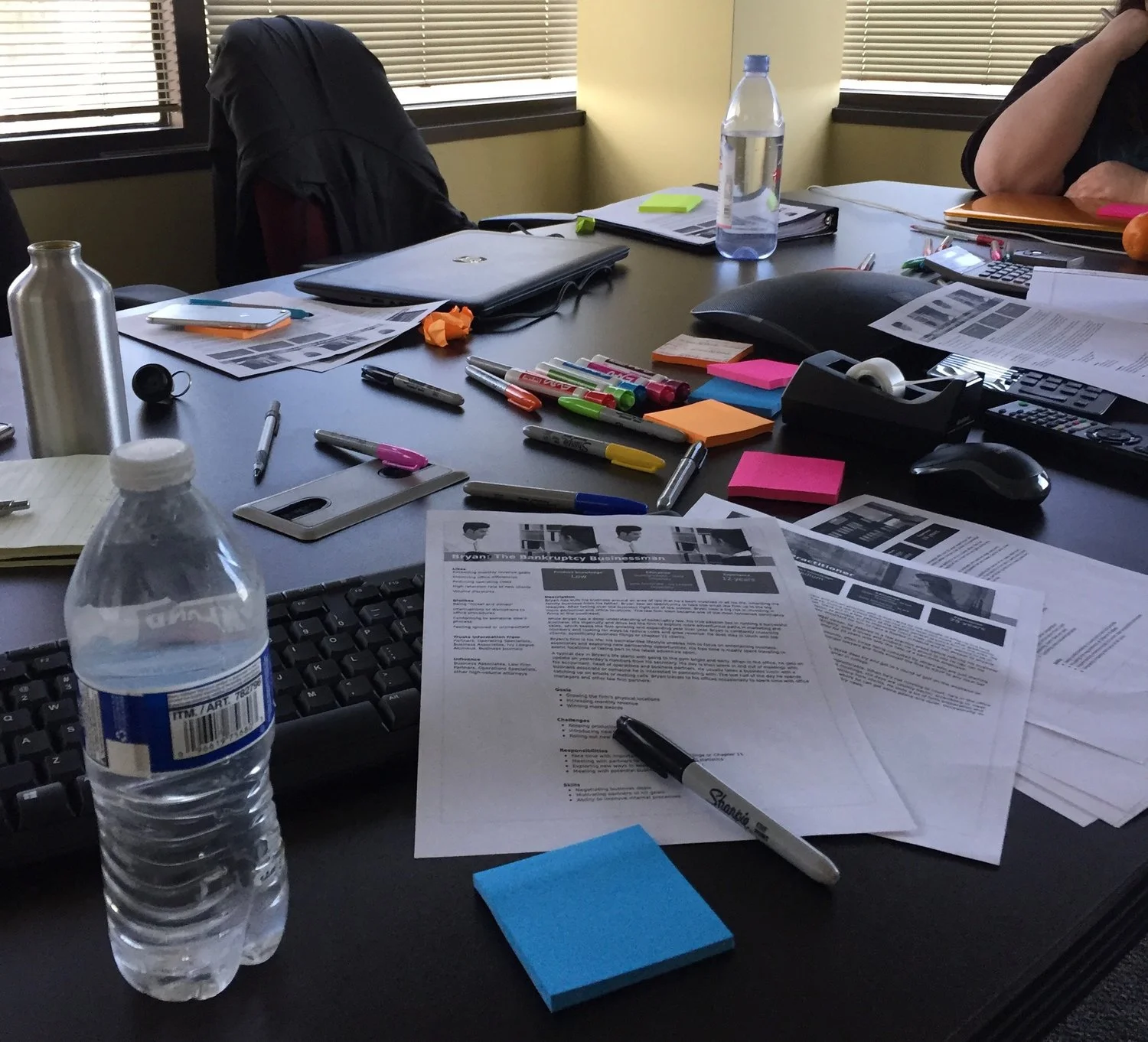
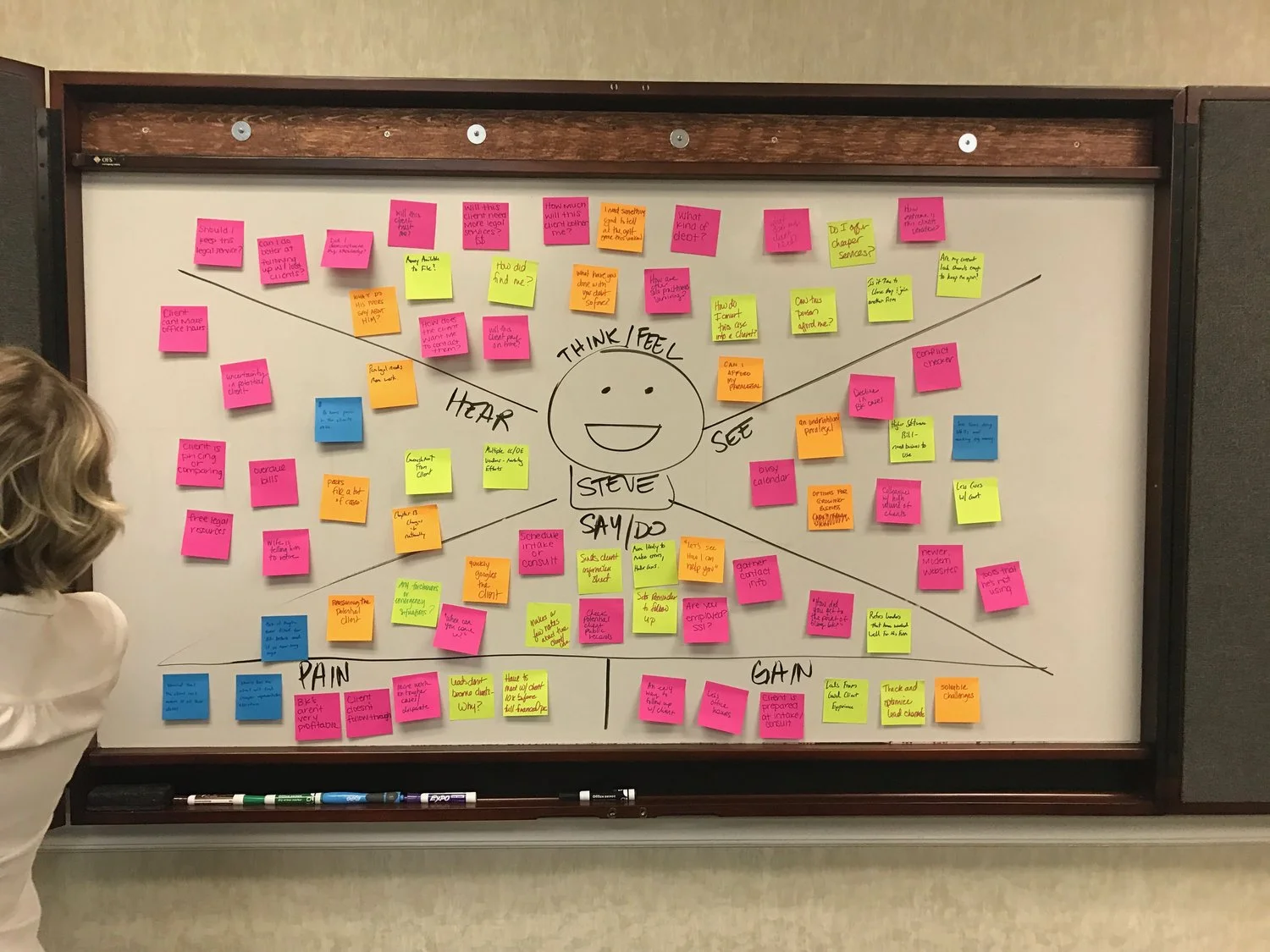
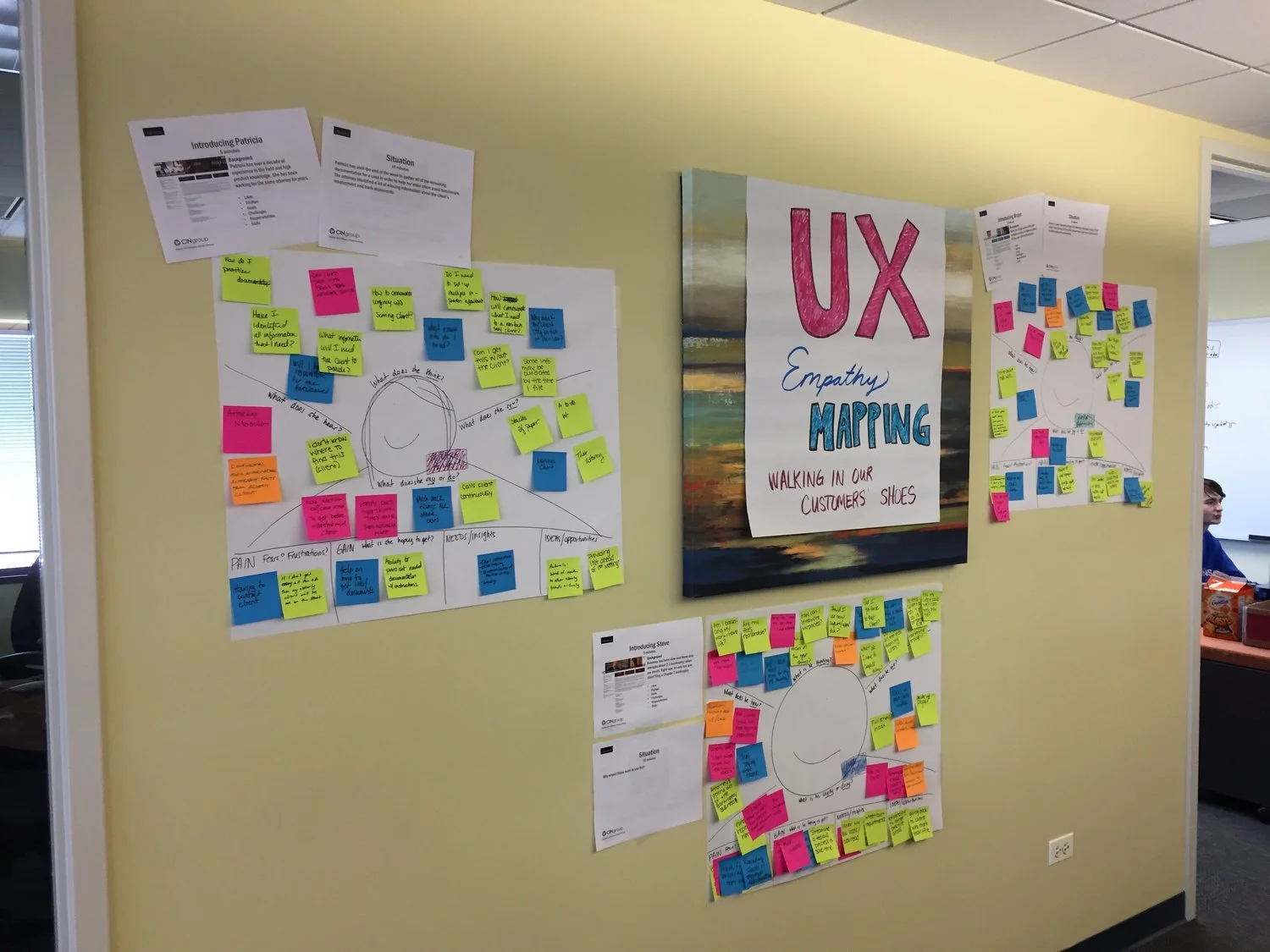
In an effort to get my team and the greater company involved in my design process, I led a few design thinking workshops. Leading workshops on brainstorming, group sketching, or empathy mapping helped demonstrate the value and craft behind UX to people in the company who never heard of this term before.
After each session, I would put our empathy maps on display around the office to get people involved and asking questions. Having a complete understanding of the software, competitors, business, and users had me ready to begin ideating, sketching, and prototyping.
-
Solo-practitioners that primarily file bankruptcy cases make up the majority of our user base. About 25% of our users include high-volume law firms that practice bankruptcy secondary to other areas of law (family law, real estate, etc). Attorney user types in large firms are primarily administrators focused on representing their clients, therefore typically interacting with the product on an as-needed basis in comparison to their paralegal staff.
For all attorneys, their primary concern is having their cases filed without errors and staying on top of incoming court communications. Most attorneys are working with multiple cases at a single time, so it’s easy to lose track of key details if all communications are not carefully reviewed. Court notices need to be monitored to understand how their cases are progressing and if representation will be required at any upcoming court hearings.
-
For mid to large-sized law firms, paralegals are a common archetype that represent Best Case users. Paralegals are mostly responsible for data entry tasks that are required to prepare a bankruptcy case for filing. For firms that have support staff, paralegals are usually the primary users and attorneys are secondary.
Paralegals are primarily focused on interacting with clients through the intake process and gathering required documents to facilitate the data entry process. In addition to attorneys, paralegals are commonly tasked with monitoring court notices and organizing documents received by the court. All of this goes into preparing the case and validating that the case is being filed without any issues that might require intervention by the attorney.
The Design Process
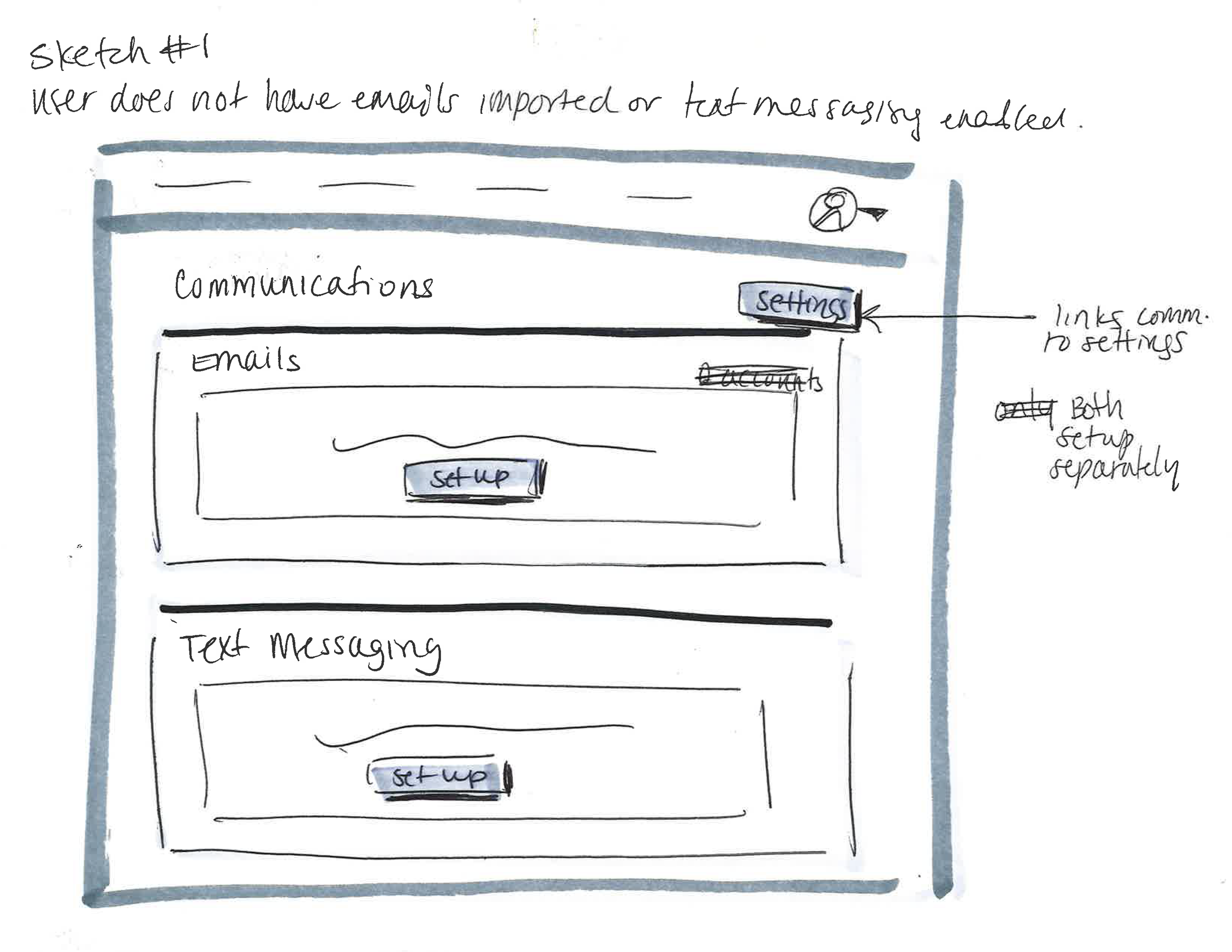
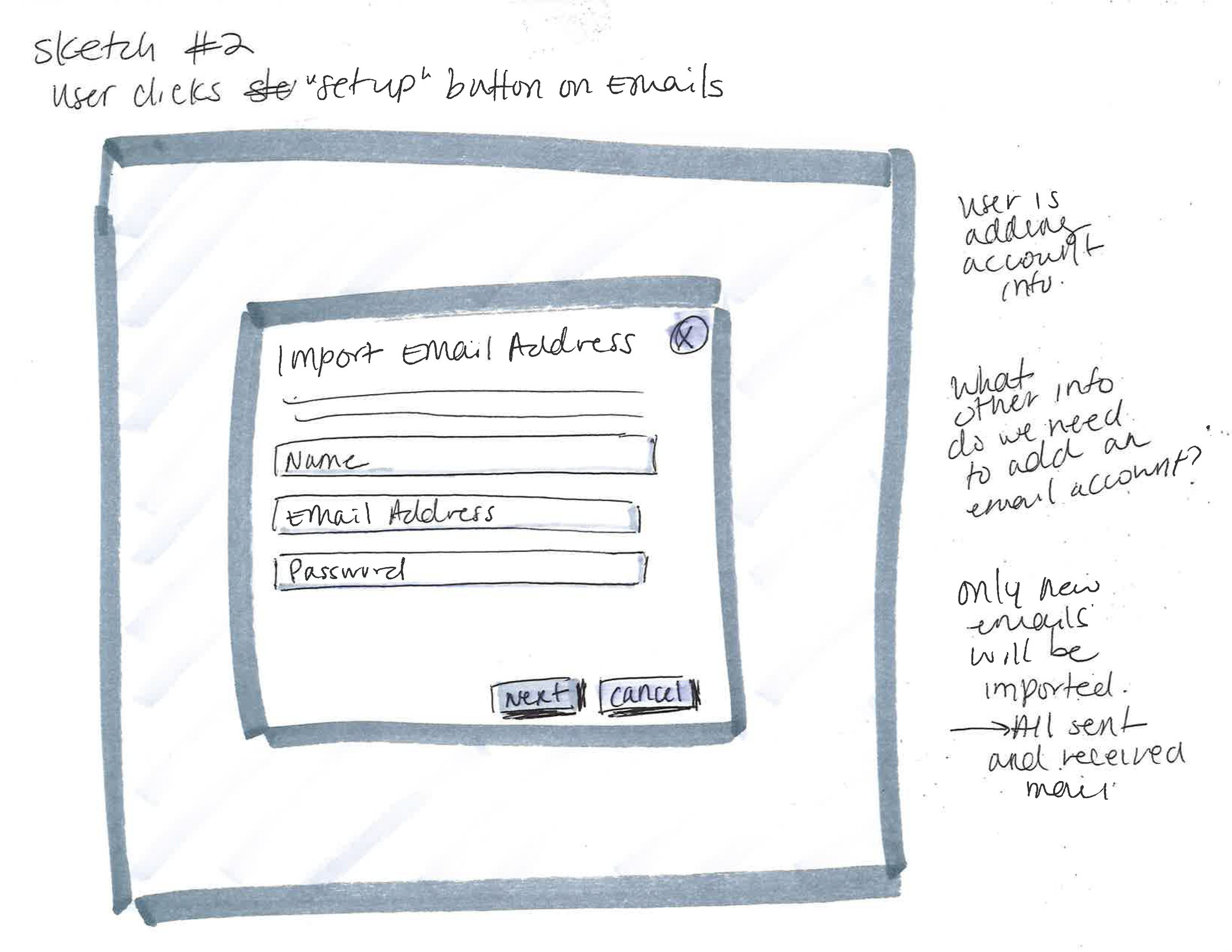
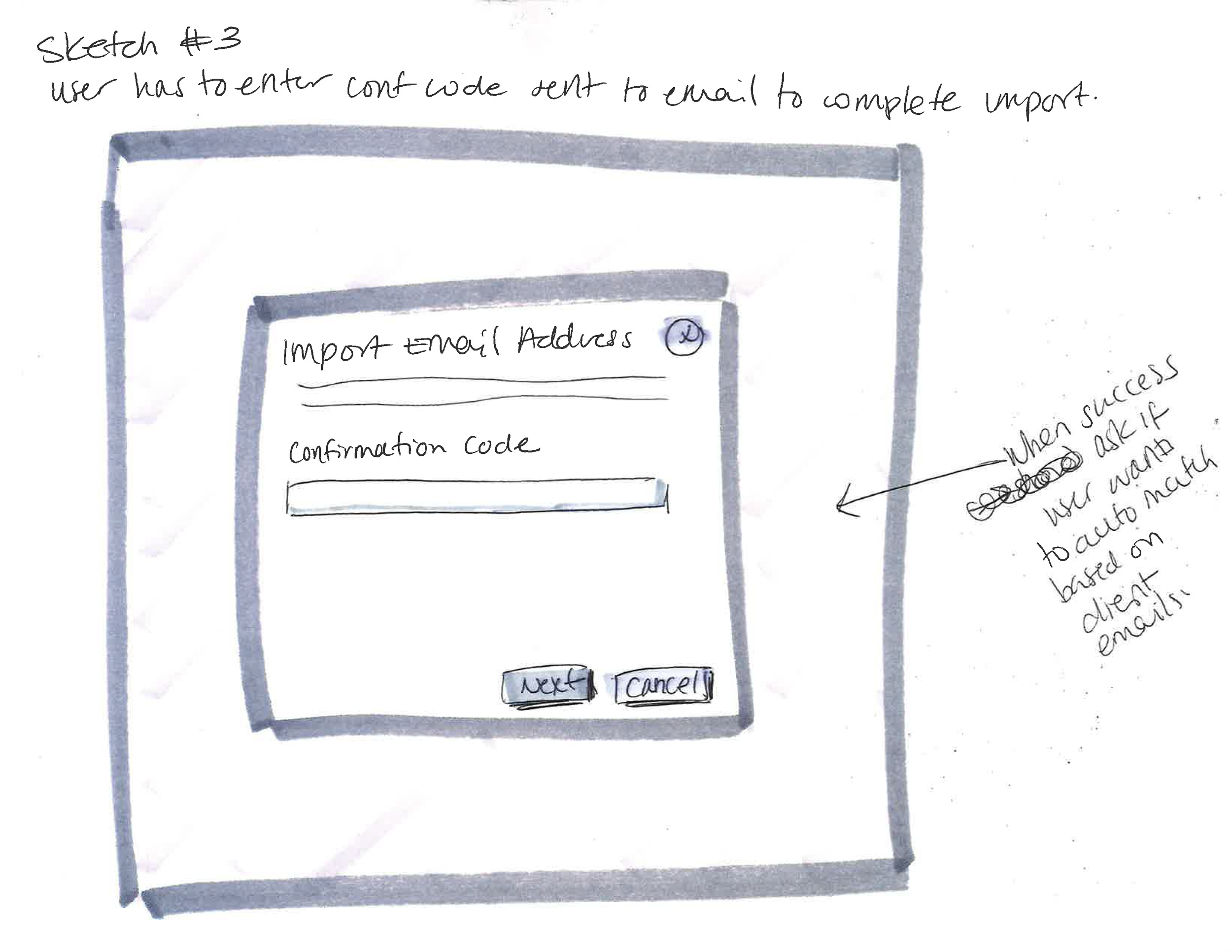
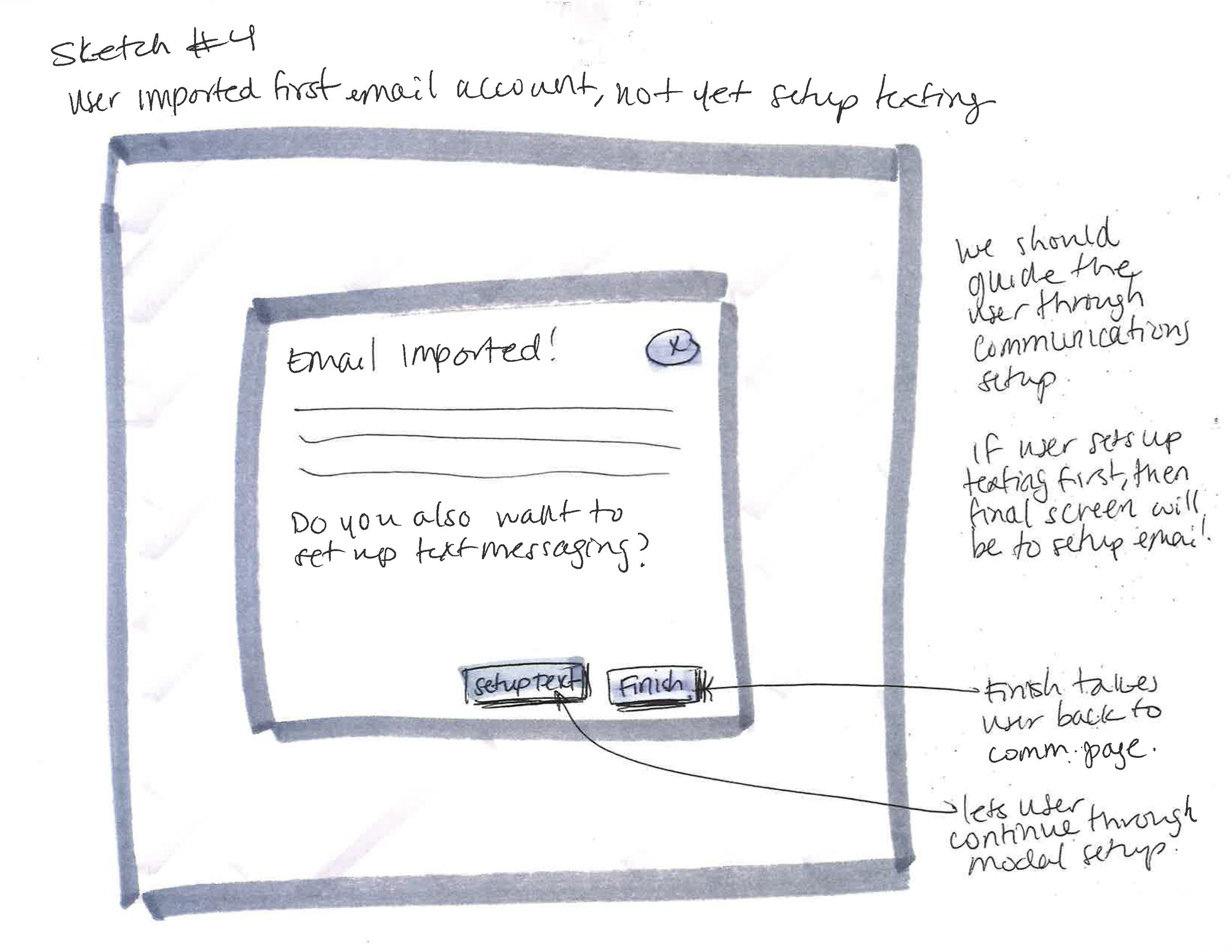
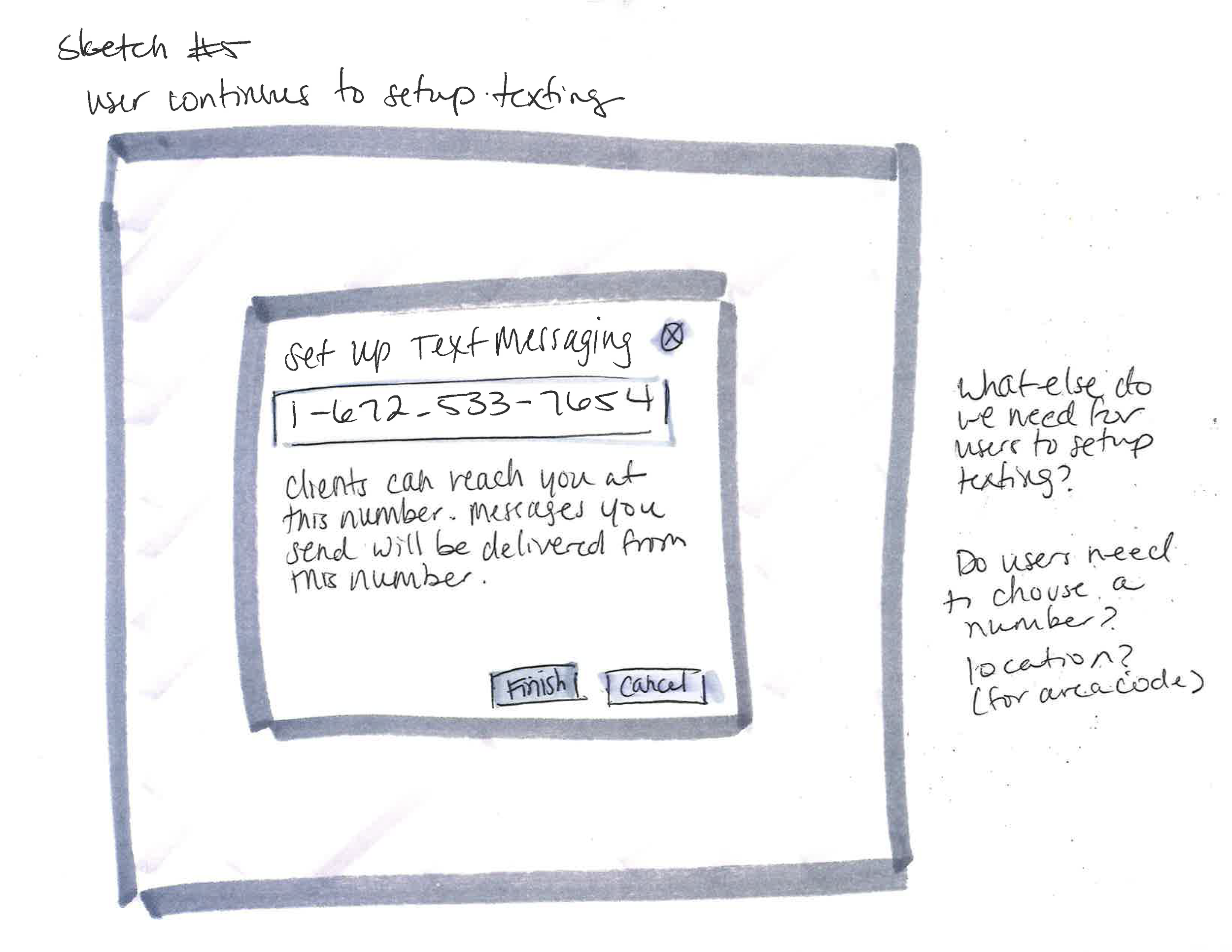
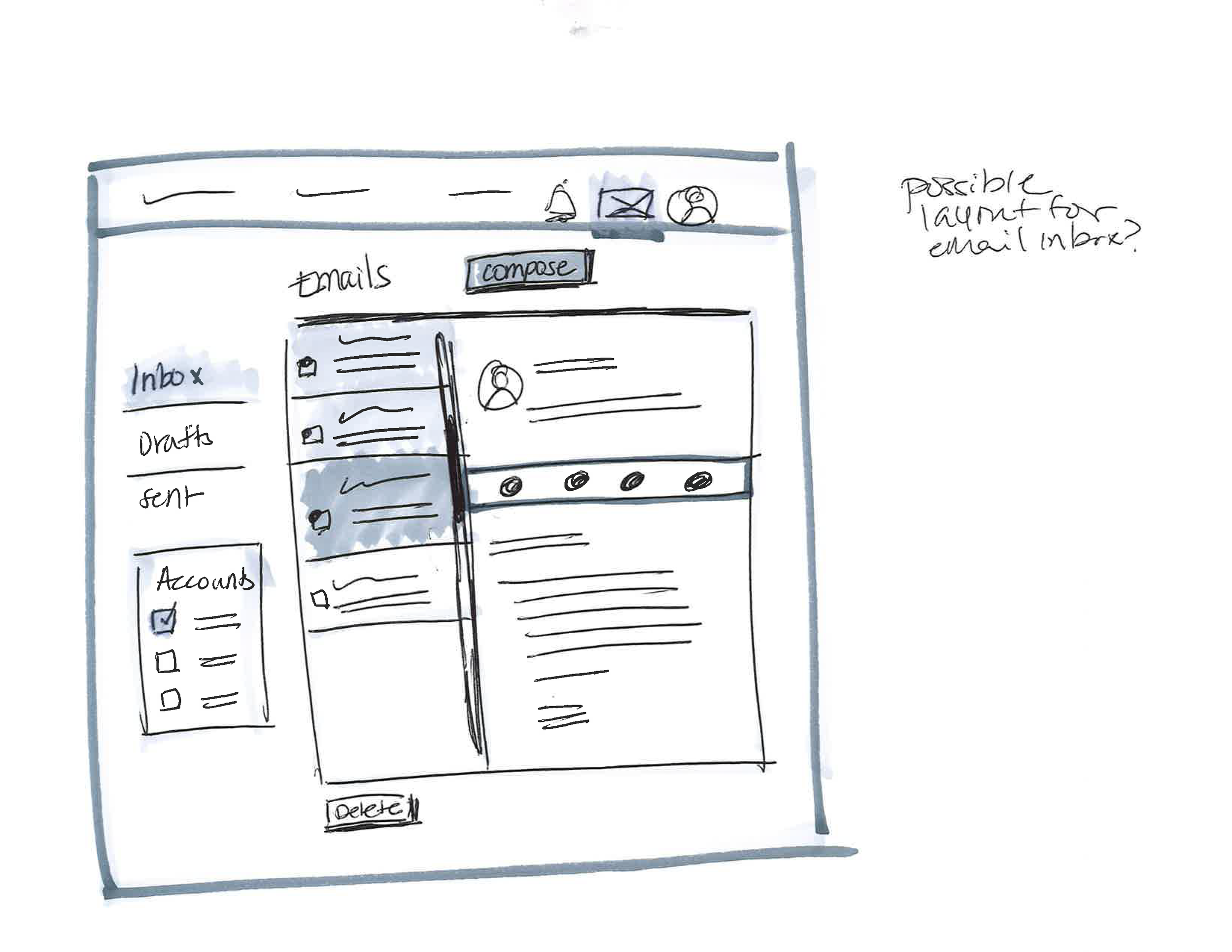
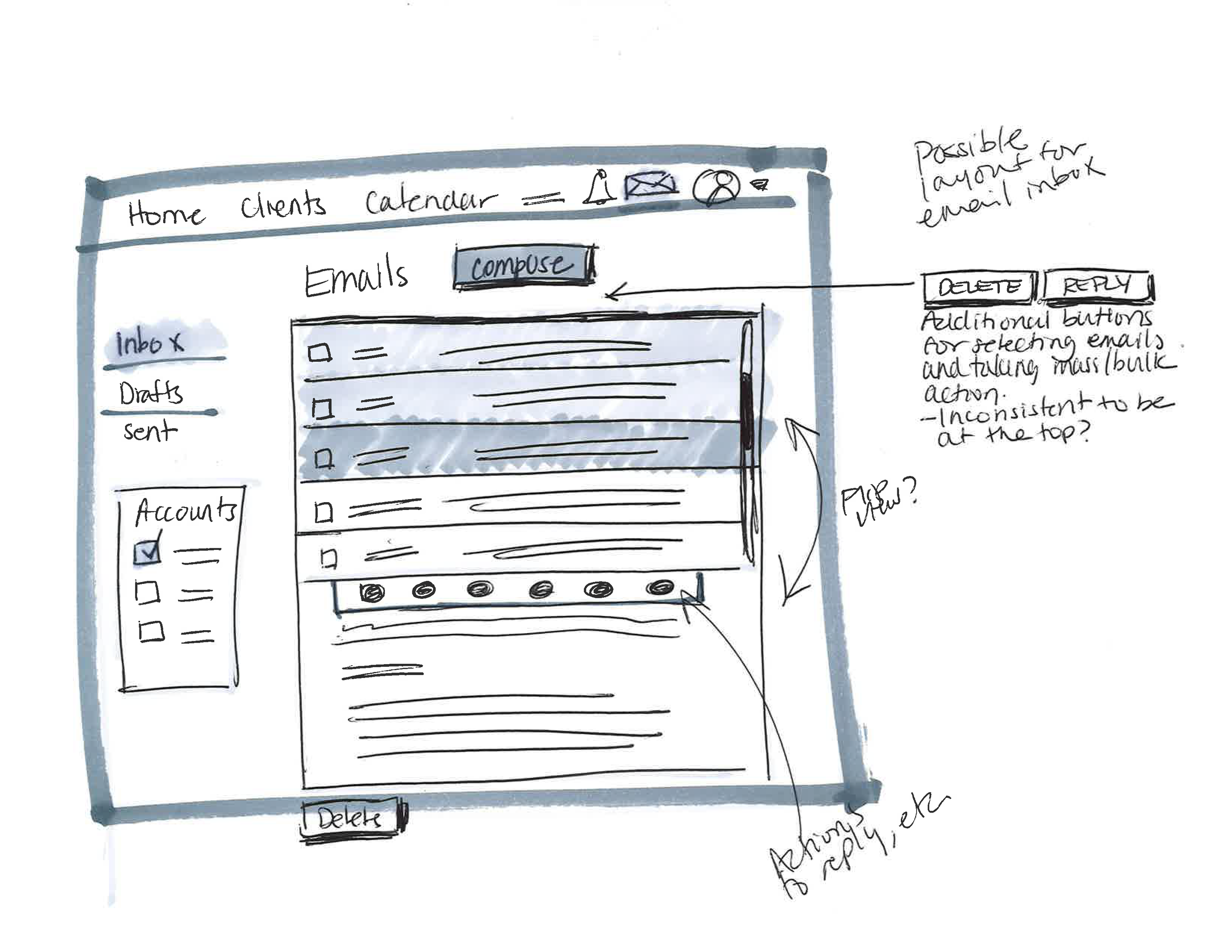
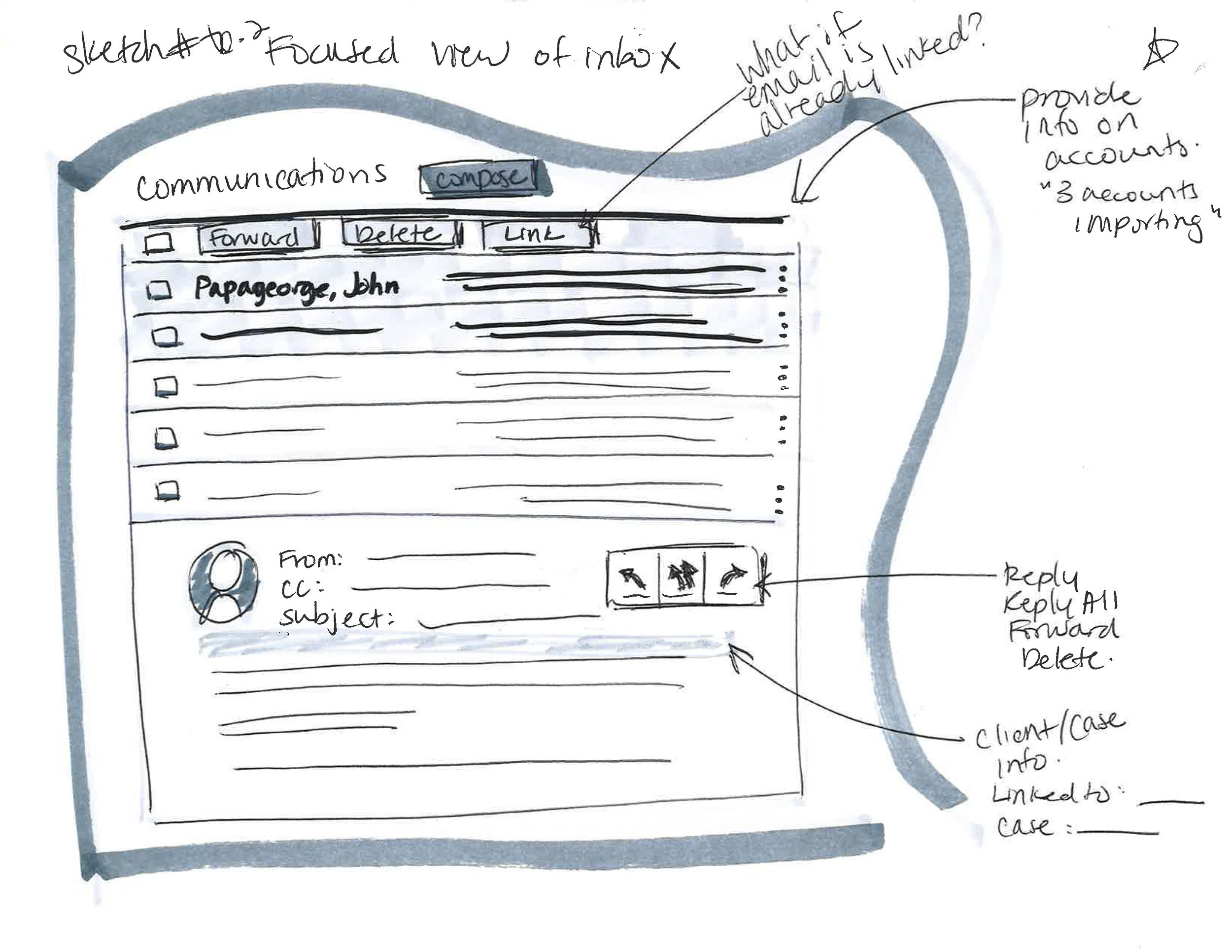
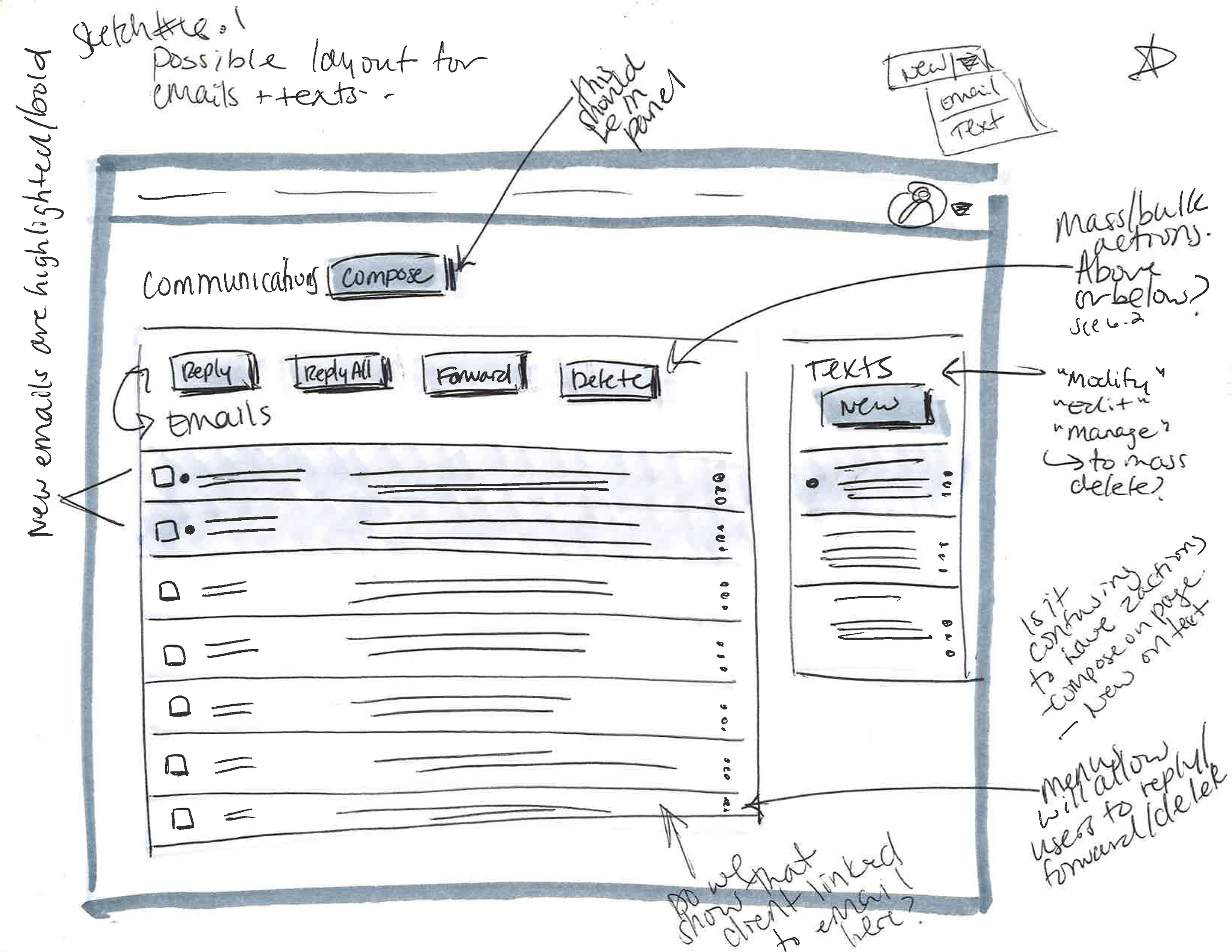
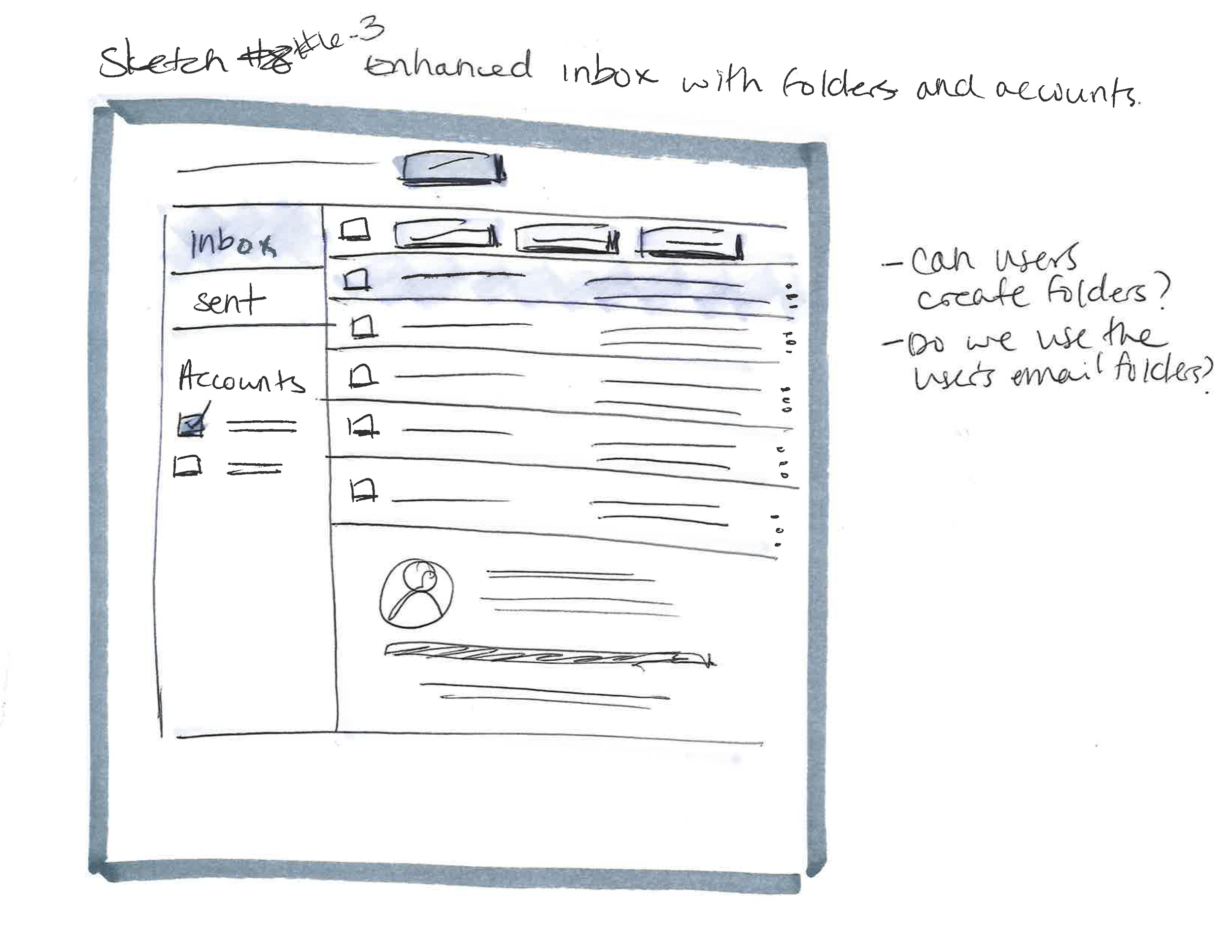
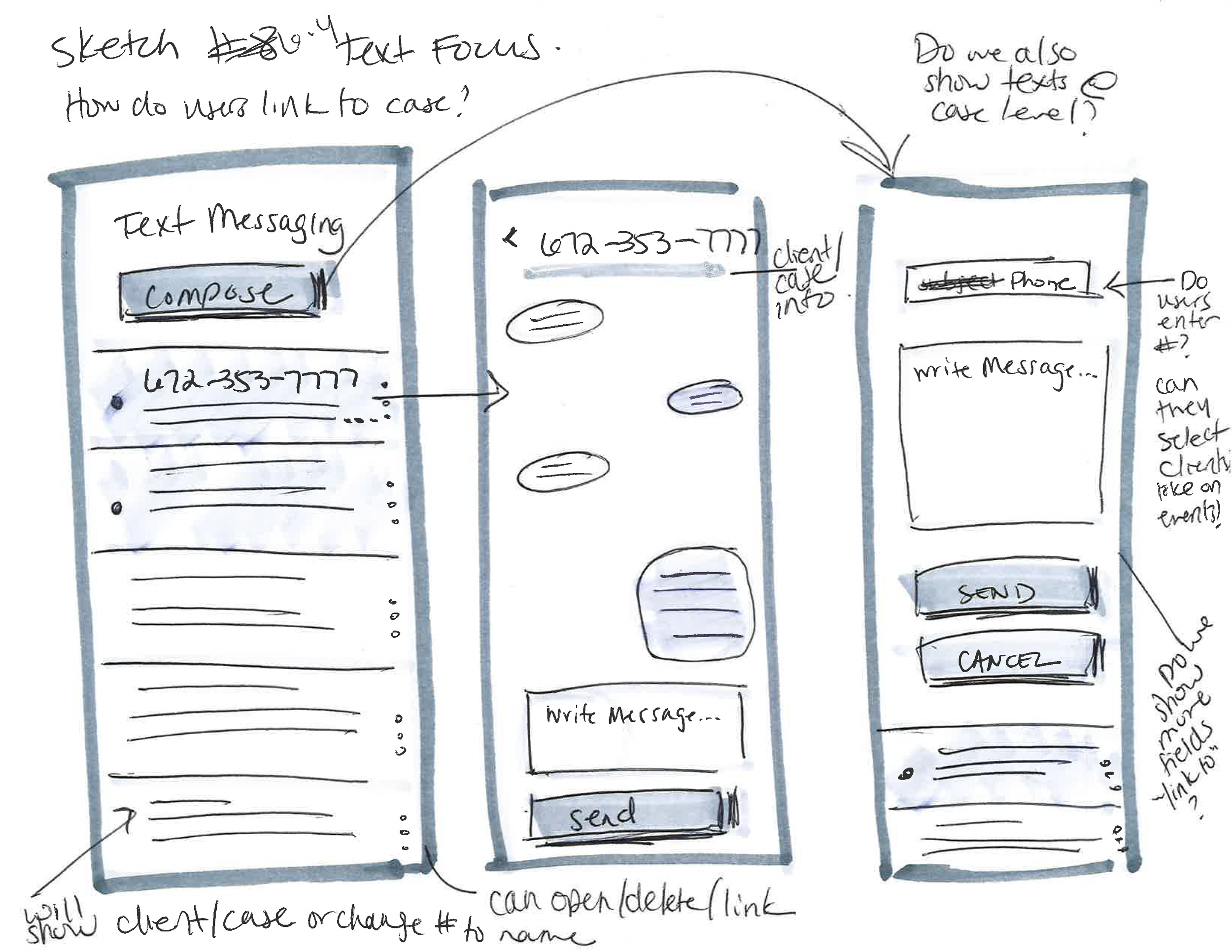
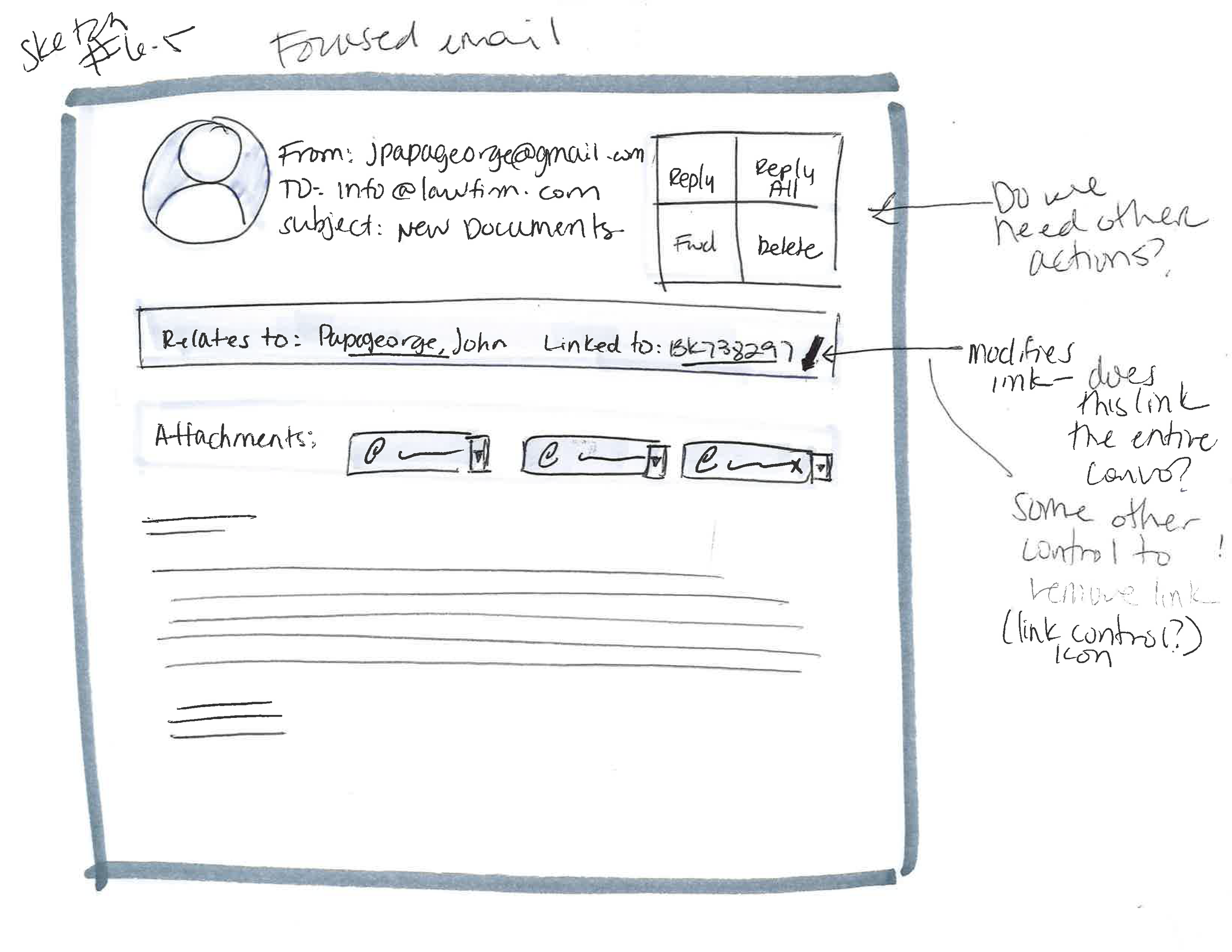
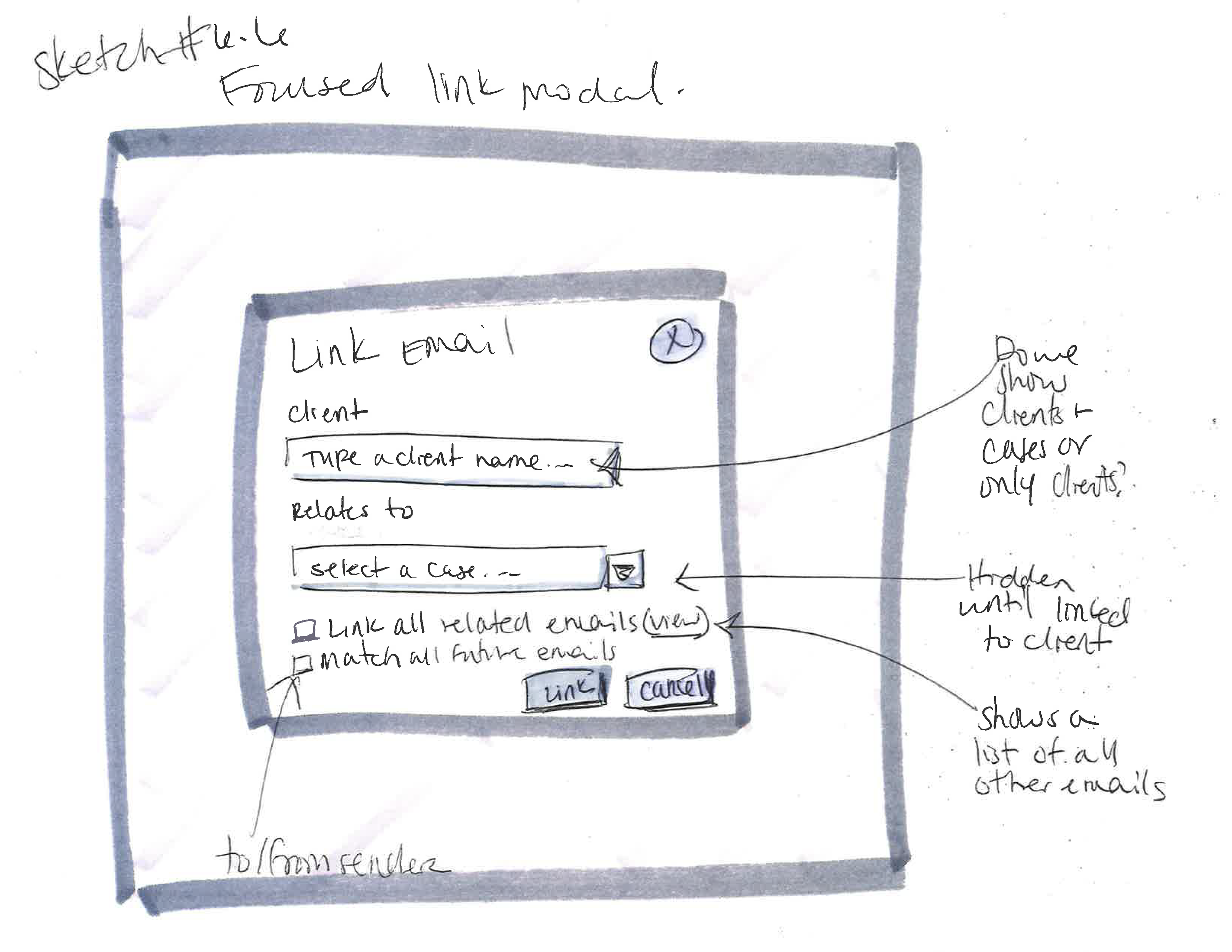
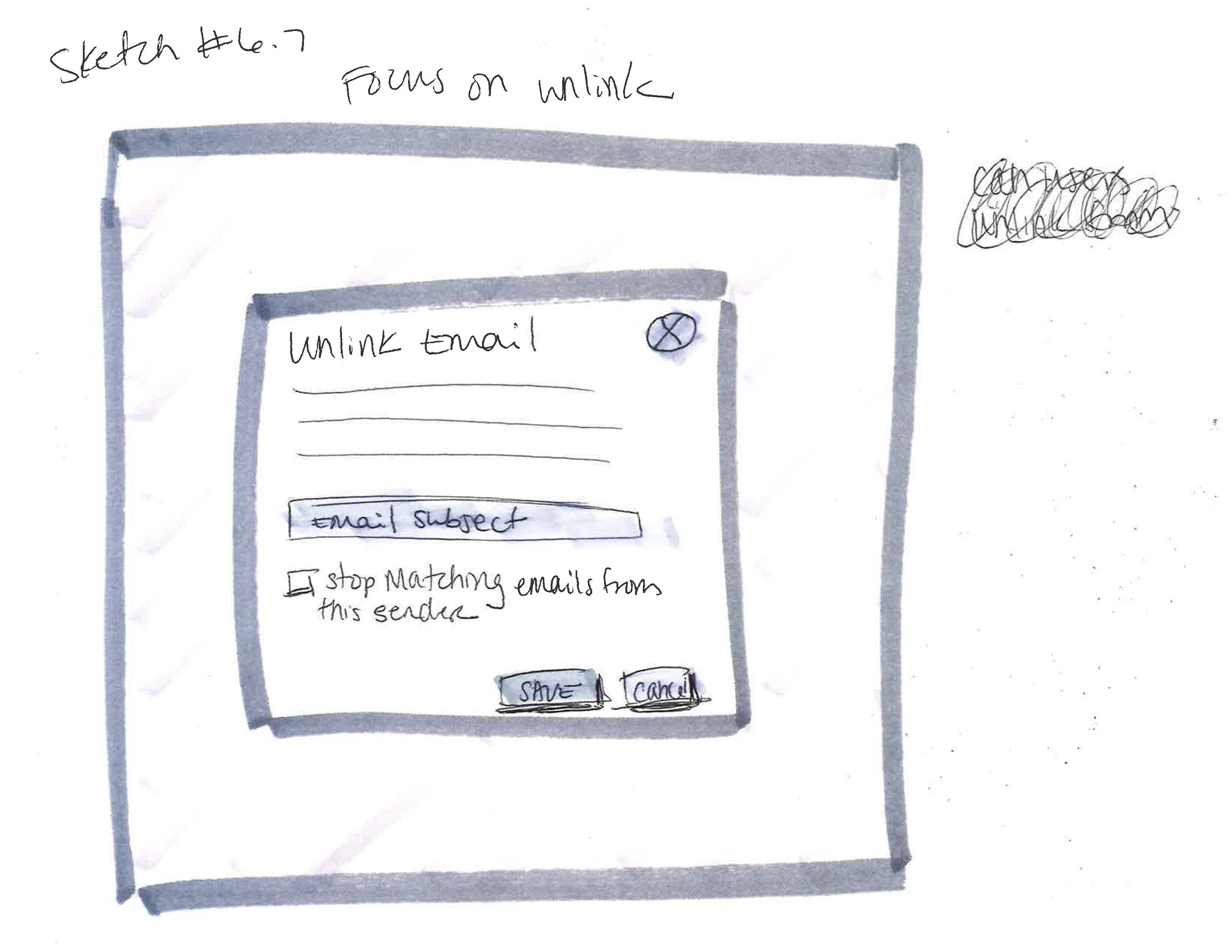
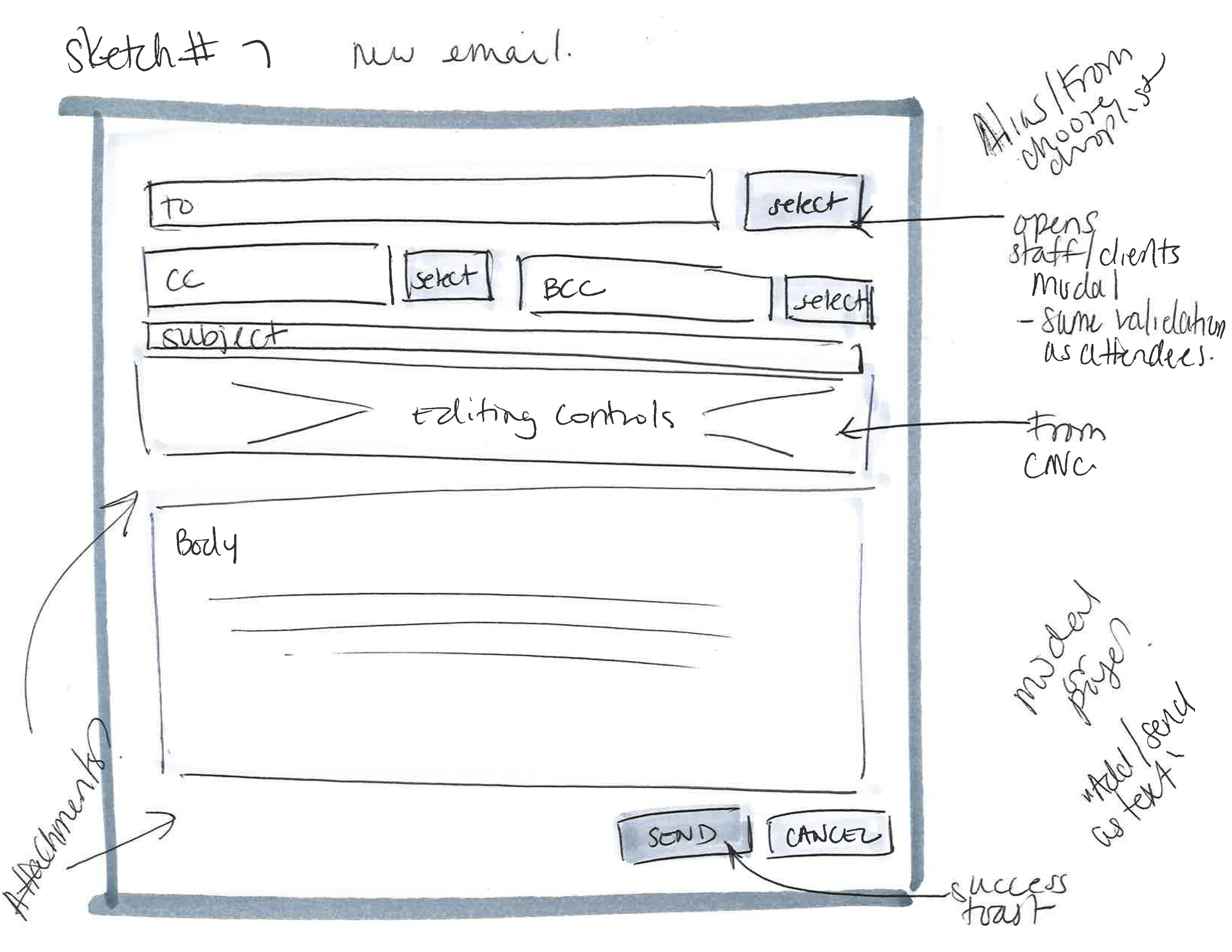
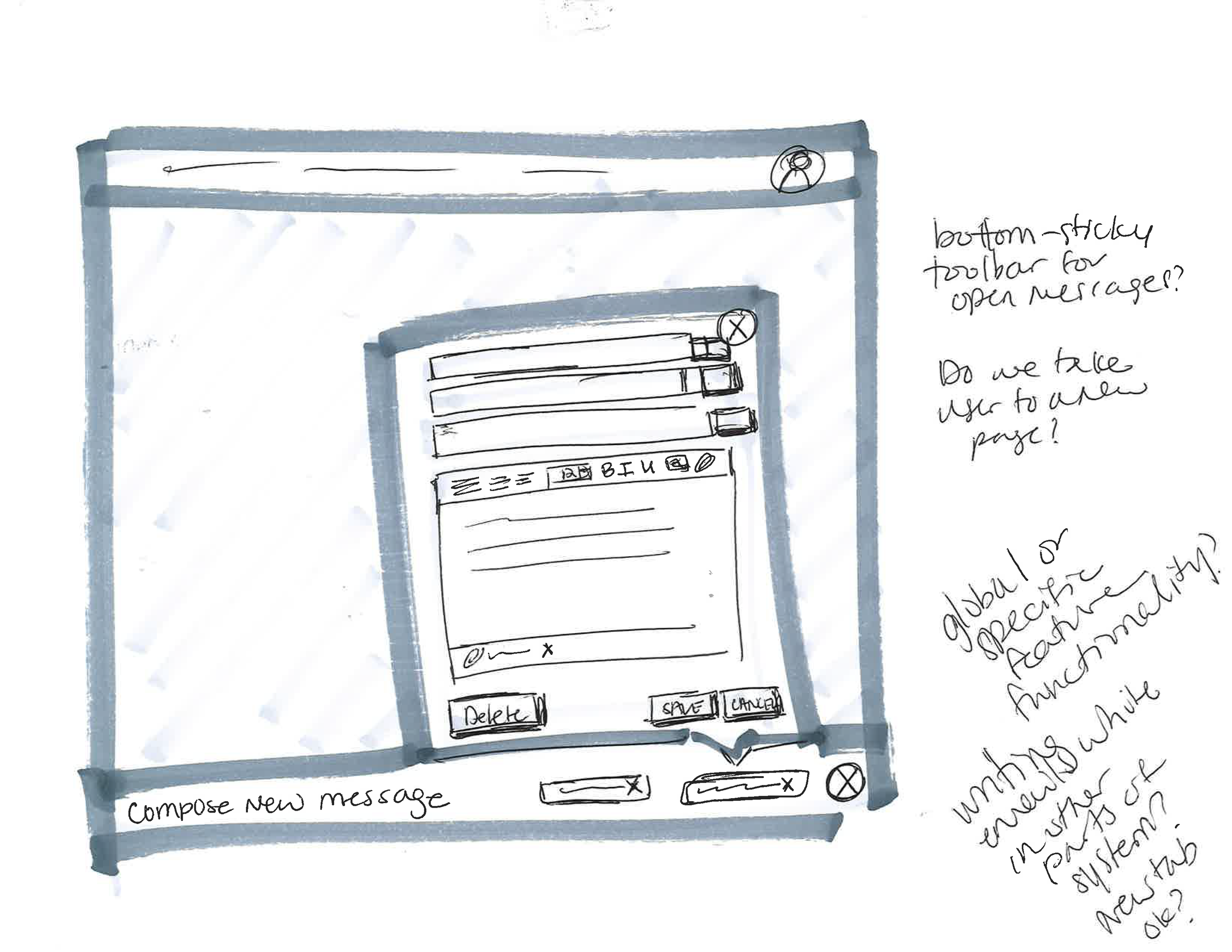
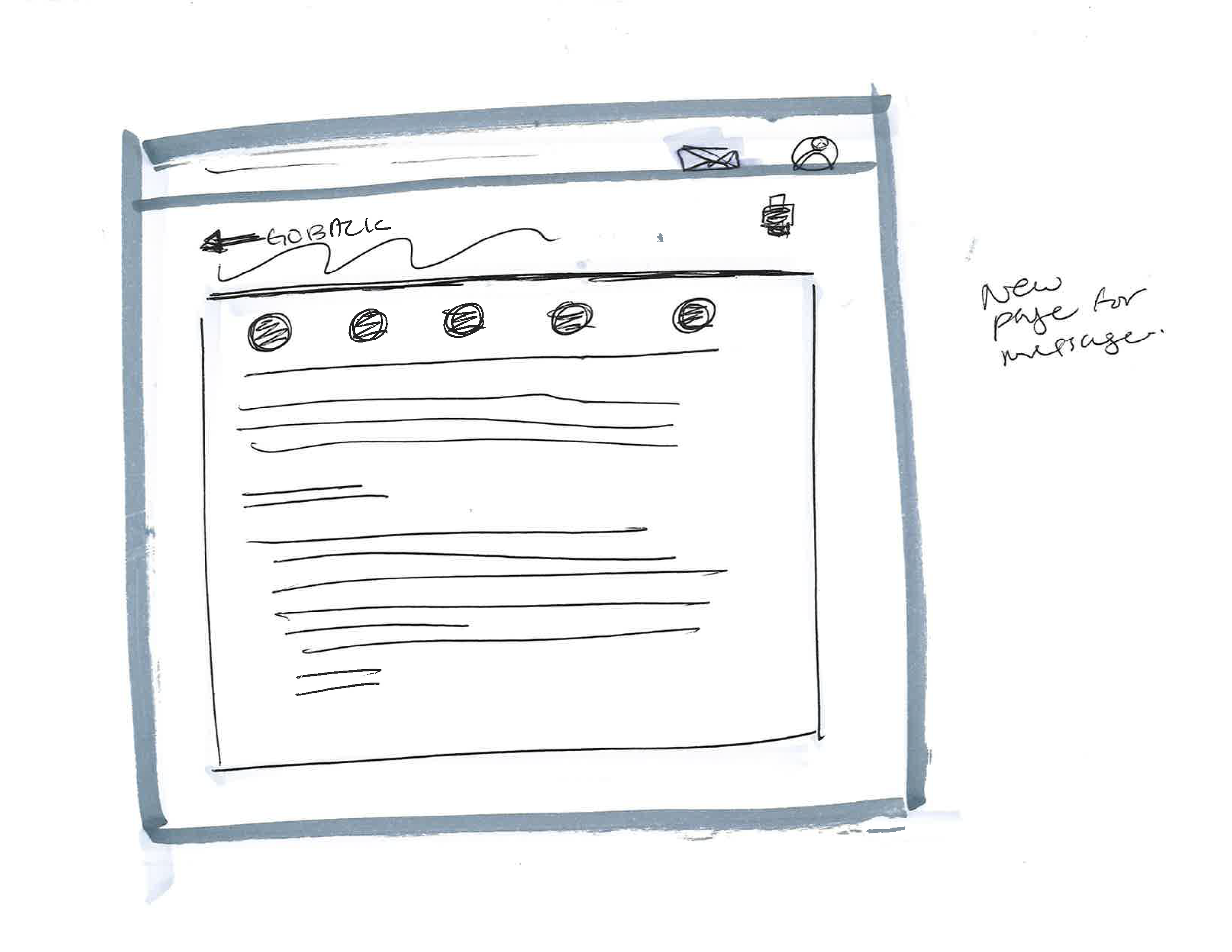
Sketches for Brainstorming
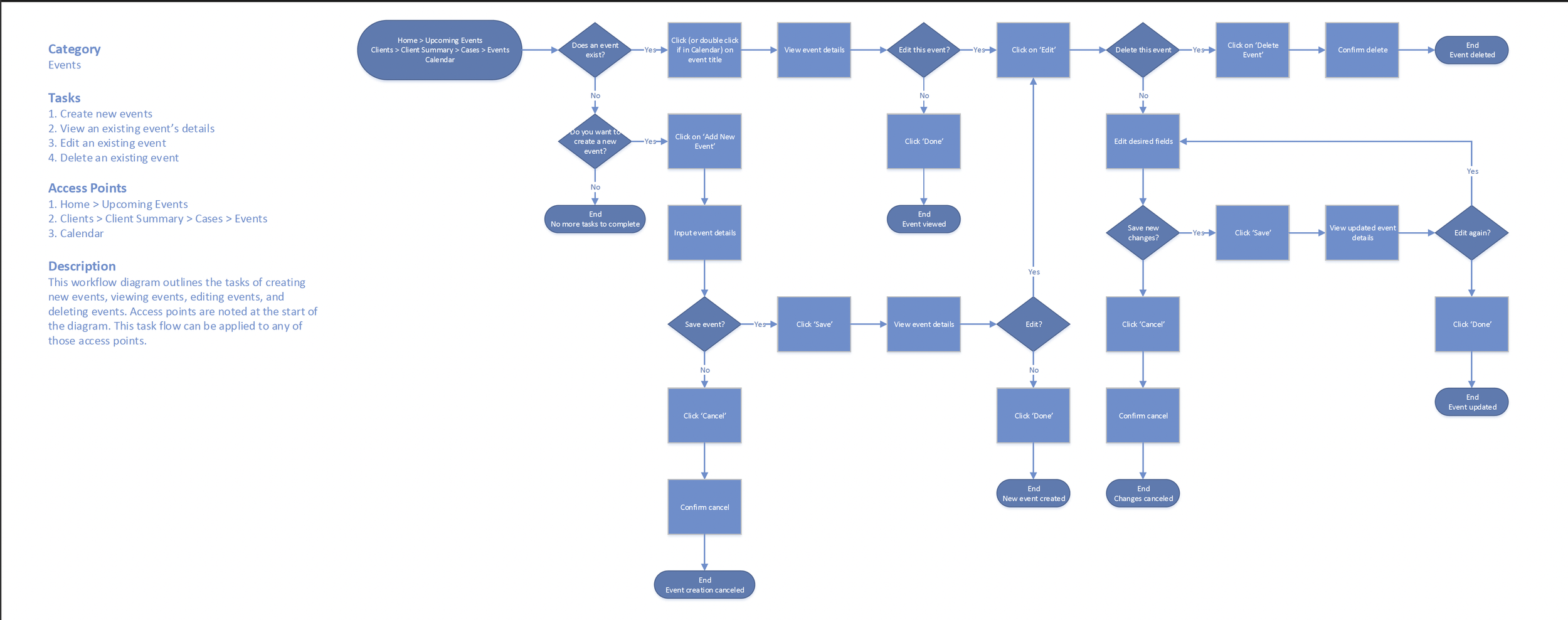
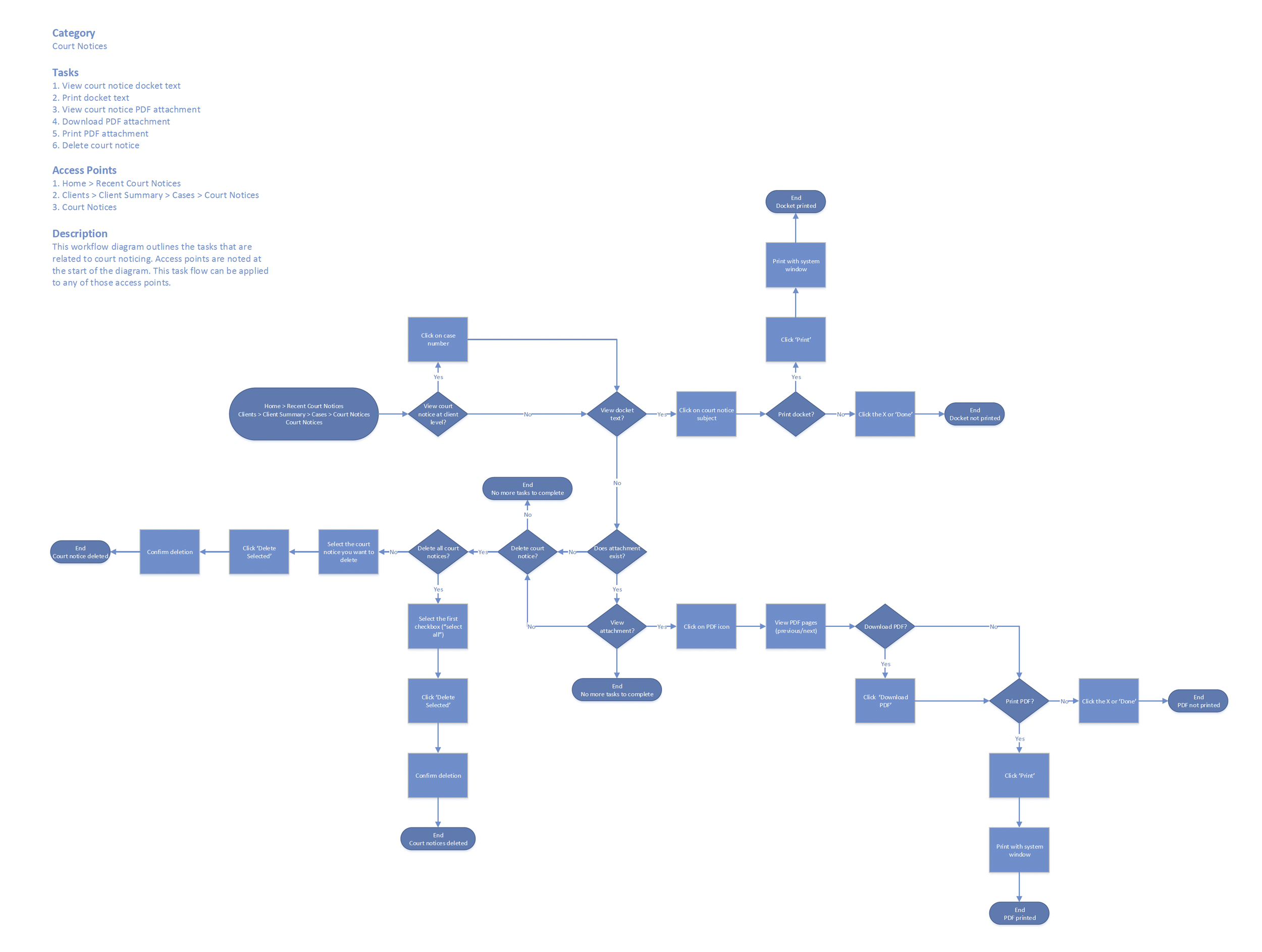
User Task Flows
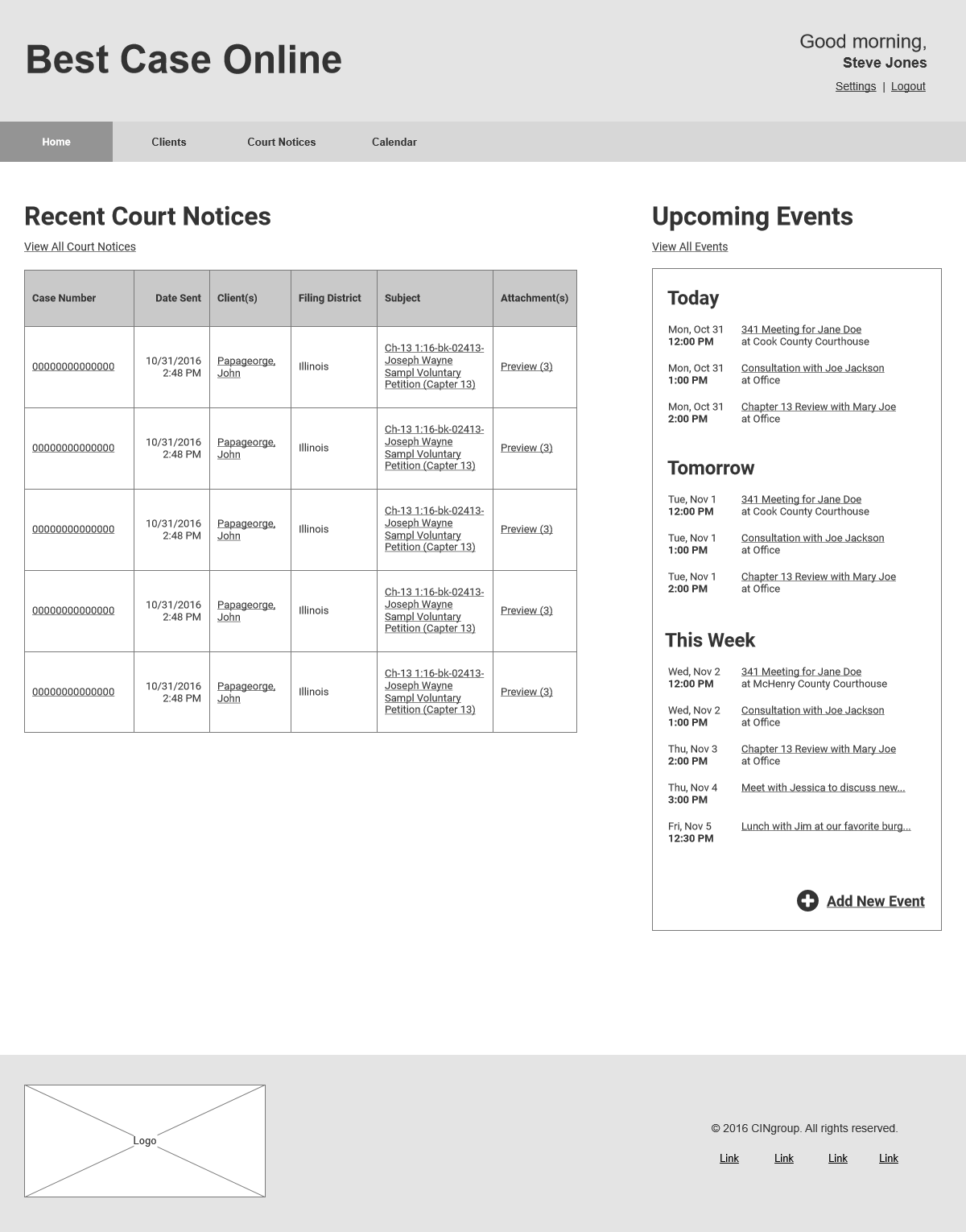
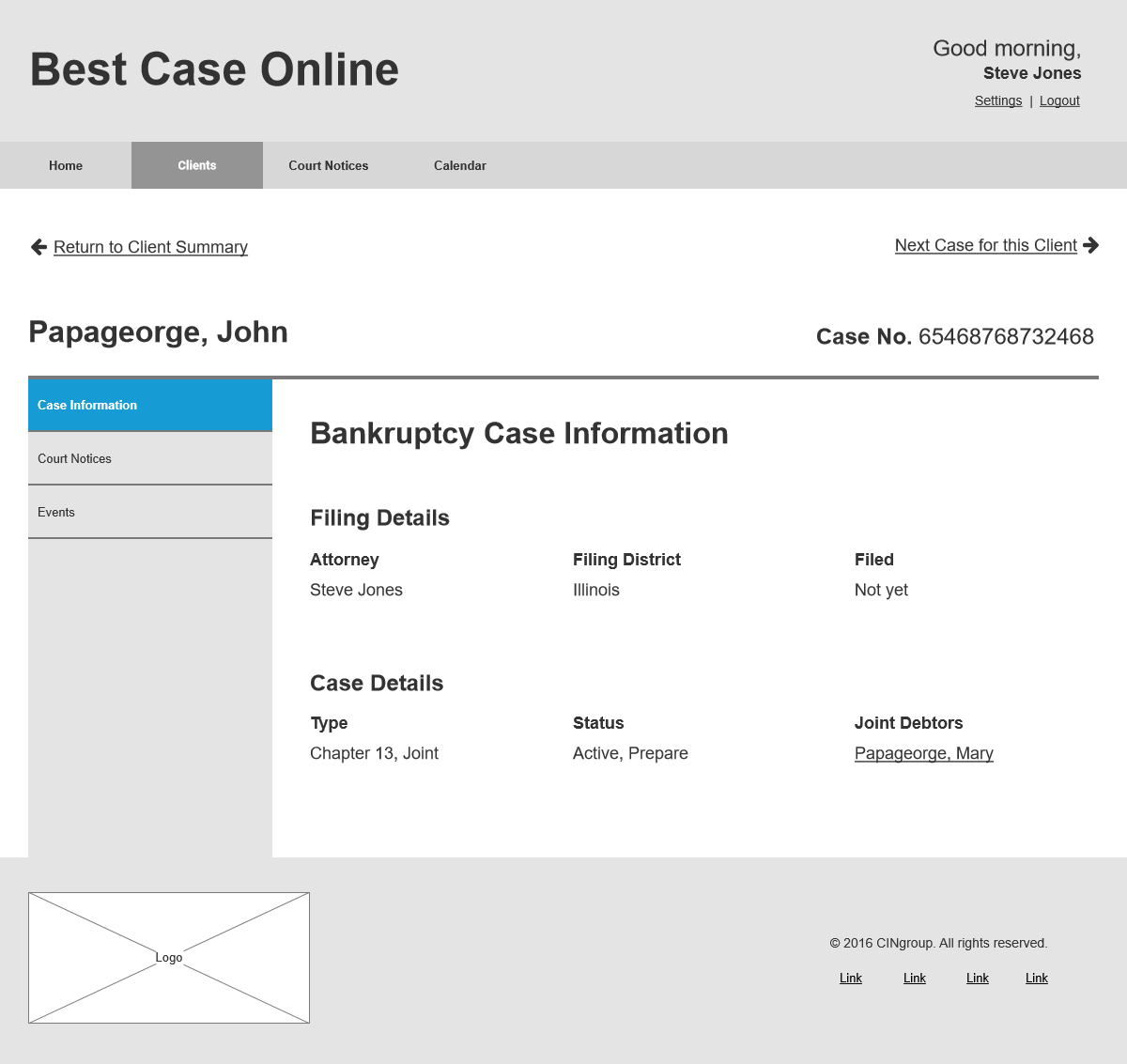
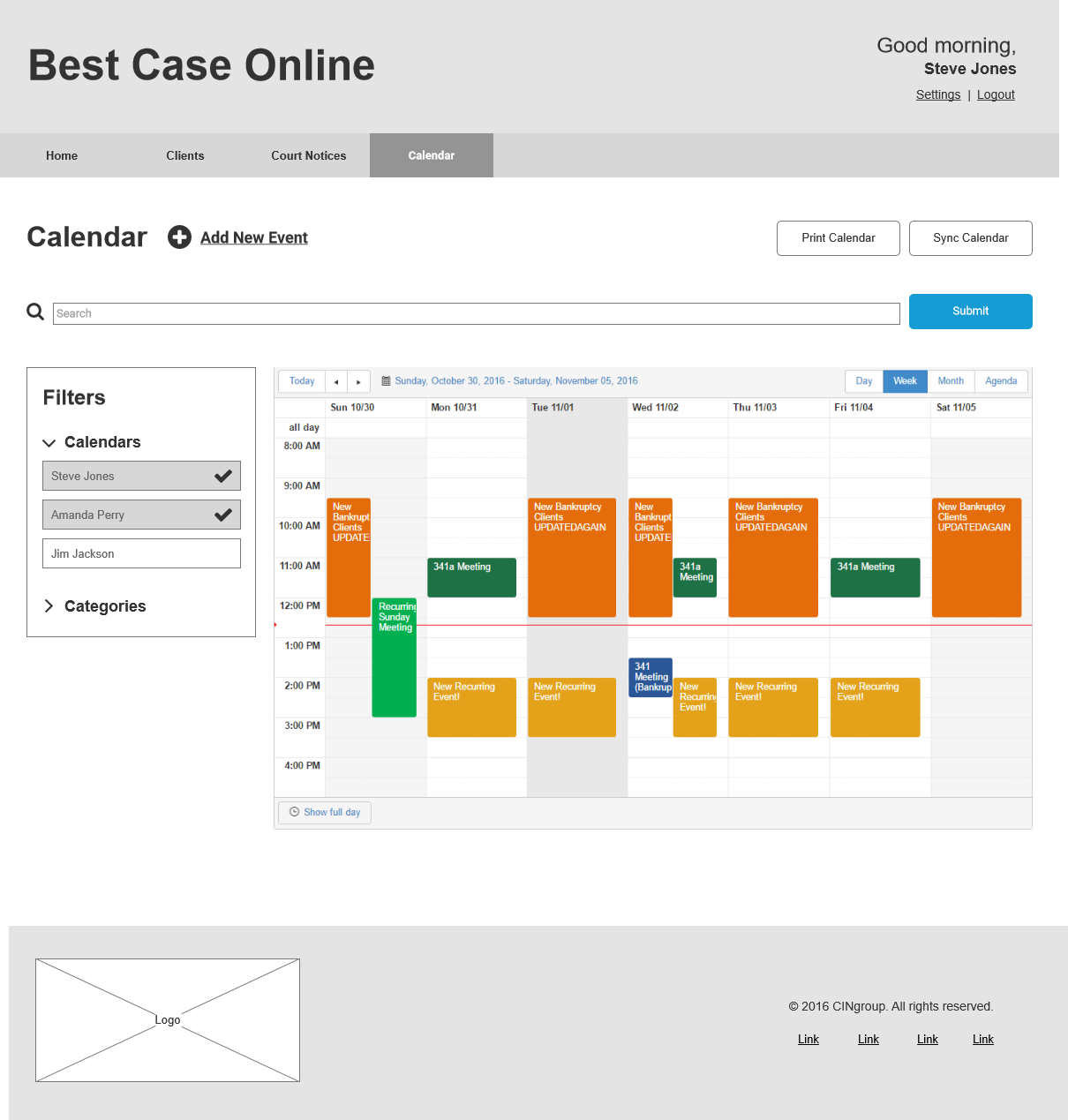
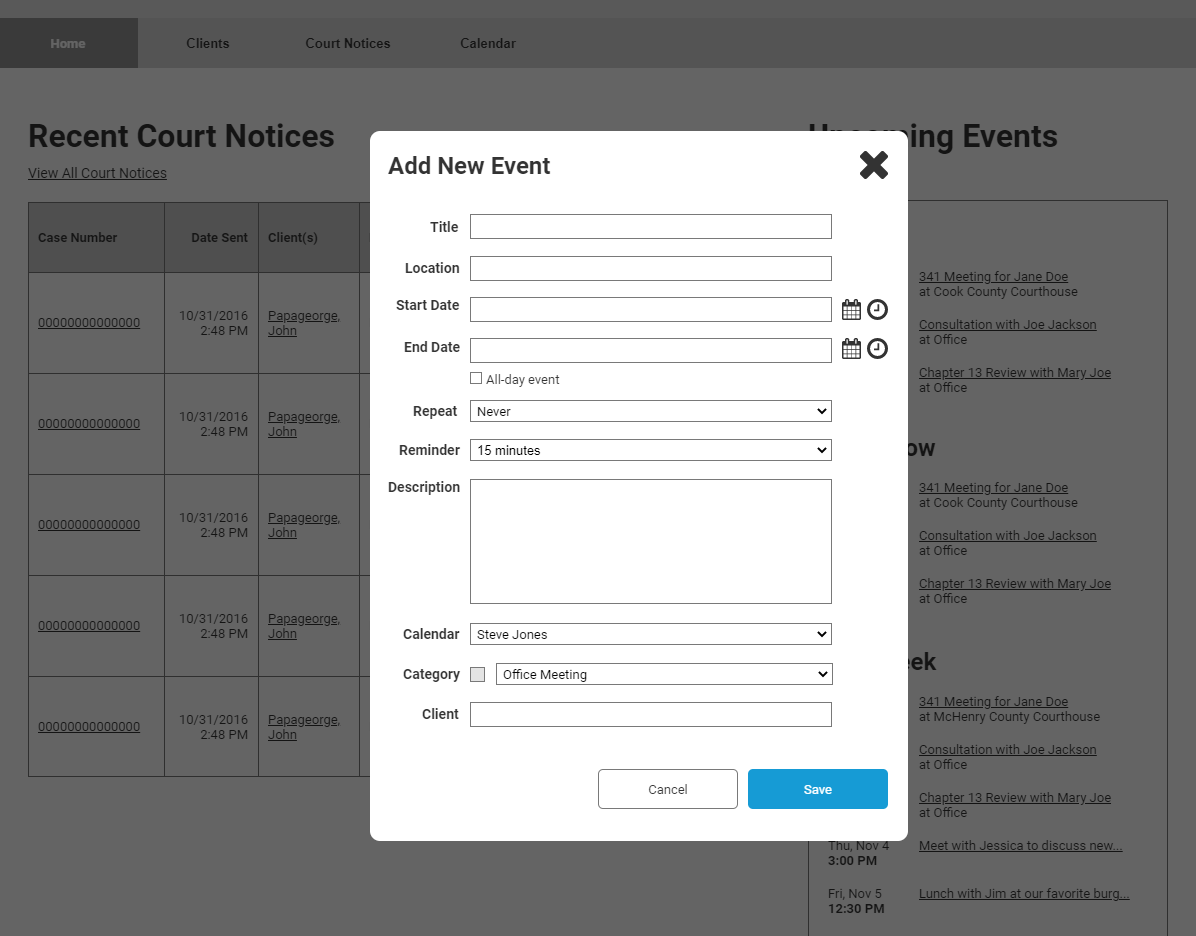
Mid-Fi Prototype for Usability
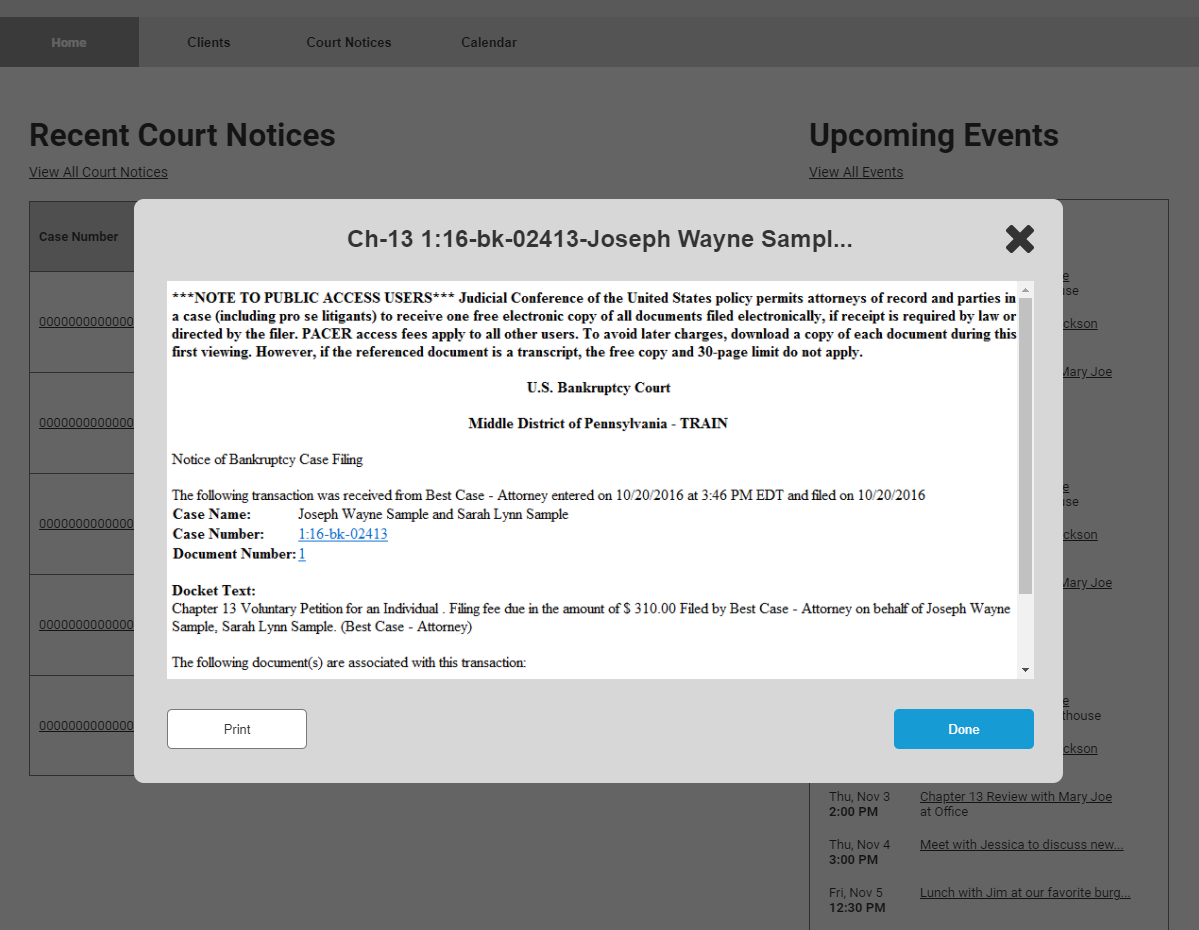
Usability Testing, Iterating
I took my mid-fidelity prototype through several rounds of usability testing and design. Using Lookback, I recorded each session and had users complete a set of common tasks.
Some Discoveries:
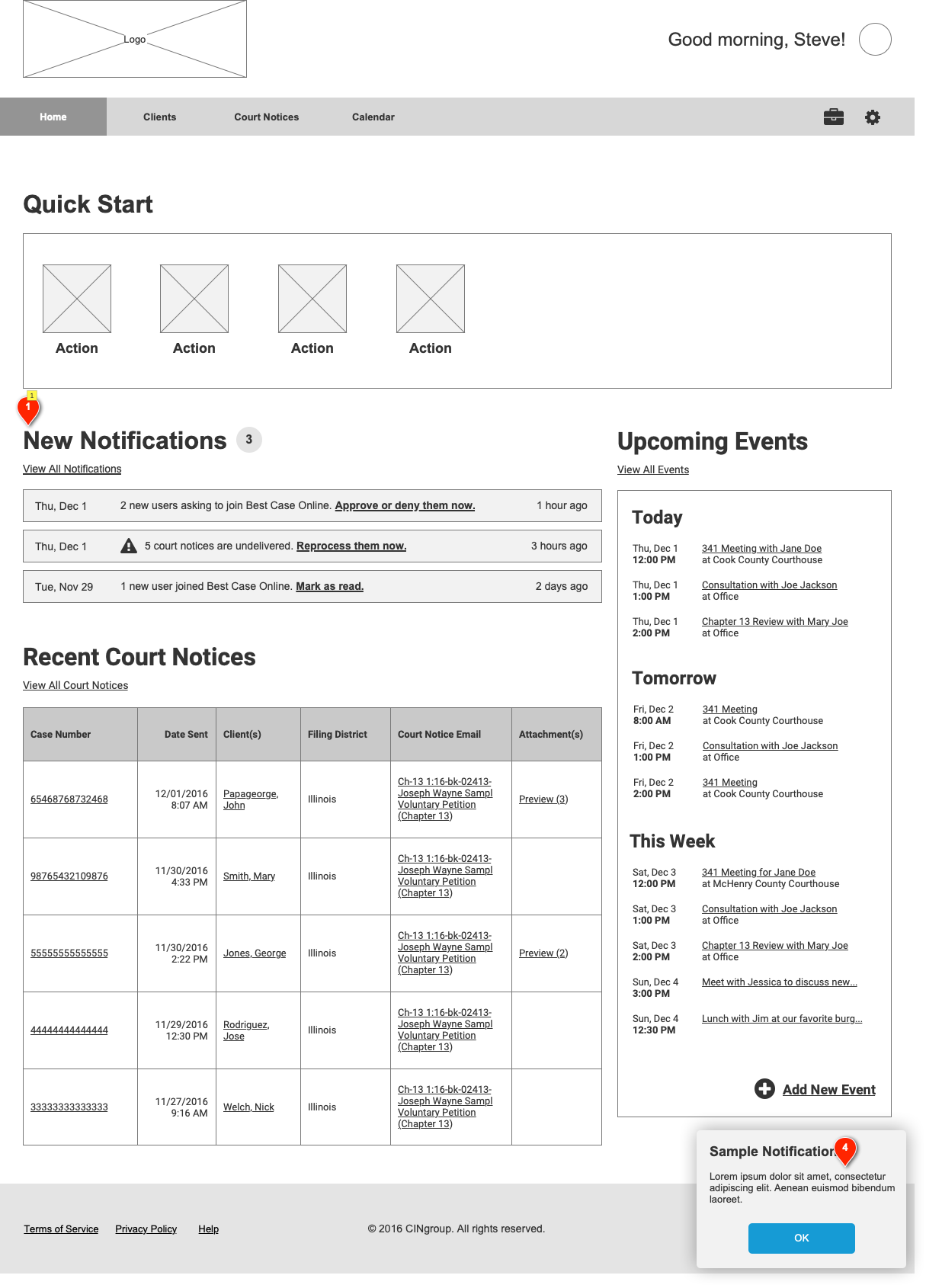
Although traditionally other programs start New Events with the “Event Title,” our users used this field for their client’s name. Learning this, we merged the Title/Client Link fields to be one.
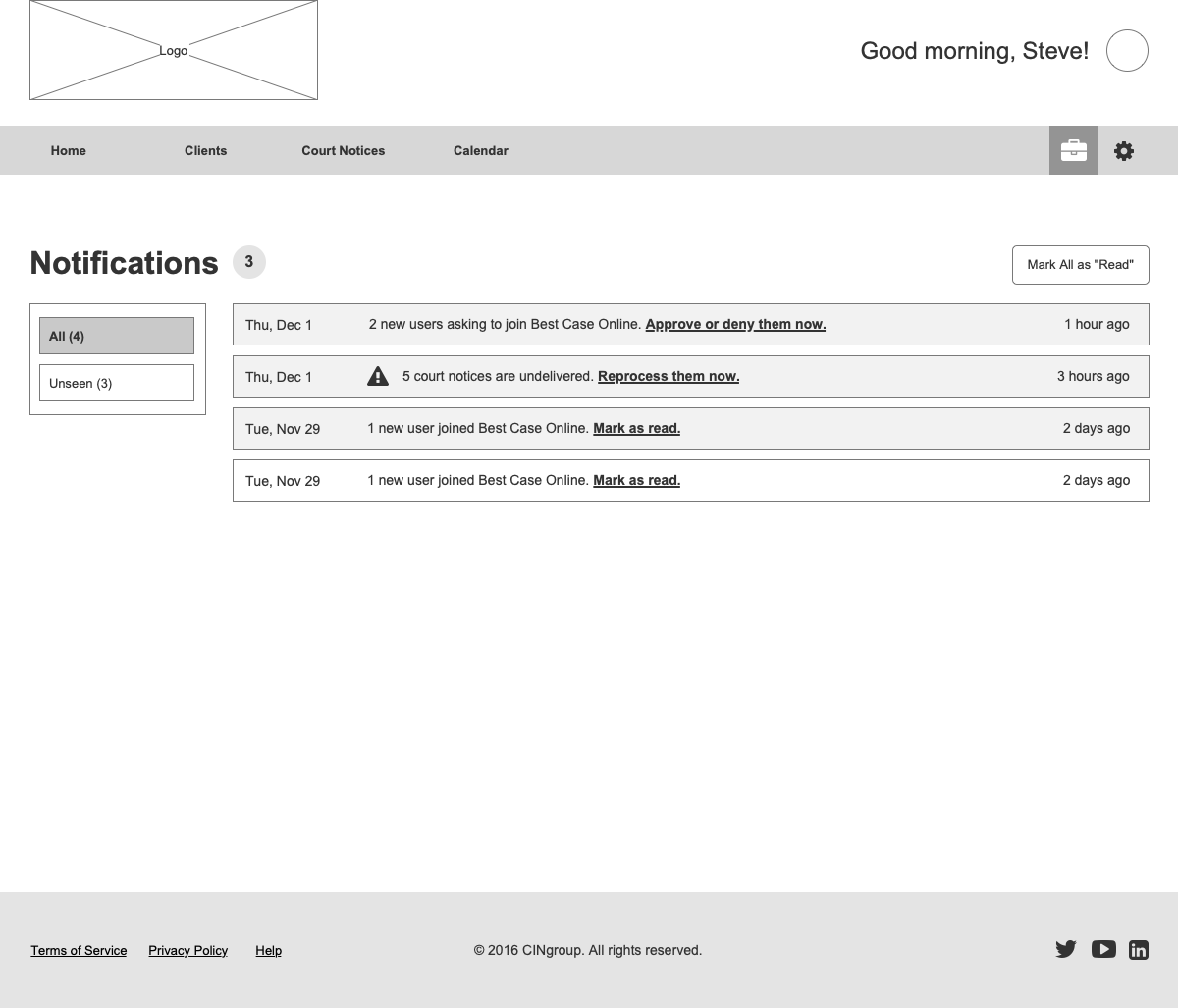
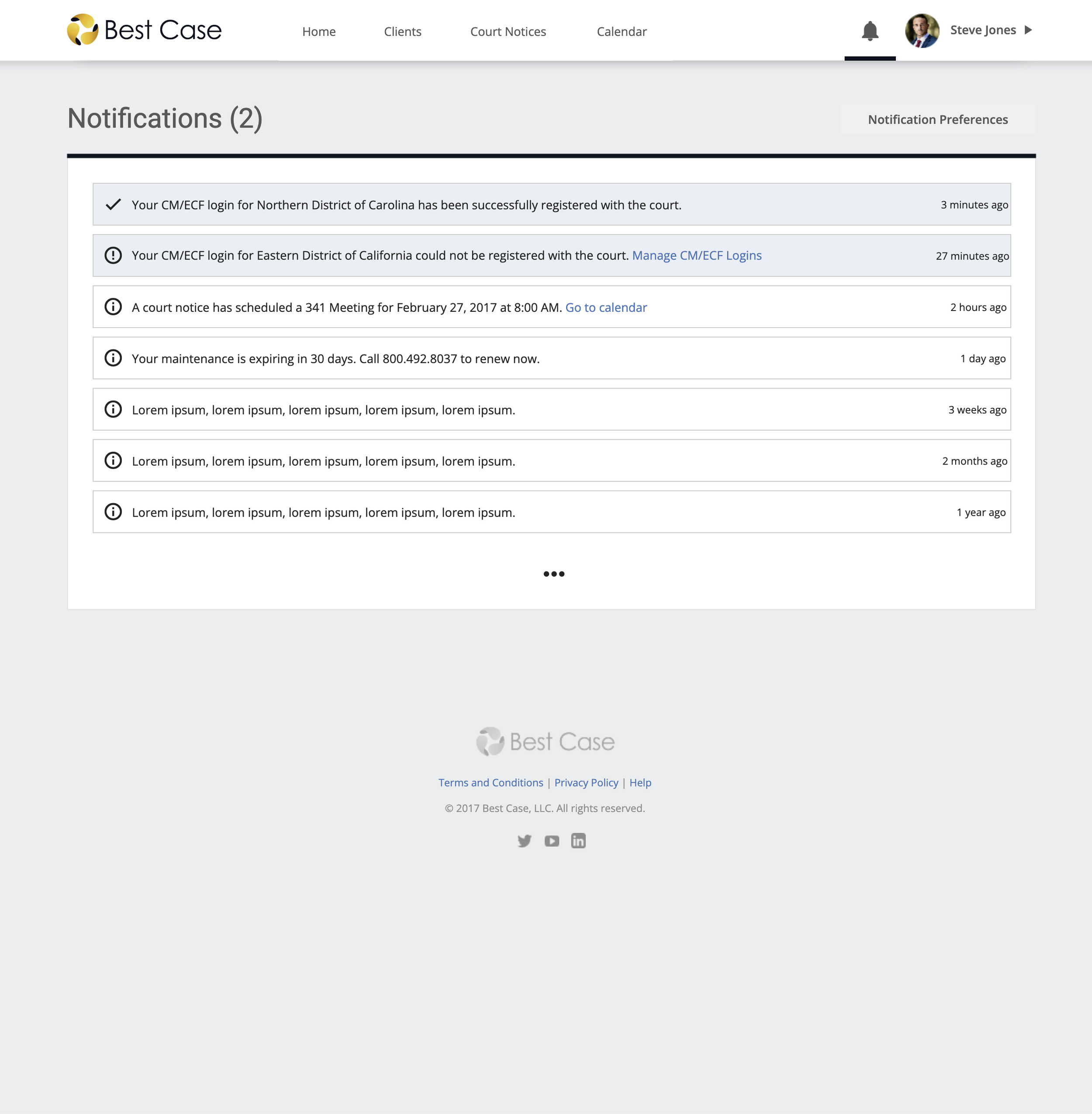
Notifications were too prominent on the Home page and took value away from Upcoming Events, which is what users care about most. Learning this, we reorganized the content on the Home page and tucked notifications away into its own tab.
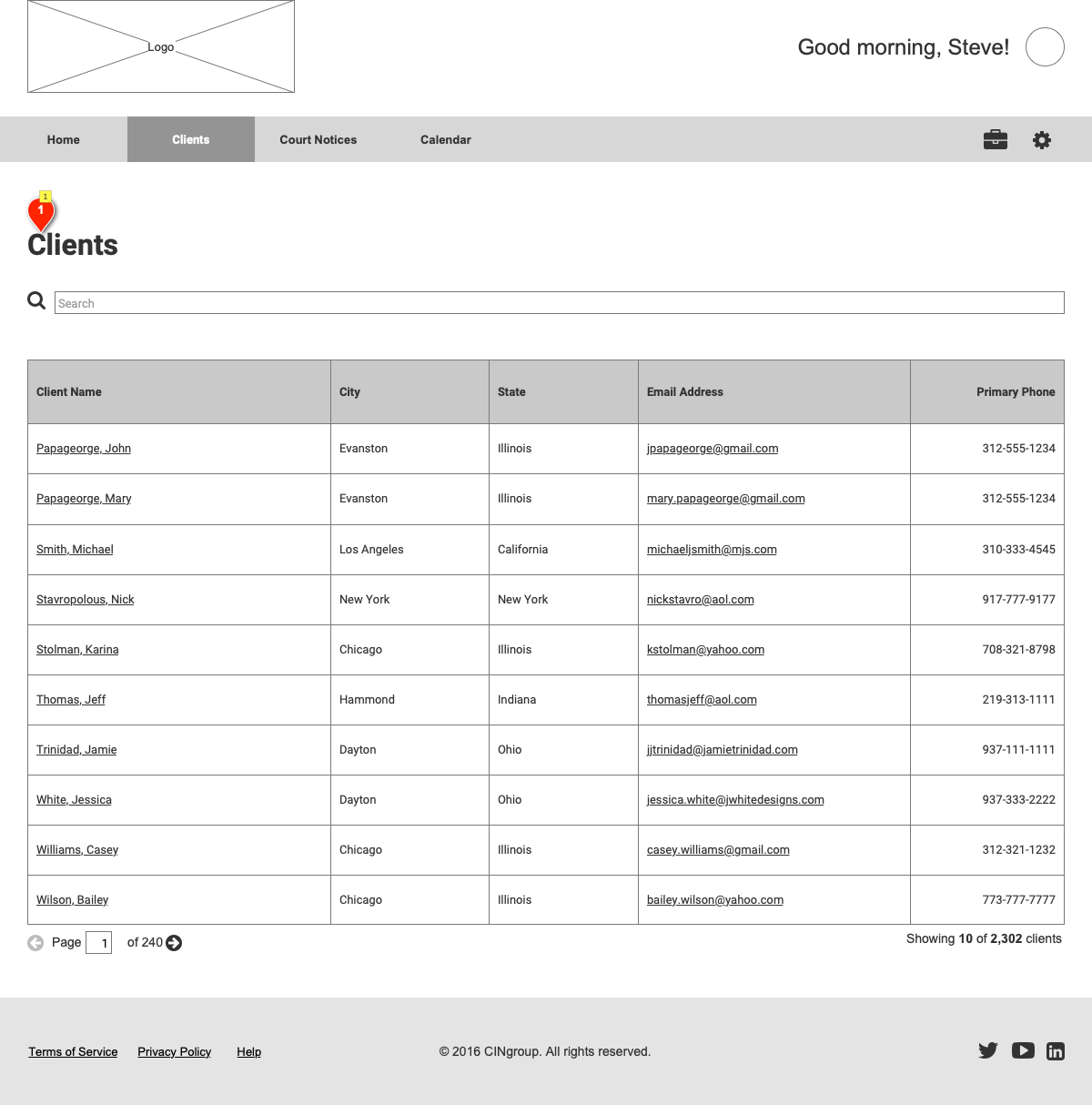
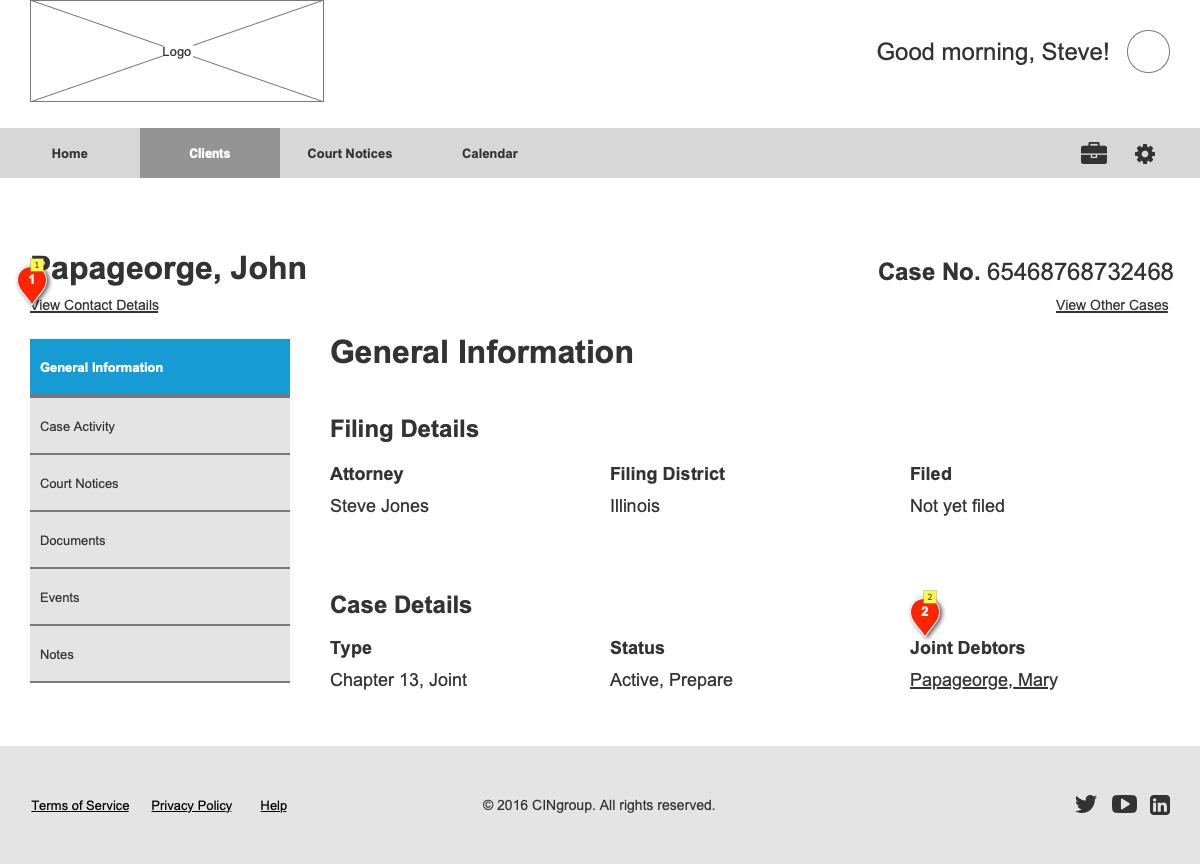
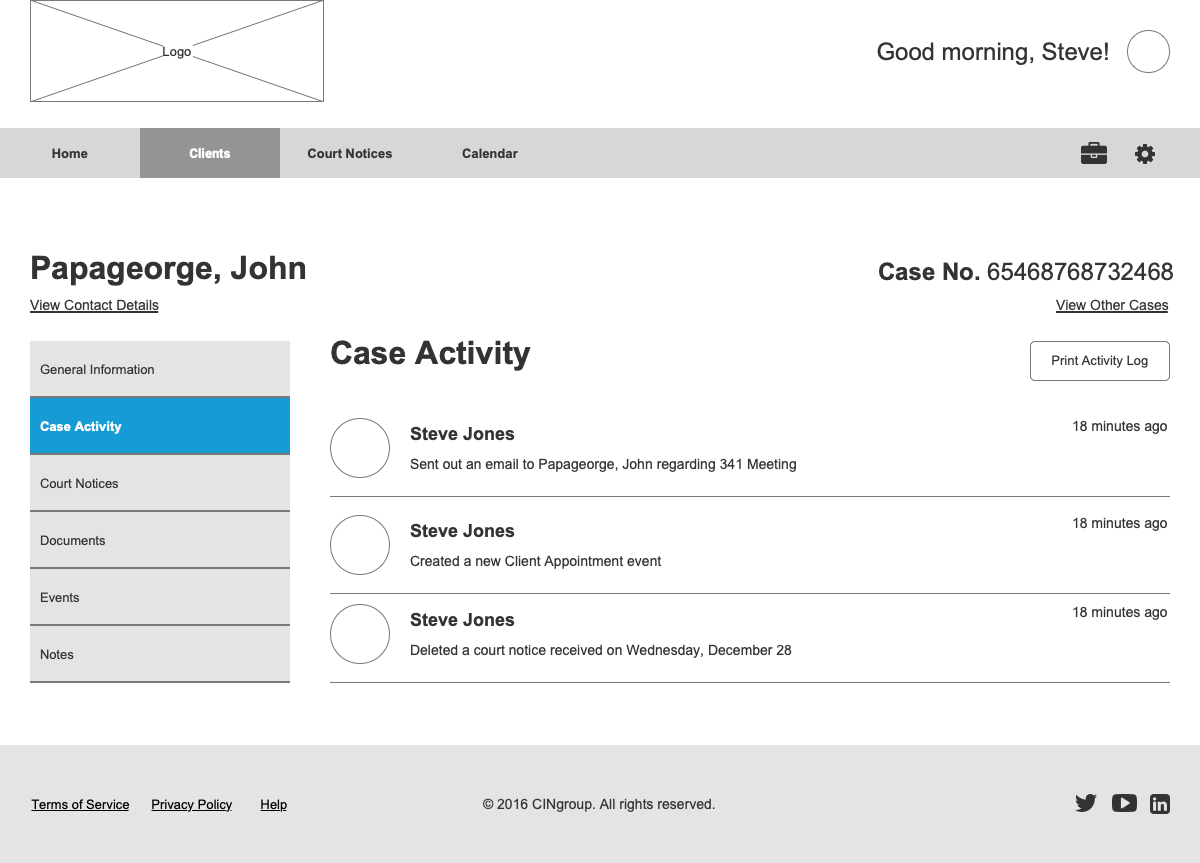
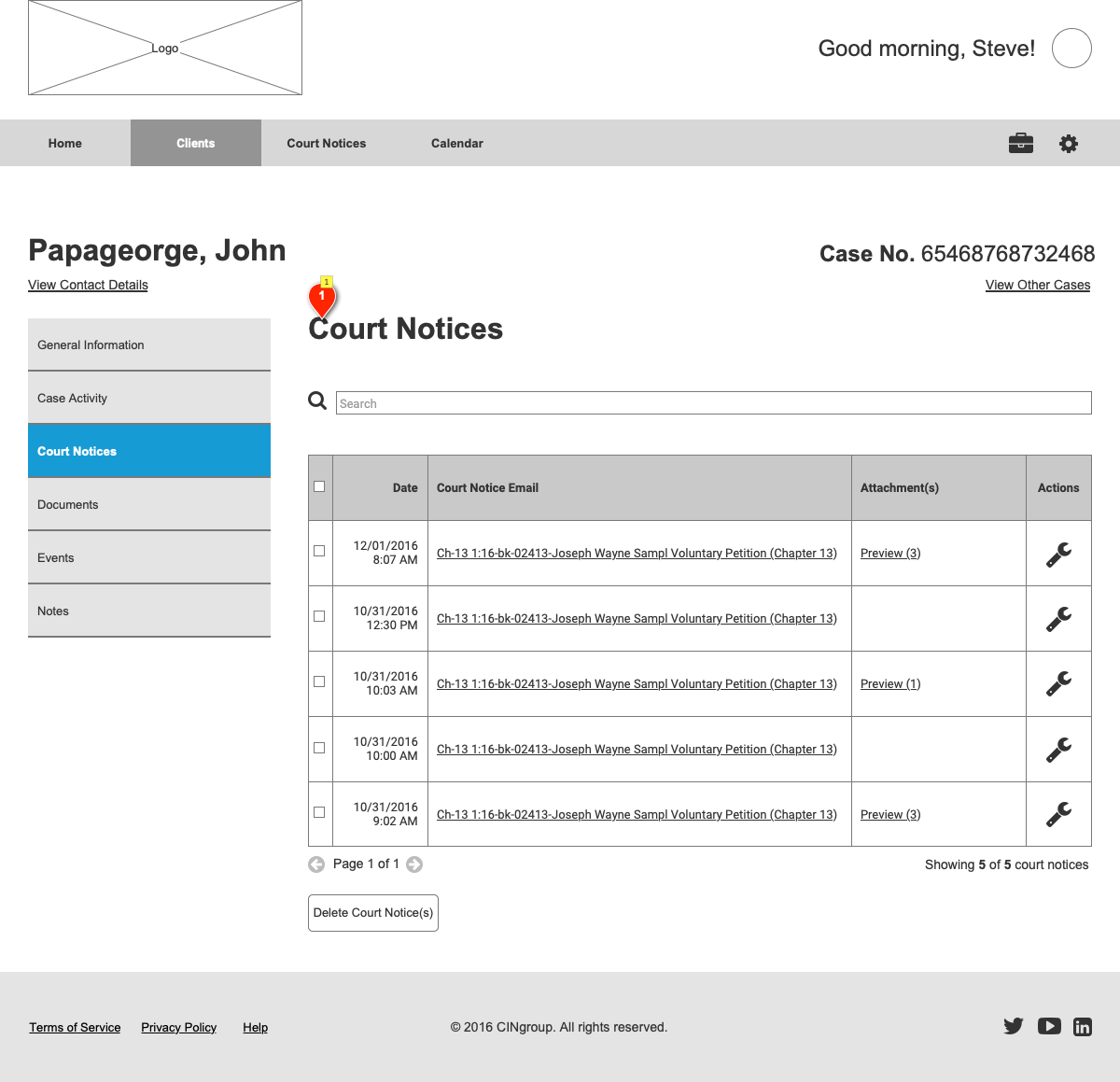
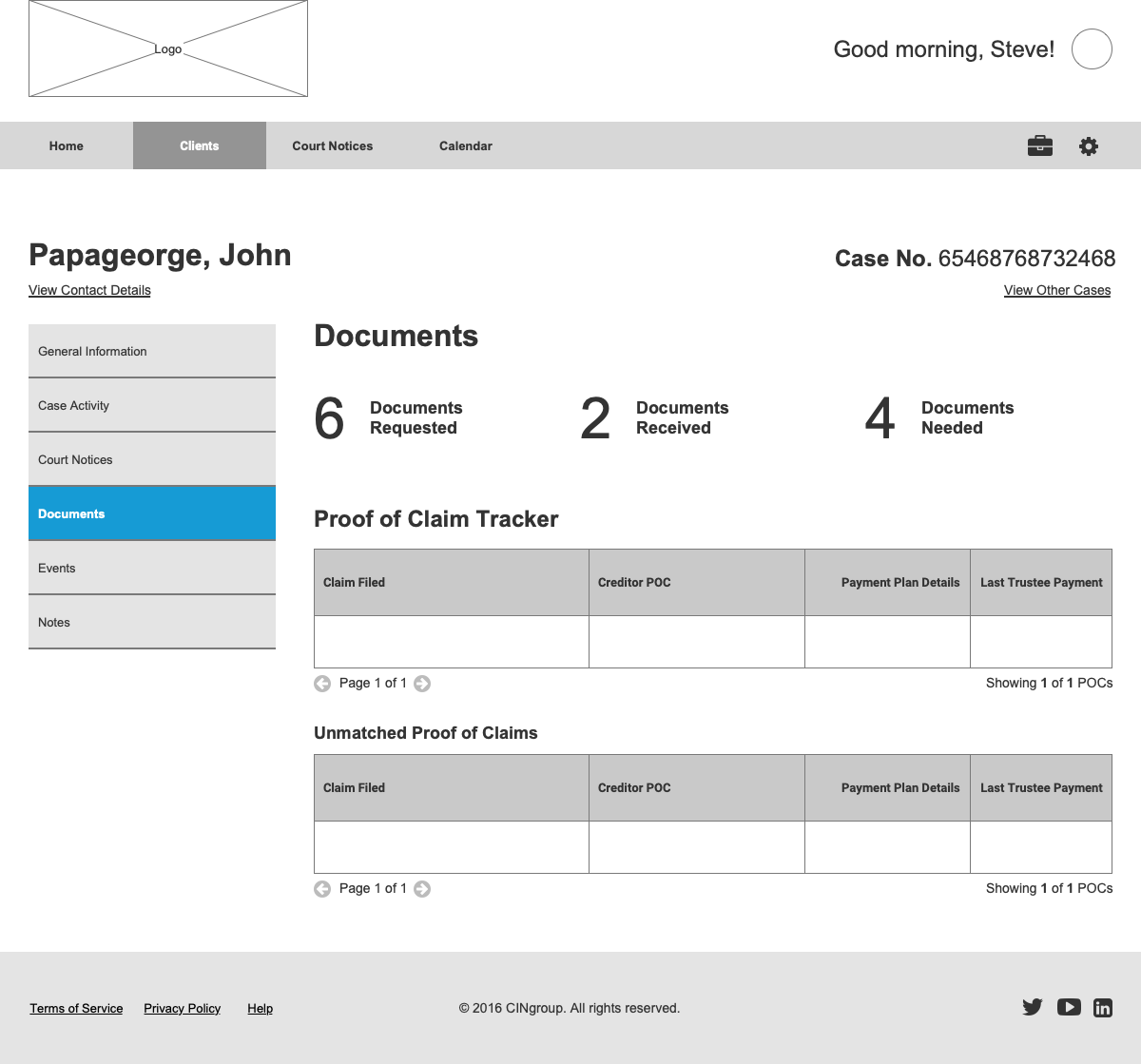
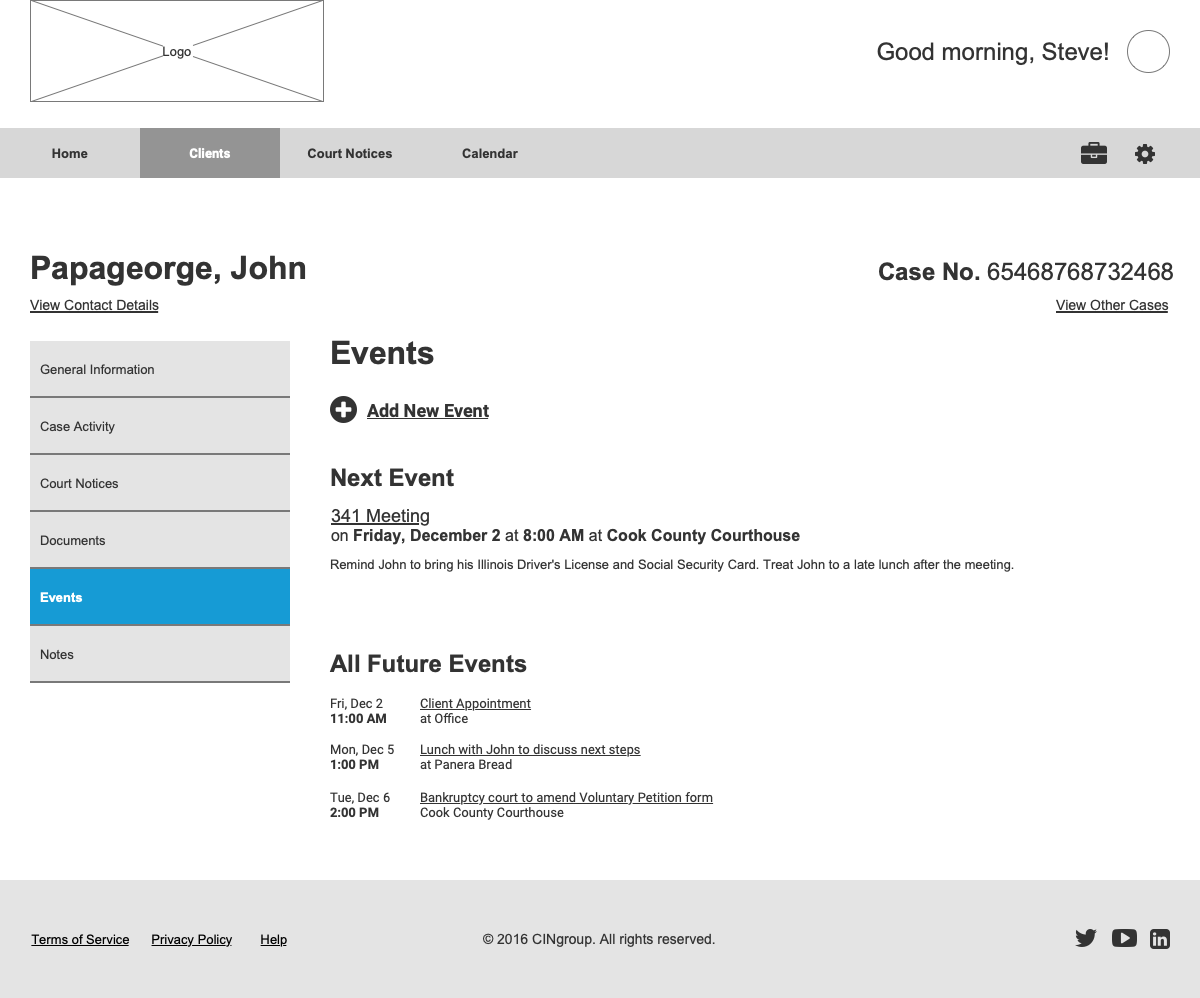
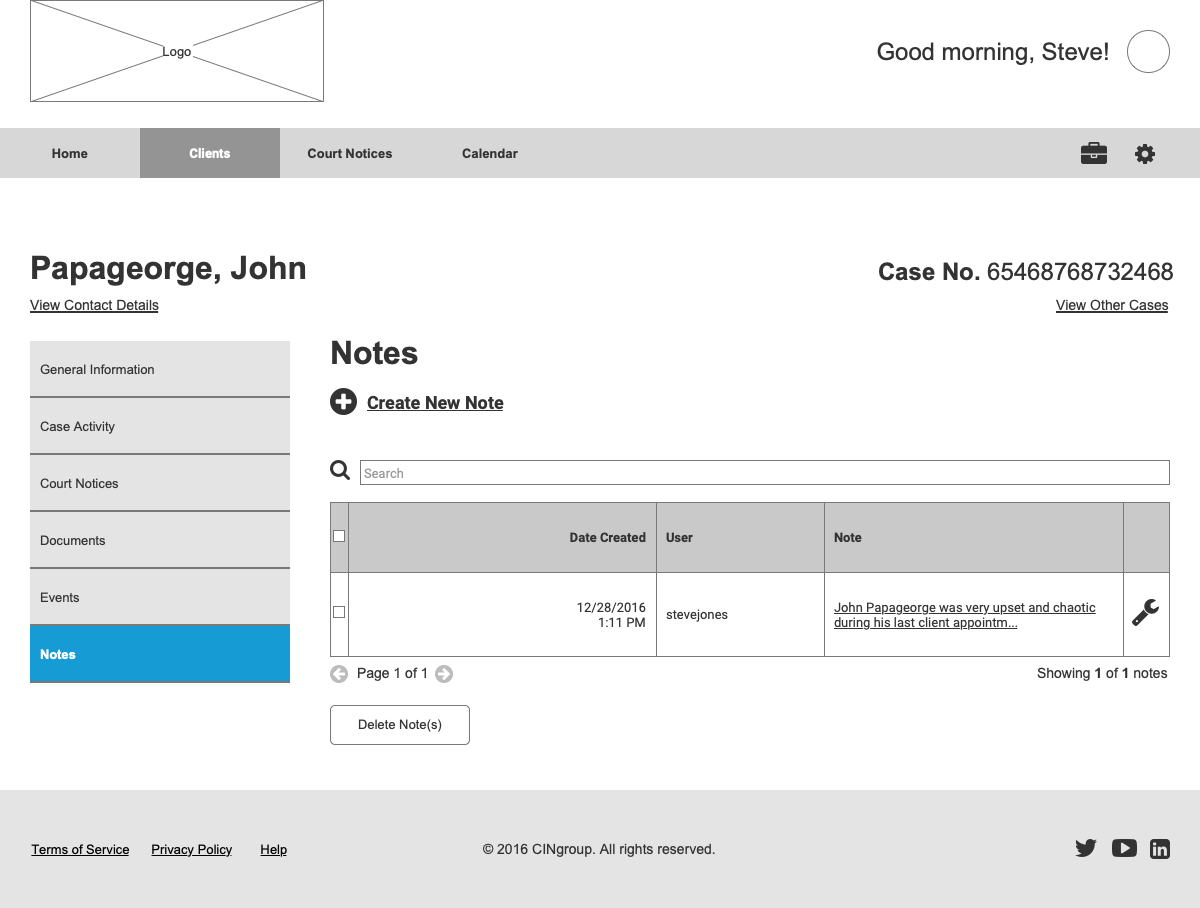
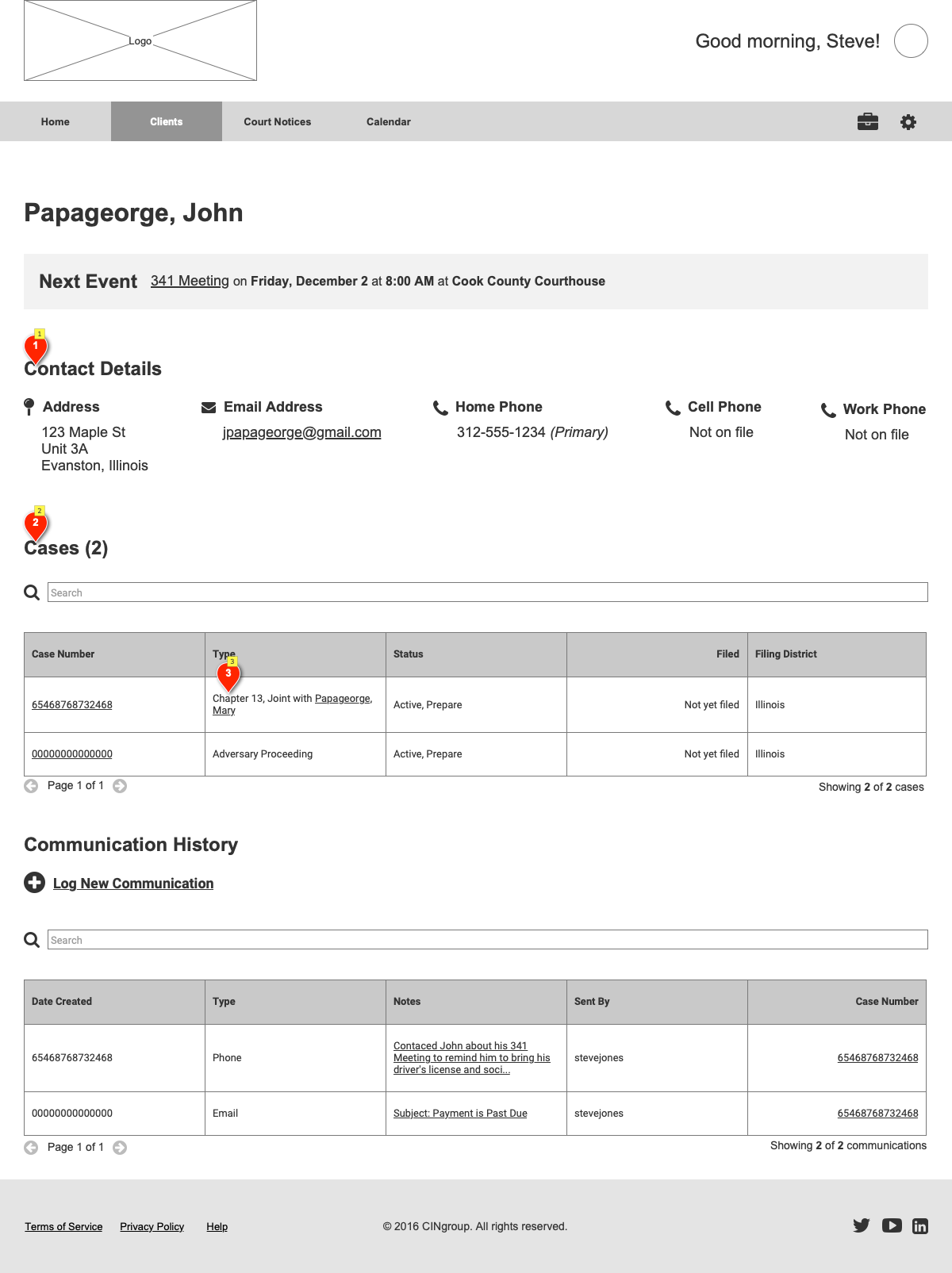
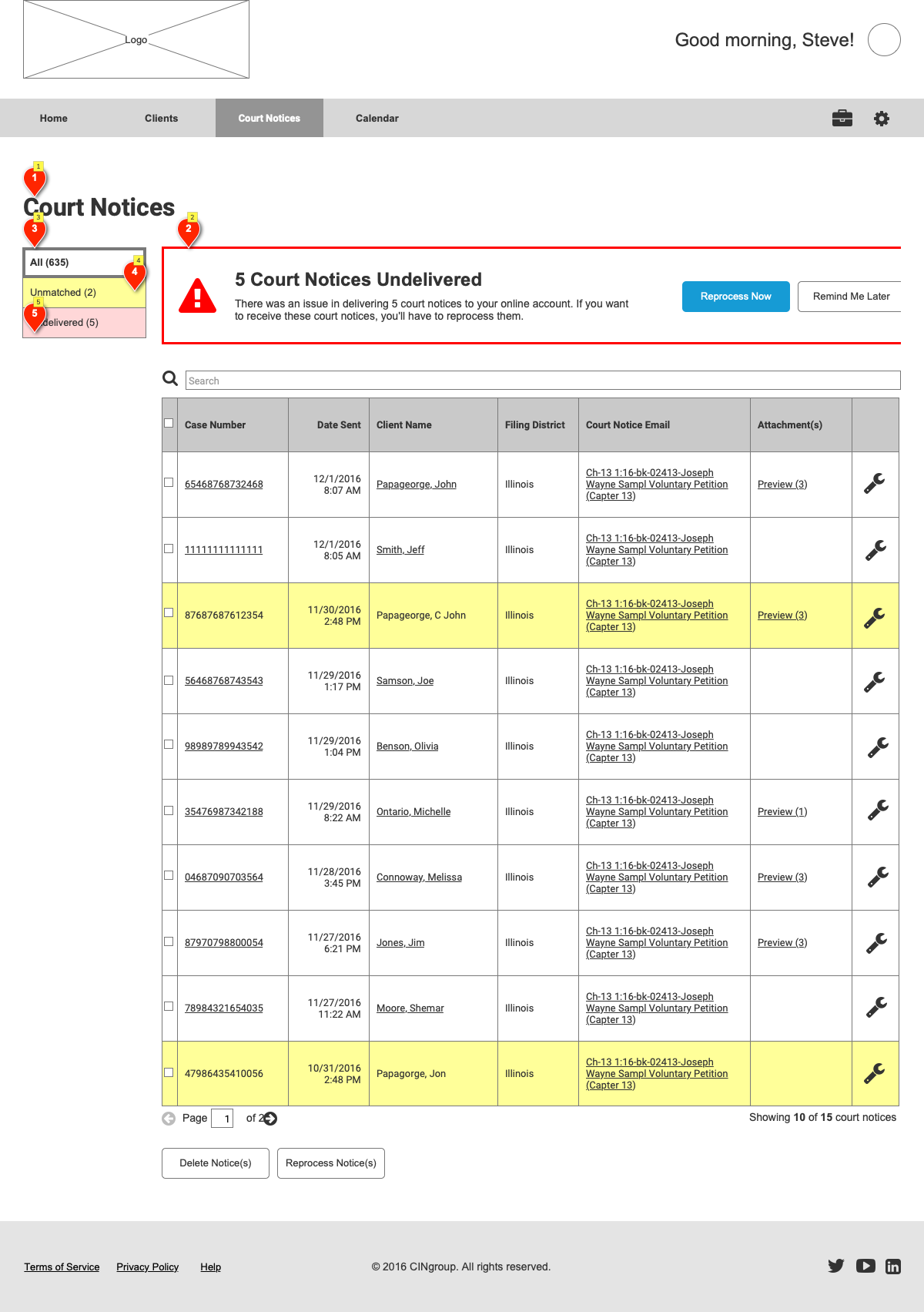
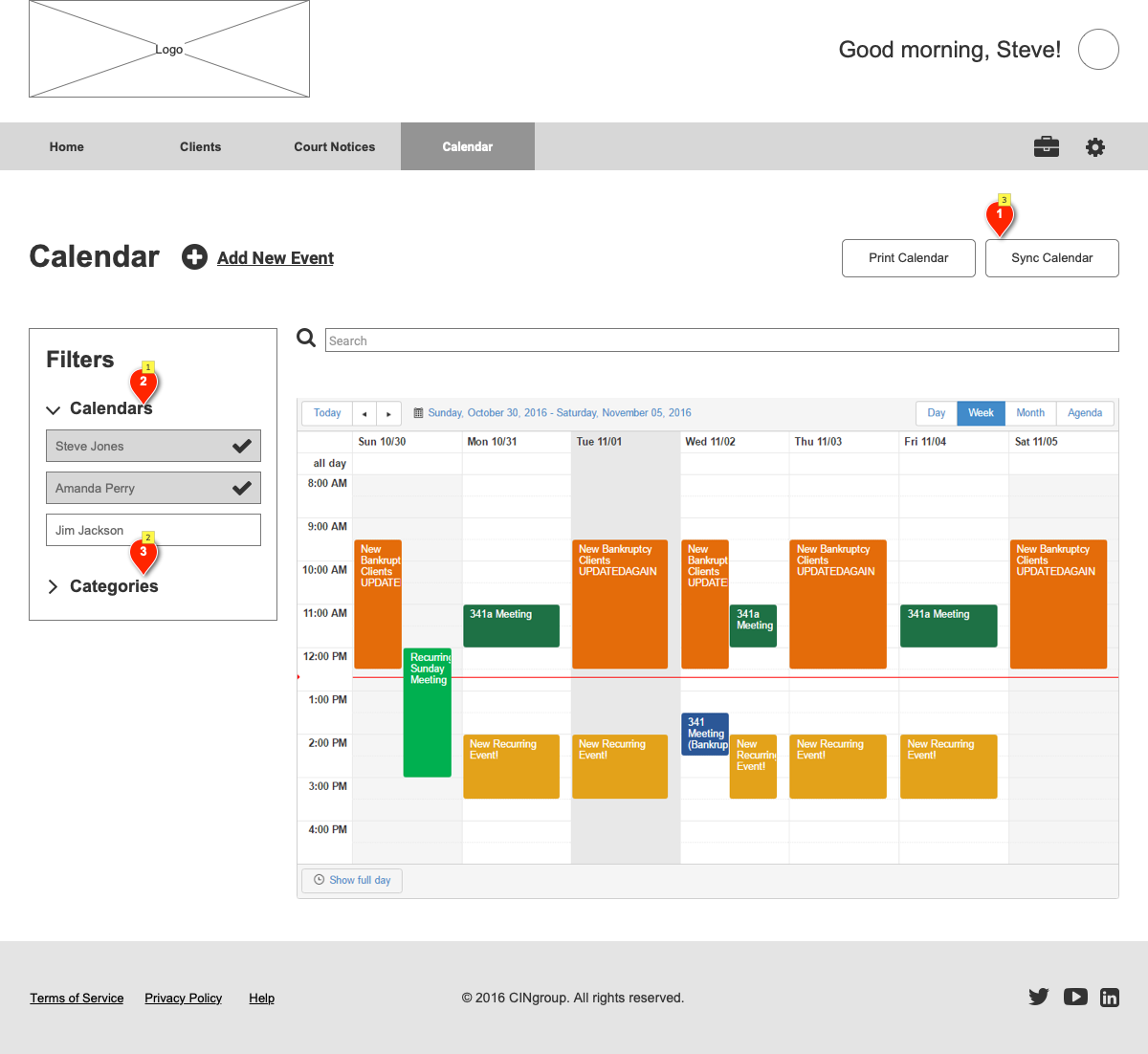
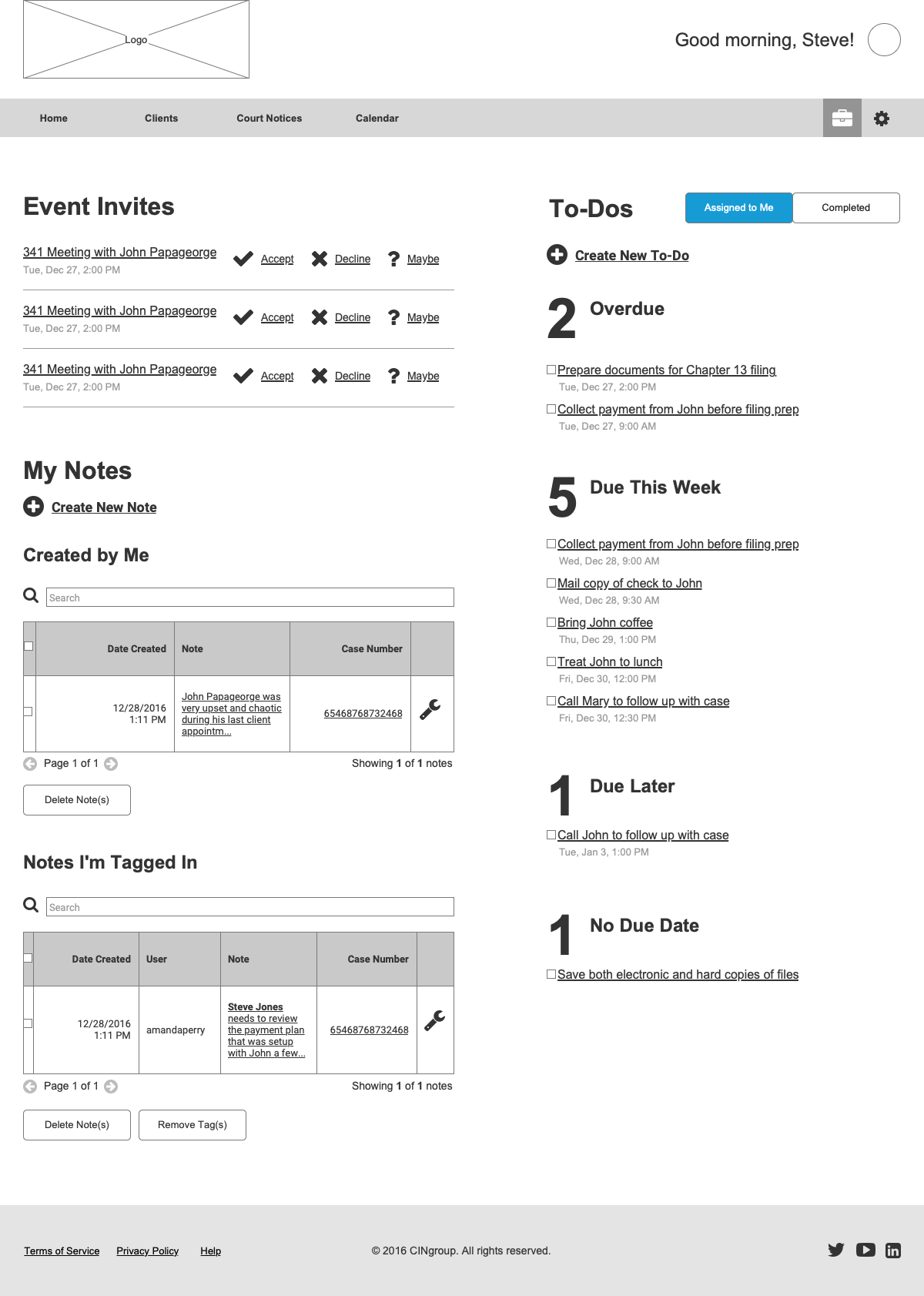
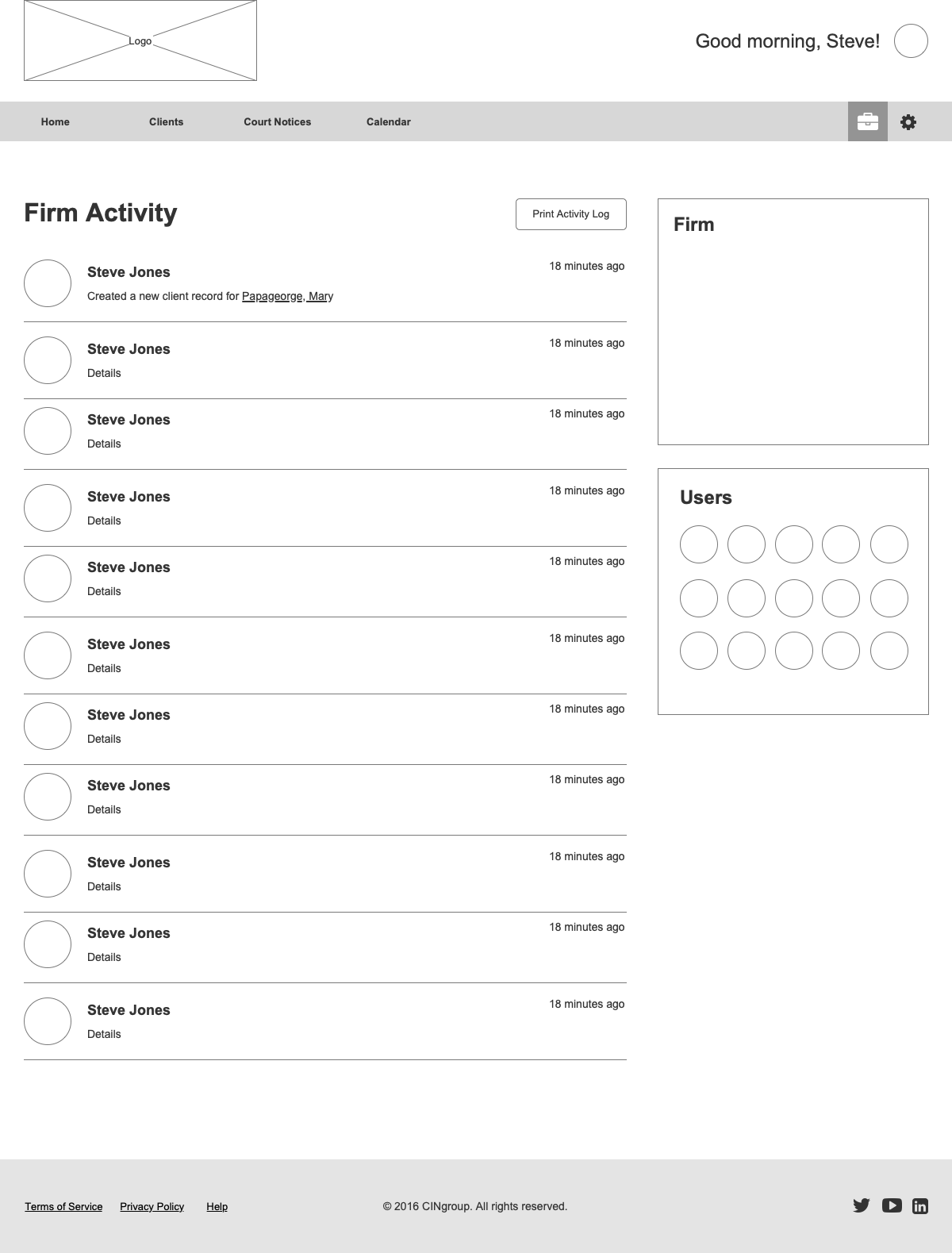
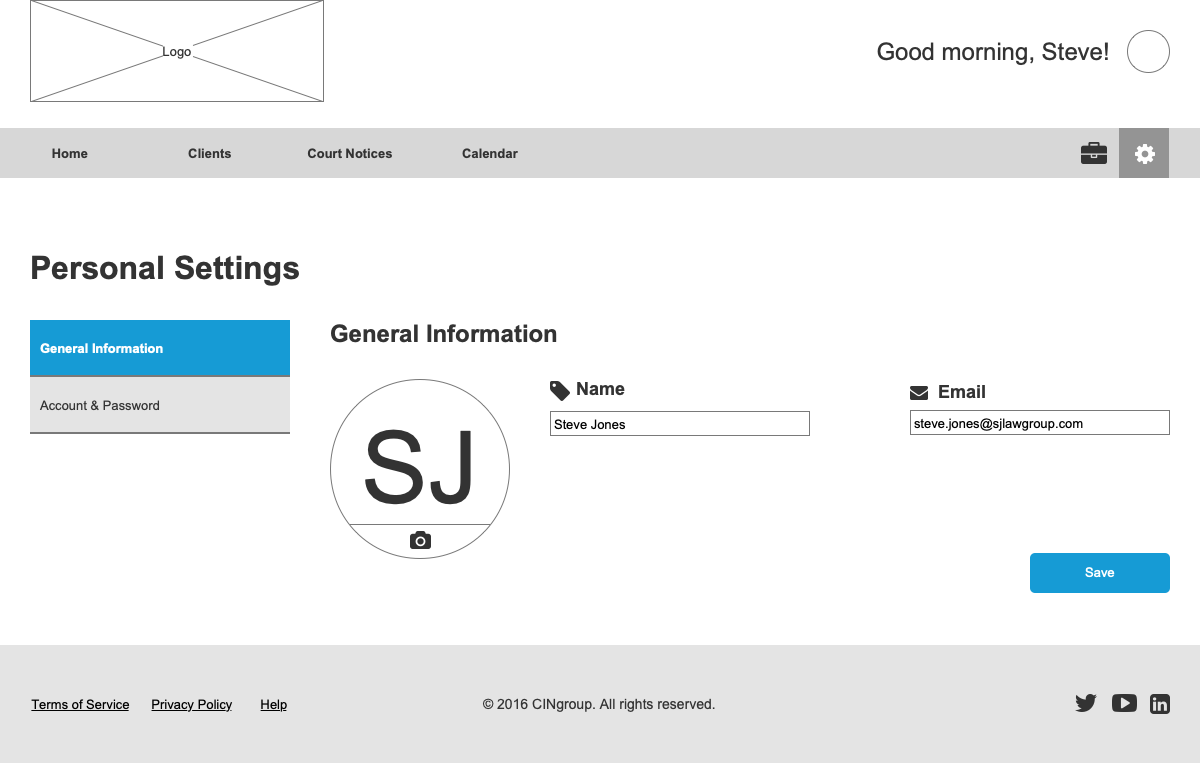
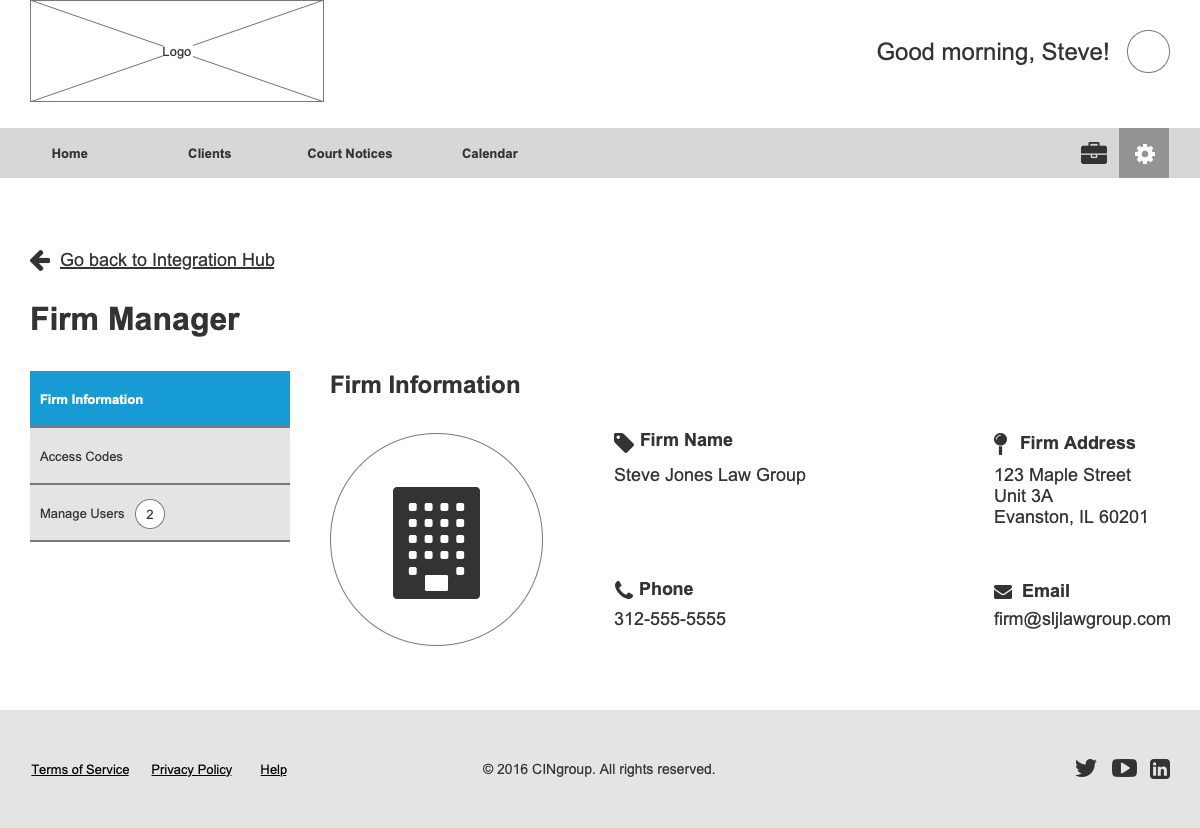
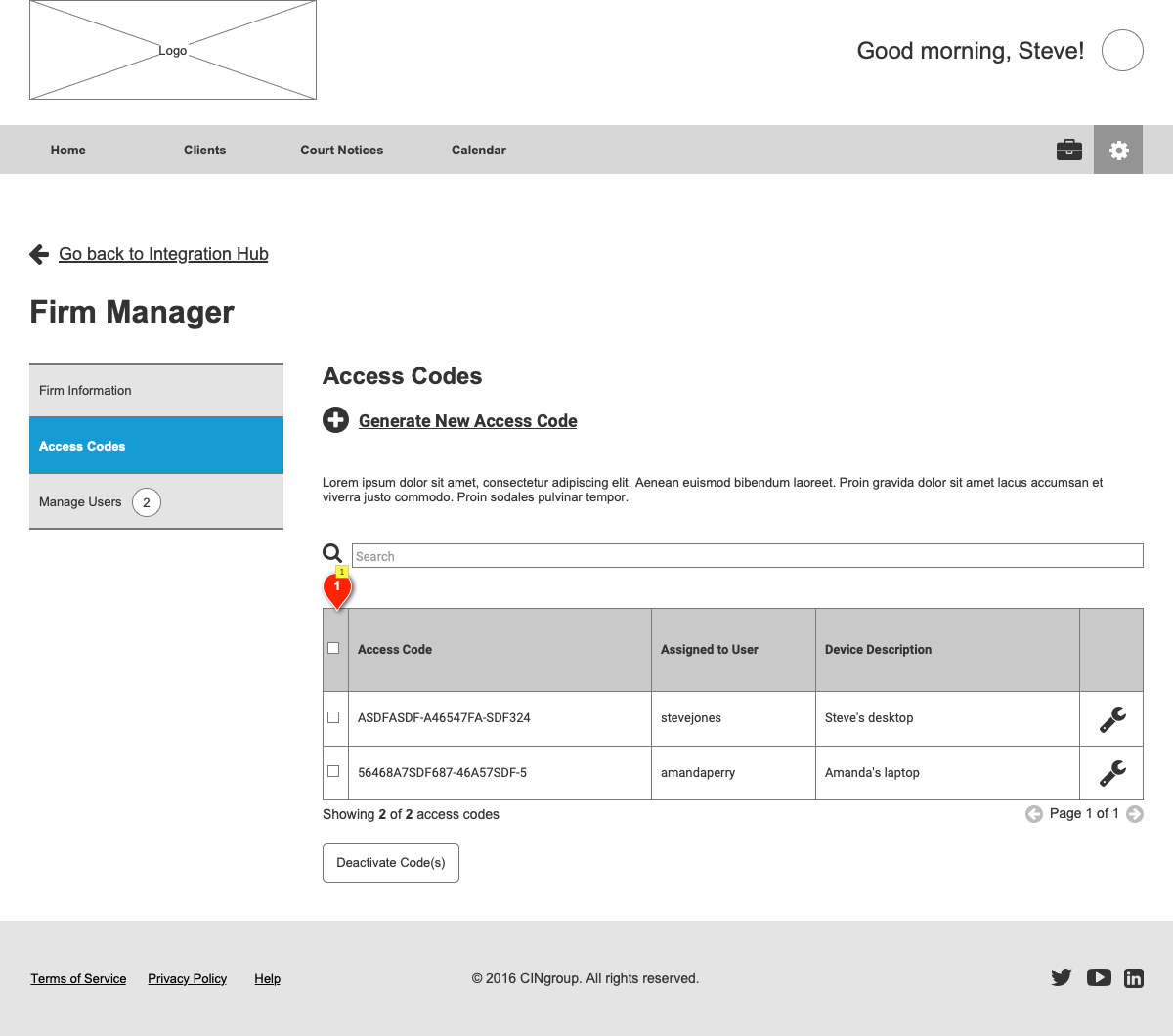
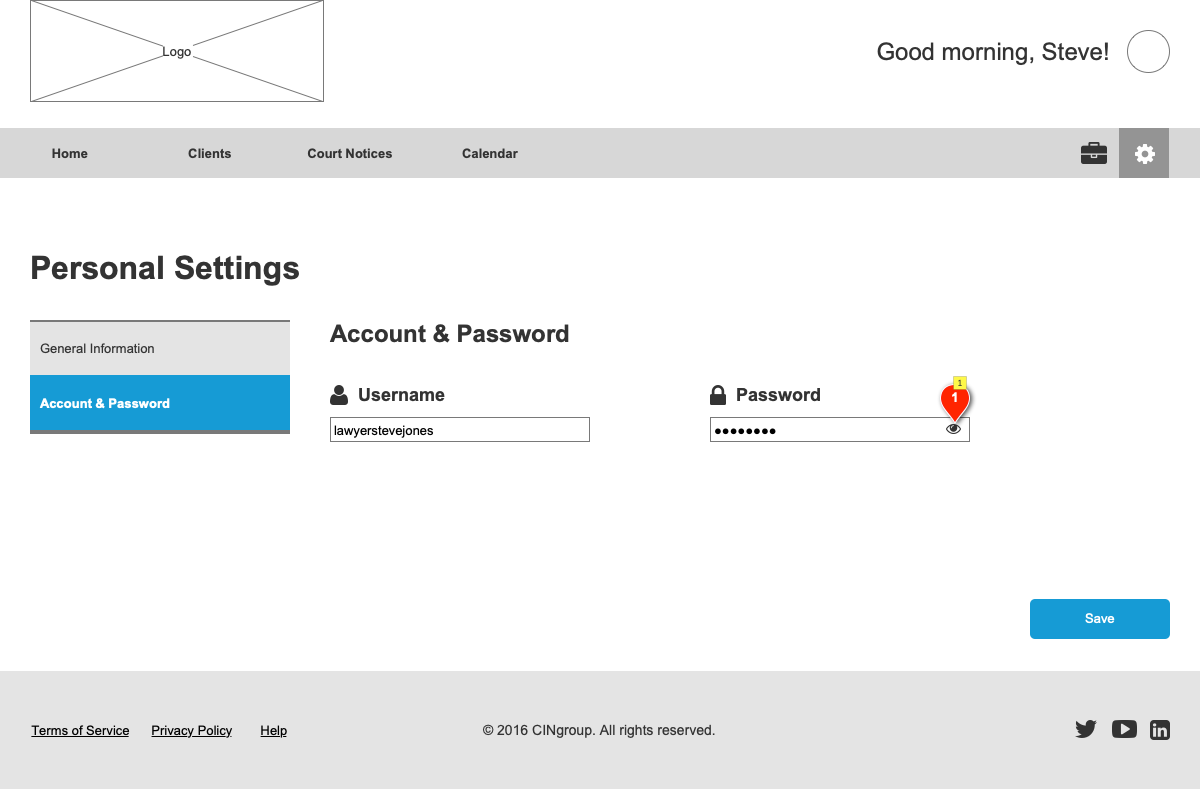
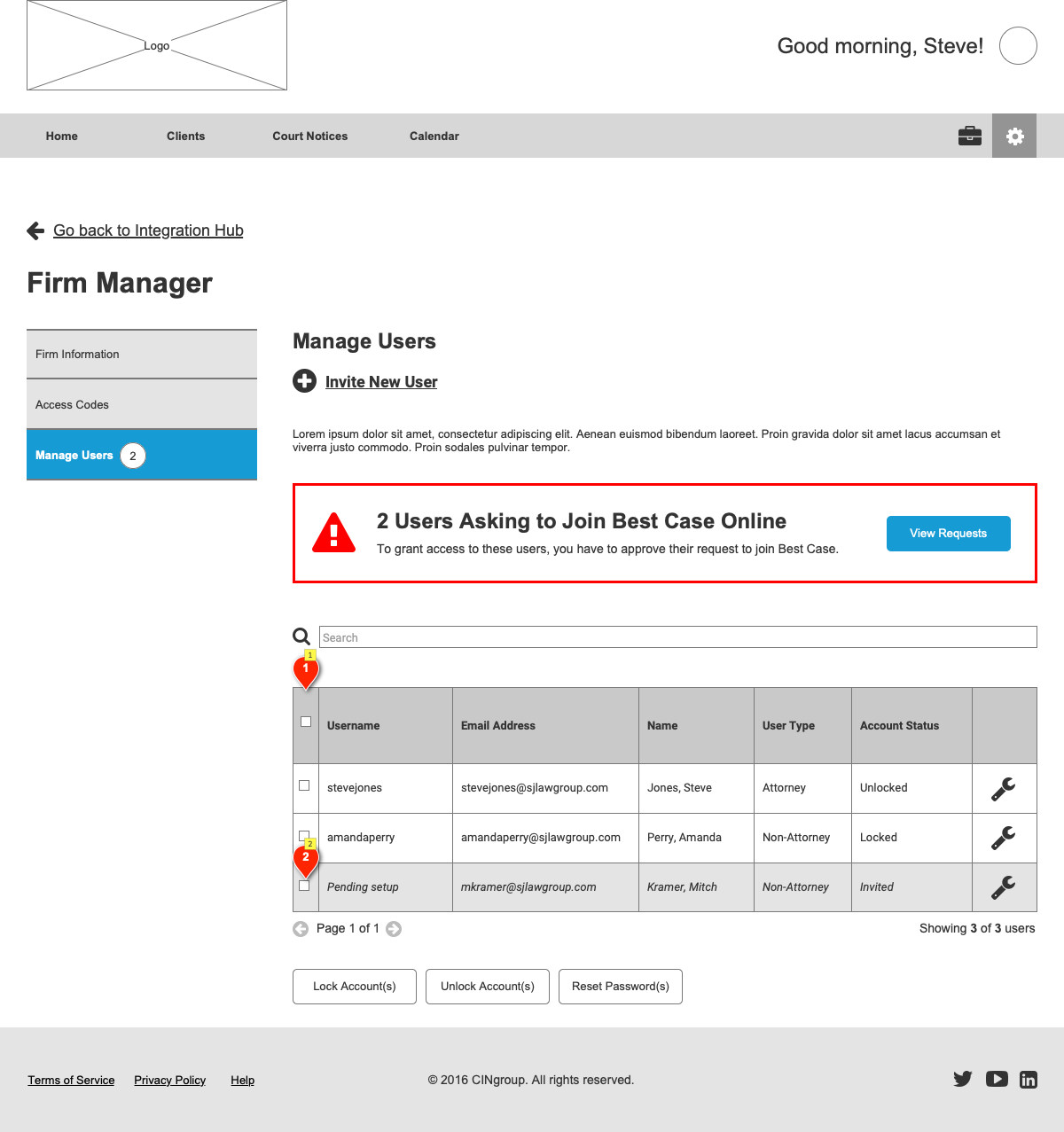
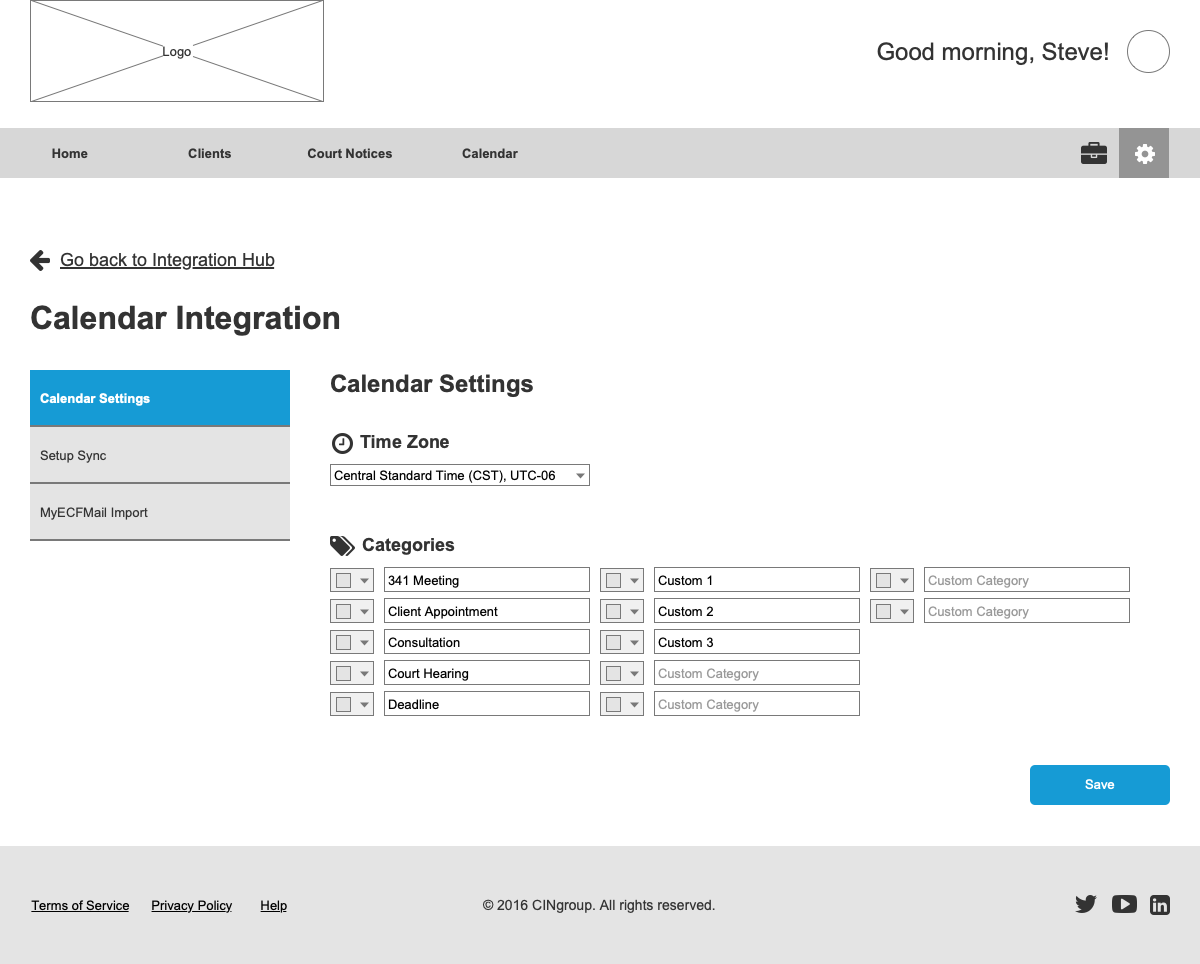
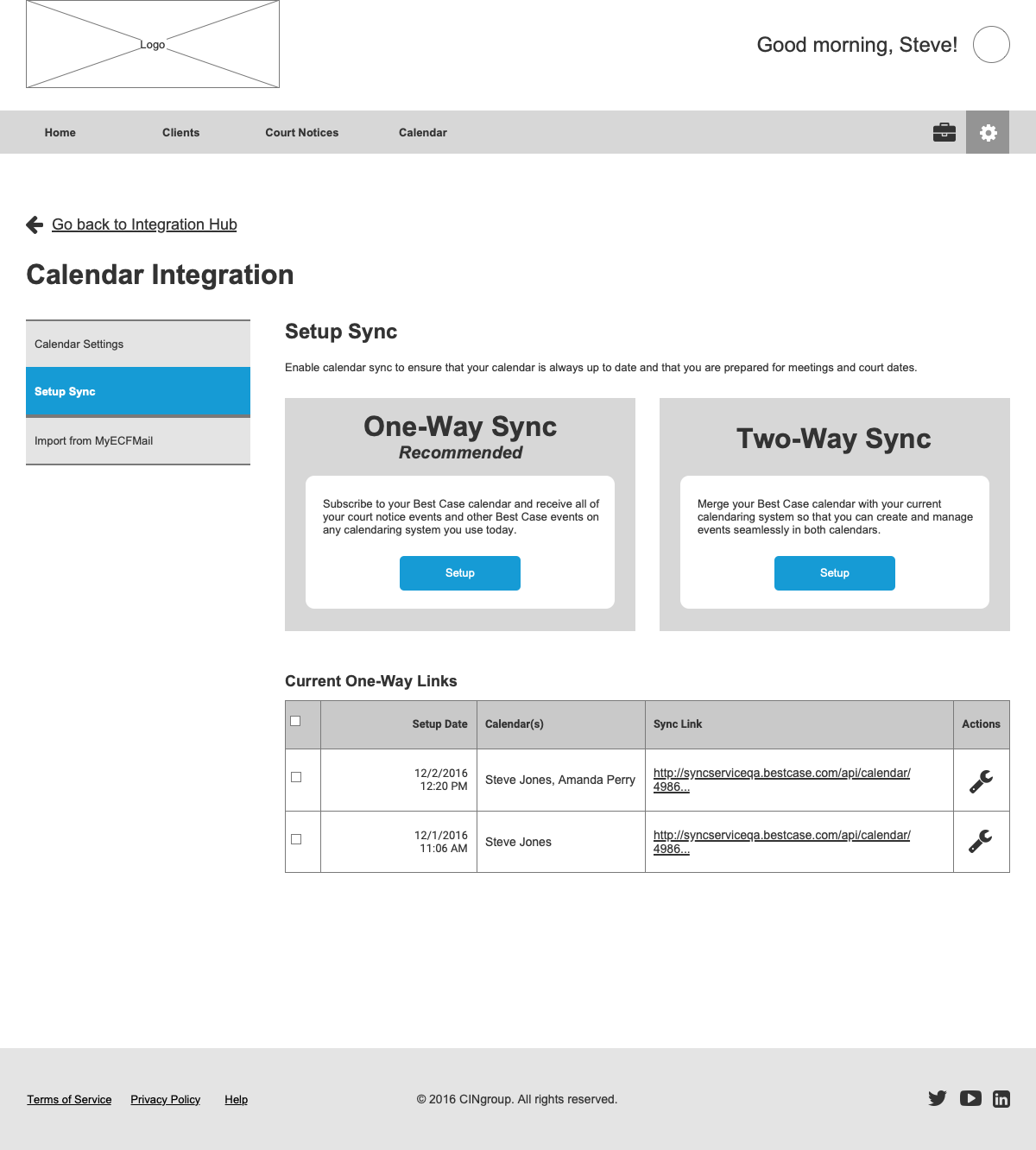
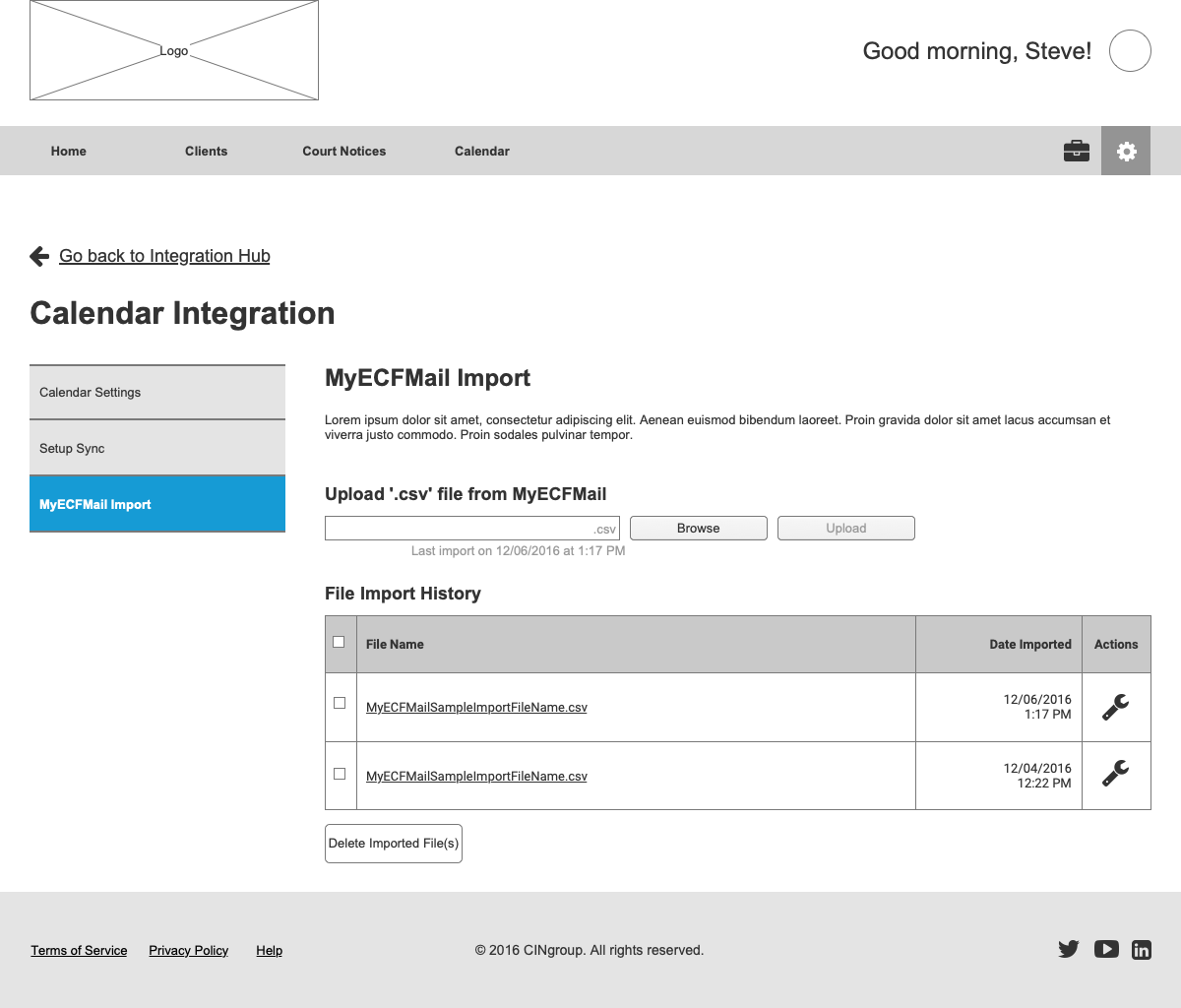
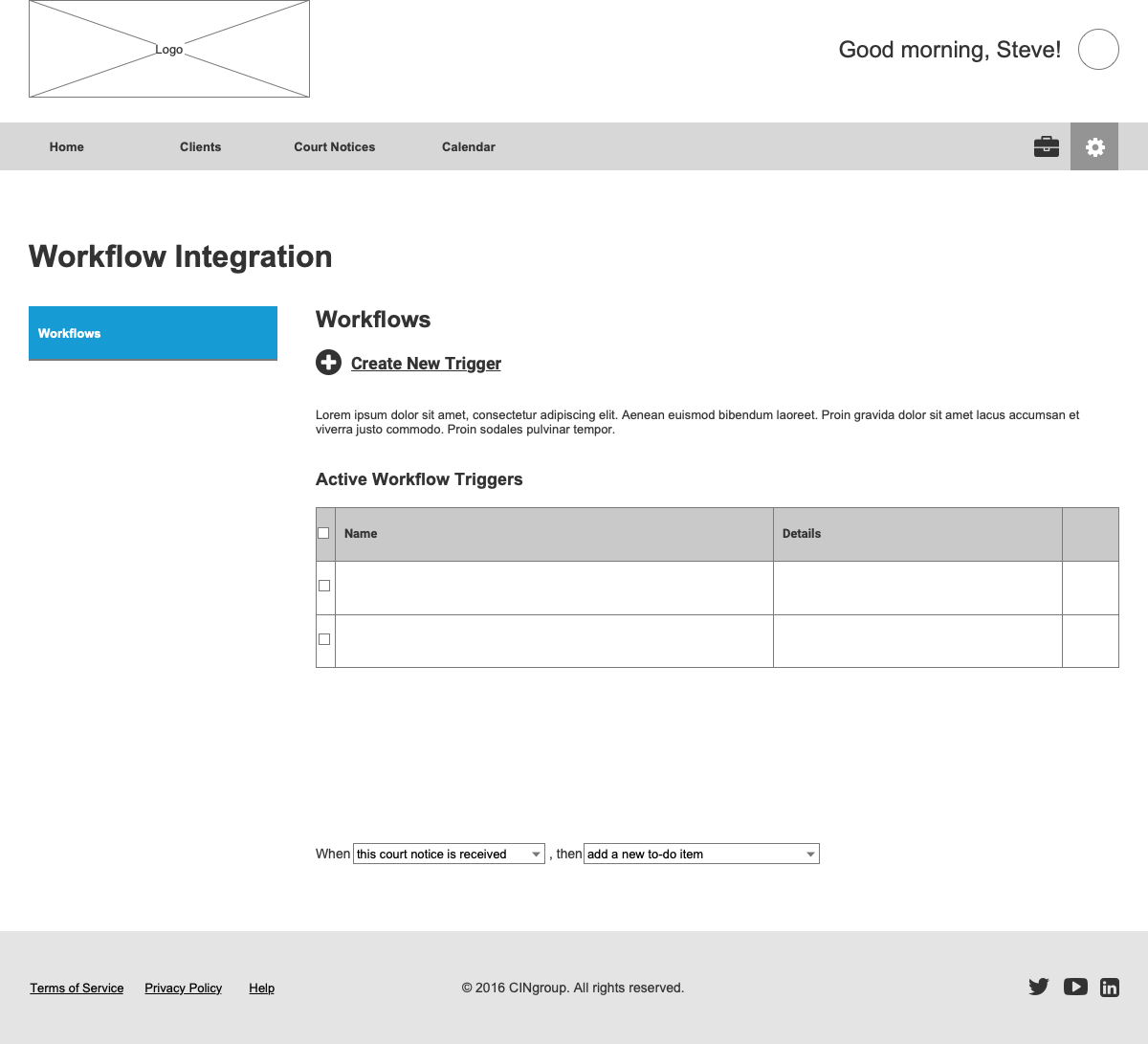
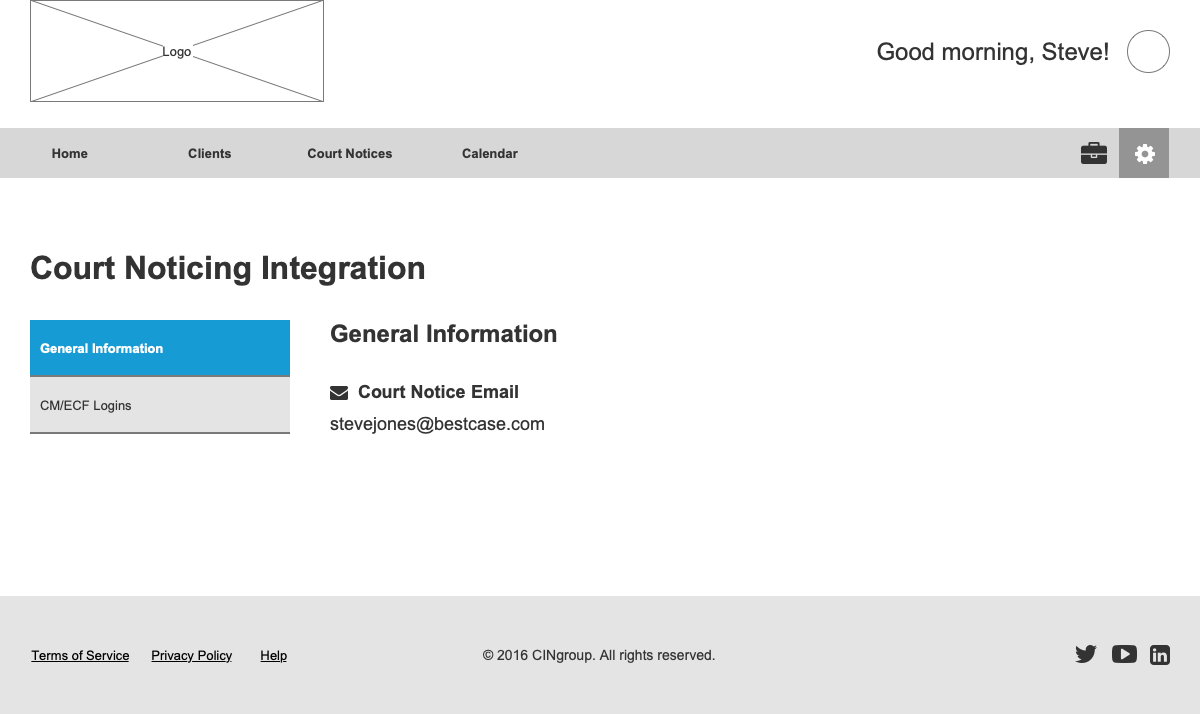
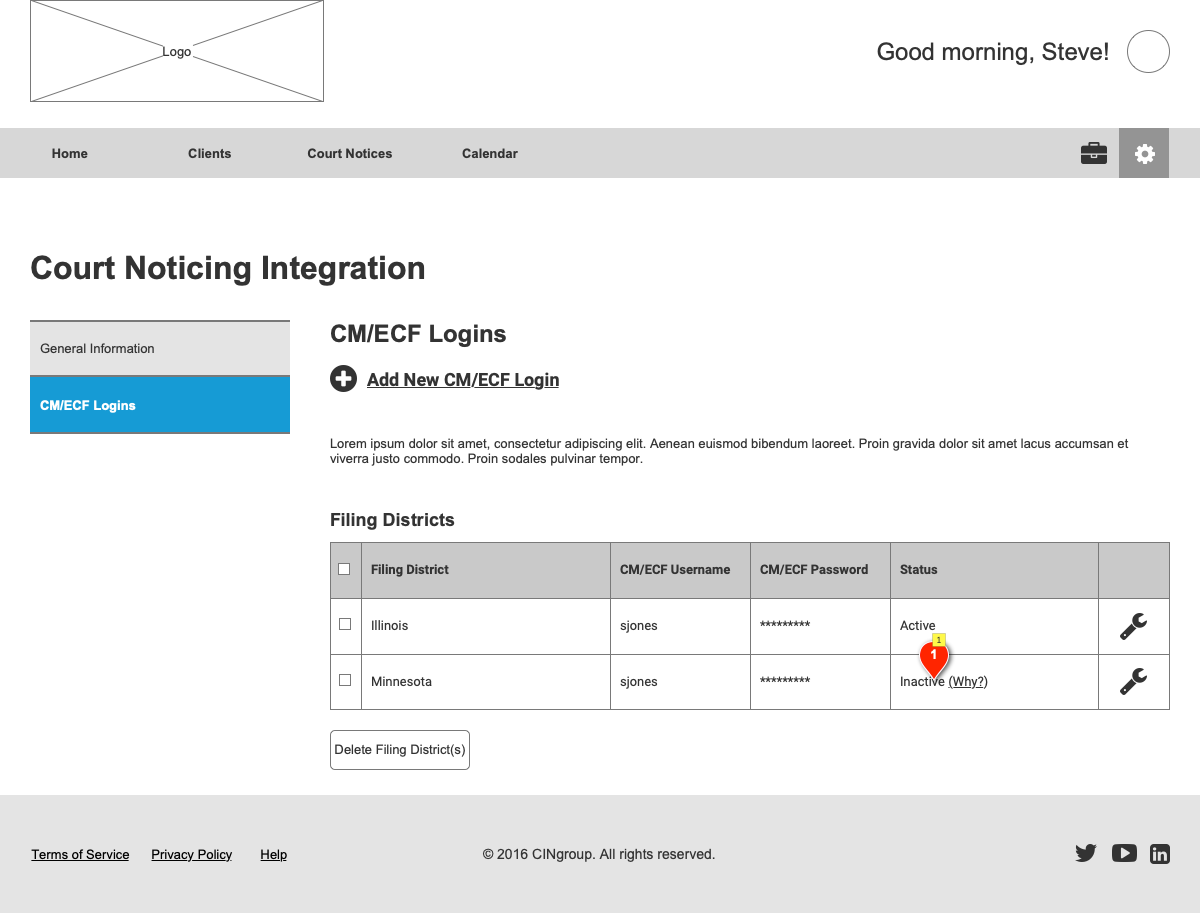
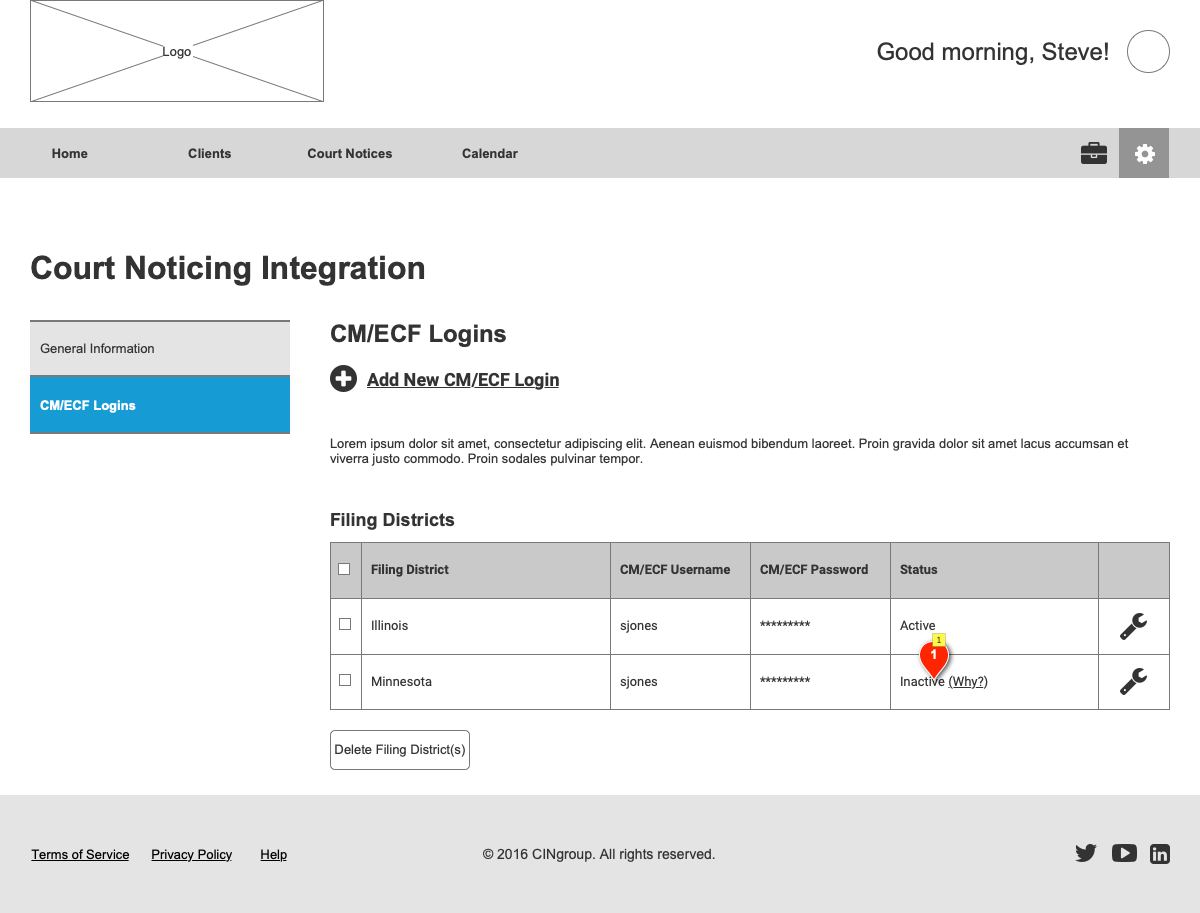
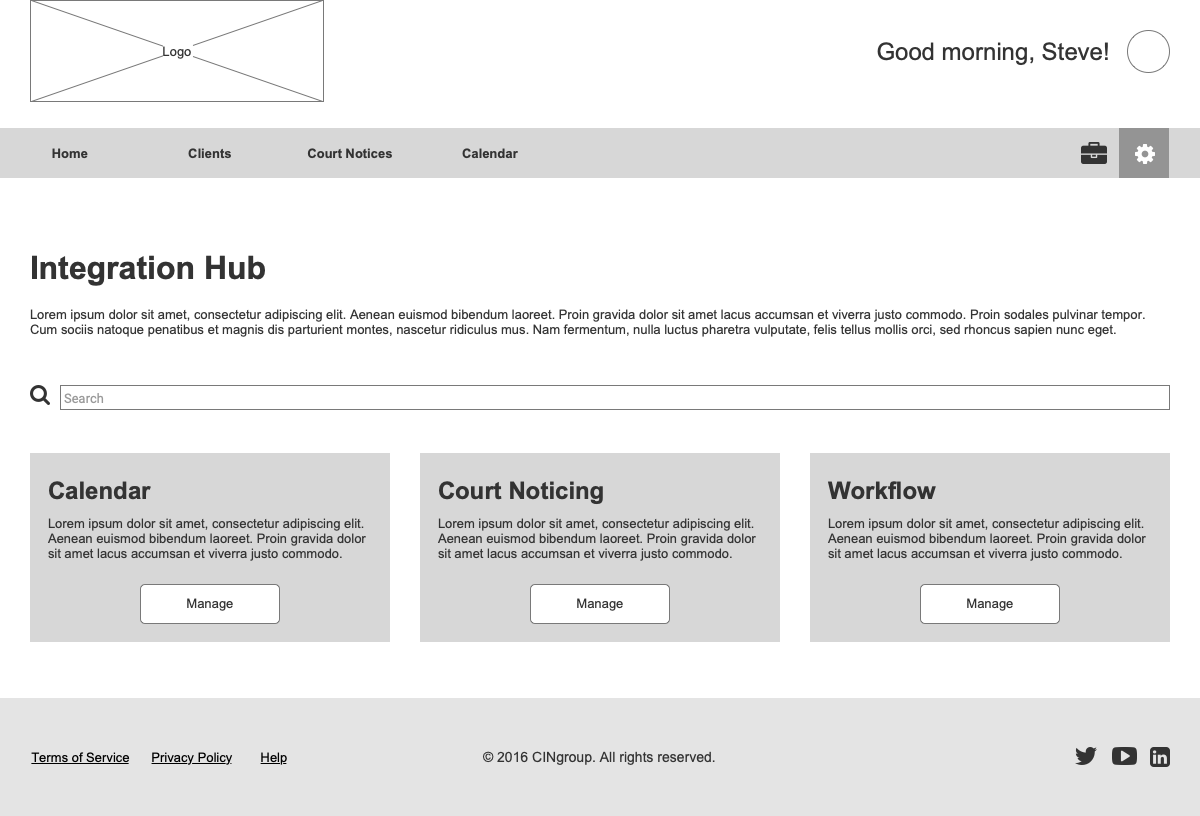
Additional Mid-Fi SCreens







From Mid-Fi to Hi-Fi
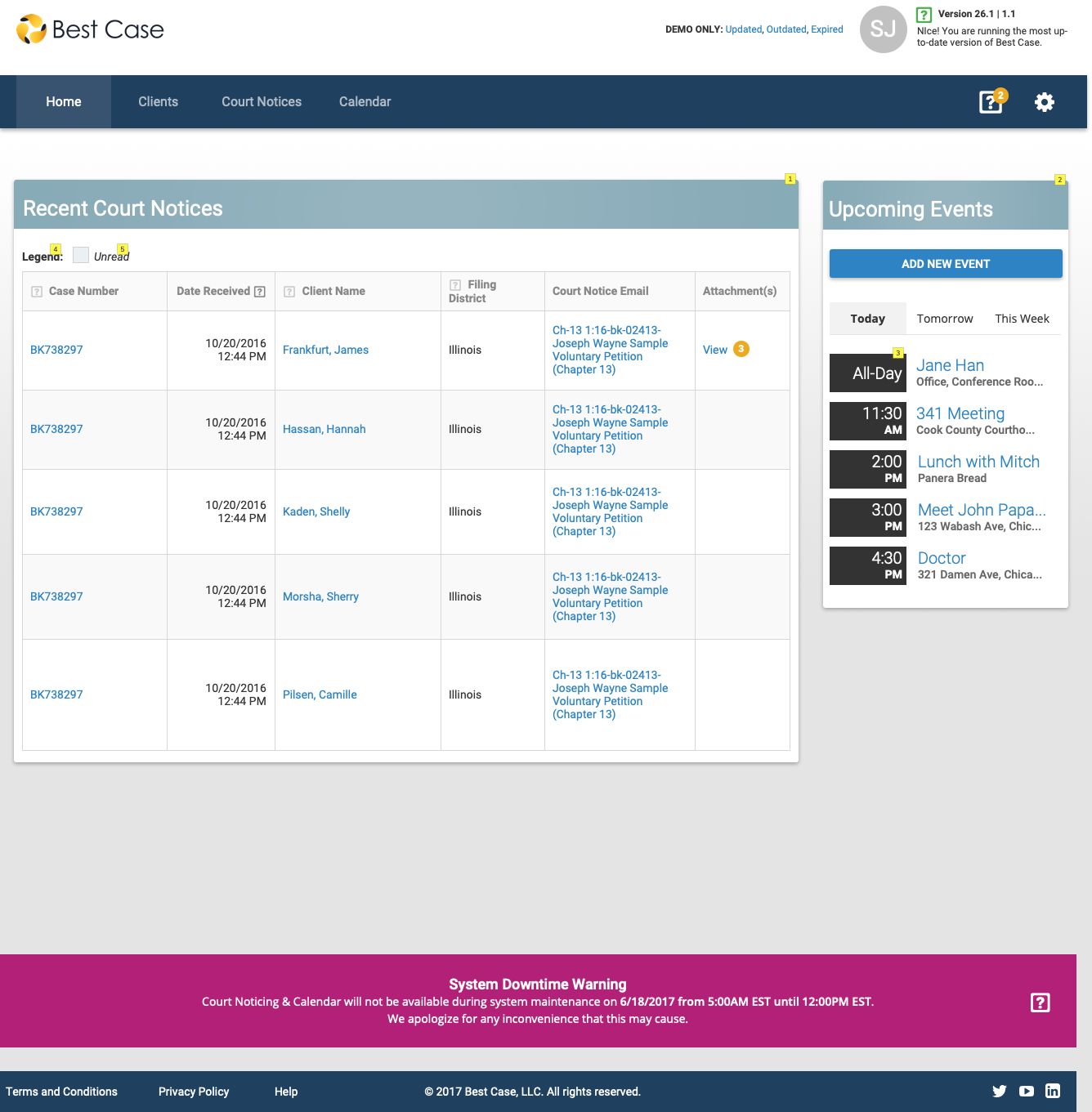
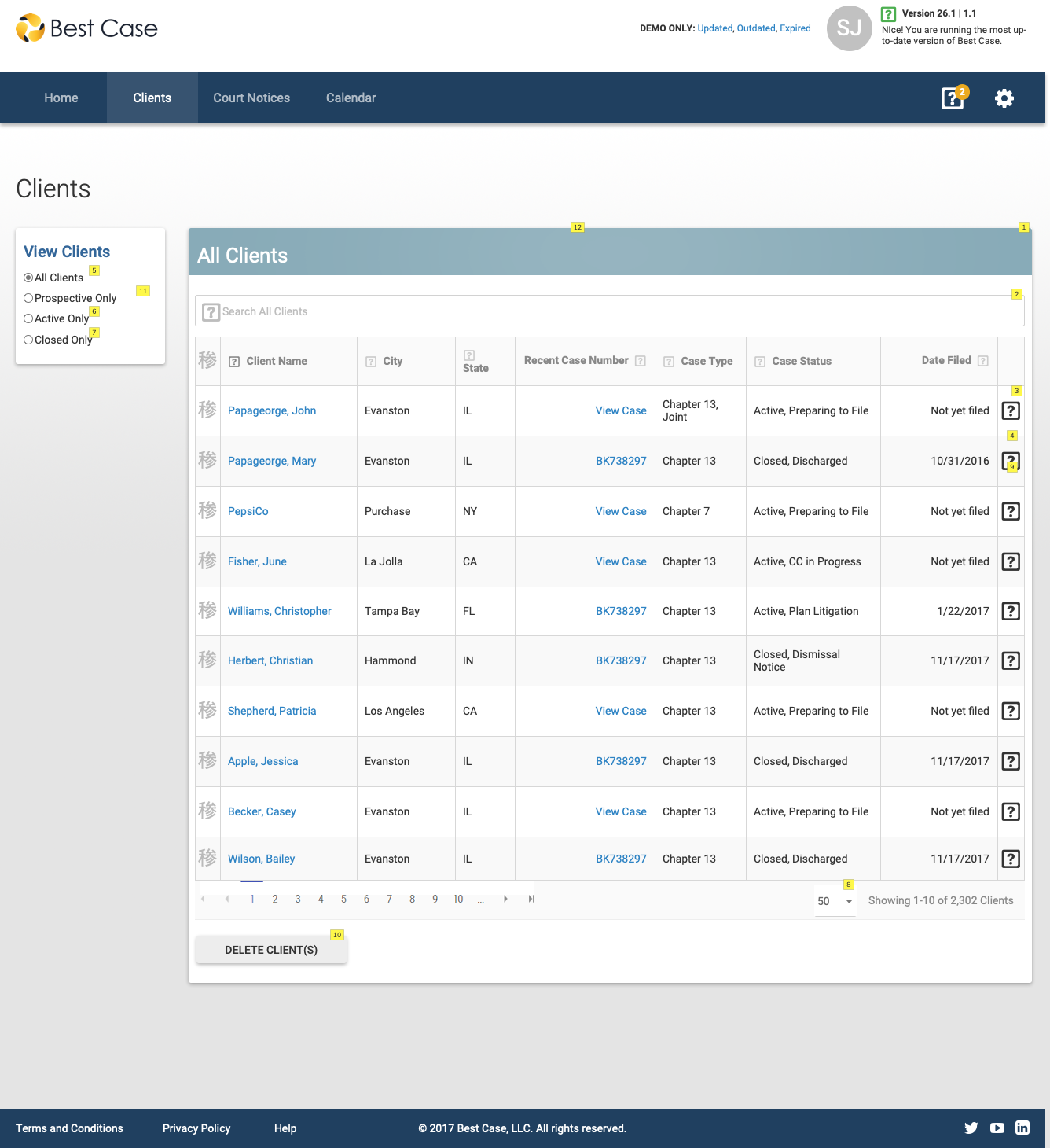
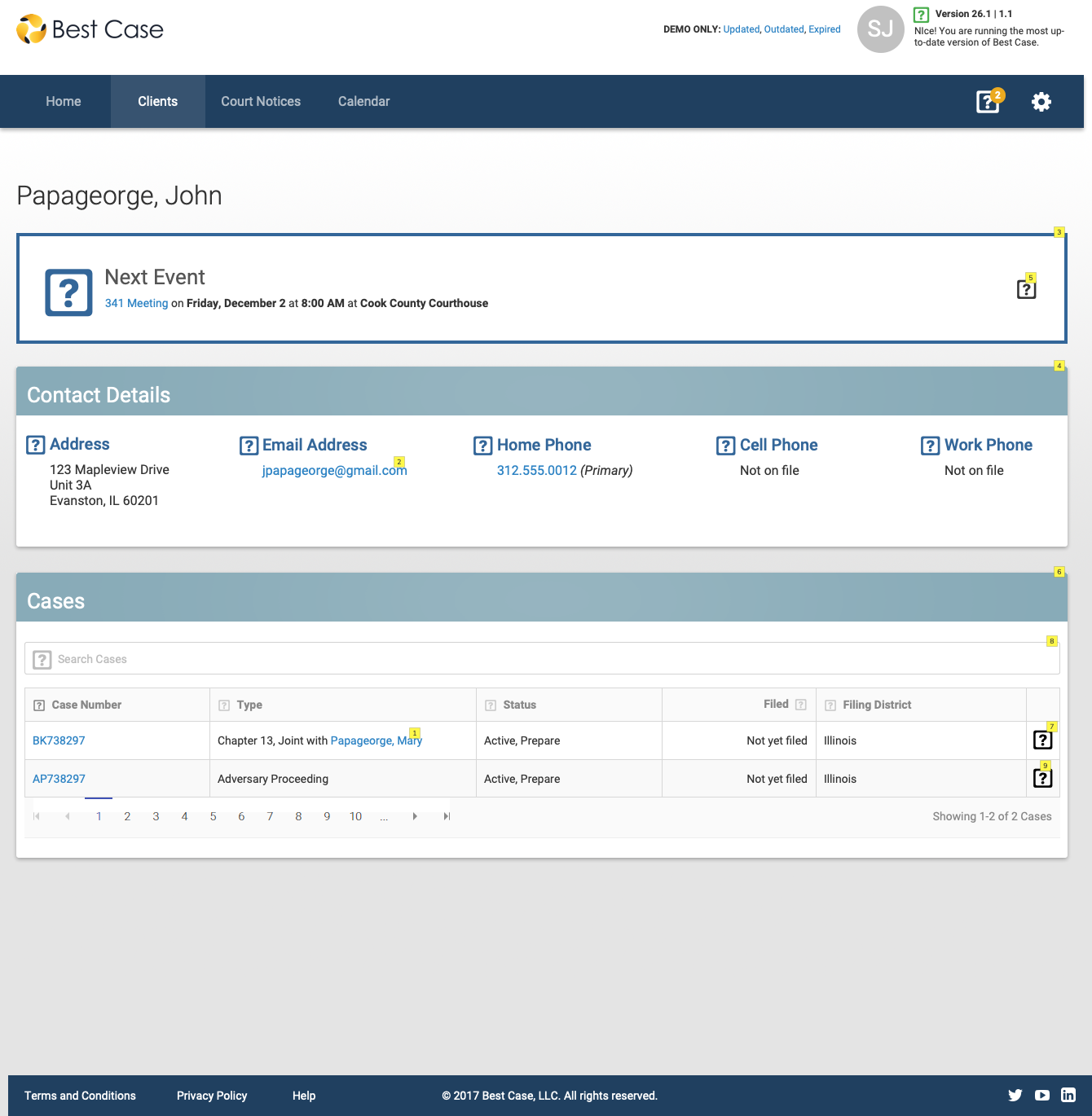
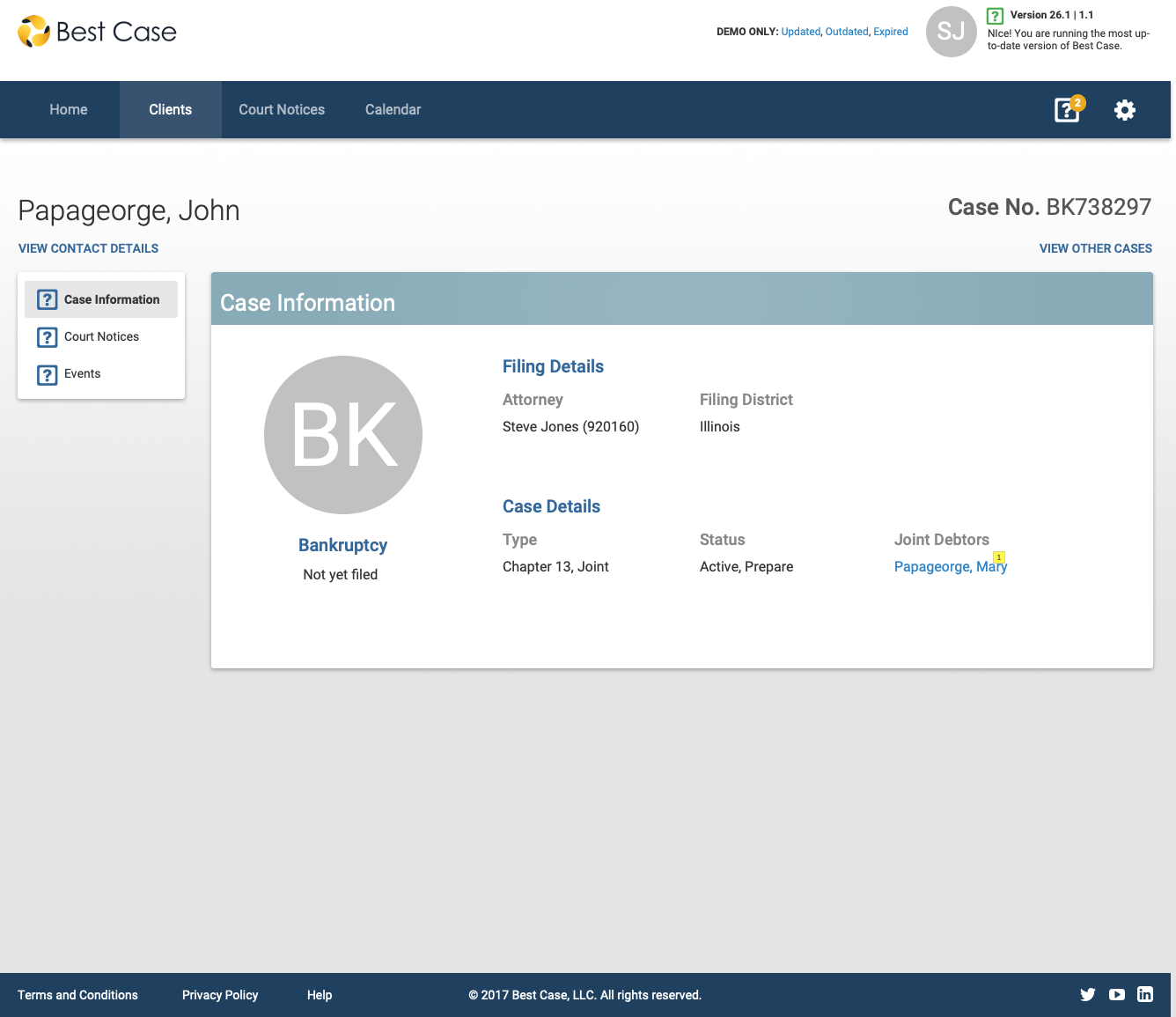
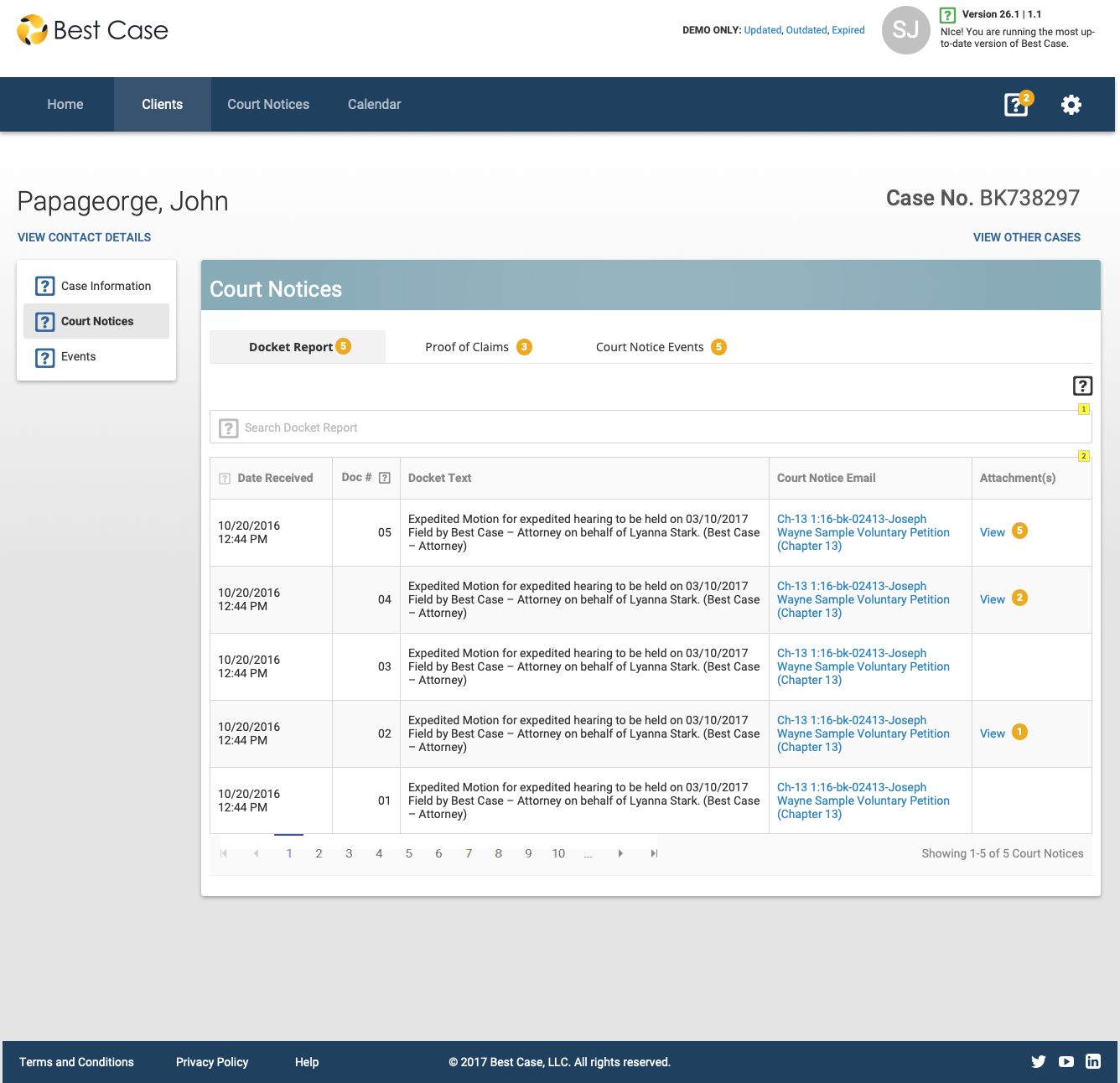
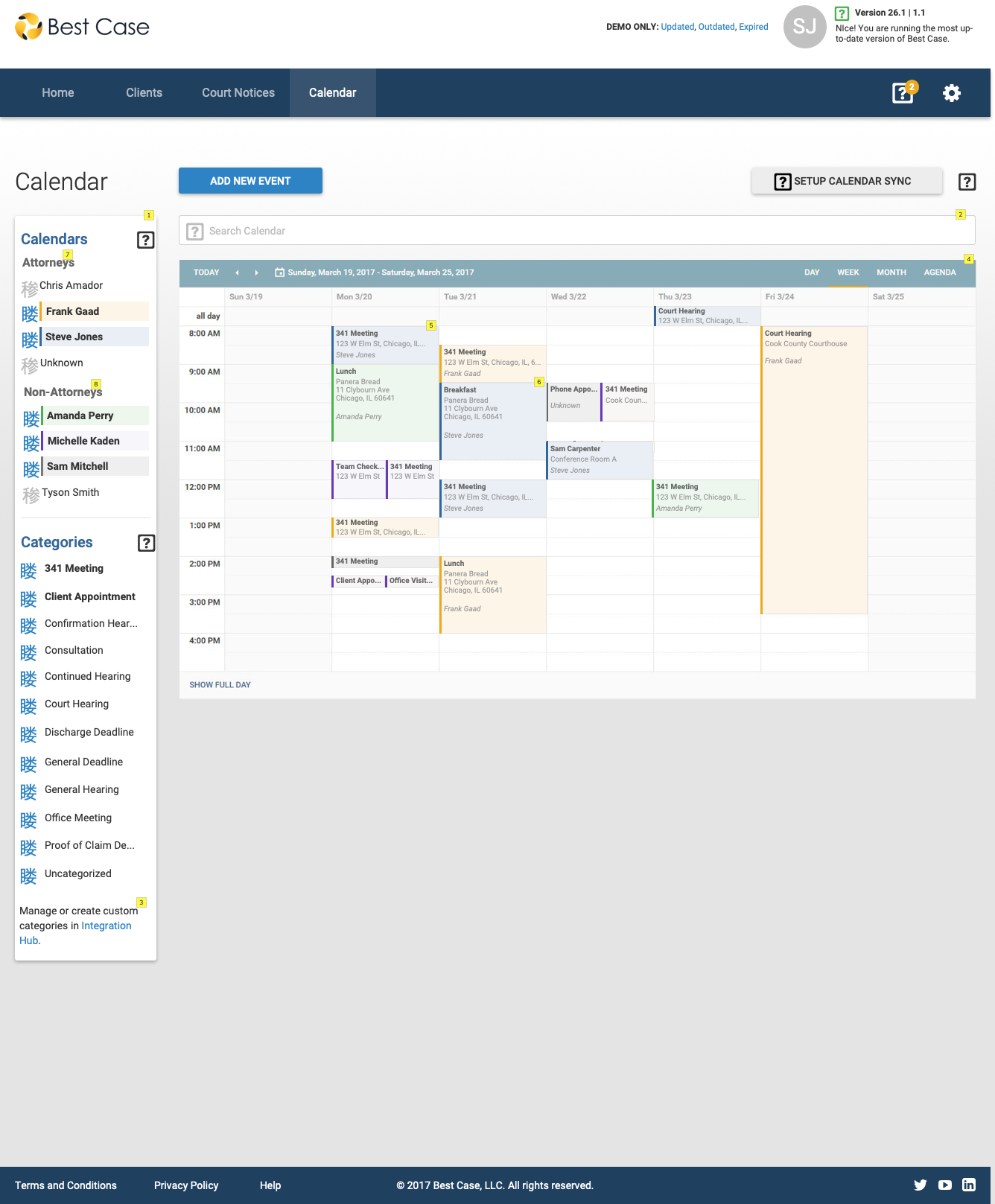
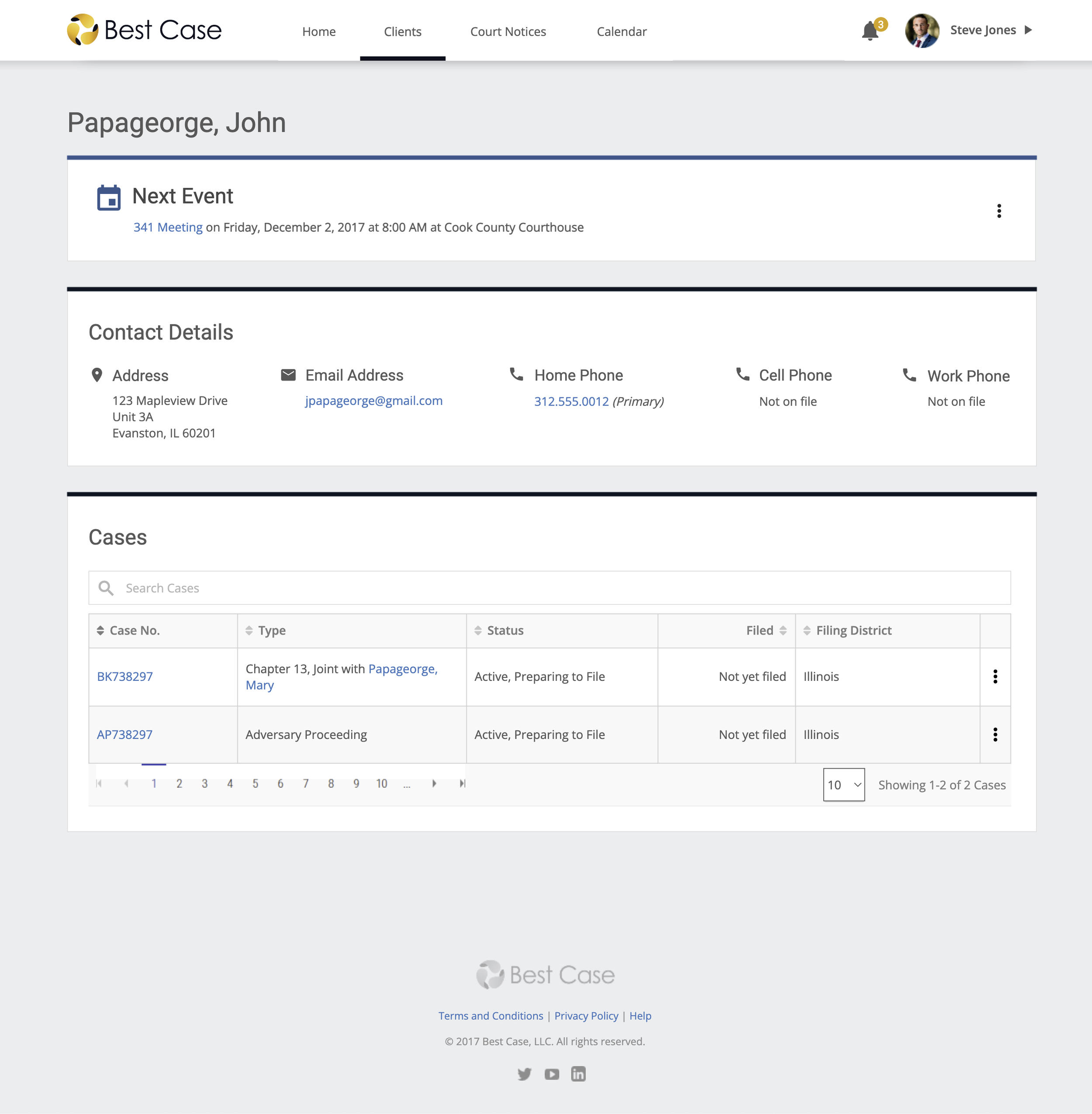
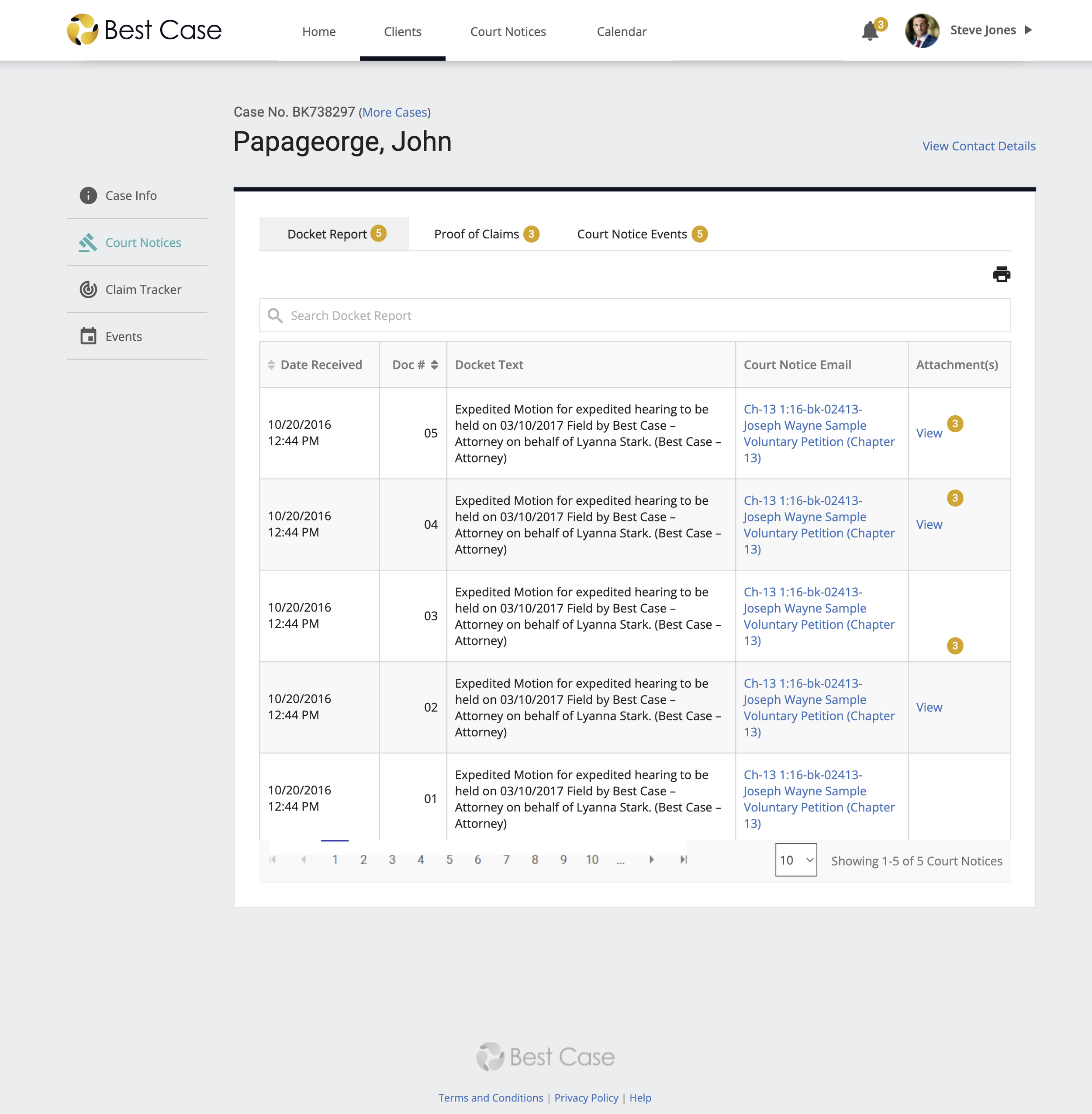
Modernizing Our Look and Feel
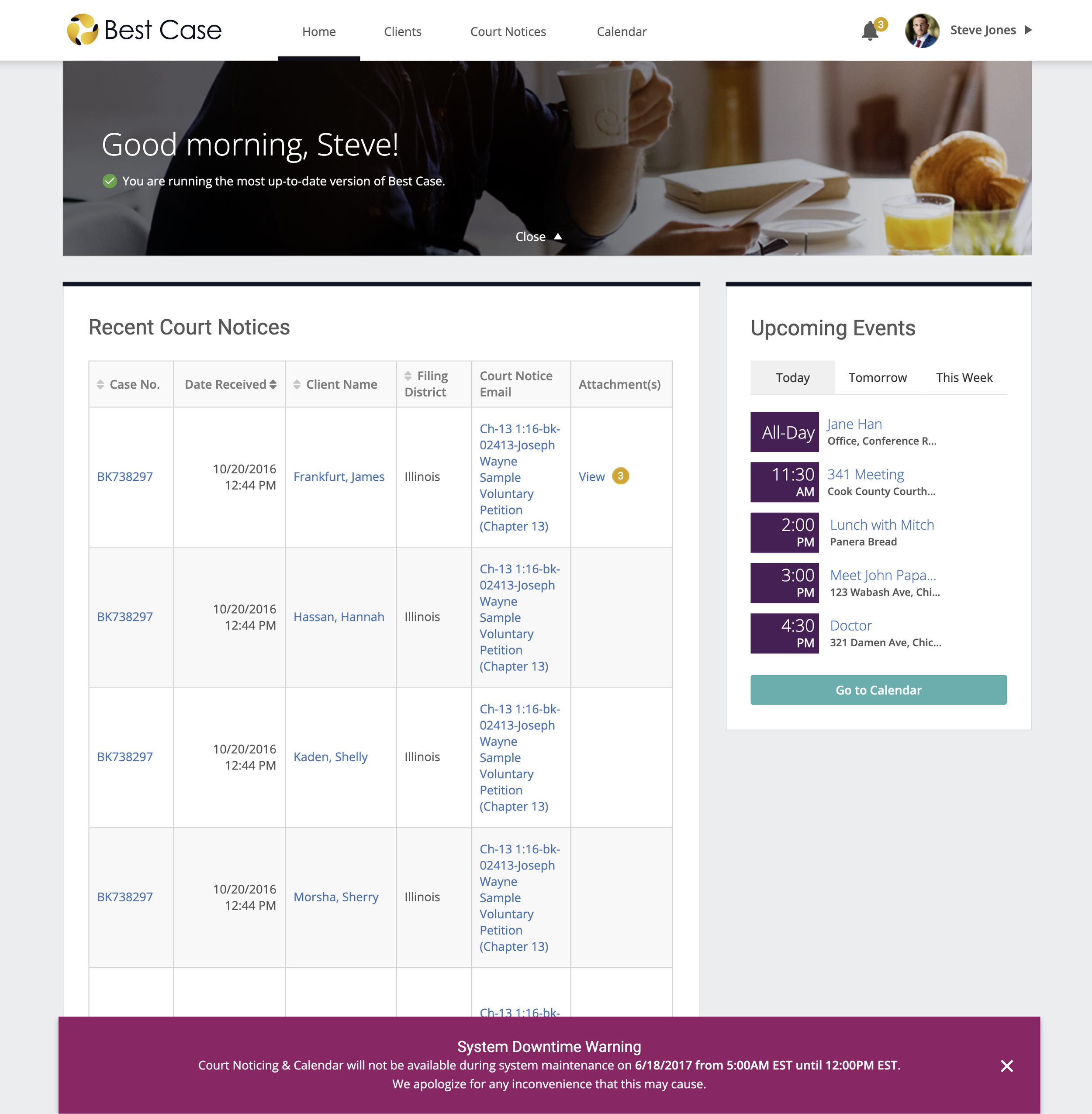
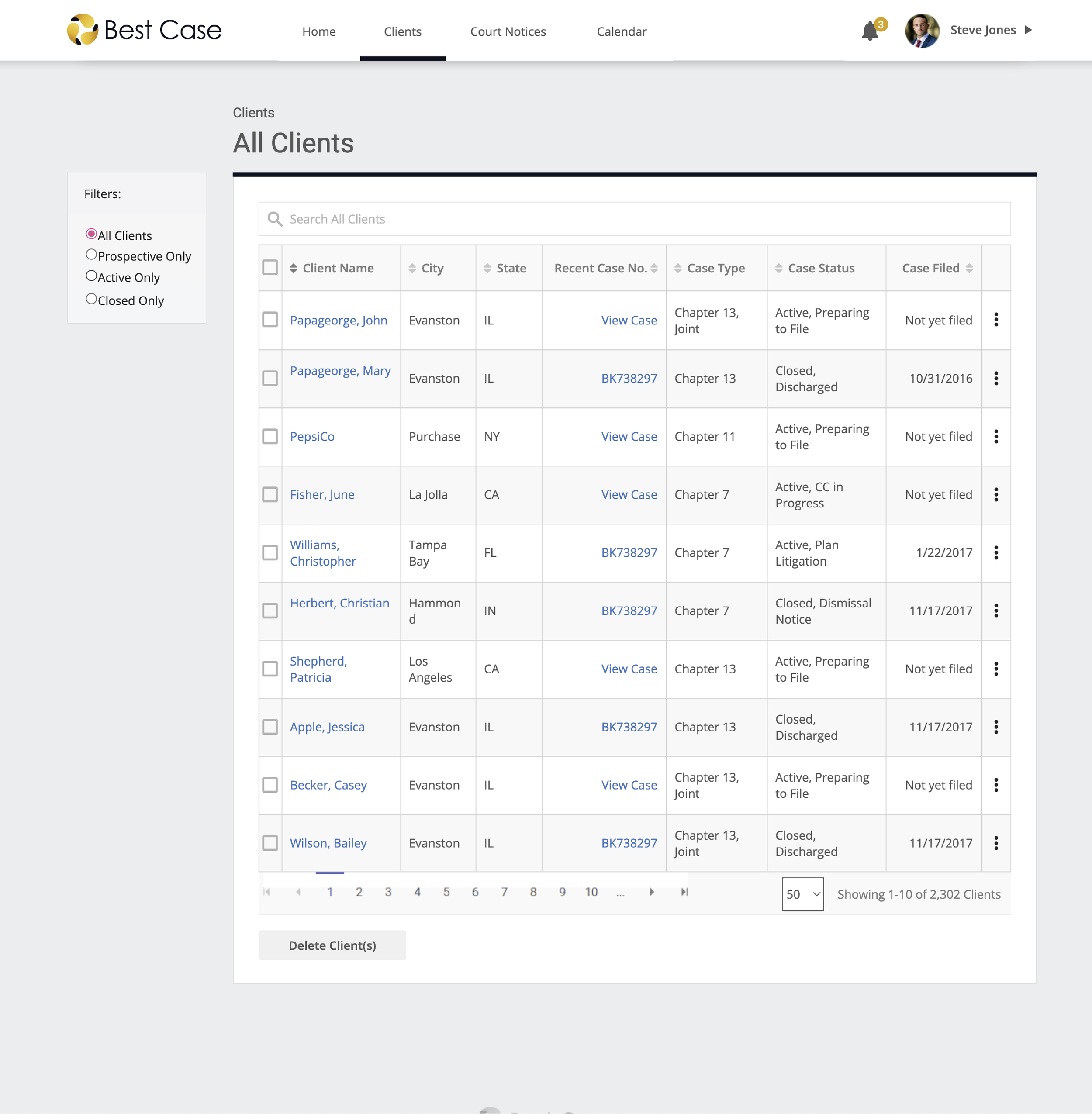
Continuous User Feedback
“Think Tank” at National Conferences
Every year, Best Case is one of the largest exhibitors at the National Annual Convention for Bankruptcy Attorneys (NACBA). Thousands of bankruptcy attorneys, paralegals, and law firm staff walk by the Best Case booth and often stop by with questions, feature requests, or ask for product support.
When I was asked to represent Best Case at NACBA’s 25th annual convention in Orlando, FL, I saw an opportunity to make this a user-centric event and I seized it. I pitched the idea for “user research sessions” — where users can schedule a time to see a demo of upcoming features and provide feedback or participate in quick product testing — and it transformed into my very own booth!


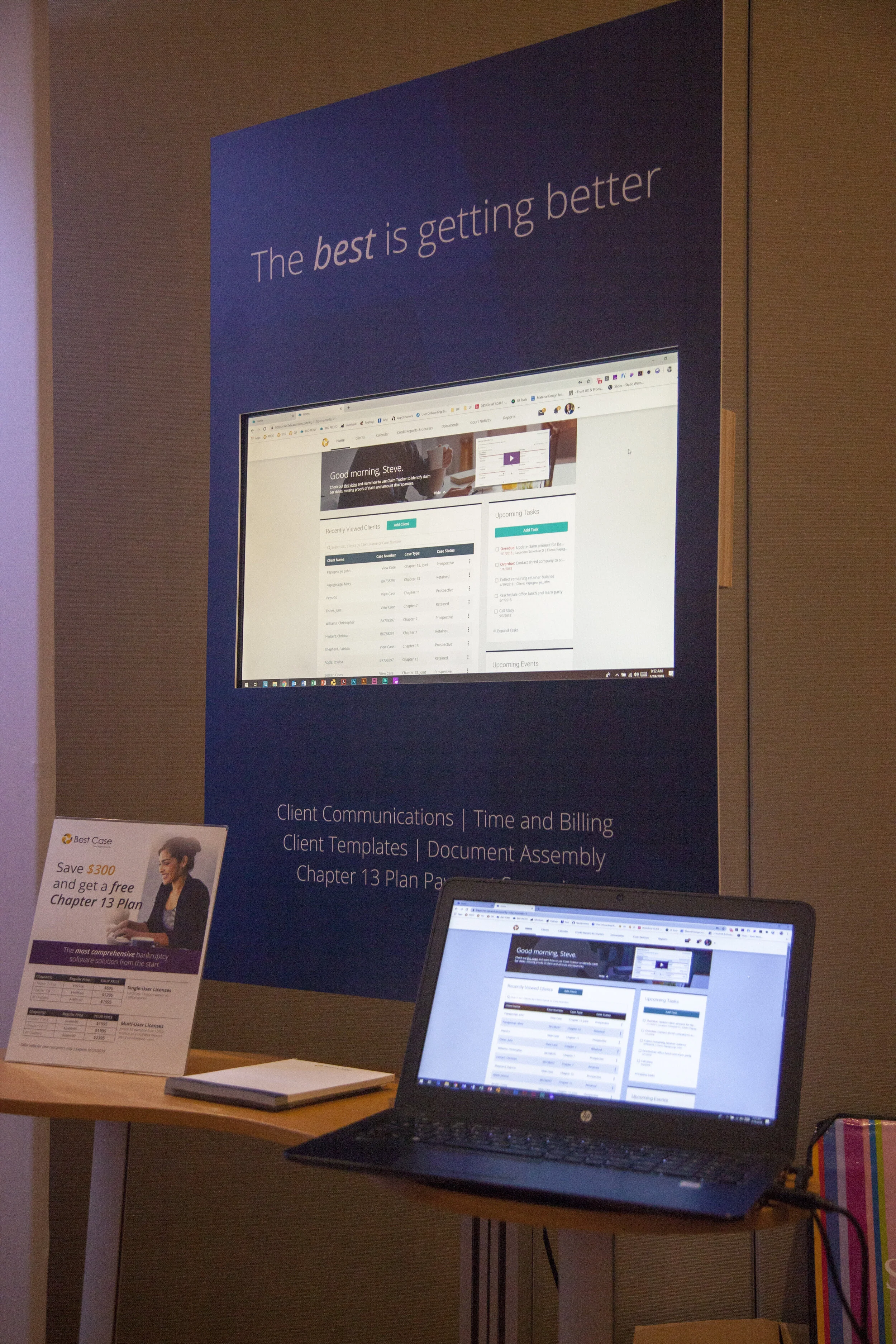
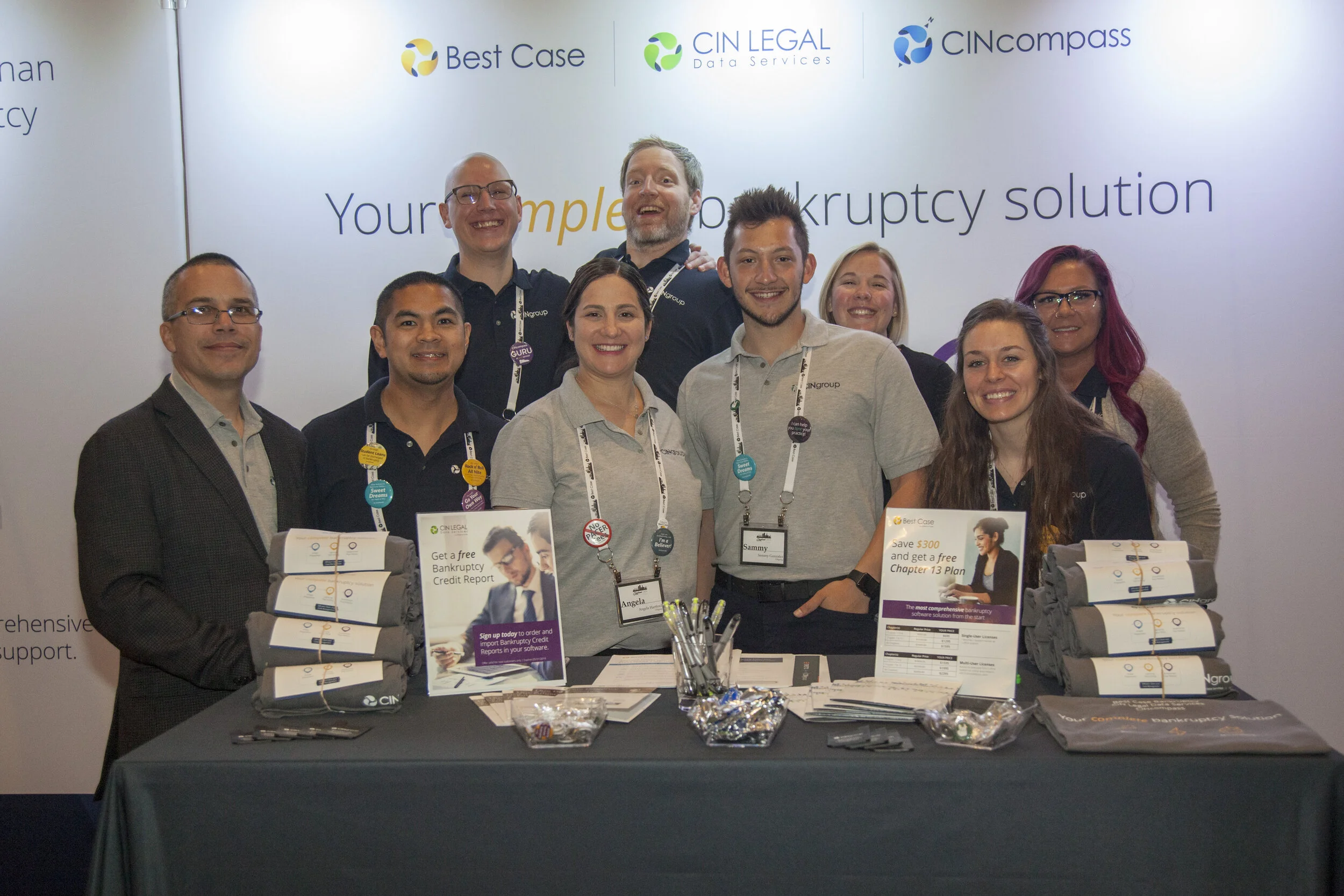
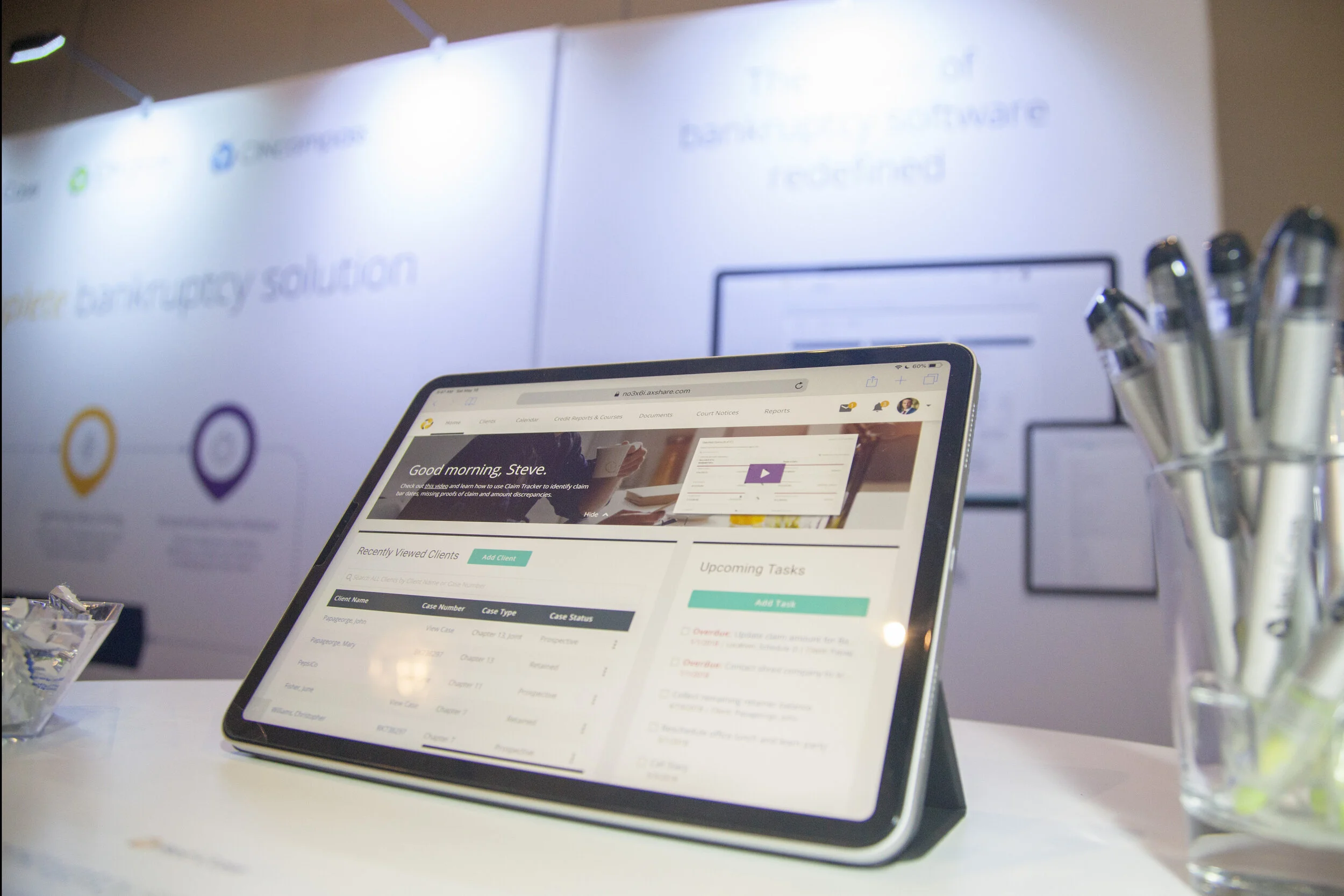
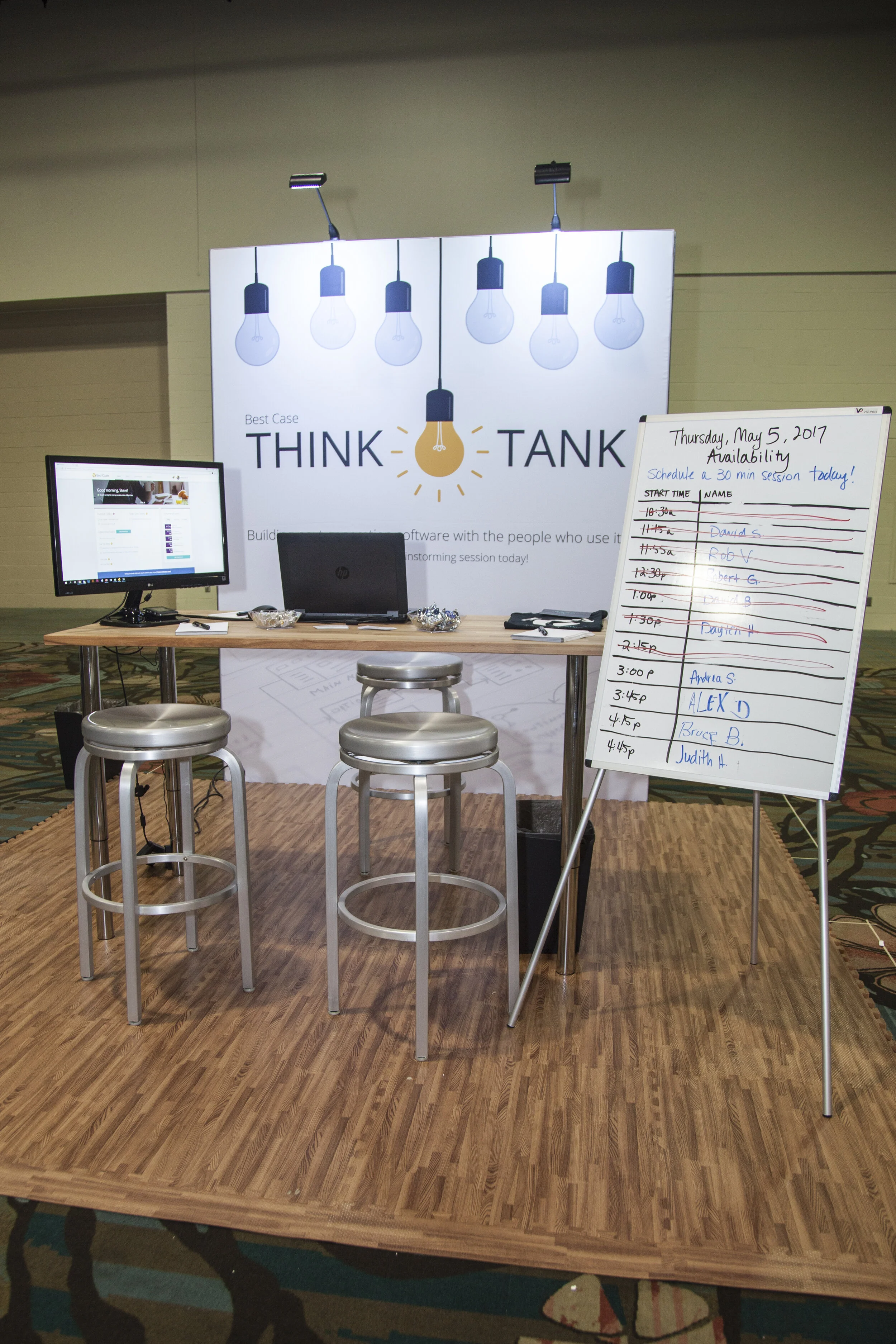
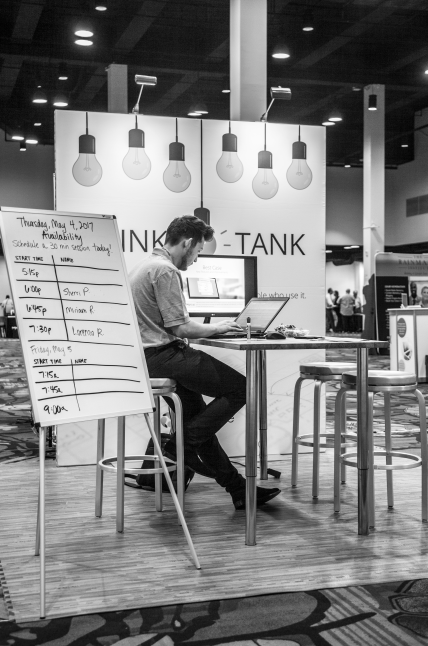
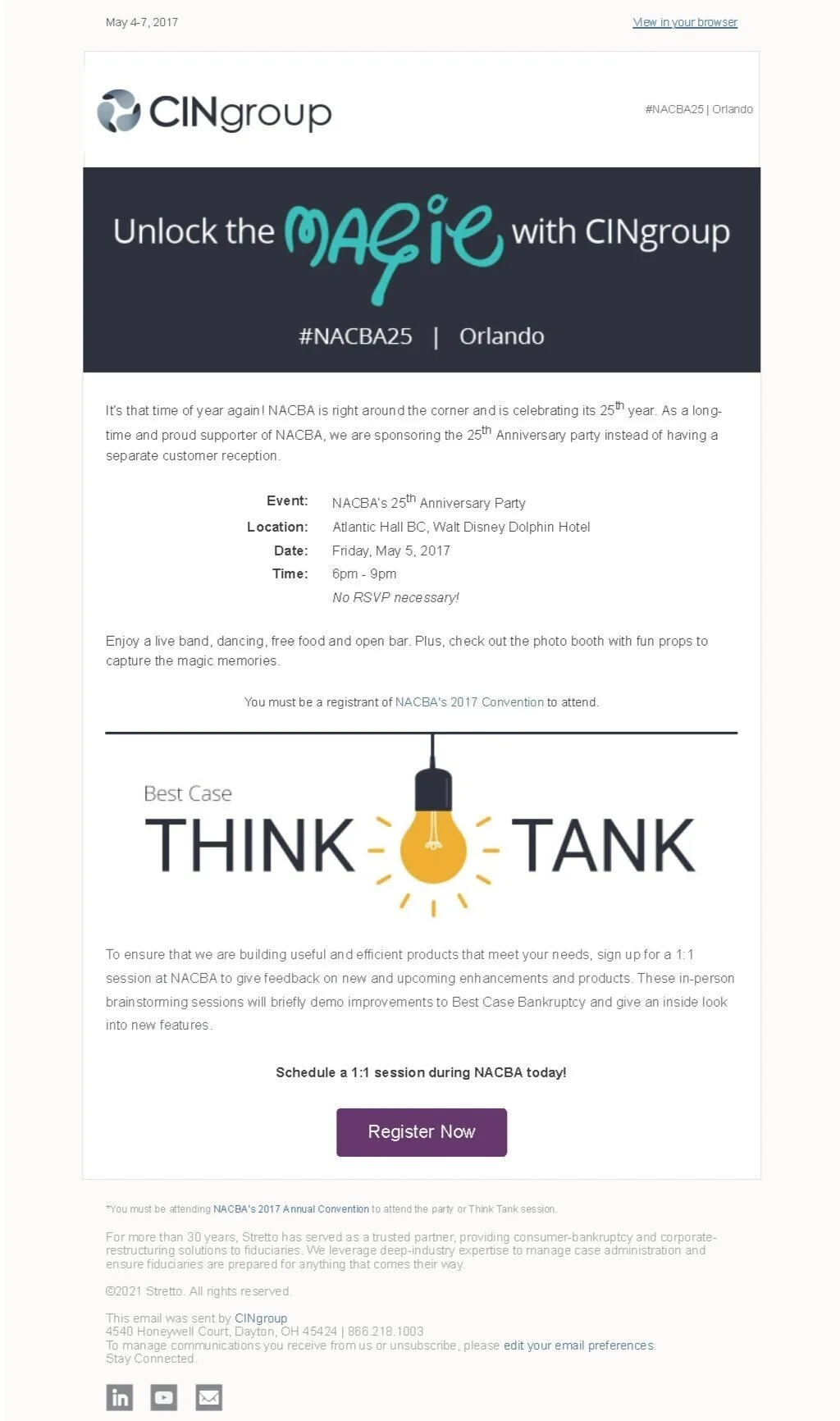
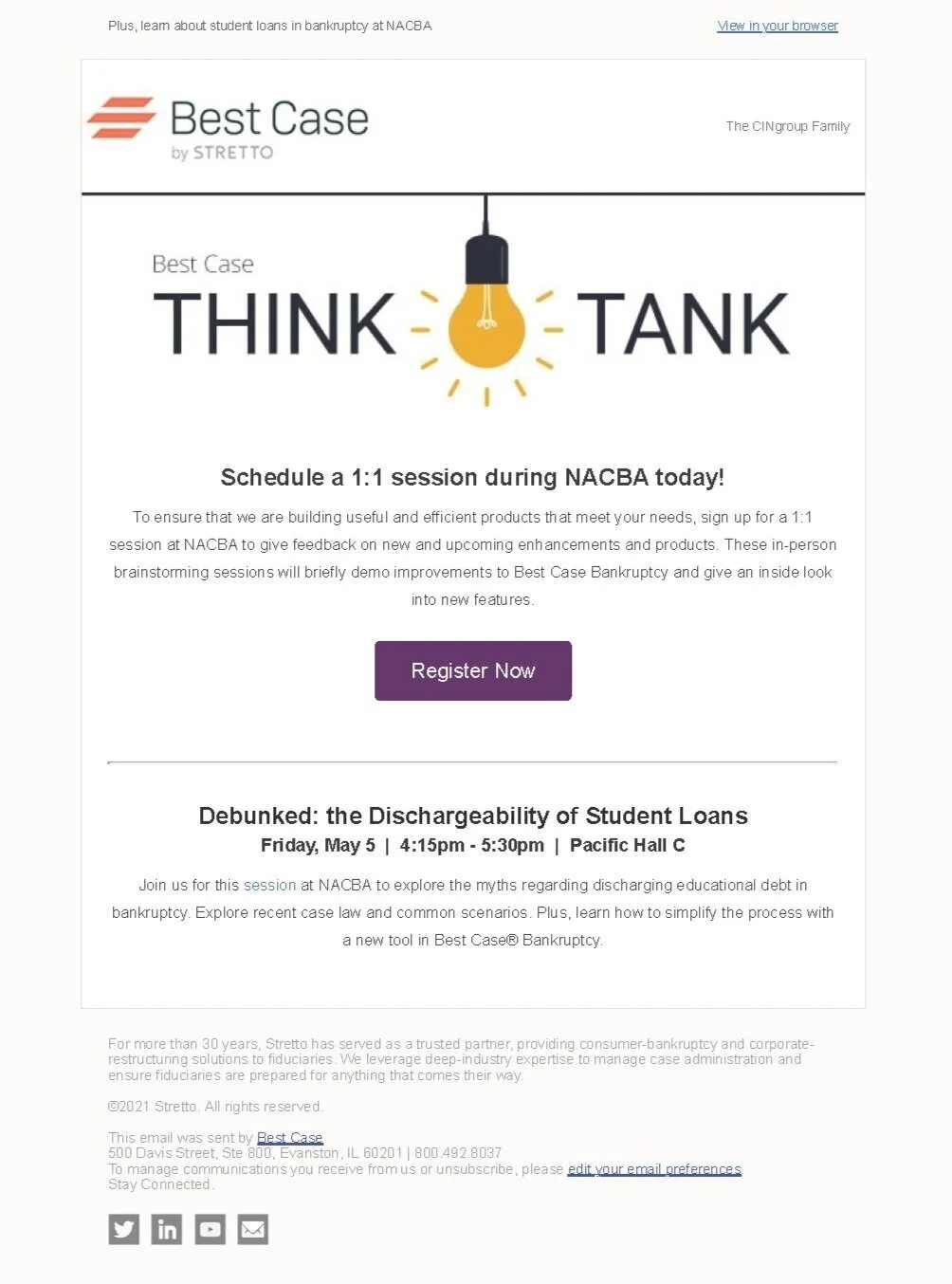
Think Tank changed the whole dynamic of why we were at NACBA and created an intimate experience for our users by inviting them into our process. Since this was such an incredible way to solicit feedback and form new client relationships for future research, we did this again in 2018 and 2019. Unfortunately, NACBA’s events are now run virtually due to COVID-19.
“Our “Think Tank” was very popular – customers really enjoyed the preview of upcoming features and we received valuable feedback on the importance and best use/workflow of our future ideas.”
Improving with Iterative Design Cycles
With our continuous user feedback, we regularly enhanced the Court Notices and Calendar product to resolve immediate and future user needs. We added the following features in the months following our initial release:
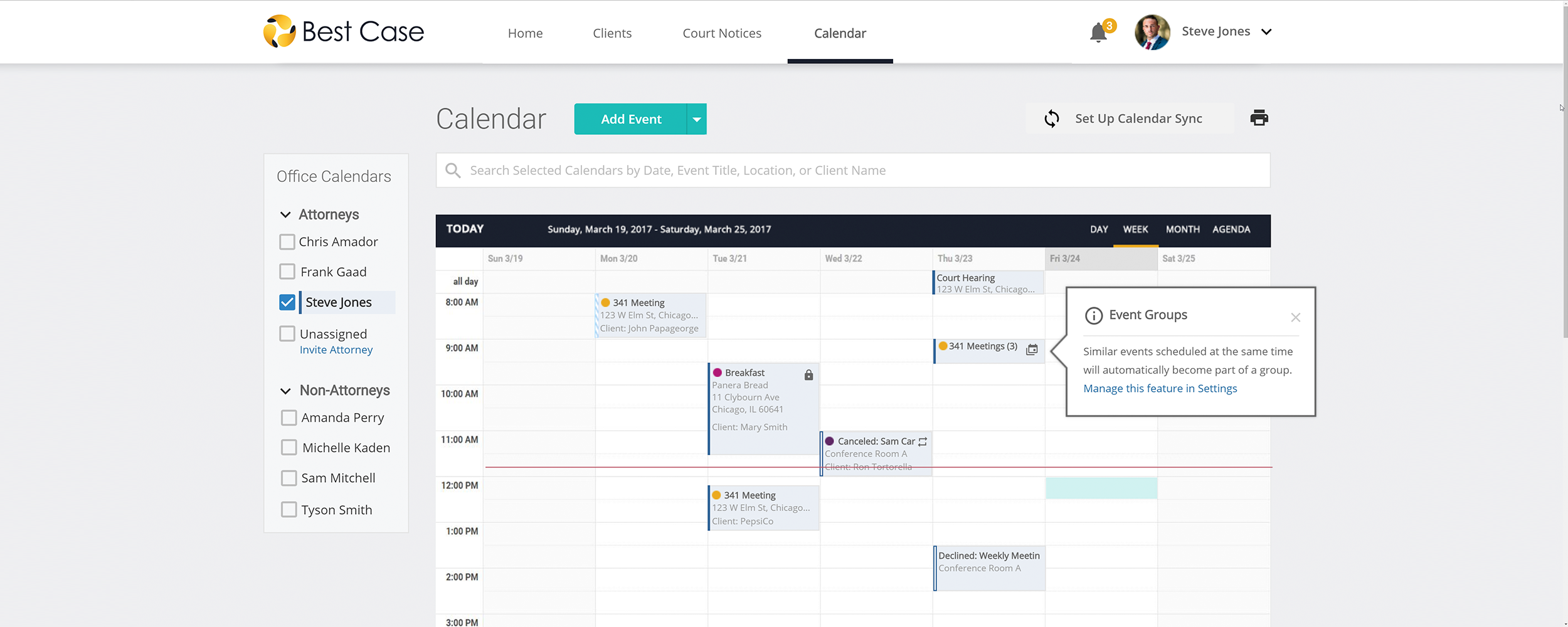
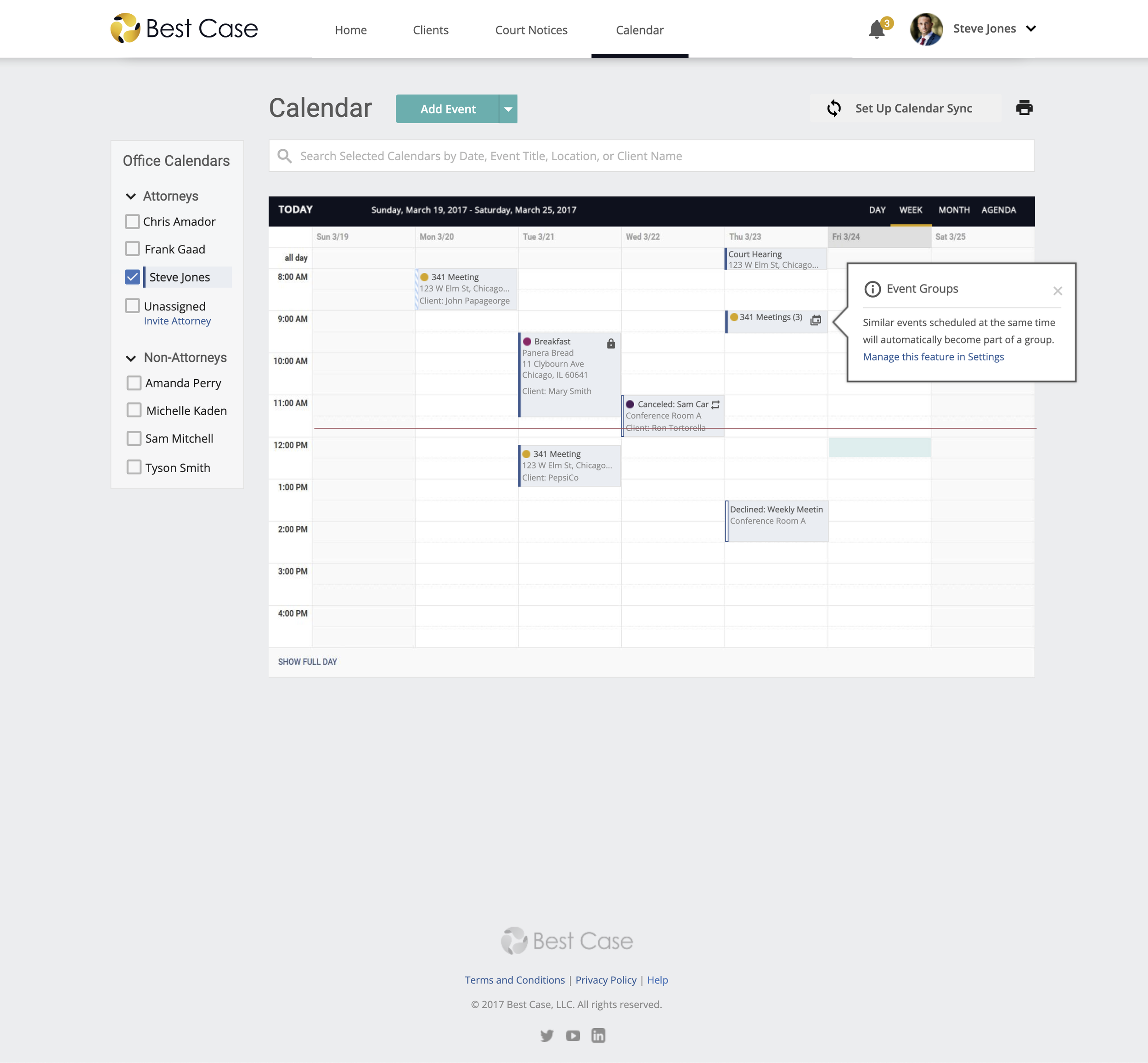
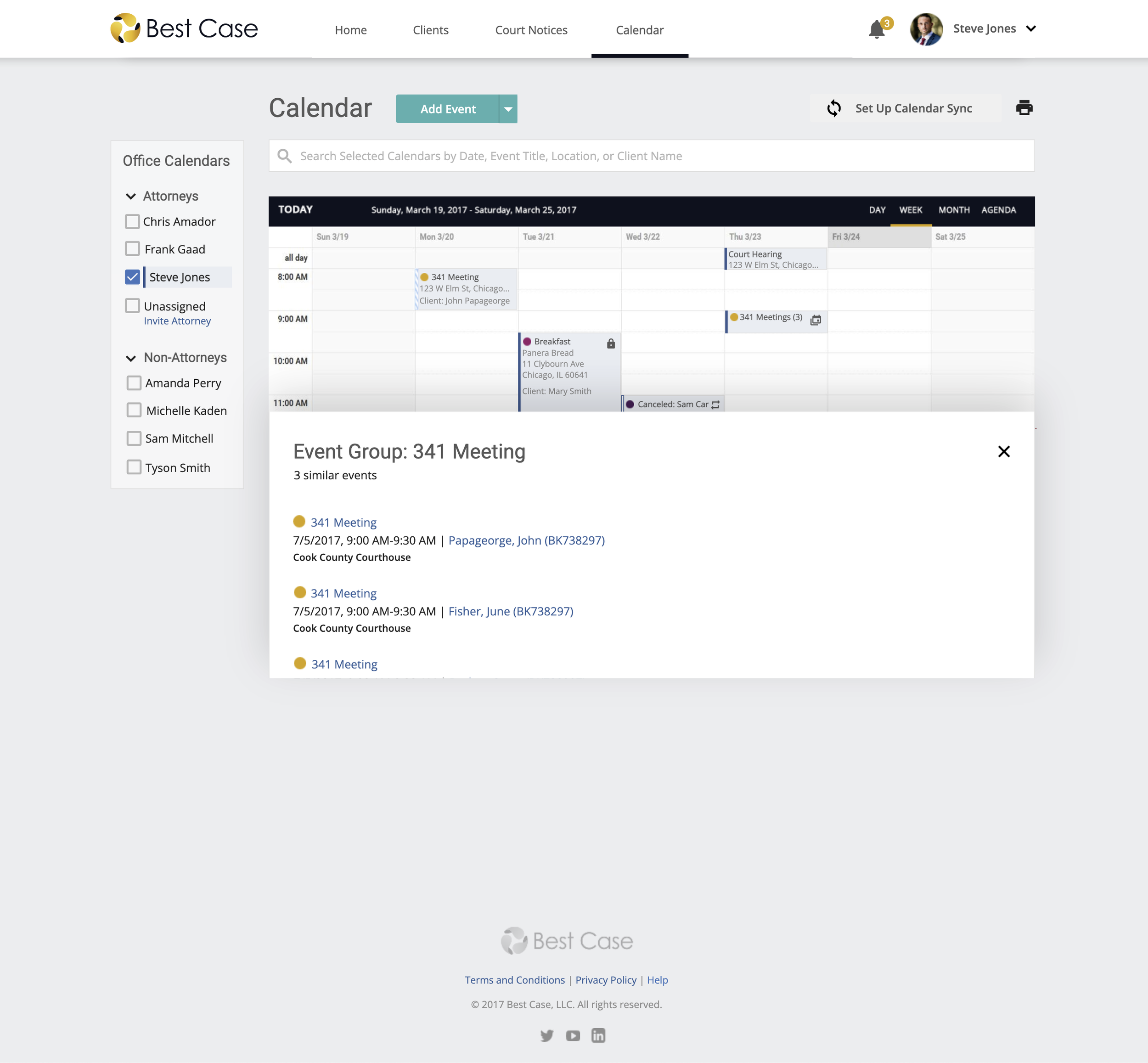
Event Groups to help users manage calendars with several events of similar type that are scheduled at the same time.
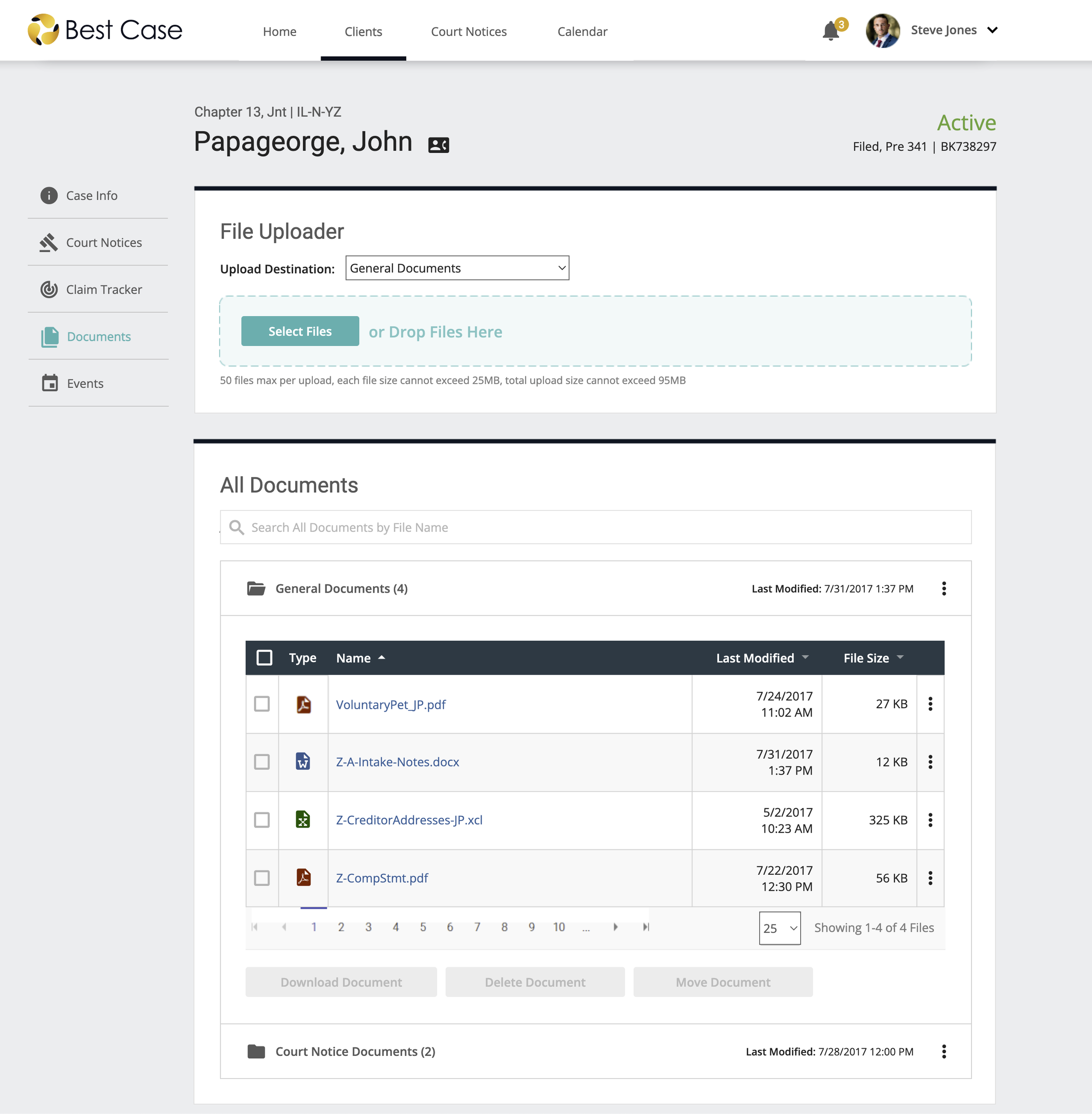
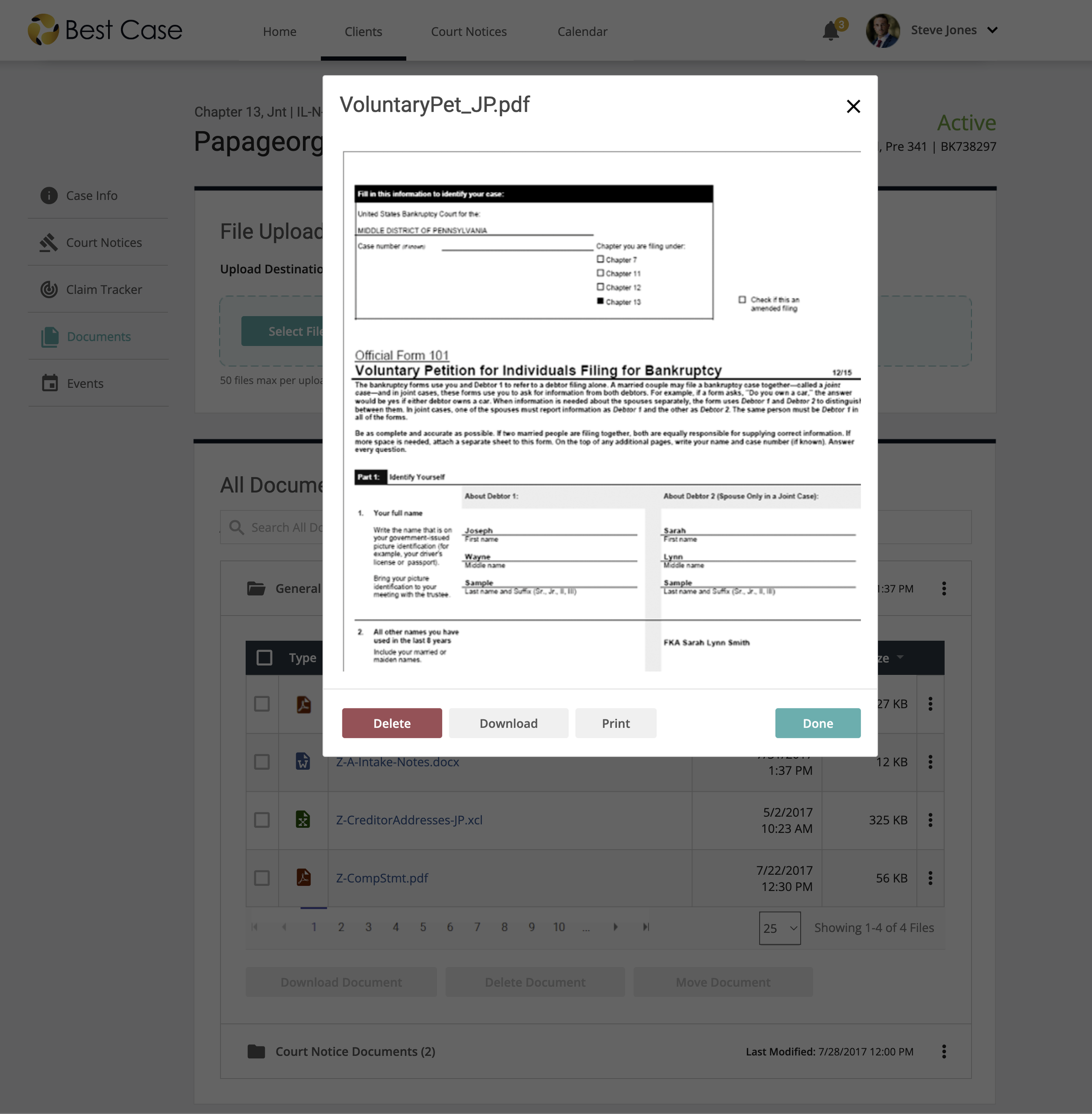
Case Documents to help users organize and store their case documents in the cloud. Plus, integration with court notices and important court PDF documents are automatically saved to the associated case.
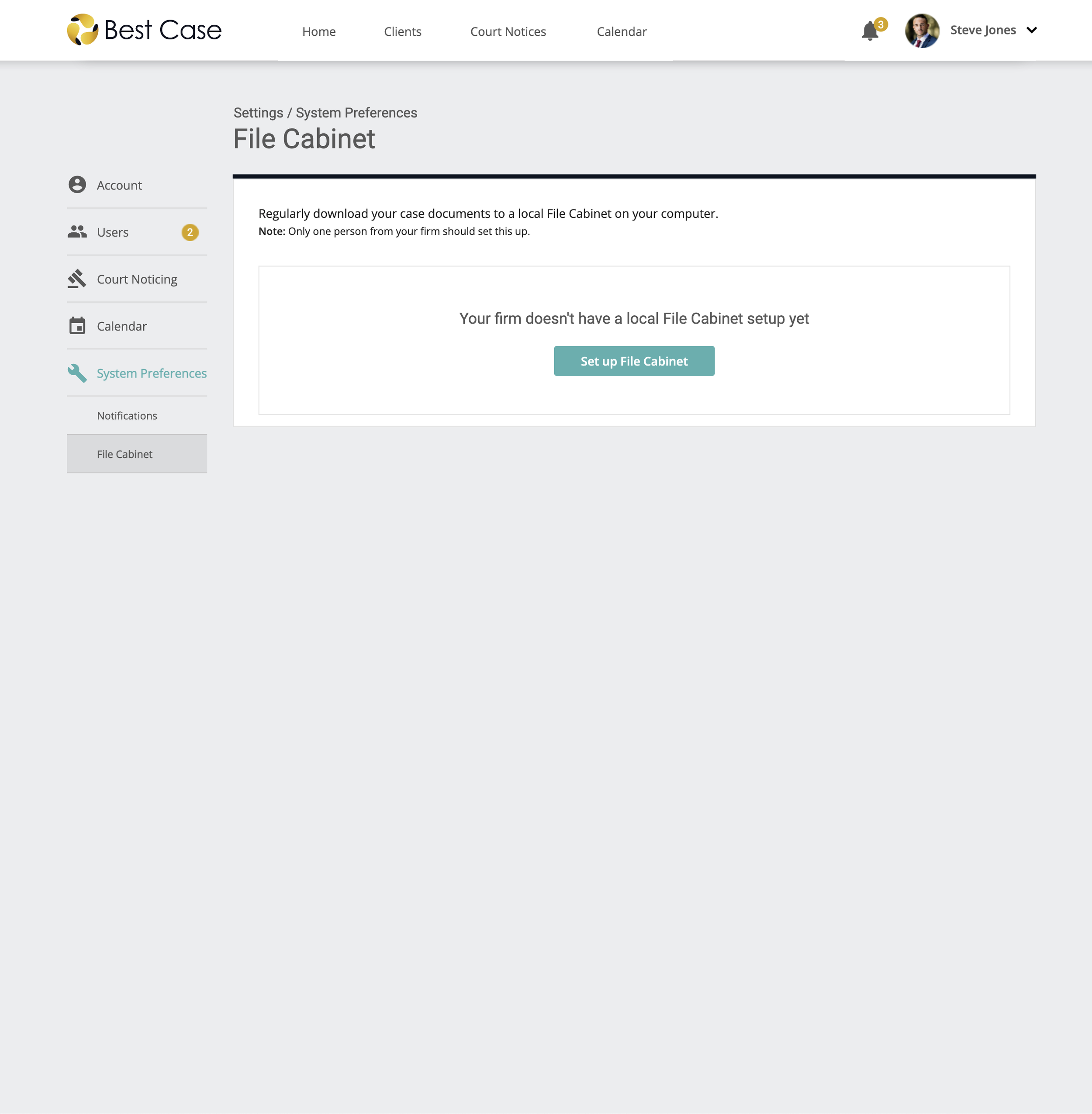
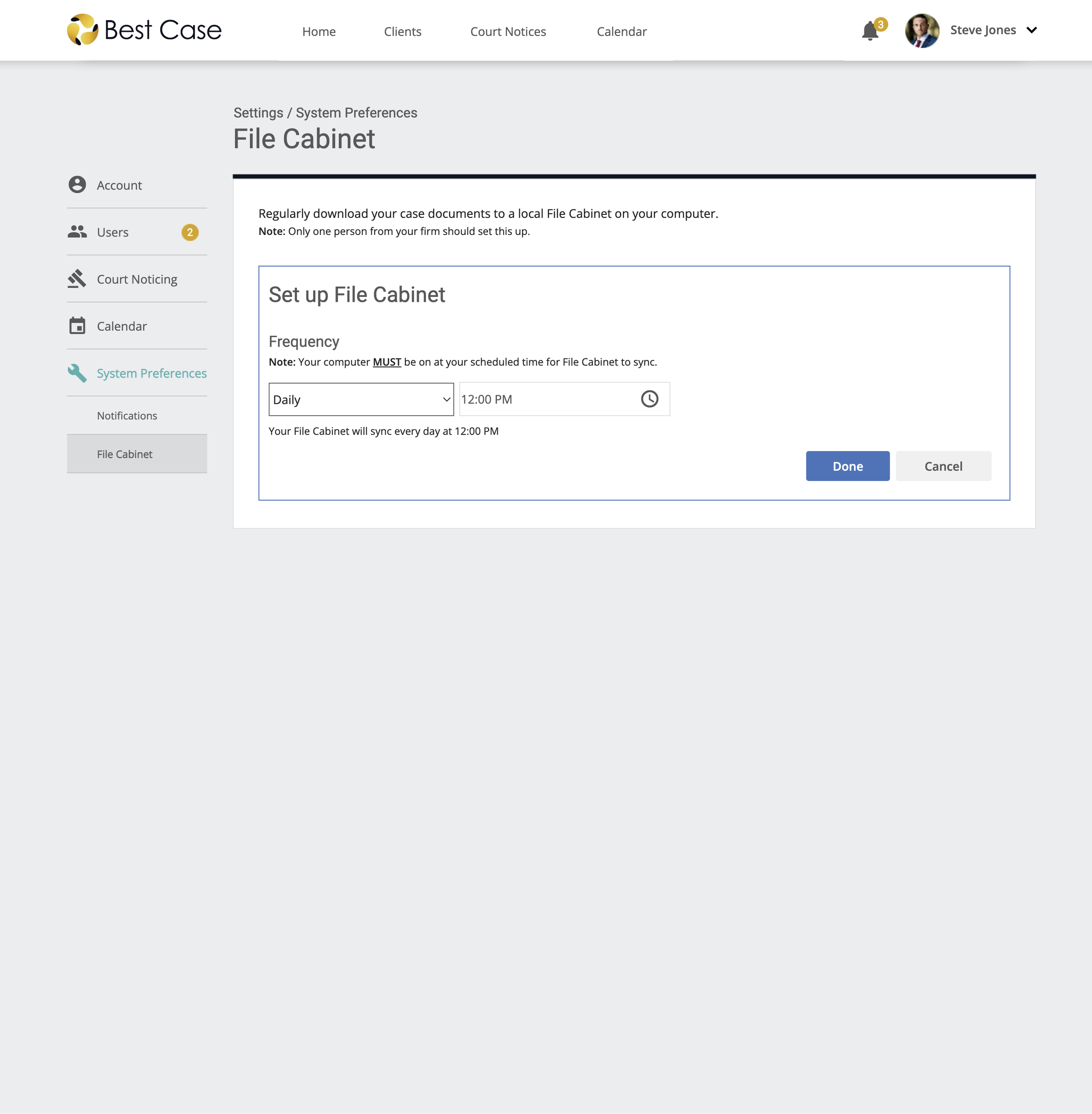
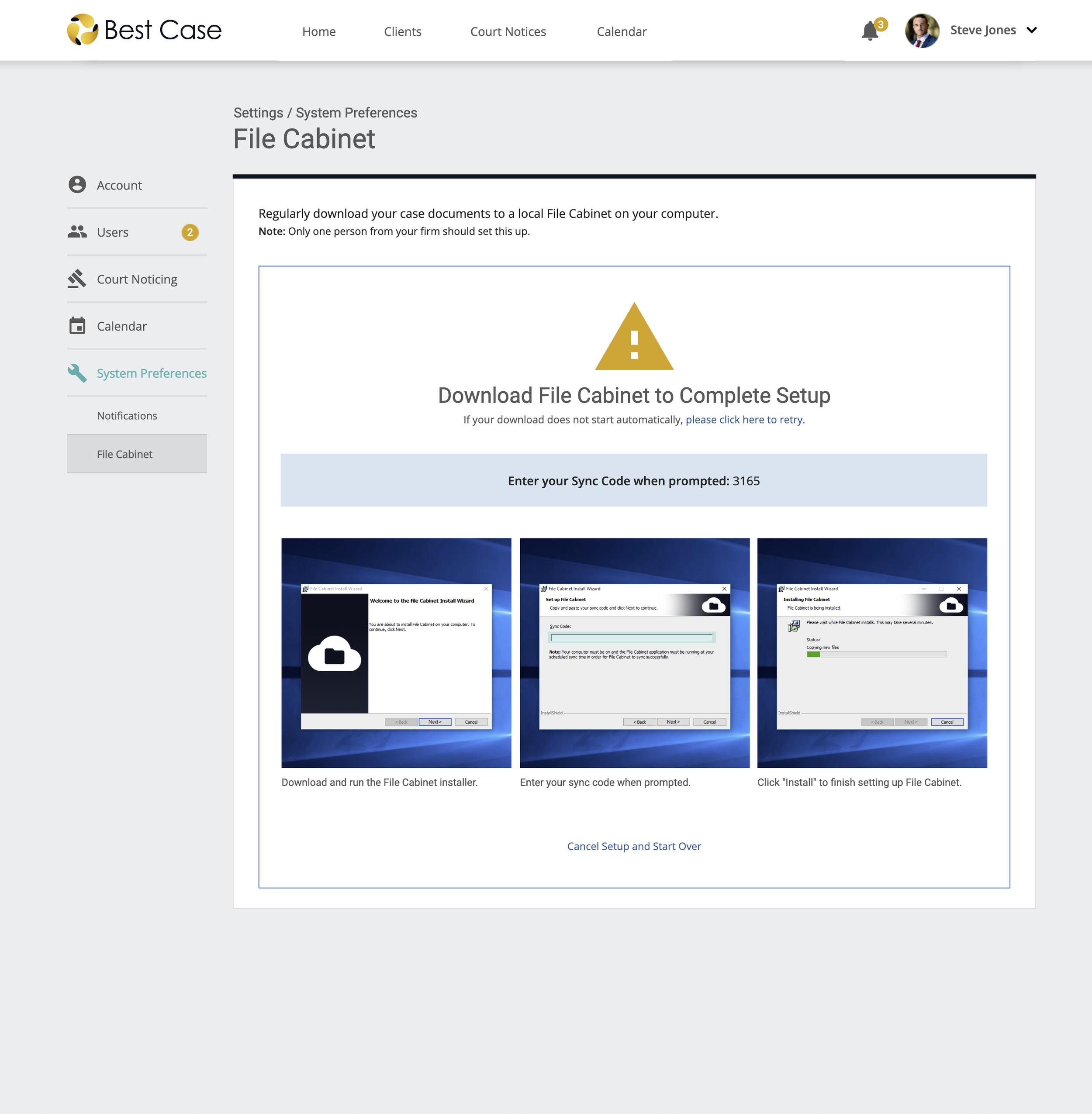
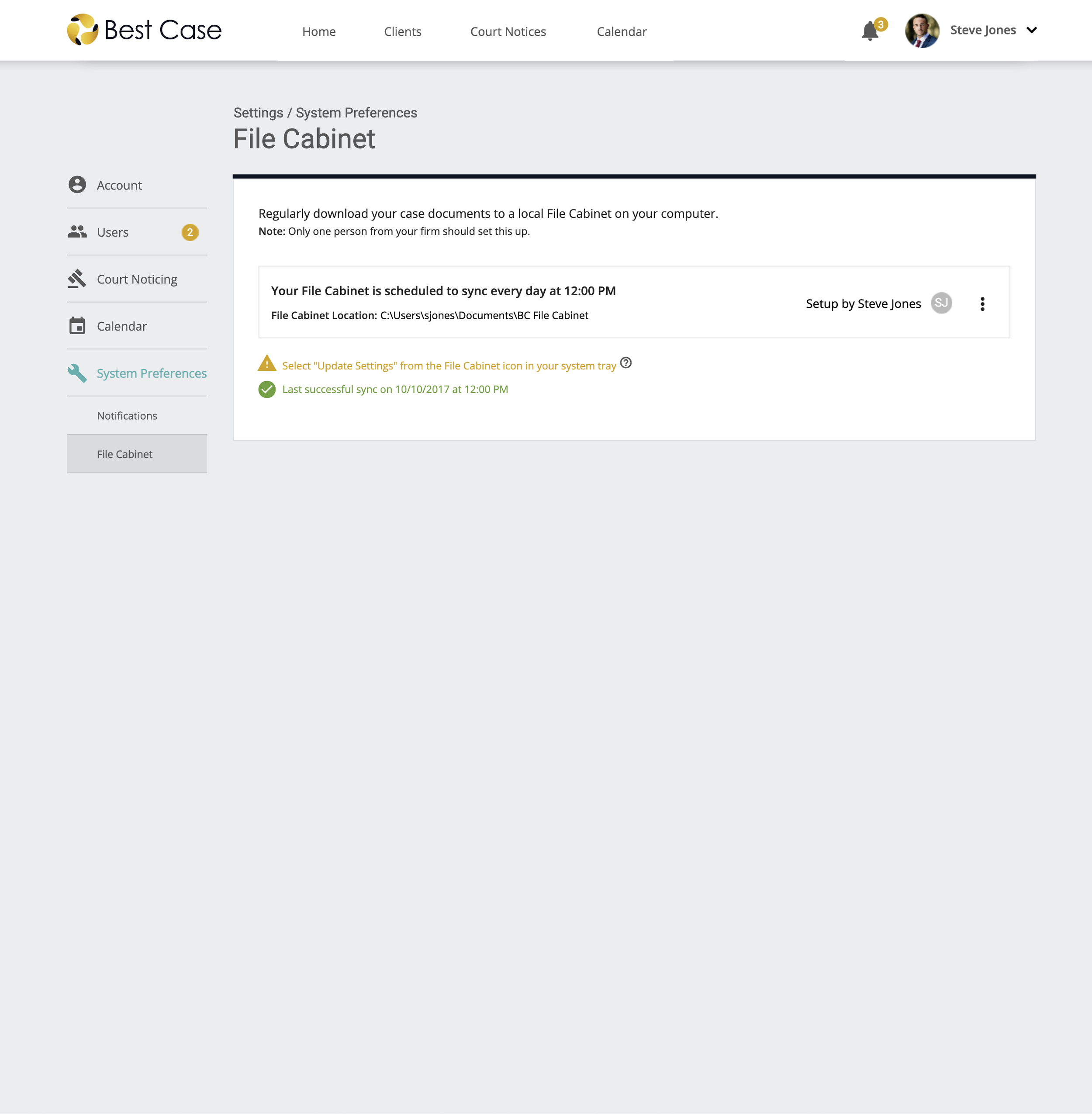
File Cabinet to help users create a local backup for their case documents. MyEFCMail users were used to their program storing a local backup of their documents that often connected to a firm-accessible network drive. File Cabinet helps users sync their document data to their local machine on a regular basis.
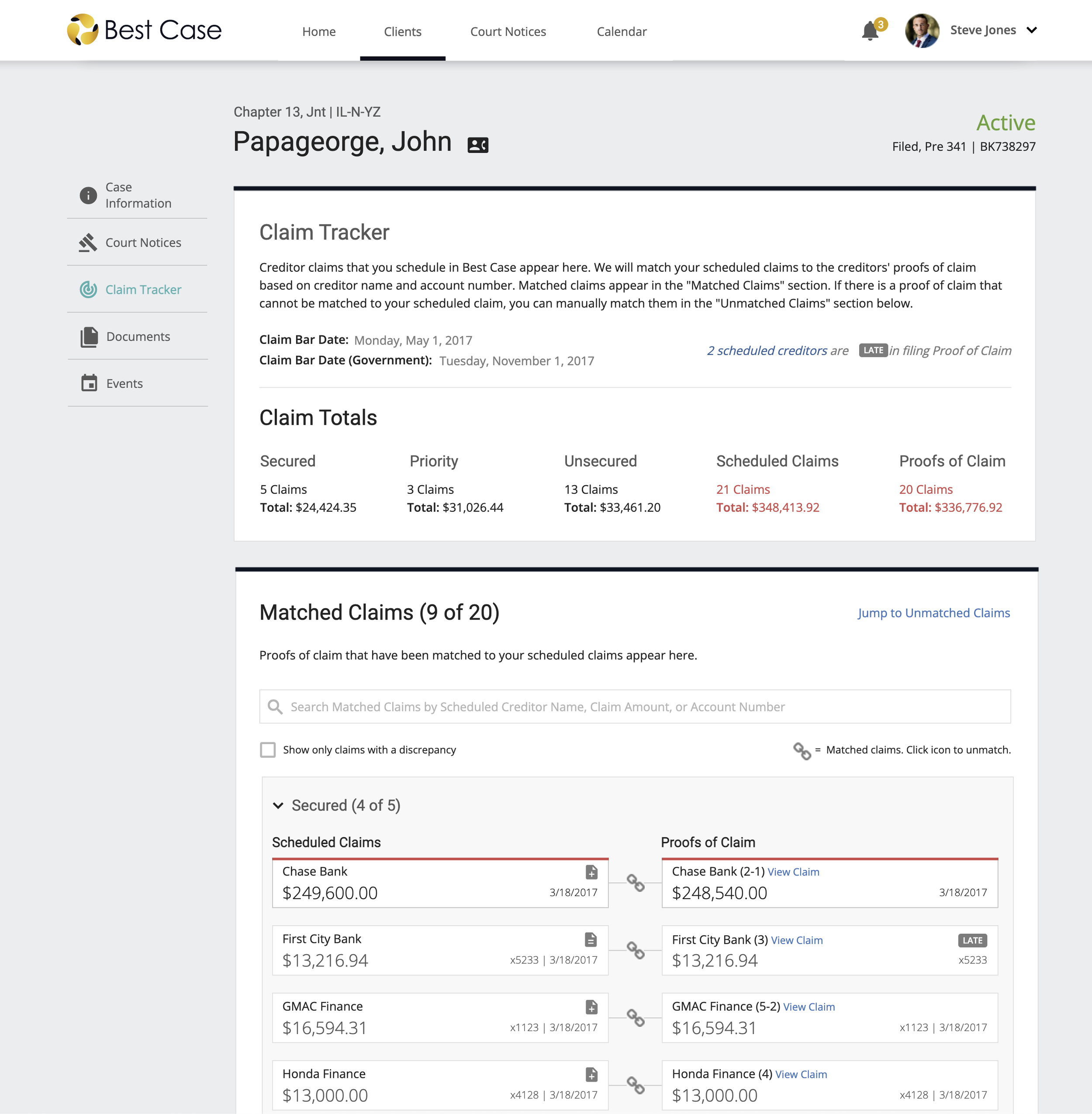
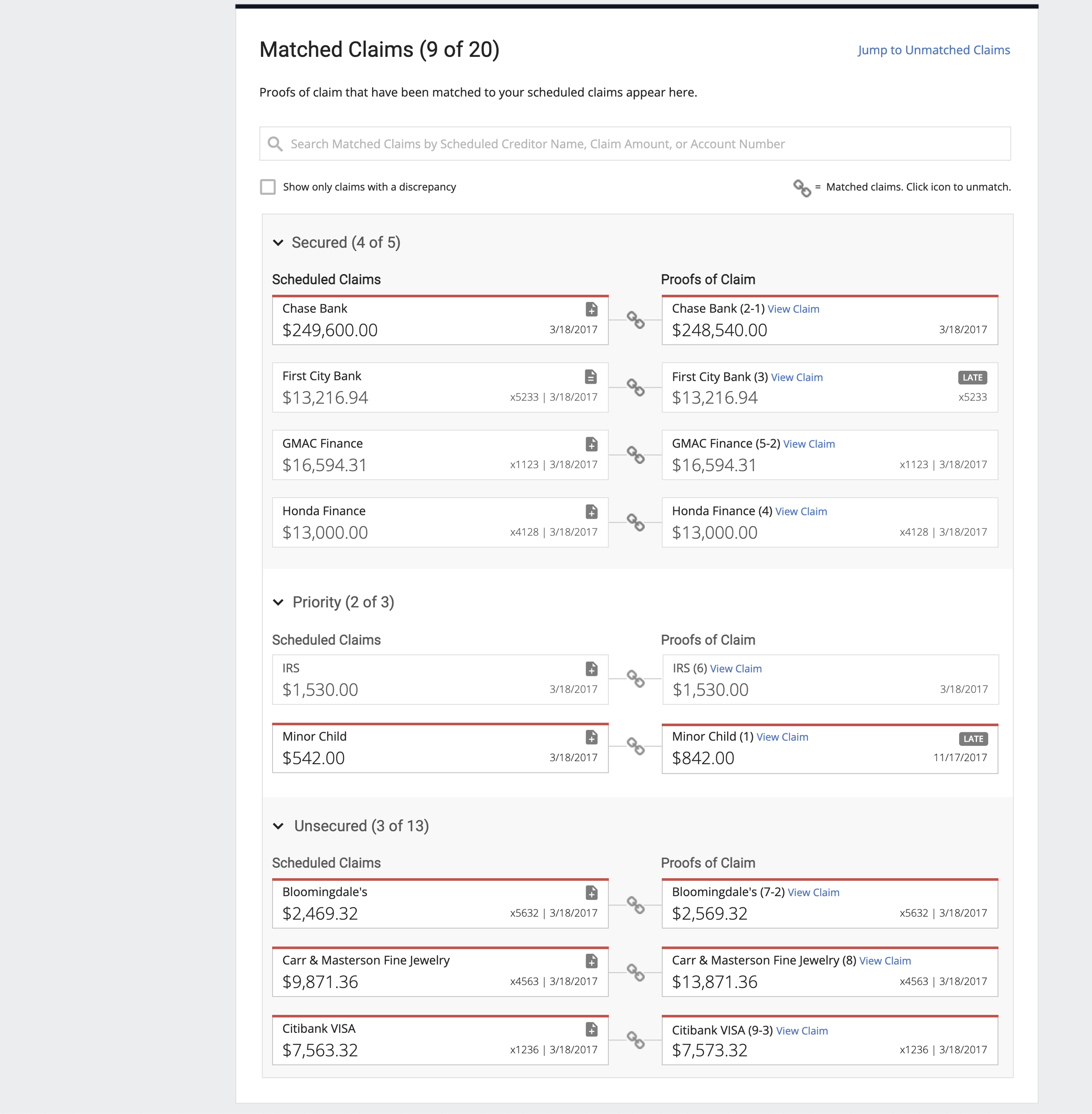
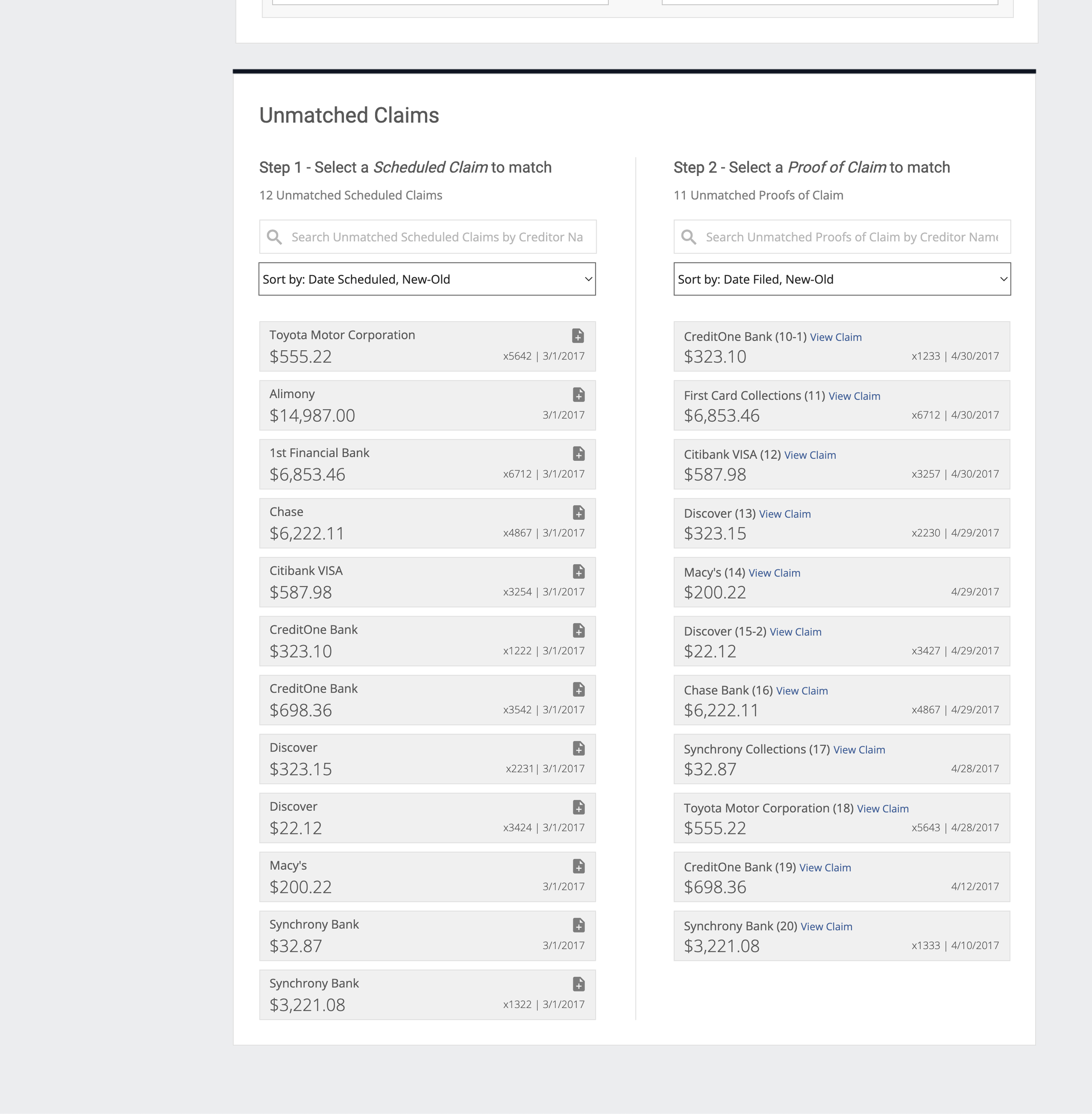
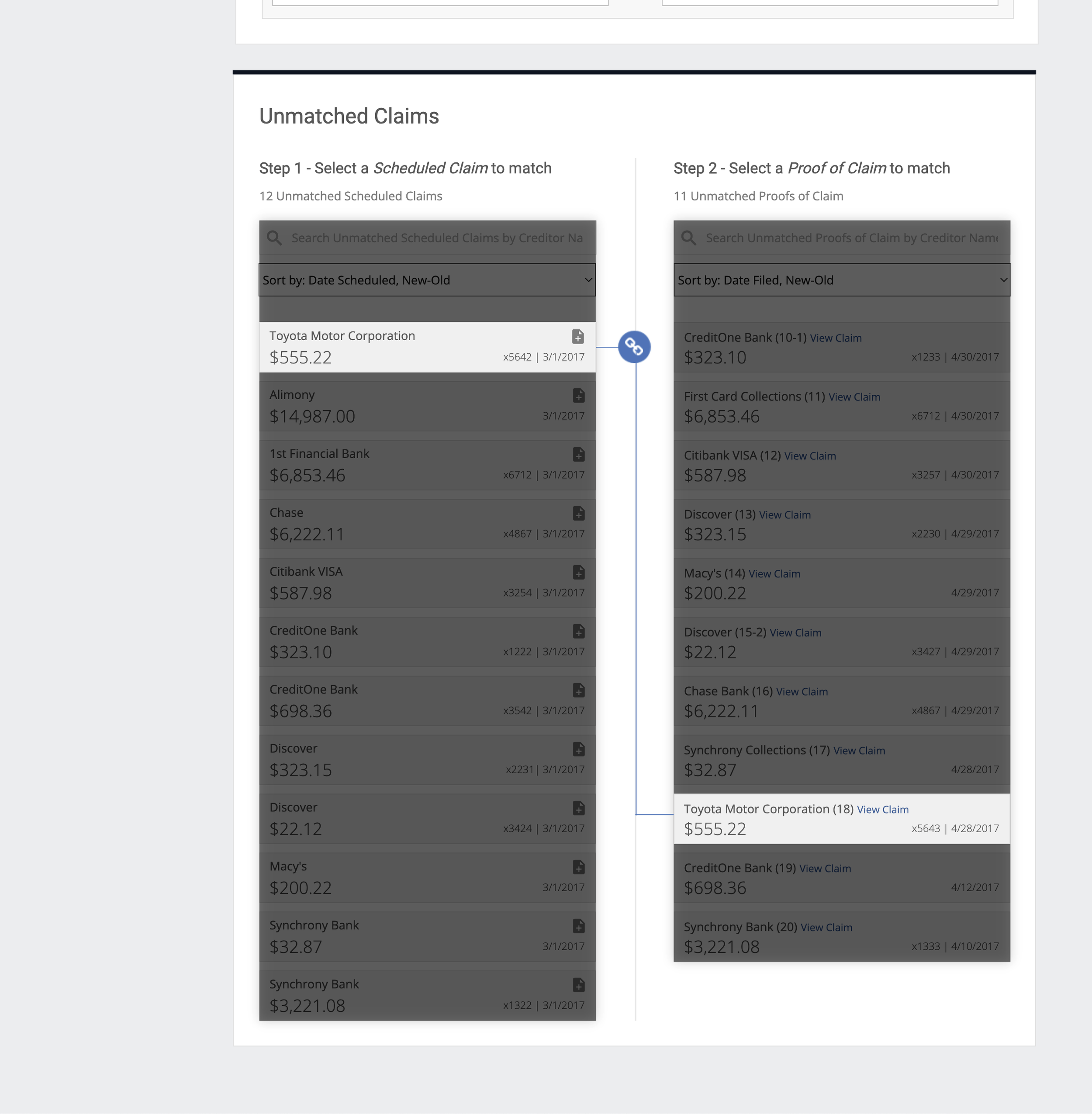
Claim Tracker to help users track scheduled claims and proofs of claim that are filed by creditors in a debtor’s bankruptcy proceeding. Tracking claims helps attorneys stay on top of late claims and potentially object to a claim in hopes of lowering the debt owed or completely dismissing it from the case.
Creating a Visual Design System and Beautiful UI
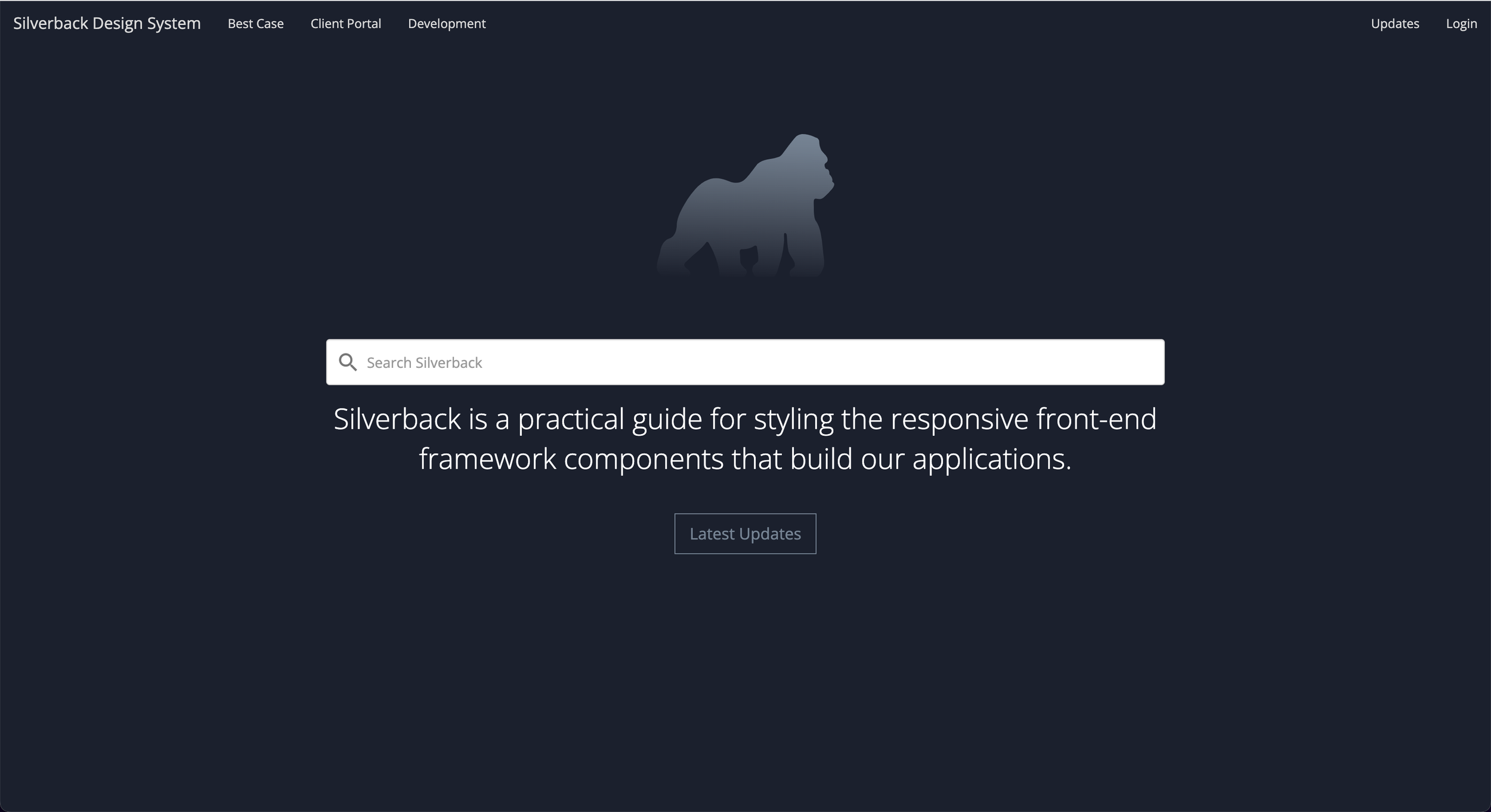
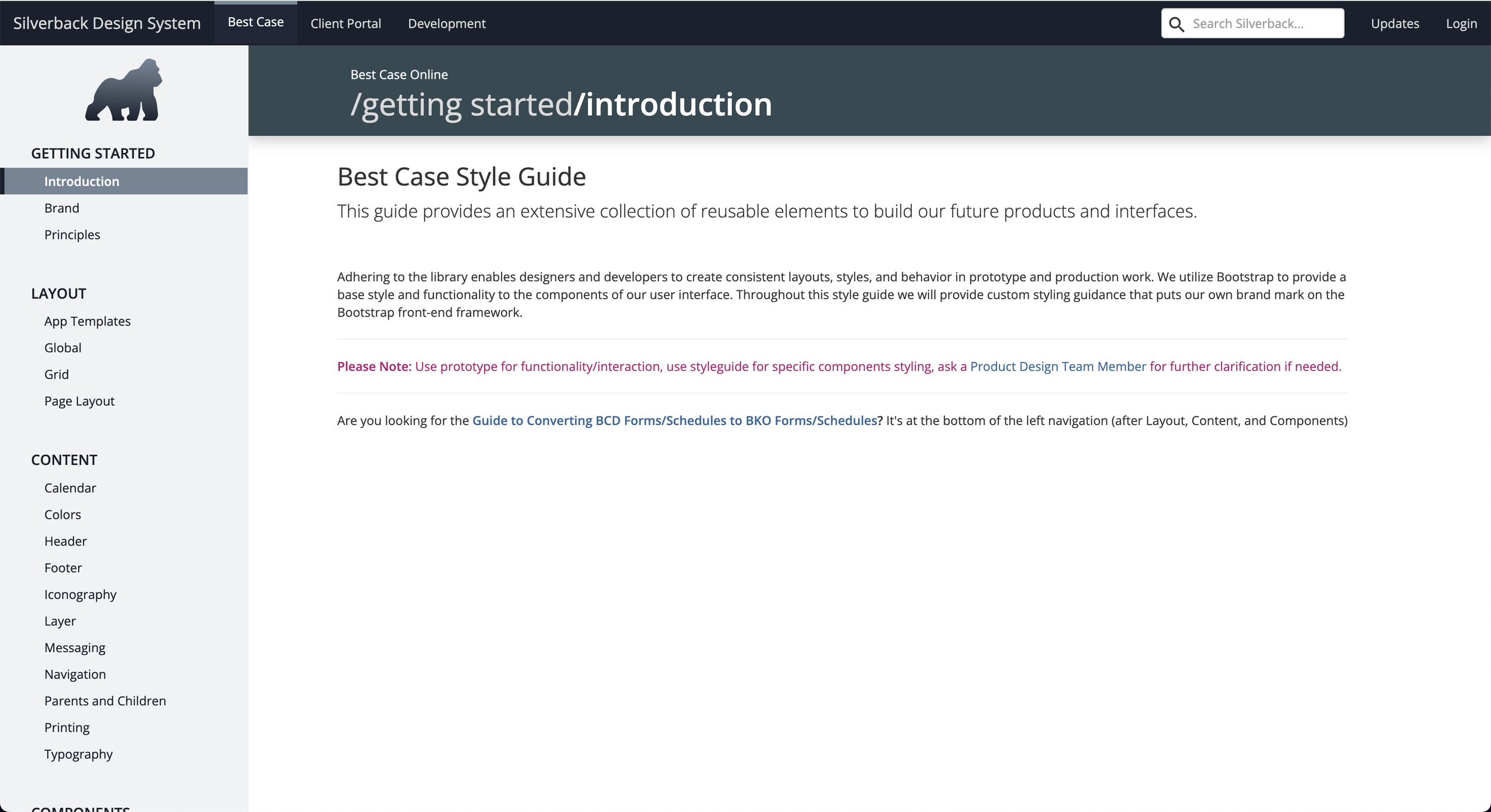
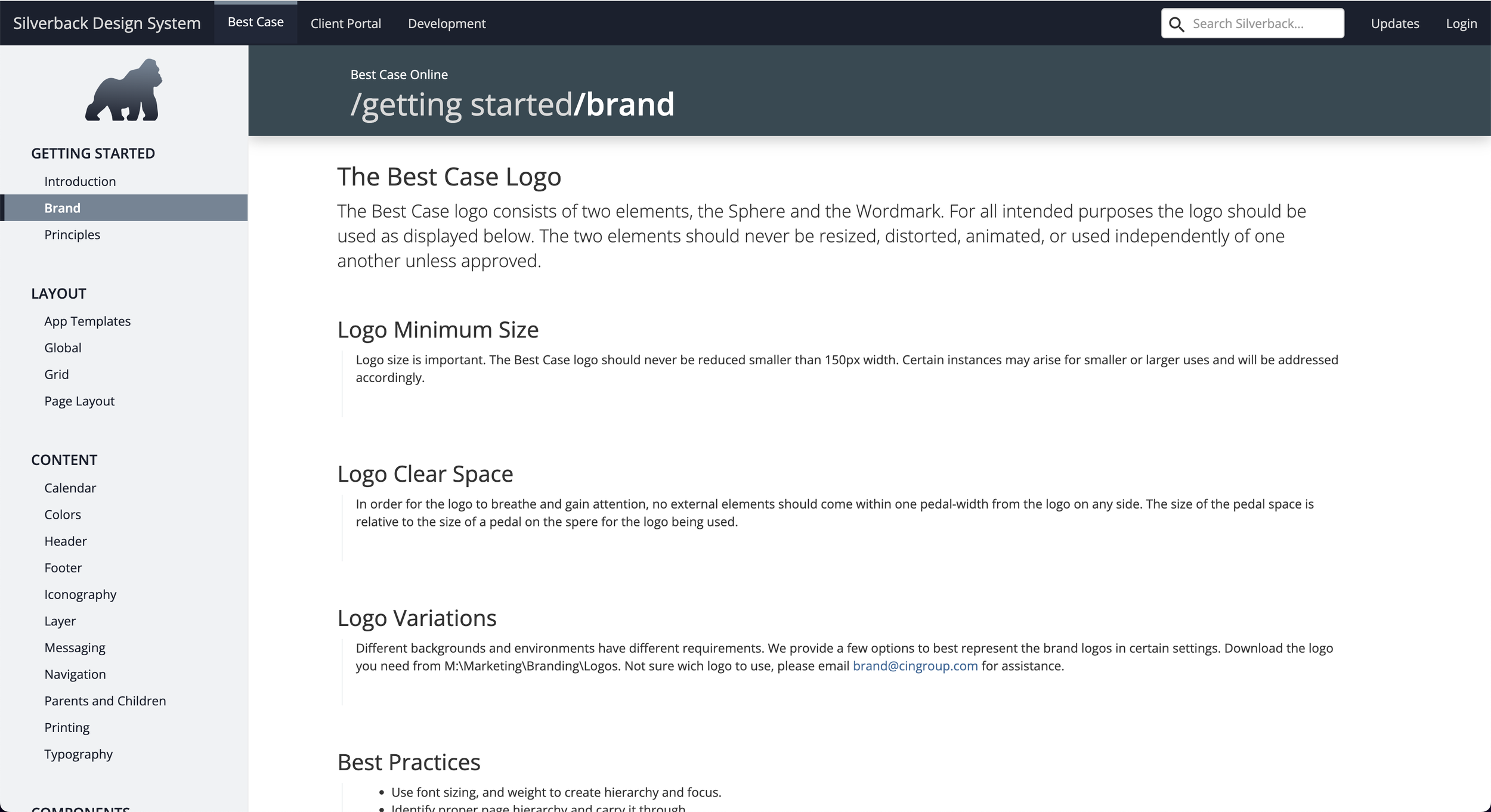
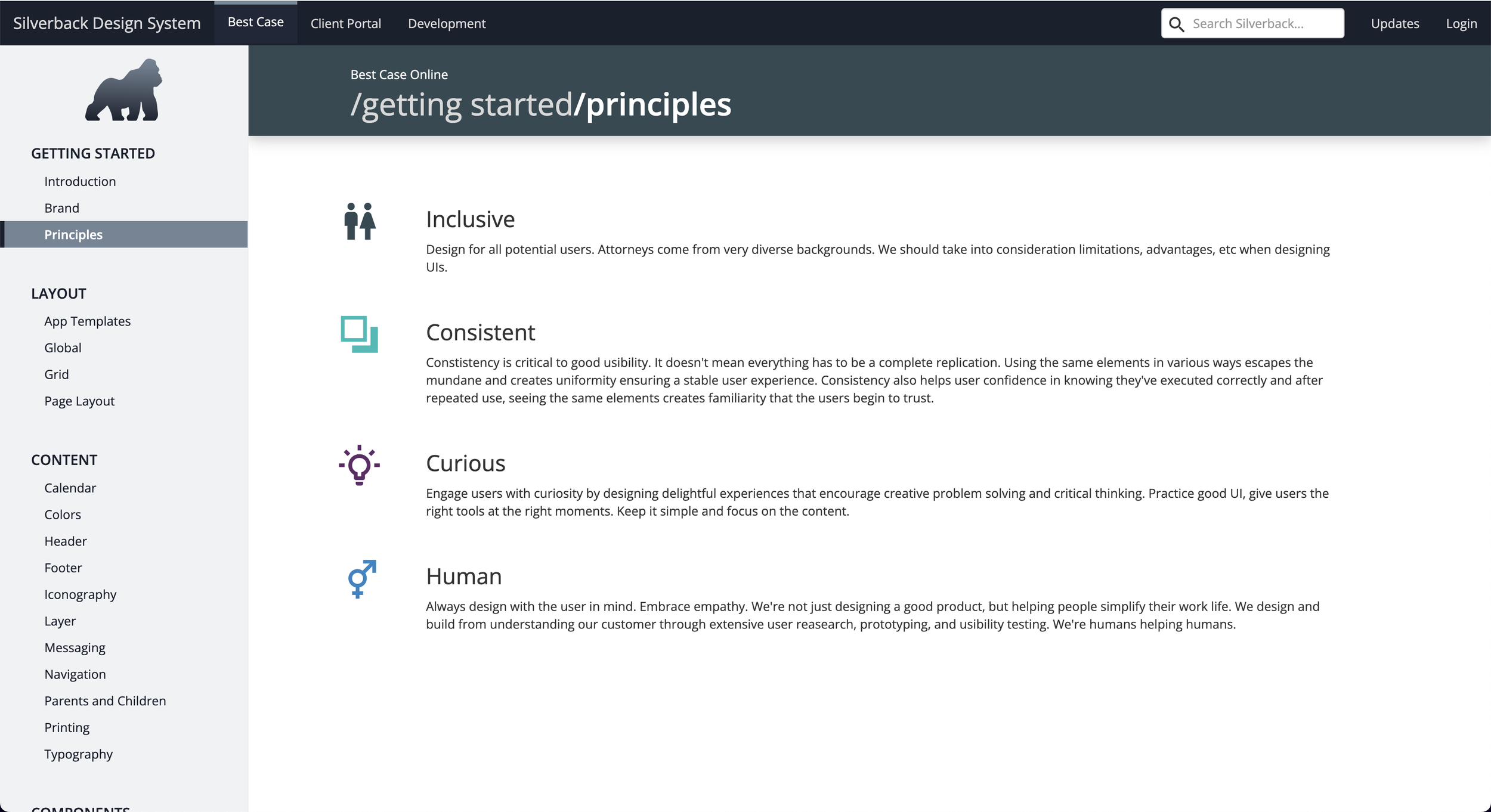
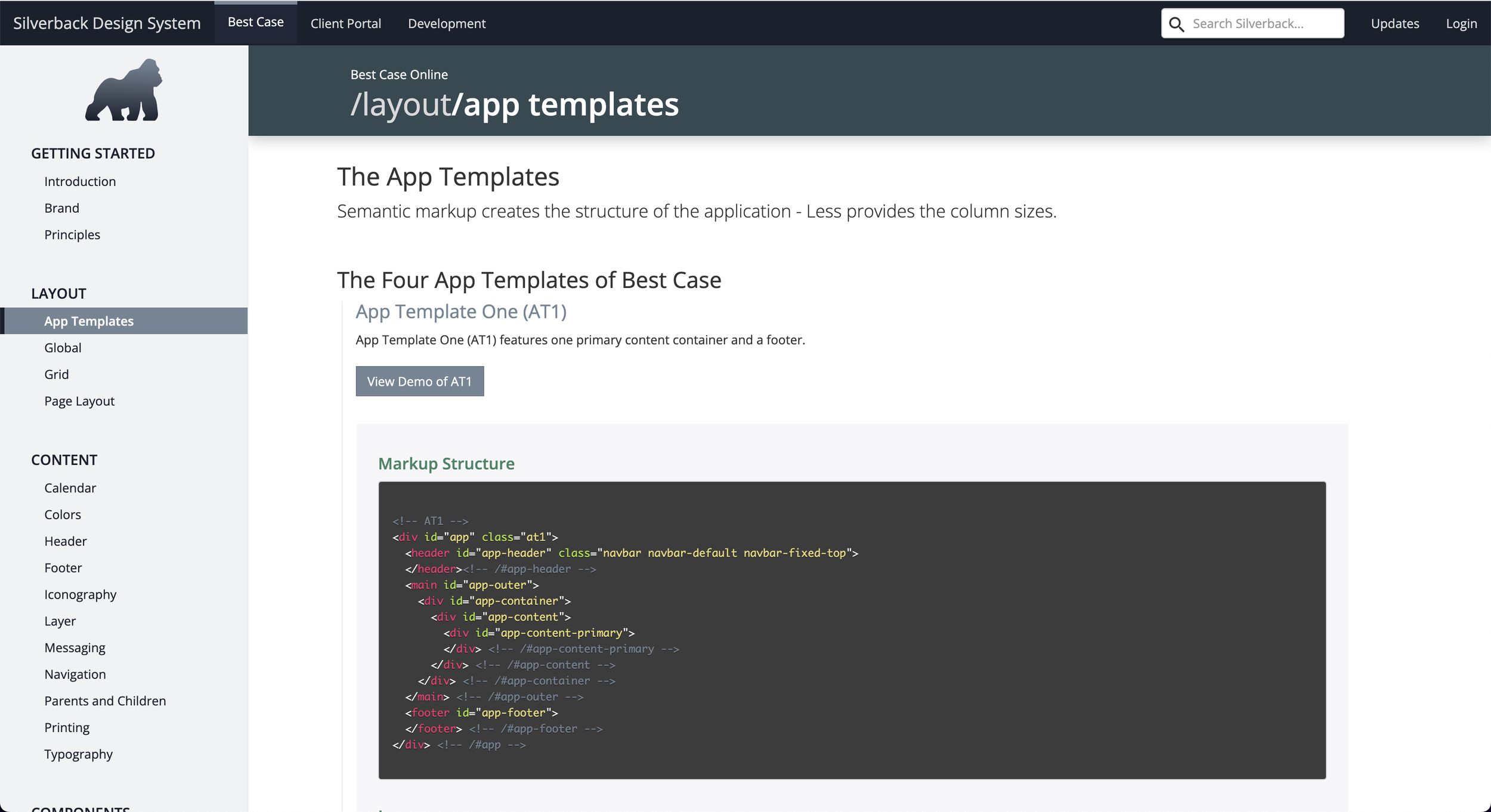
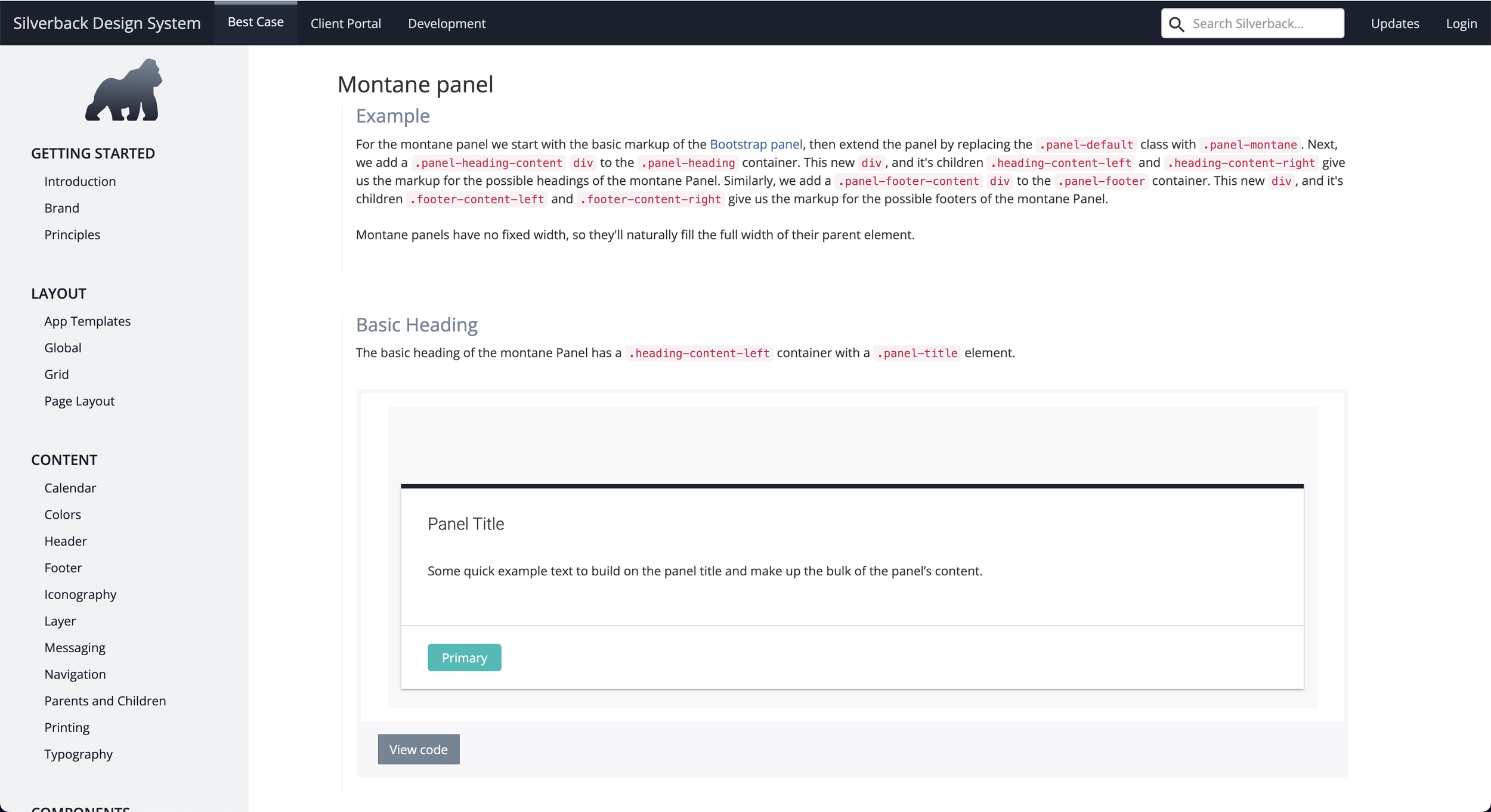
Though there were some initial organizational and process challenges to overcome in launching this product, creating a visual design system helped us deliver a stunning and consistent UI. With a complete design system, integrated with development’s process, I was able to create component libraries that allowed me to iterate faster with rapid prototyping. We called this design system Silverback.