
Electronic Claims Heuristic Evaluation
Overview
Role: Lead Product Designer
Project: Conduct a heuristic evaluation of Stretto’s Electronic Claims Filing website. Make expert design recommendations that improve the usability and efficiency for creditors that are filing proofs of claims in Chapter 11 bankruptcy proceedings.
Type: Website Redesign
What is a claim in bankruptcy?
From USCourts.gov: The Bankruptcy Code defines a claim as: (1) a right to payment; (2) or a right to an equitable remedy for a failure of performance if the breach gives rise to a right to payment. Generally, any creditor whose claim is not scheduled (i.e., listed by the debtor on the debtor's schedules) or is scheduled as disputed, contingent, or unliquidated must file a proof of claim (and attach evidence documenting the claim) in order to be treated as a creditor for purposes of voting on the plan and distribution under it.
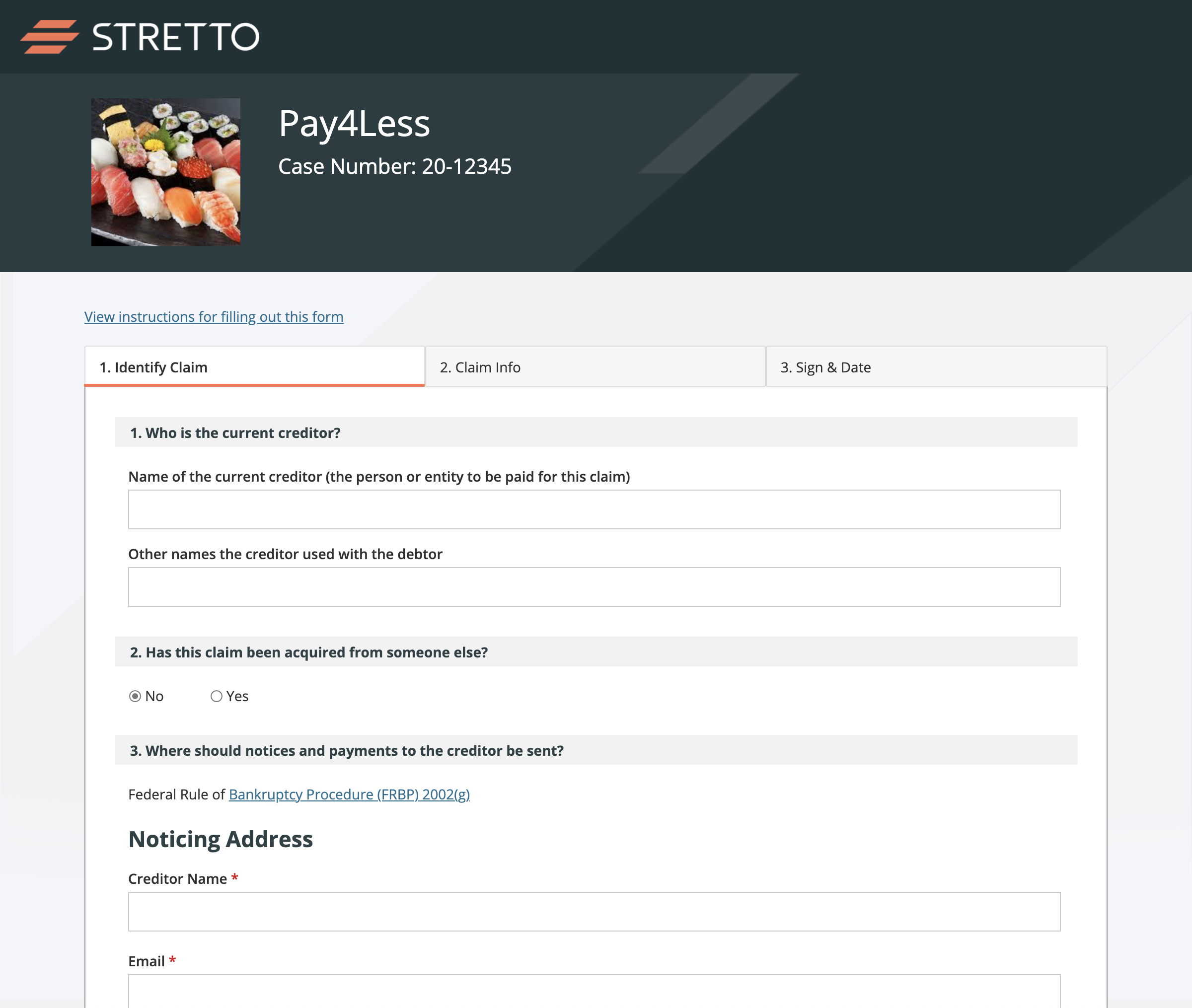
Stretto, as a Claims Agent for Chapter 11 bankruptcy cases, handles the claims administration for their clients. Stretto’s Electronic Claims Website (ECW) provides creditors the ability to file claims and attach evidence using a web form.
Electronic Claims Website
Electronic Claims Website (ECW) is a public website that allows creditors to file electronic proofs of claims against debtors in a Chapter 11 bankruptcy case. The website serves users, the “creditors” (e.g., utility companies, vendors, banks, various individuals, etc.), that are owed money from a case—in addition to filing a claim, users can add supporting documents and add noticing parties.
Stretto’s Electronic Claims Website
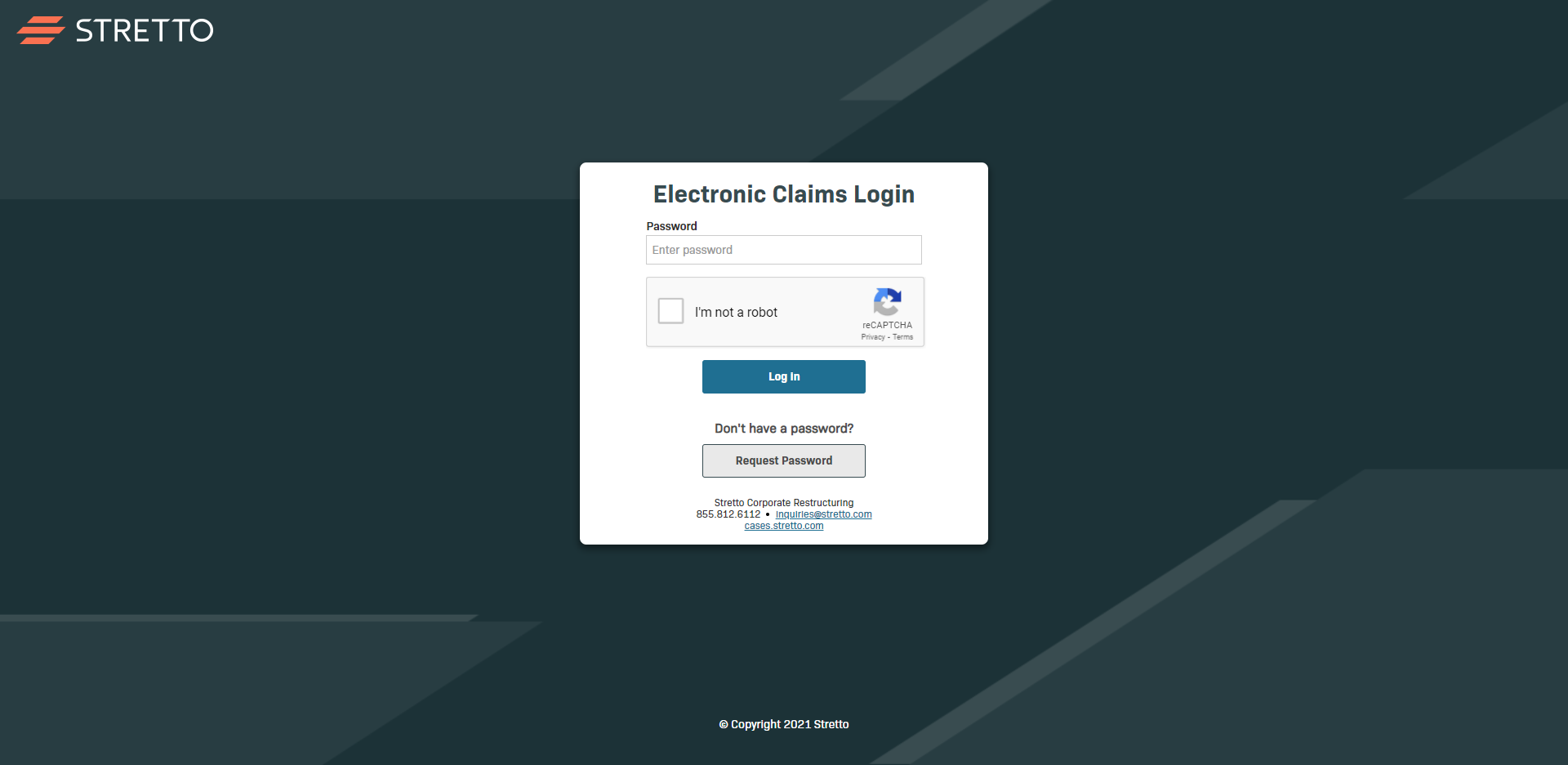
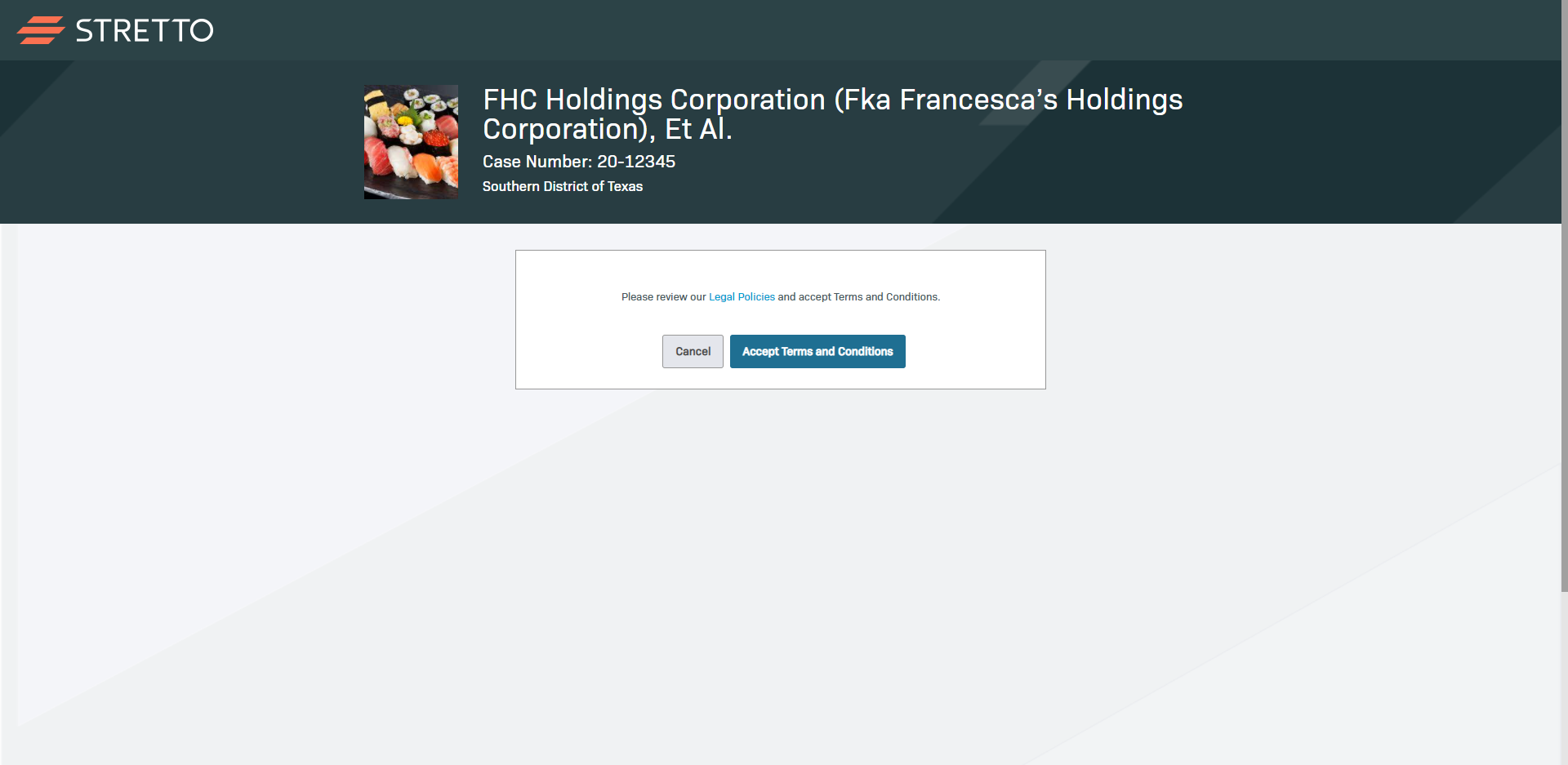
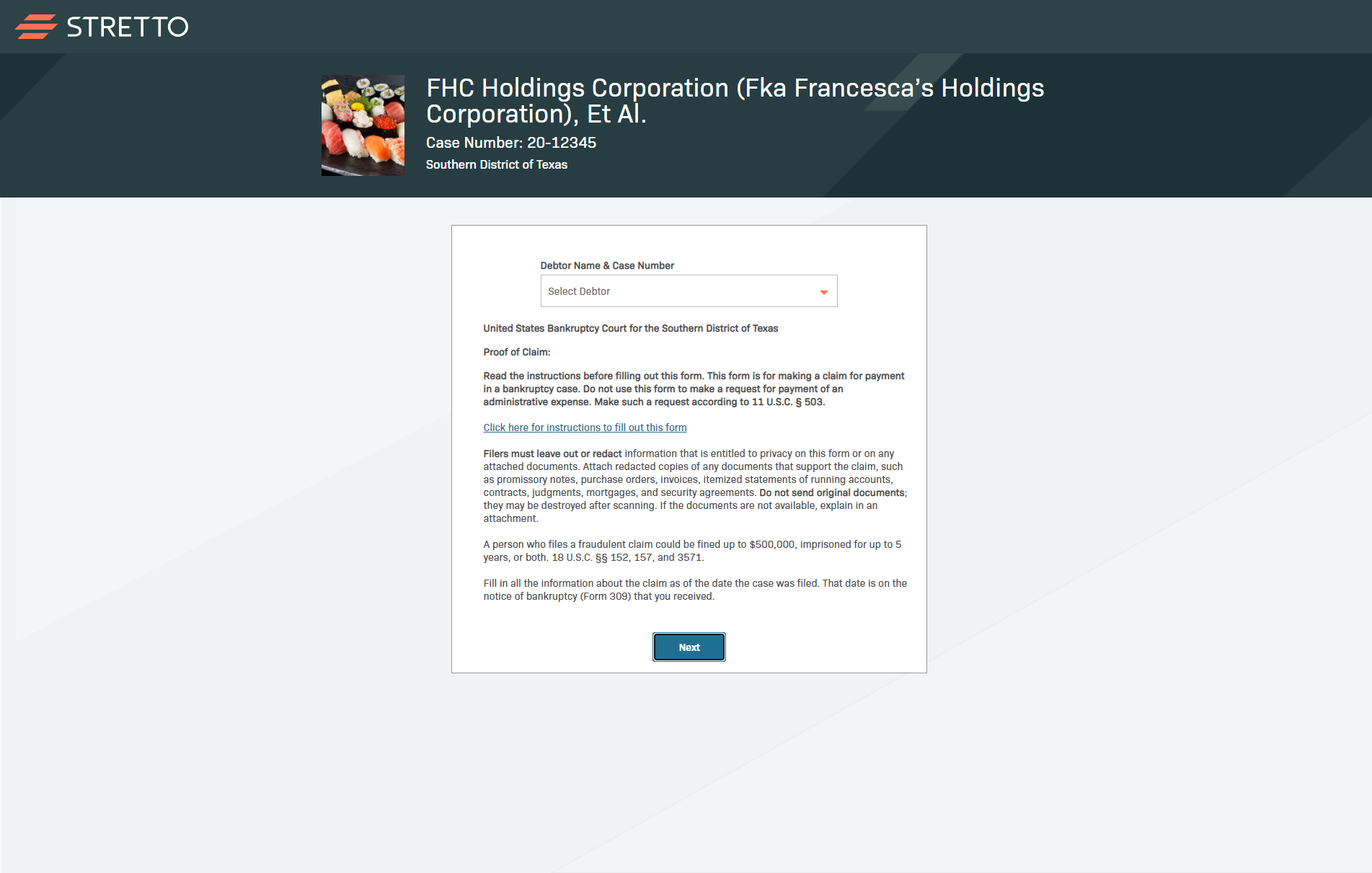
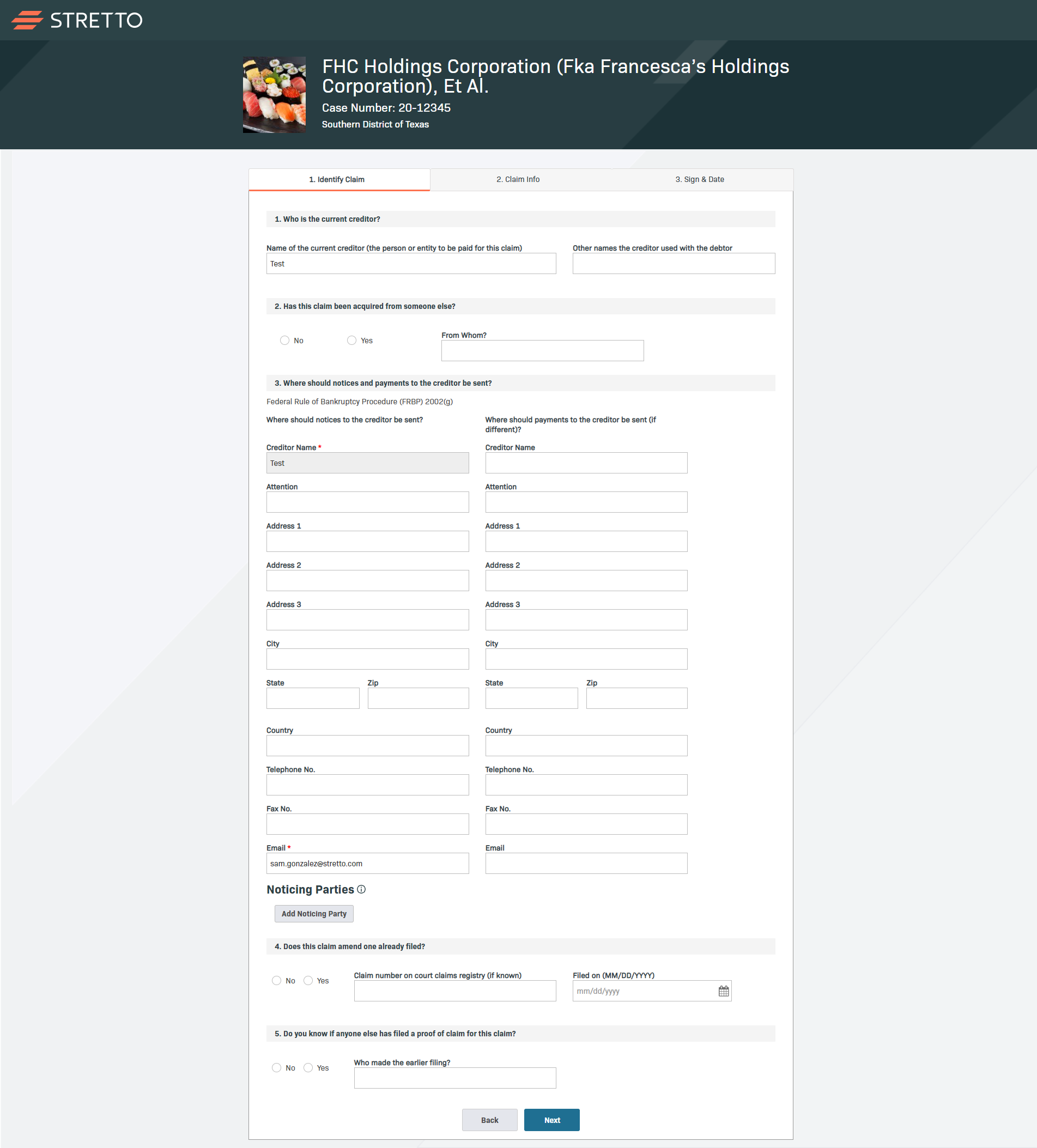
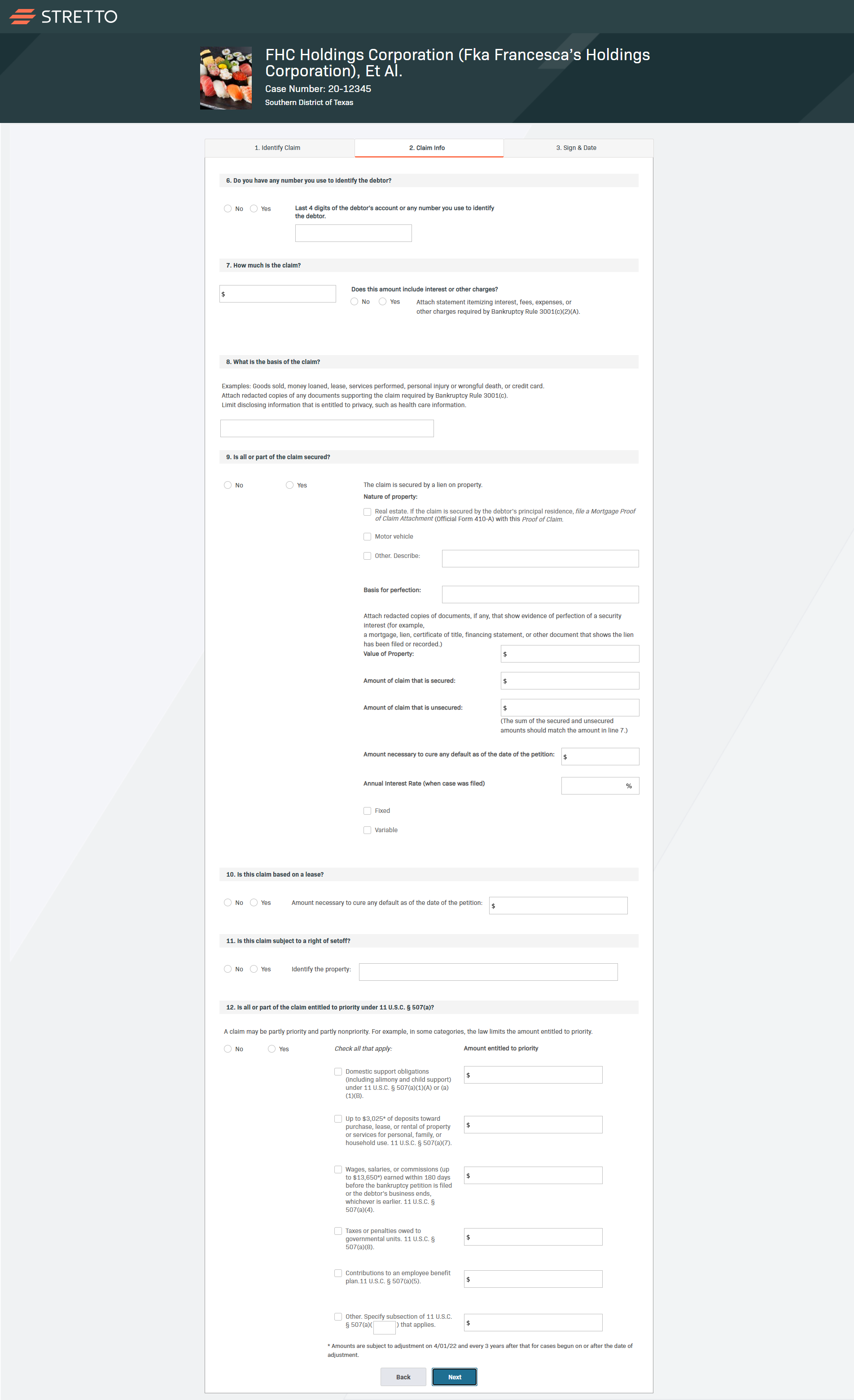
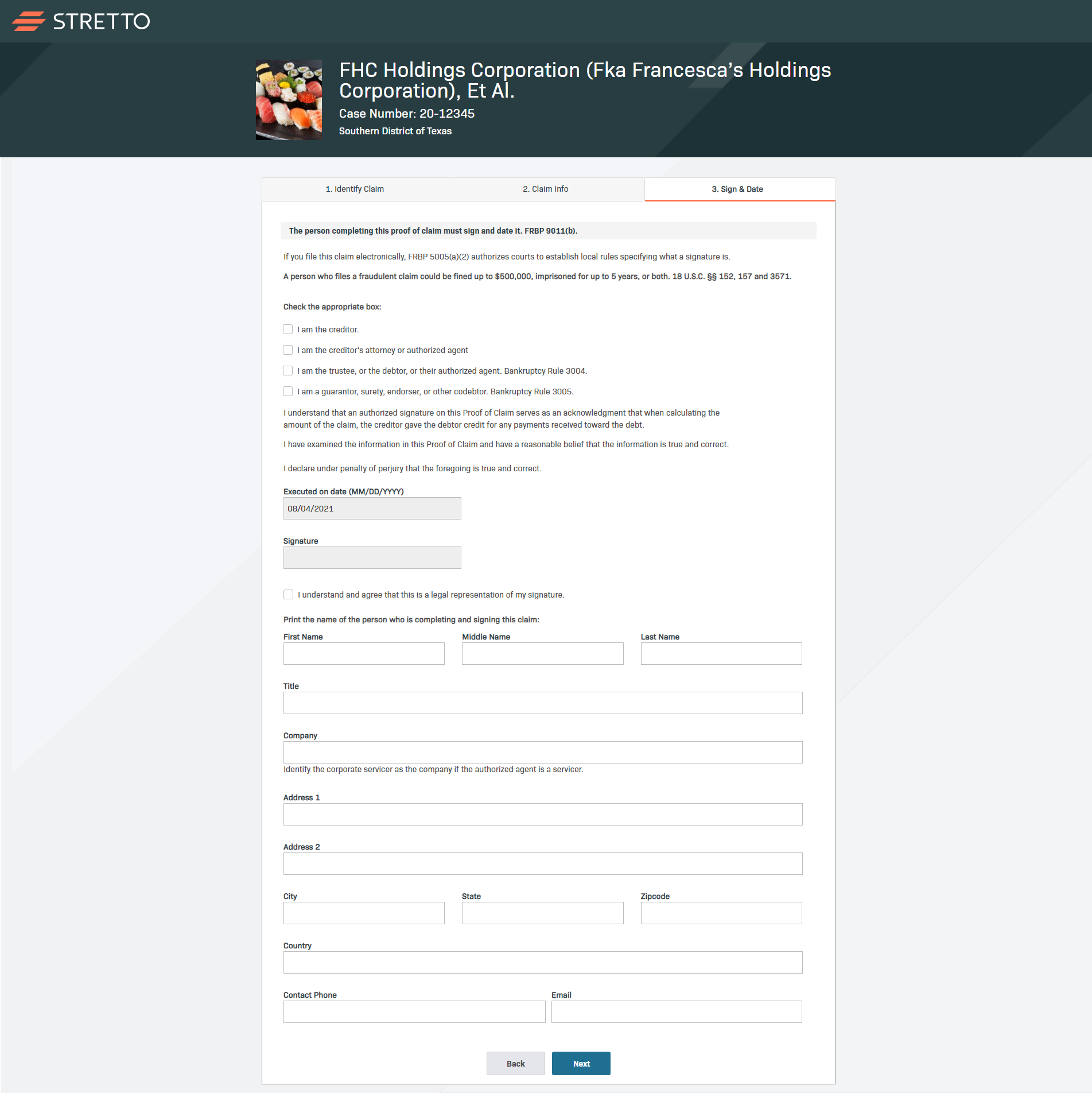
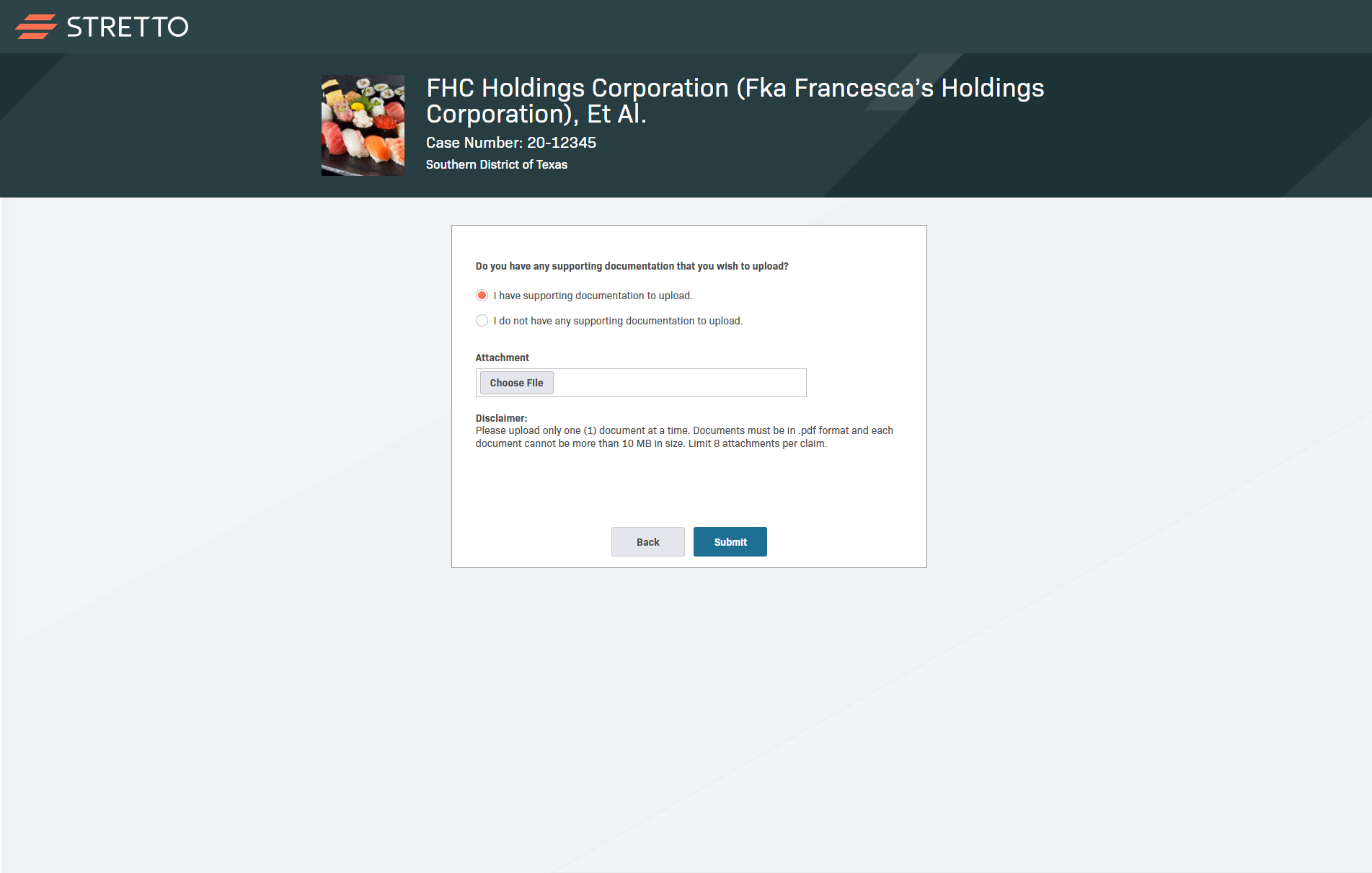
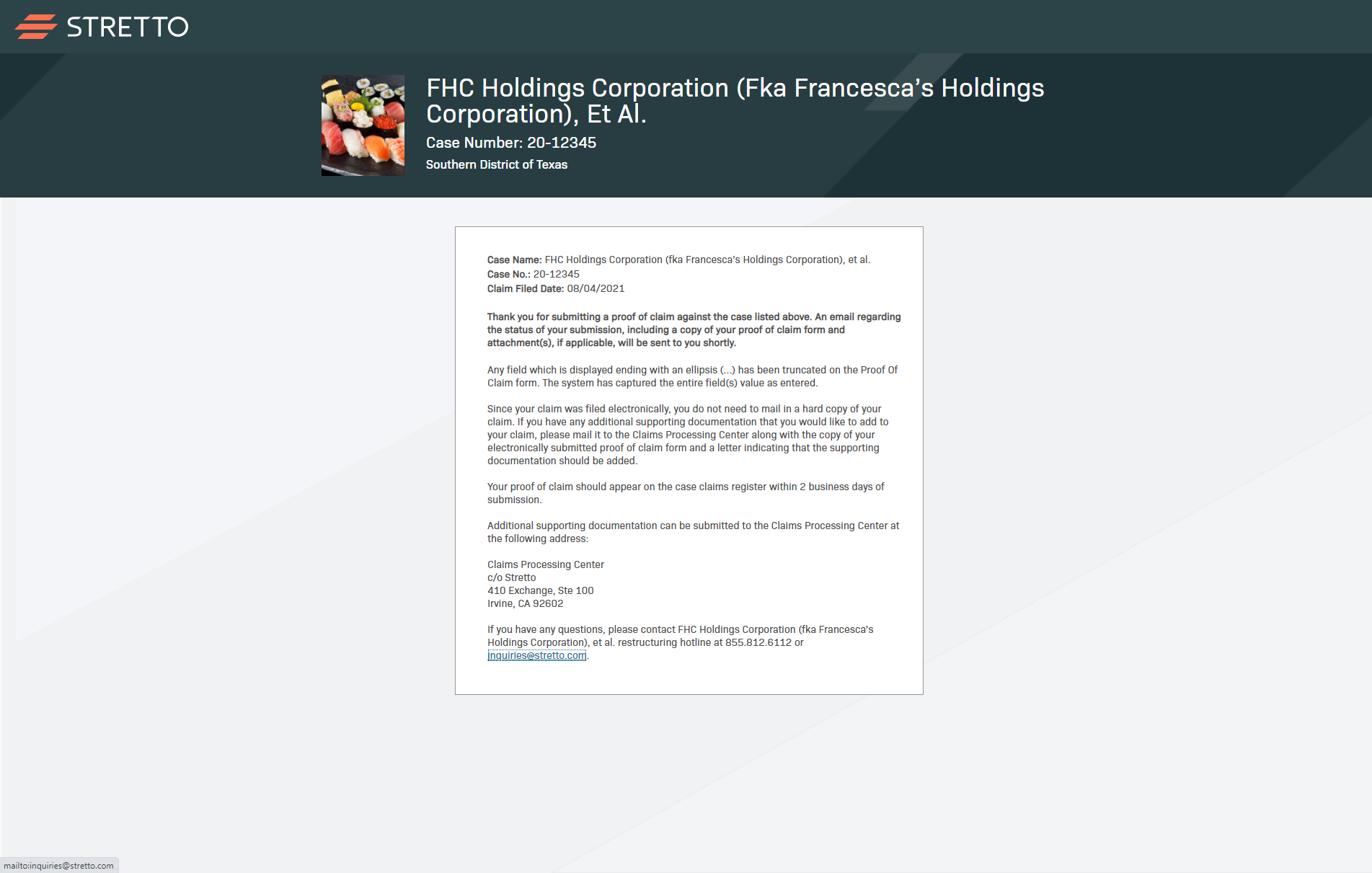
Creditors must have a password to log into ECW. “Known creditors” that have claims scheduled with the debtor’s bankruptcy filing are notified via email or hard copy mail that contains the ECW URL and password. “Unknown creditors” that did not schedule claims with the debtor’s bankruptcy filing are able to request a password and file a claim on this website. After logging in, users complete the claim form through a series of questions before they ultimately sign and submit their information.
“Users reported difficulties logging in, but also generally with completing the form. The goal of this analysis was to holistically evaluate ECW and make recommendations to improve the user experience.”
Method: Heuristic Evaluation
My colleague and I diverged to conduct independent evaluations of the site. Our goal was to identify as many problems as possible by using evaluation tasks that were centered around the core user flows of ECW:
Logging in
Requesting a password
Completing the claim form
Problems were documented whenever the website was in clear violation of any of Nielsen Norman Group’s 10 Usability Heuristics.
COmbining and Scoring Findings
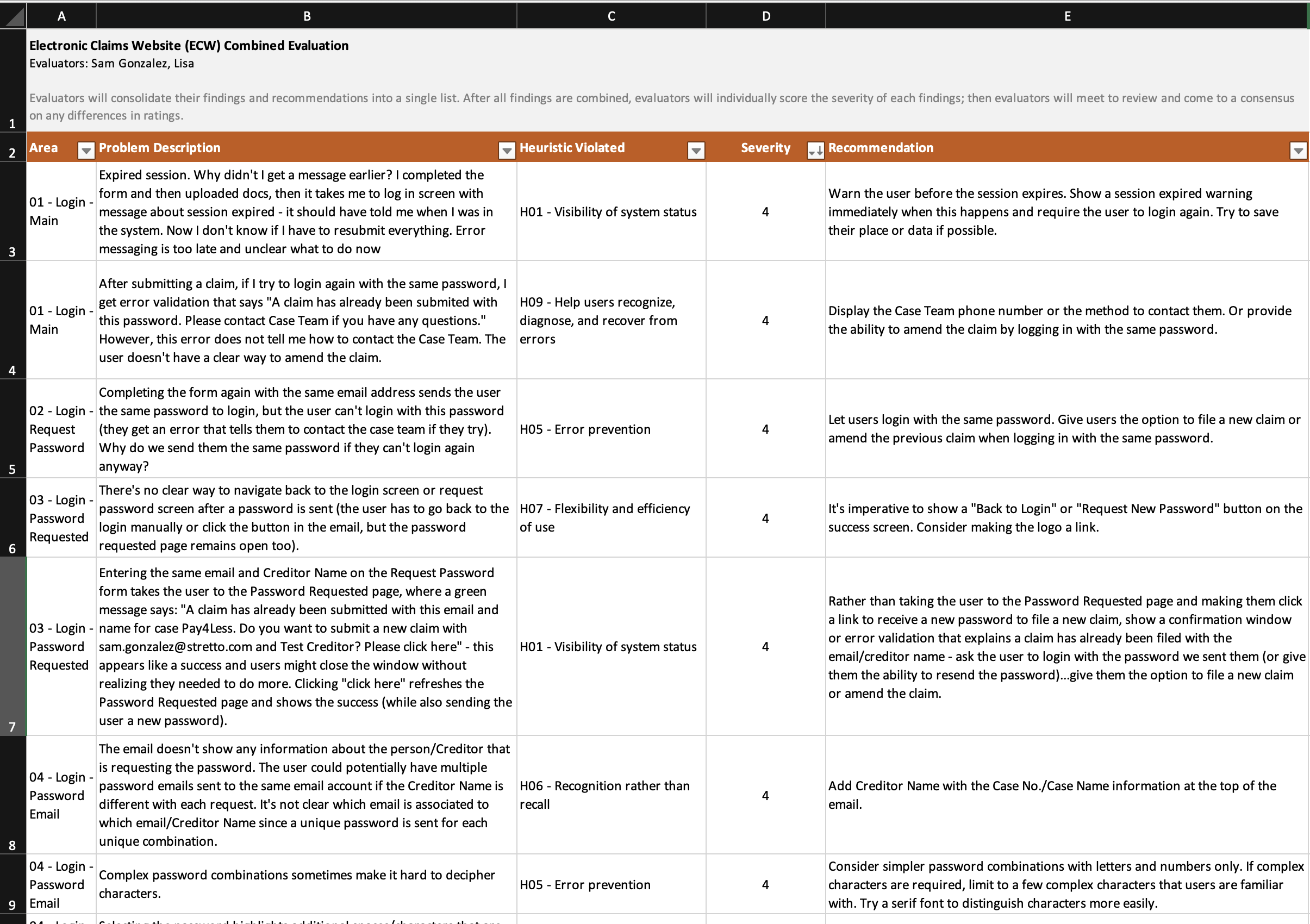
After each evaluator took two passes at the website, we converged to combine our findings into one consolidated list. We adapted the severity rating scale from Nielsen Norman Group to individually score each finding:
| Rating | Description |
|---|---|
| 0 | Not a problem at all. |
| 1 | Cosmetic problem only: need not be fixed unless extra time is available on the project. |
| 2 | Minor usability problem: fixing this should be given low priority. |
| 3 | Major usability problem: important to fix, so should be given high priority. |
| 4 | Usability catastrophe: imperative to fix this before the product can be released. |
The severity of a usability problem is a combination of three factors. These questions helped guide our scoring:
The frequency with which the problem occurs: Is it common or rare?
The impact of the problem if it occurs: Will it be easy or difficult for the users to overcome?
The persistence of the problem: Is it a one-time problem that users can overcome once they know about it or will users repeatedly be bothered by the problem?
We scored each violation individually and came back together to discuss any discrepancies with our scores. Recommendations for each problem were also provided.
50 Violations in Total
Logging in (4 violations)
Requesting a password (8 violations)
Completing the claim form (38 violations)
User Flows to Demonstrate Findings
Although the flows for logging in only had 4 violations, our recommendations to improve these flows were significant. Logging in was a problem area that Product Management specifically mentioned and asked for input on. Therefore, to help provide a visual and best demonstrate how my design changes would resolve major problems with logging in, I created a series of user flow diagrams.
Axure Prototype
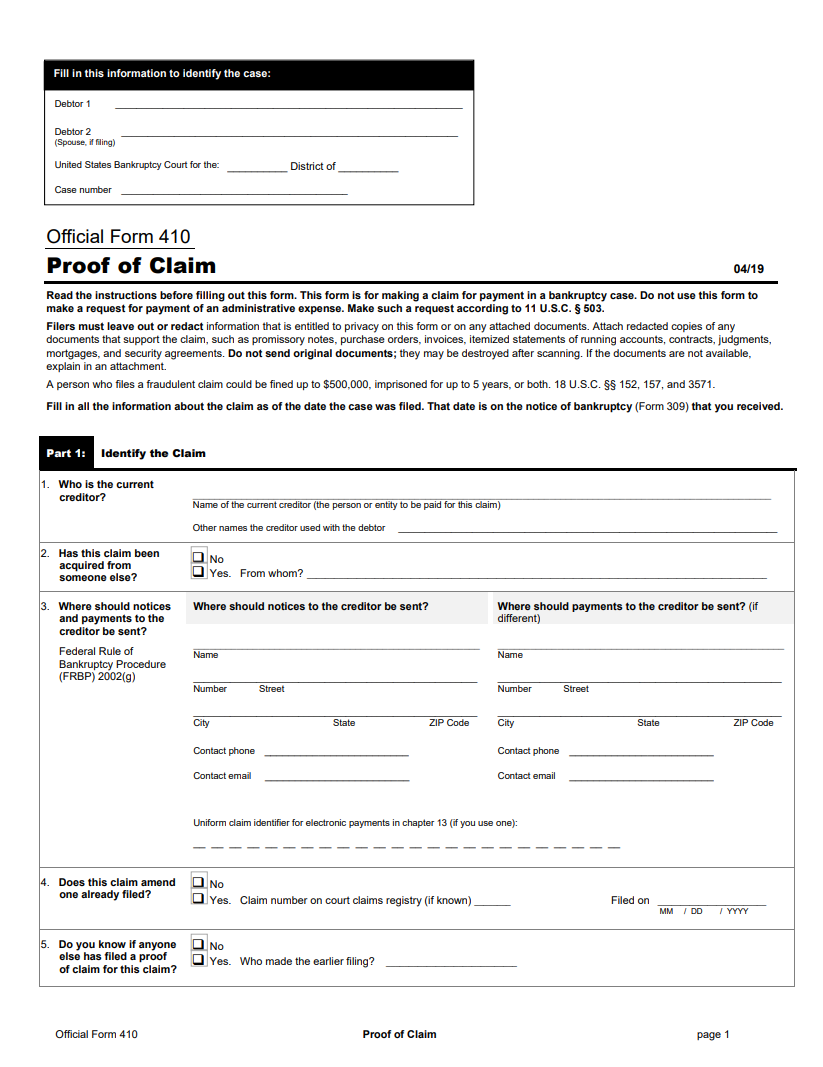
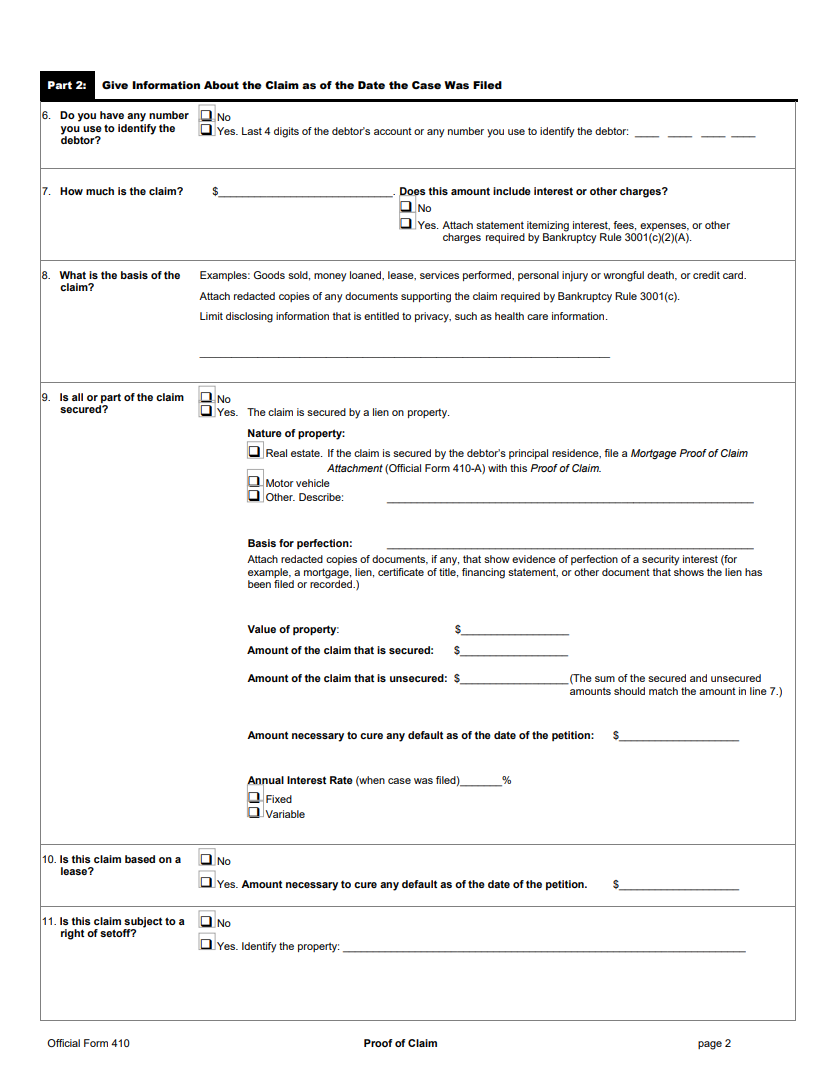
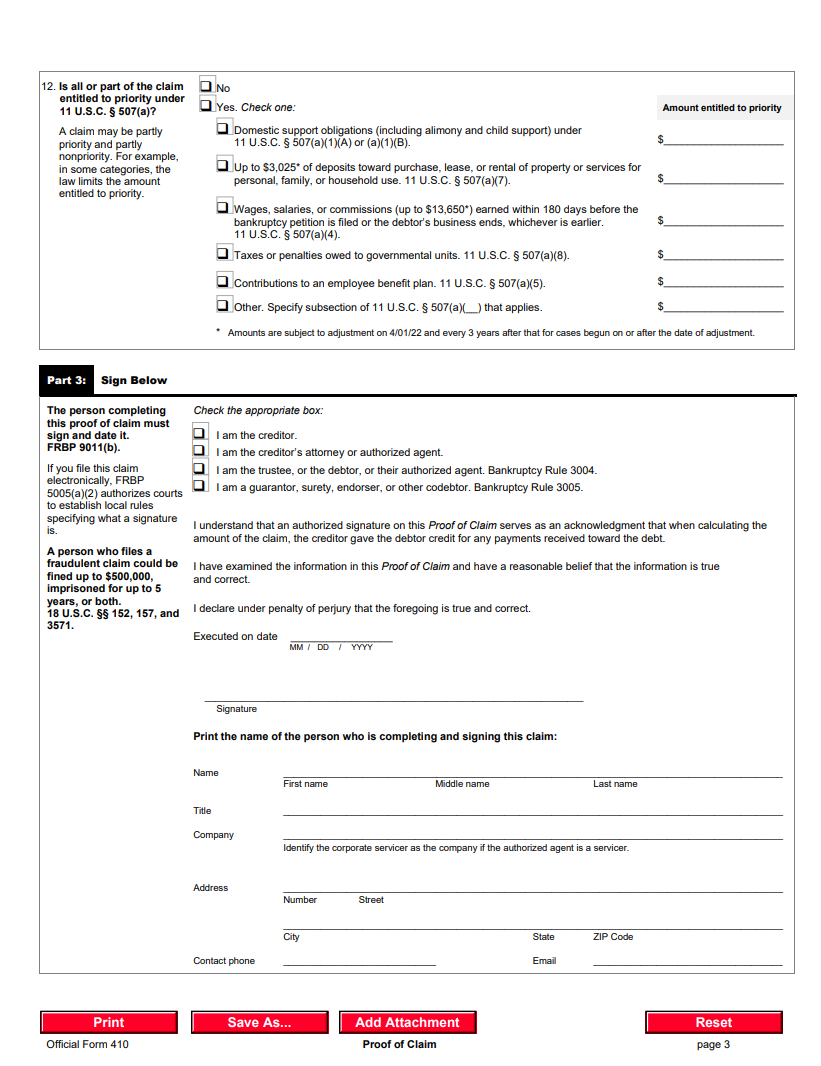
The original website was designed to mimic the Proof of Claim PDF form. However, not all creditors that are completing the electronic form have previous experience completing the PDF form. While there may be benefits to presenting the electronic form with the same layout as the official PDF, this tradeoff comes at the cost of a high cognitive load and less efficient experience.
“In my expert opinion, I believe that the usability can be improved by setting good defaults, creating a visual hierarchy in the form, and aligning content to a grid. My assumption is that these changes will help creditors complete the form faster and with ease.”
Next Steps
Unfortunately, priorities changed quickly after presenting these design suggestions and due to time constraints, I was not able to validate my design changes. With more time to focus on this project, I would have conducted a comparison usability study on the original ECW website vs. the redesigned version. My comparison usability study would have helped validate any actual UX improvements through quantitative metrics (e.g., time to complete the form or overall user satisfaction).