
UX Benchmarking
Overview
Role: Lead UX Researcher
Project: With the upcoming launch of a highly anticipated redesign, I planned and facilitated a multi-part benchmarking study. The main purpose of this study was to establish a baseline experience goal for a new cloud product at Stretto.
Type: UX Research
Ask me to see the comprehensive research report or results slide deck.
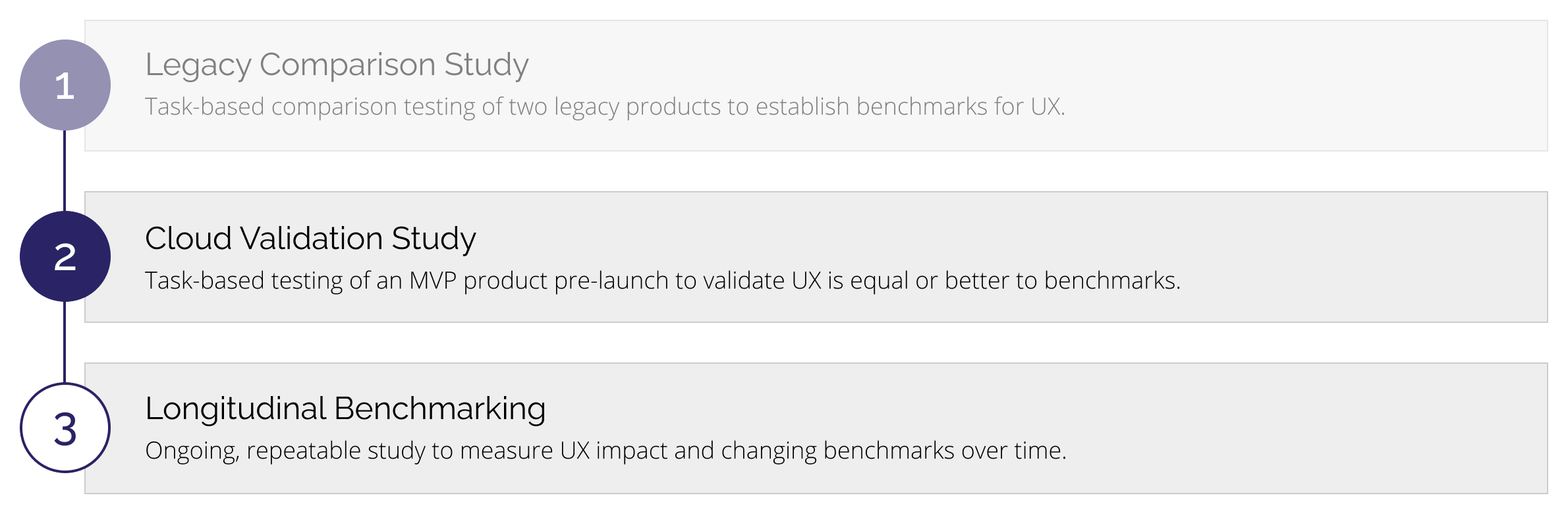
3-Part Study Timeline
This case study primarily focuses on Part 1 of the UX Benchmarking project ("Legacy Comparison Study")
Legacy Systems
Best Case by Stretto
Best Case by Stretto, used to prepare more than 80% of bankruptcy cases filed nationwide, represents the industry-leading case preparation and filing software for attorneys. Providing a myriad of useful and time-saving features, this best-in-class technology simplifies workflows and eases administrative burdens. Users of Best Case by Stretto are comprised of four different persona groups, all containing a combination of attorneys and support staff that use the product for bankruptcy form preparation and filing. About 14,000 firms and 35,000 users.
CINcompass
CINcompass is a cloud-based bankruptcy software that aids in the preparation and electronic filing of bankruptcy cases for Chapters 7, 9, 11, 12, and 13. Users of CINcompass are primarily comprised of firms that converted from an expired desktop license. Around 30% of firms use CINcompass to manage other practice areas. Users have the capability to manage other aspects of their business using CINcompass, but the majority of users focus on the form preparation and filing aspects of bankruptcy. About 1,400 firms and 1,830 users.
UX Benchmarking Goals
Using Business KPIs to Define Areas of Focus
I honed in on these 5 key target areas based on major revenue generators and core functionality offered by our bankruptcy products. Focusing on these target areas also helped provide the structure for my participant task list.
- Add Client
- Data Entry
- Find Information
- Credit Reports
- Case Filing
“Which legacy product performs better with each task?”
“Which legacy product has a higher perception of usability?”
Evaluation Measures
| Type | Metrics |
|---|---|
| Qualitative | • Verbal or non-verbal cues made by the participant during any part of the study
• Open-ended responses to Initial Questionnaire, post-task surveys, or Final Questionnaire |
| Quantitative | • Task completion • Time to complete task • SEQ: Ease of use rating on Single-Ease Question • SUS: Score on System Usability Scale |
Screening and Scheduling Participants
My original goal was to recruit a sample size of 150 or more participants to get statistically significant results for this between-subjects comparison usability study. After encountering limitations with the study recorder, I had to scale down my goal for the study to be feasible — my new goal was to recruit 40 participants (20 participants to test Best Case by Stretto and 20 participants to test CINcompass).
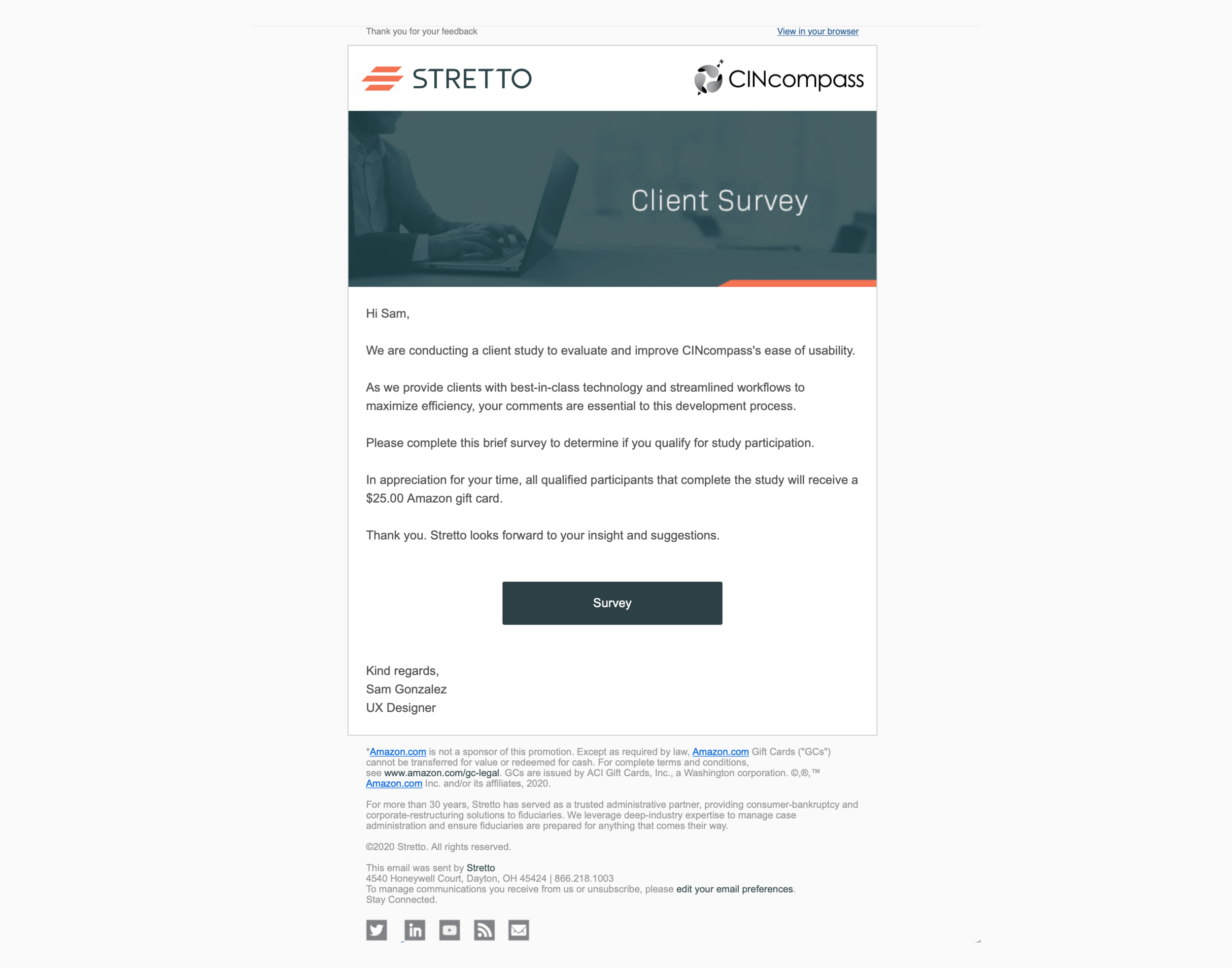
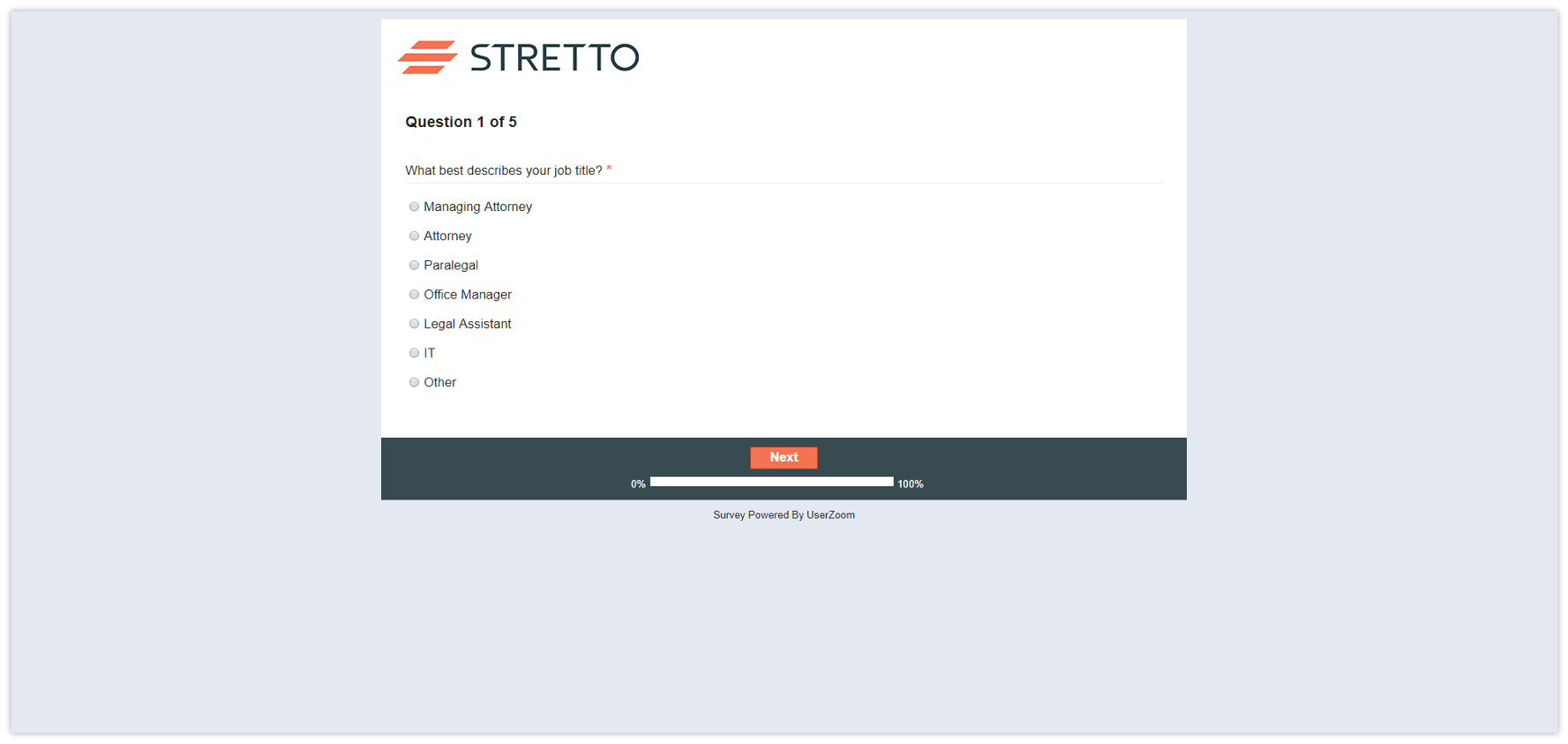
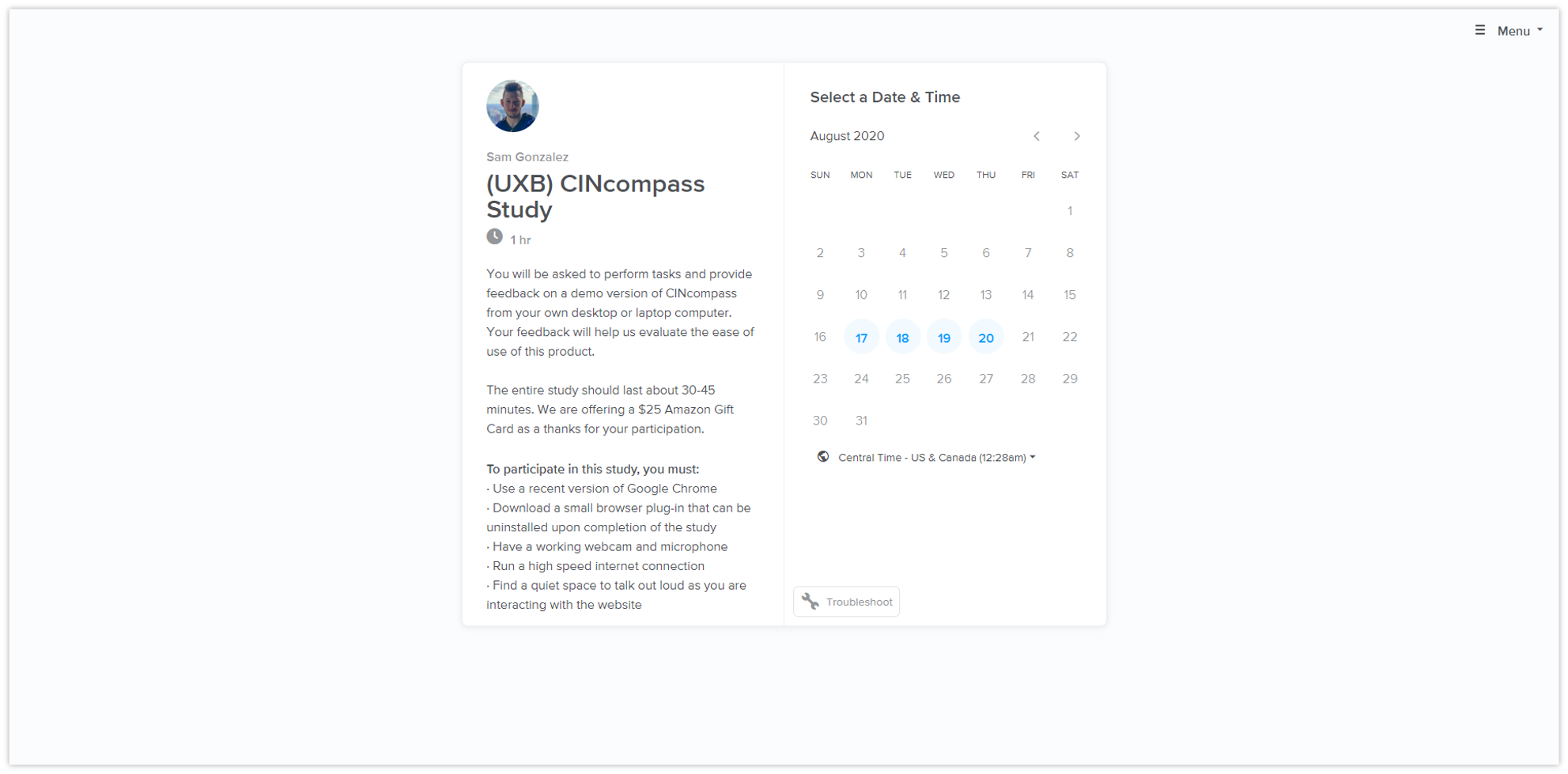
Following several rounds of pilot testing, I invited 14,358 users to complete a 5-question survey and received a 6% response rate. Of the 882 respondents, 69 successfully met the recruitment criteria for this study and were invited to schedule a time to participate via Calendly.
Automating the Recruitment Process
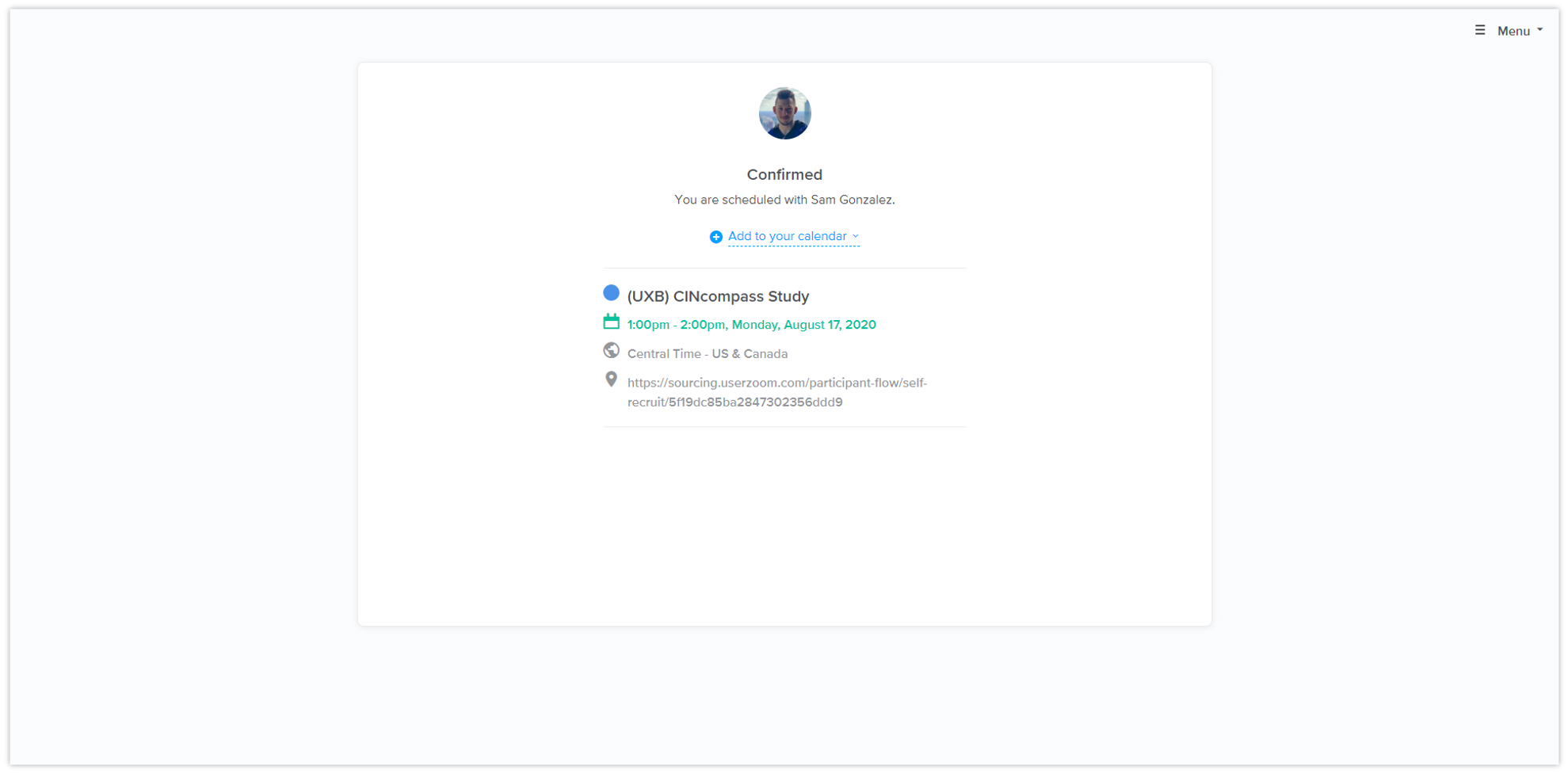
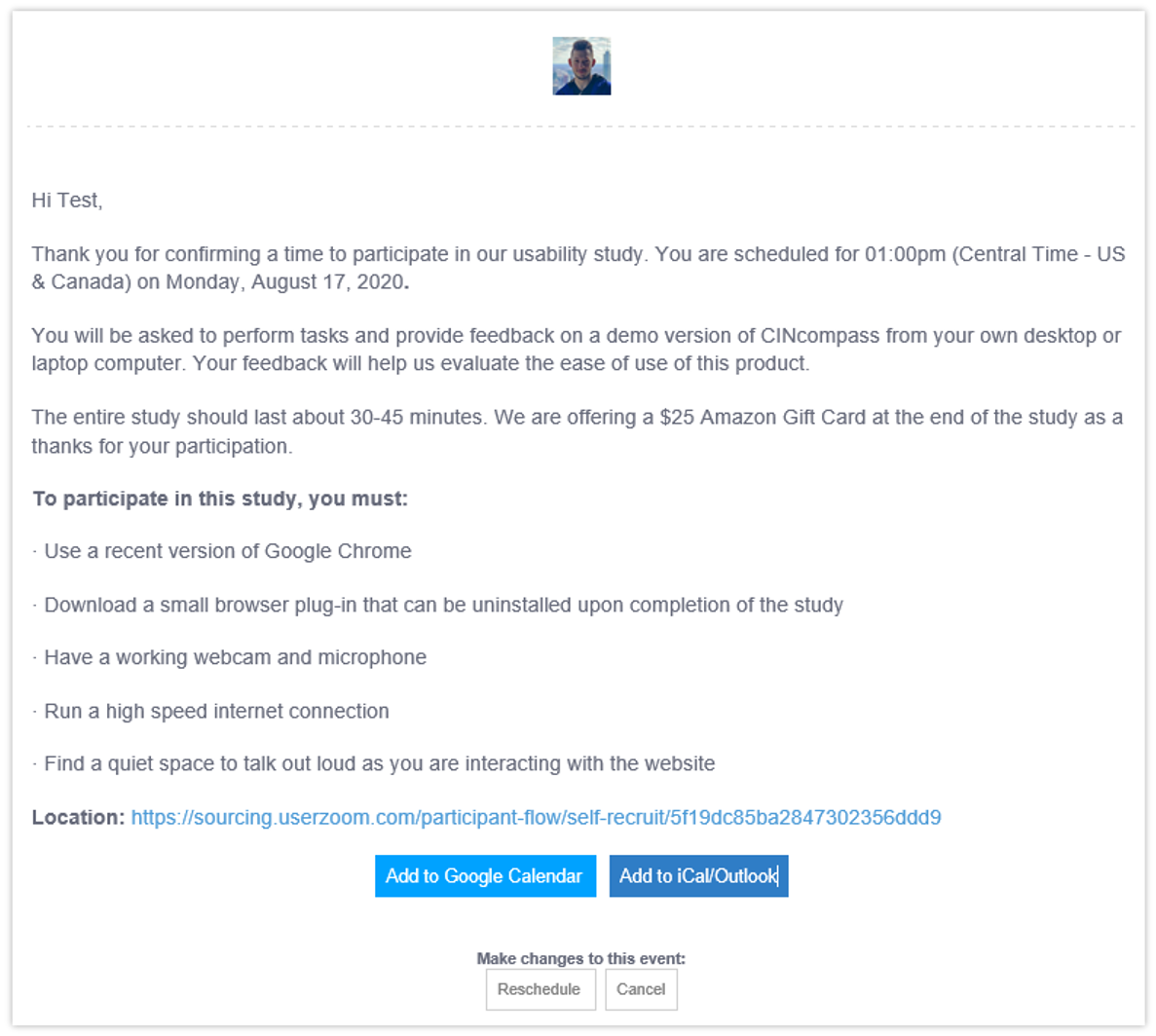
| Recruitment Criteria | Requirement |
|---|---|
| User Type | Attorney |
| Areas of Practice | Primary focus is bankruptcy |
| Length of Use | 1-2 years or more |
| Frequency of Use | A few times per week or more |
| Number of Filings | Minimum of 6 per month |
Moderating the Study
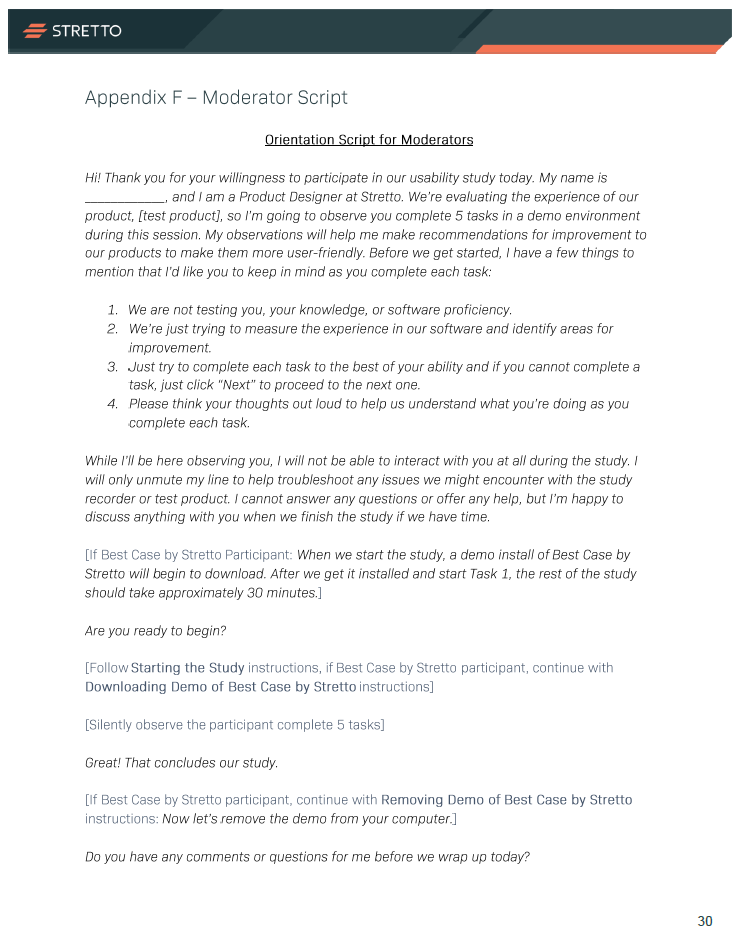
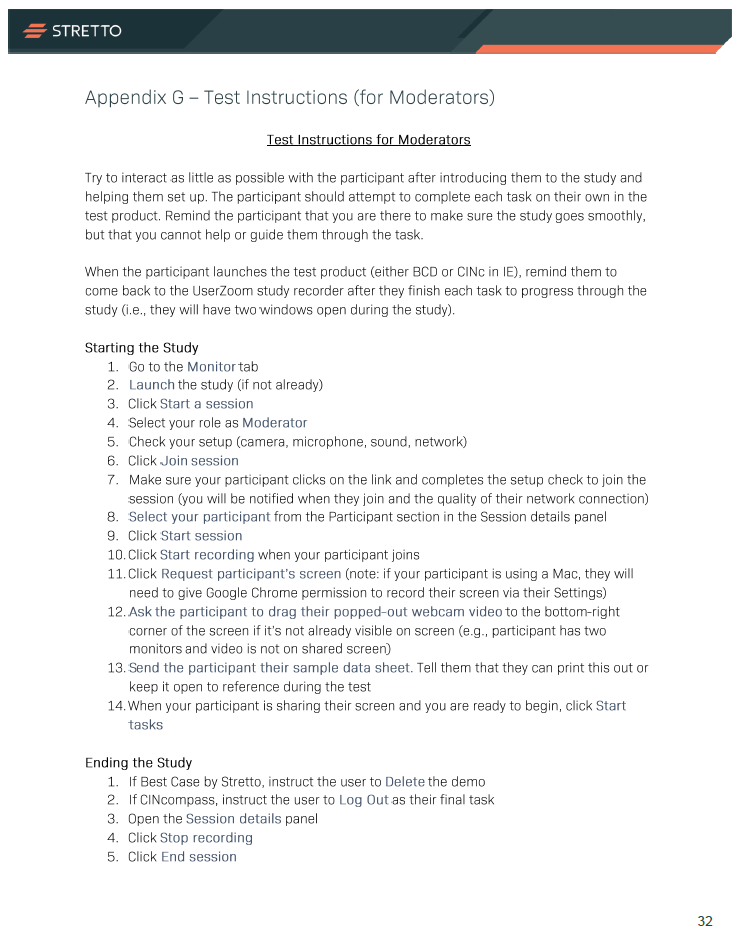
My intent was to create an unmoderated study in UserZoom to easily test a large sample size with minimal efforts to moderate. However, UserZoom’s unmoderated study type does not support recording for desktop-based applications and I was forced to create this as a moderated, structured study, which required me to meet with every participant. I prepared a few moderator guides to enable my colleagues to step in and share the Moderator role when necessary.
Separate tests were created for Best Case by Stretto and CINcompass and were administered via UserZoom over a two-week period (1 week for each legacy product). Each session lasted about 30-45 minutes. In total, 15 participants were scheduled for the Best Case by Stretto test and 11 participants were scheduled for the CINcompass test.
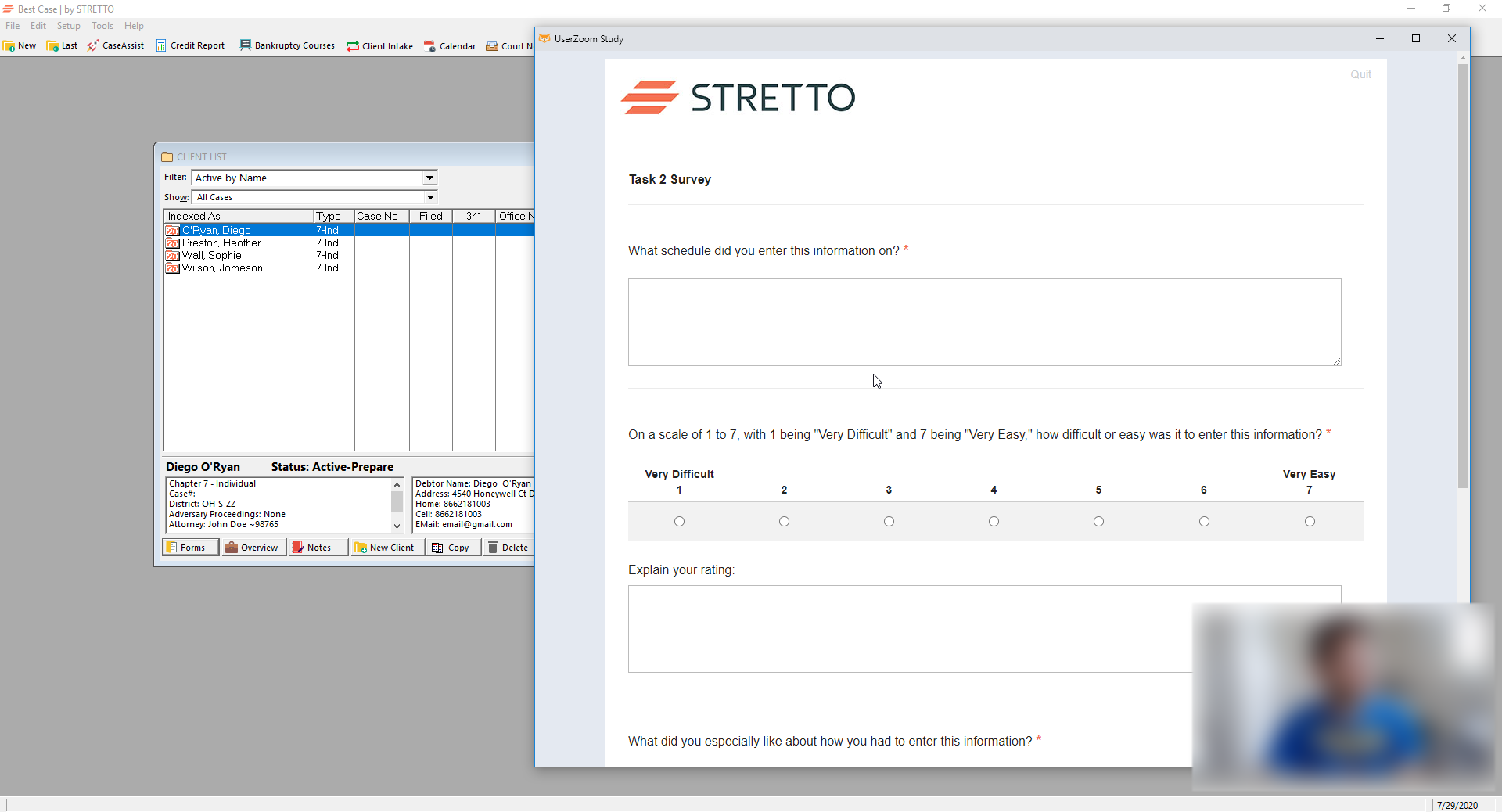
UserZoom Study Recorder
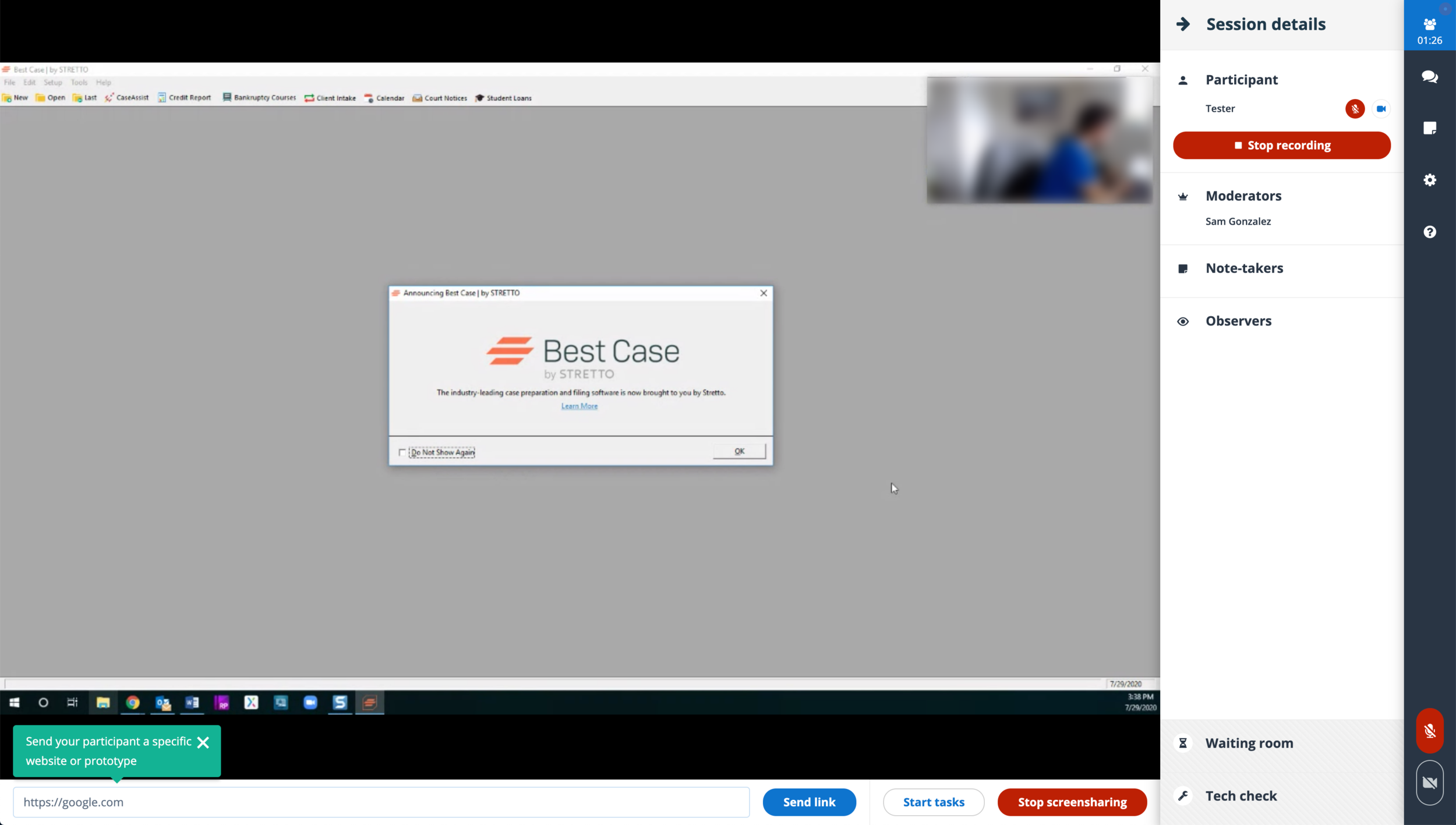
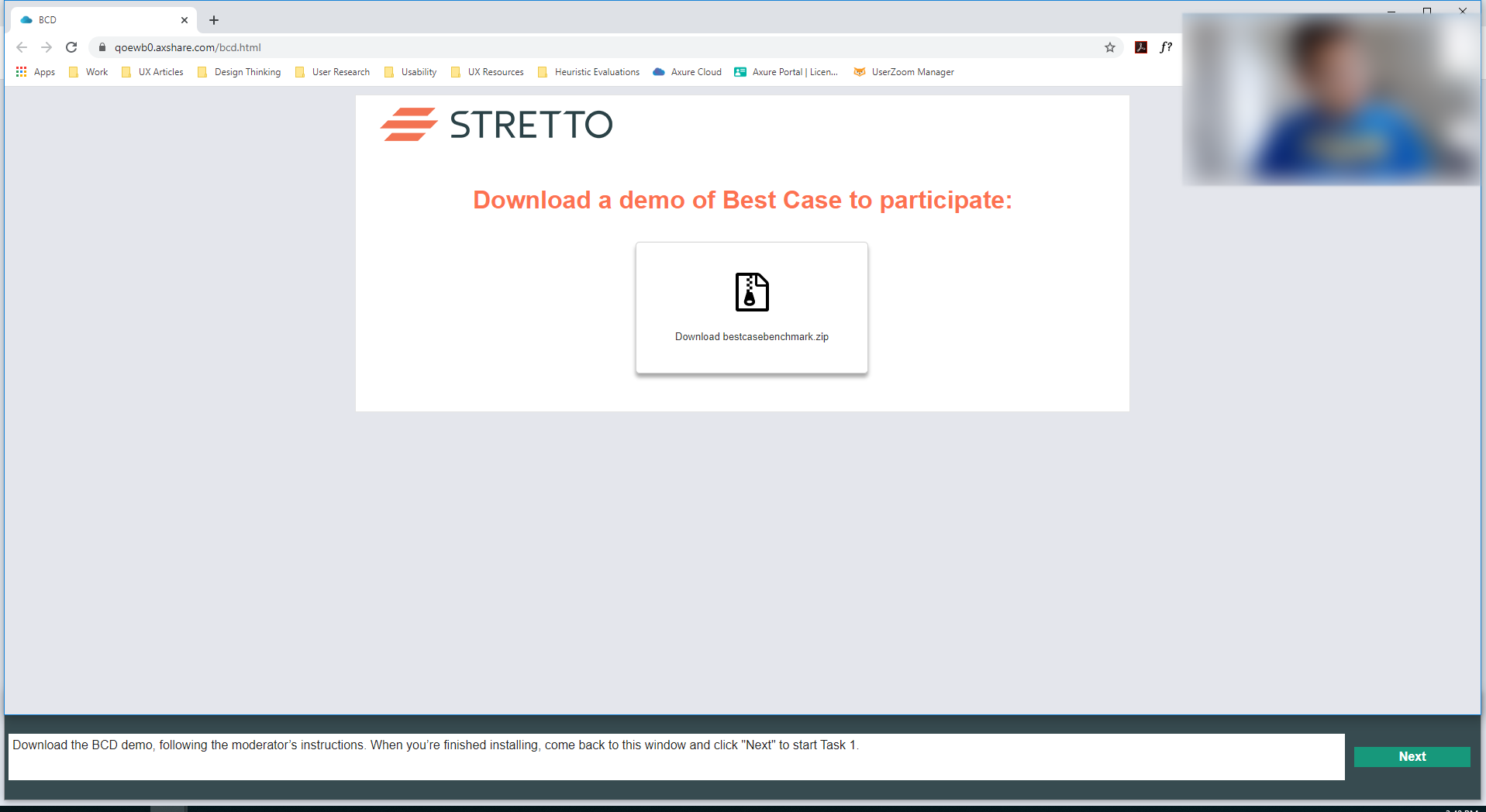
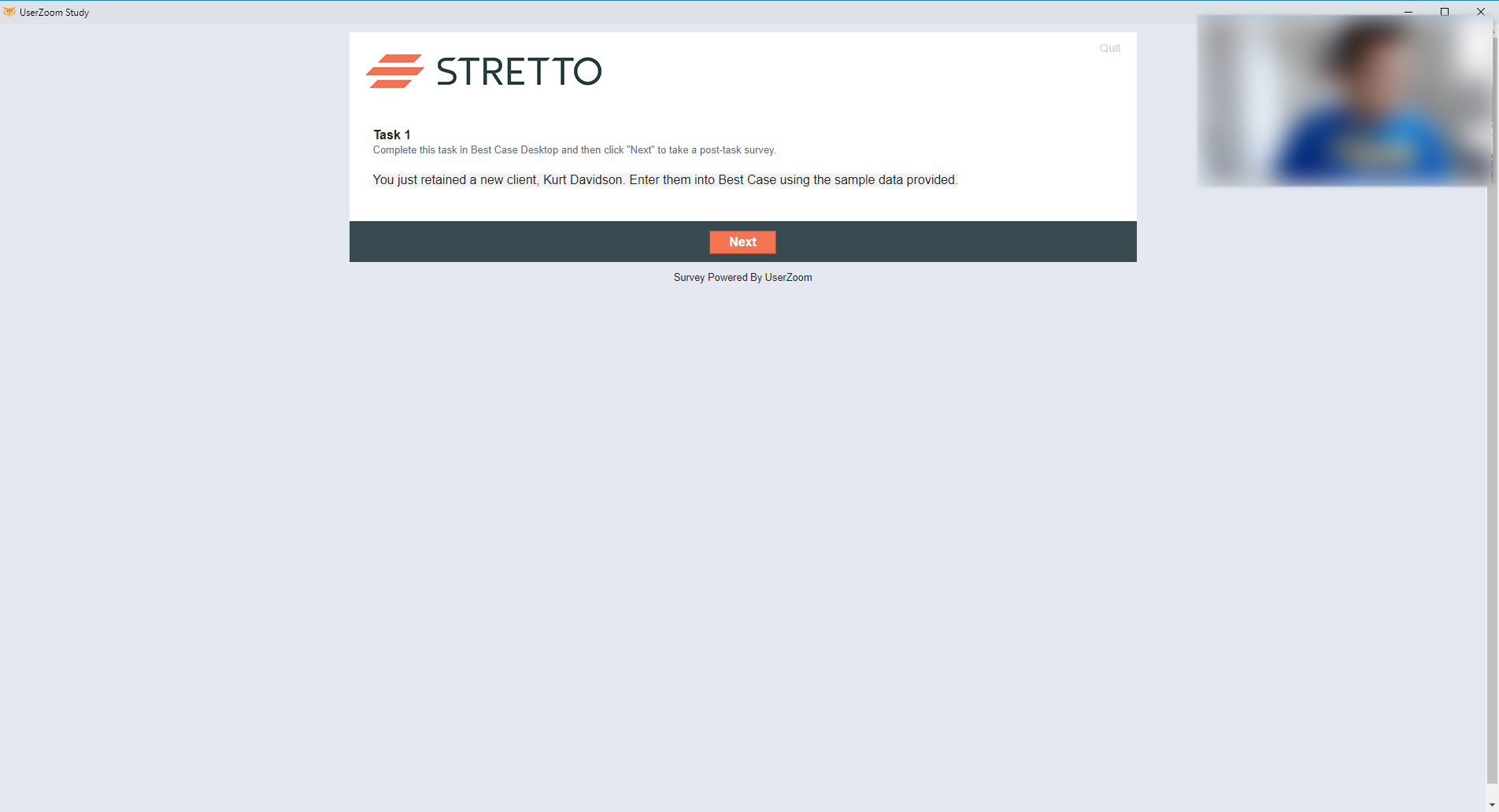
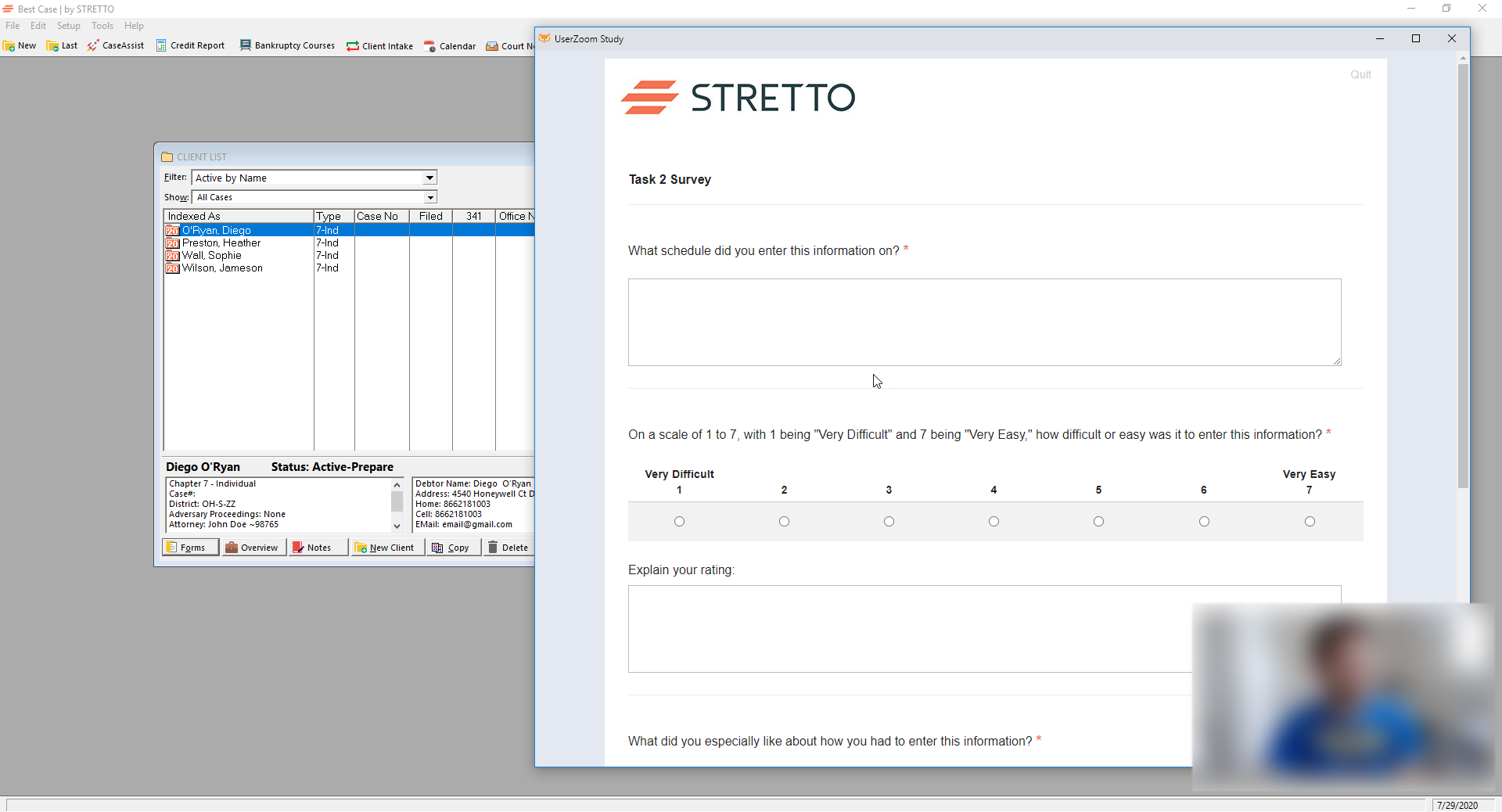
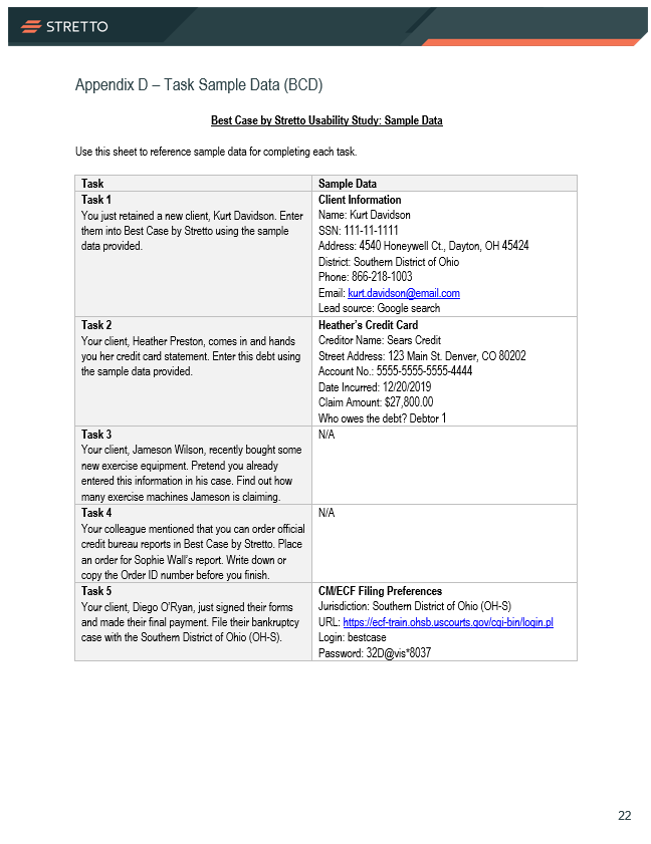
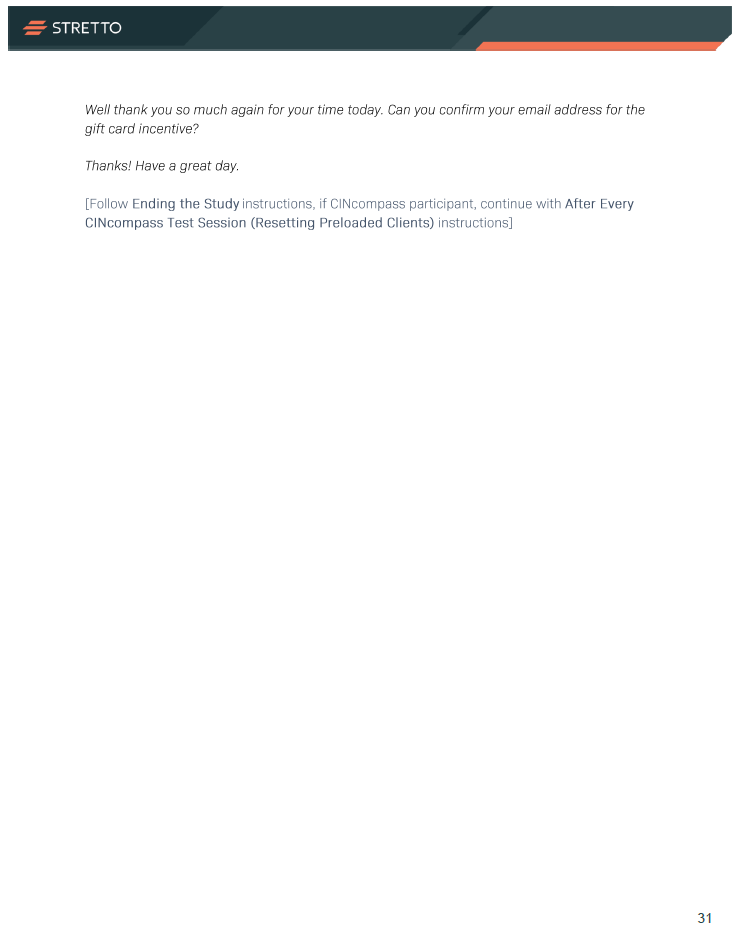
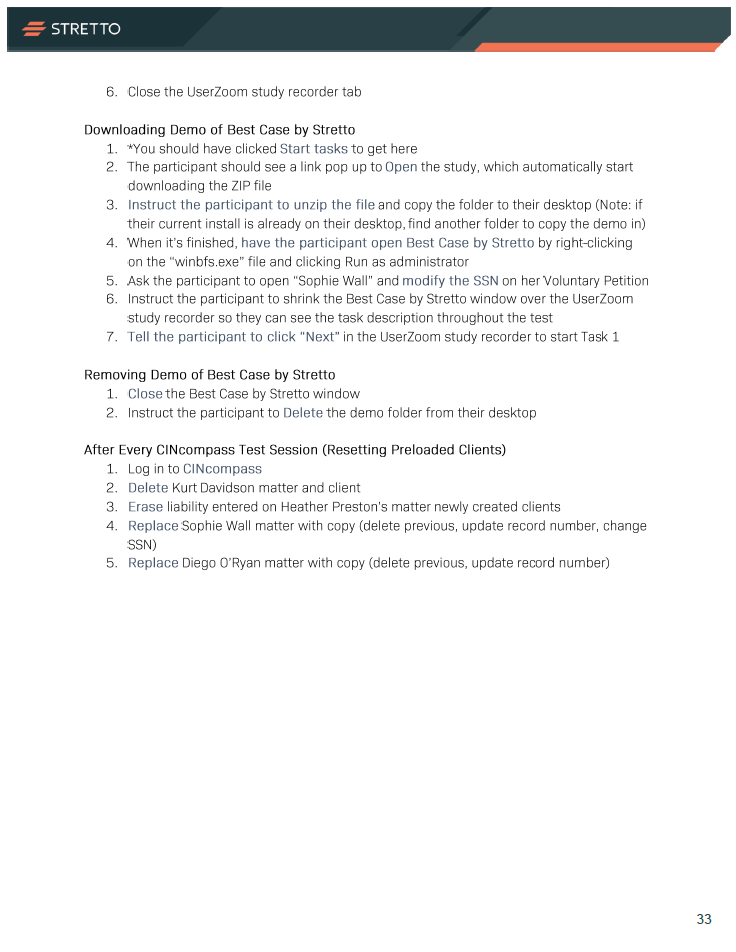
Since I was present at each session, I mostly interacted with participants at the beginning to welcome them and explain the logistics of navigating the study. During the first few minutes of each session, participants were provided with a download of their demo and participant task sheet. Demos were preloaded with filing credentials and test clients to support each task. Following the completion of each session, demos had to be reset for the next participant — all of these steps were described in the Test Instructions for Moderators.
Participant and MOderator Guides

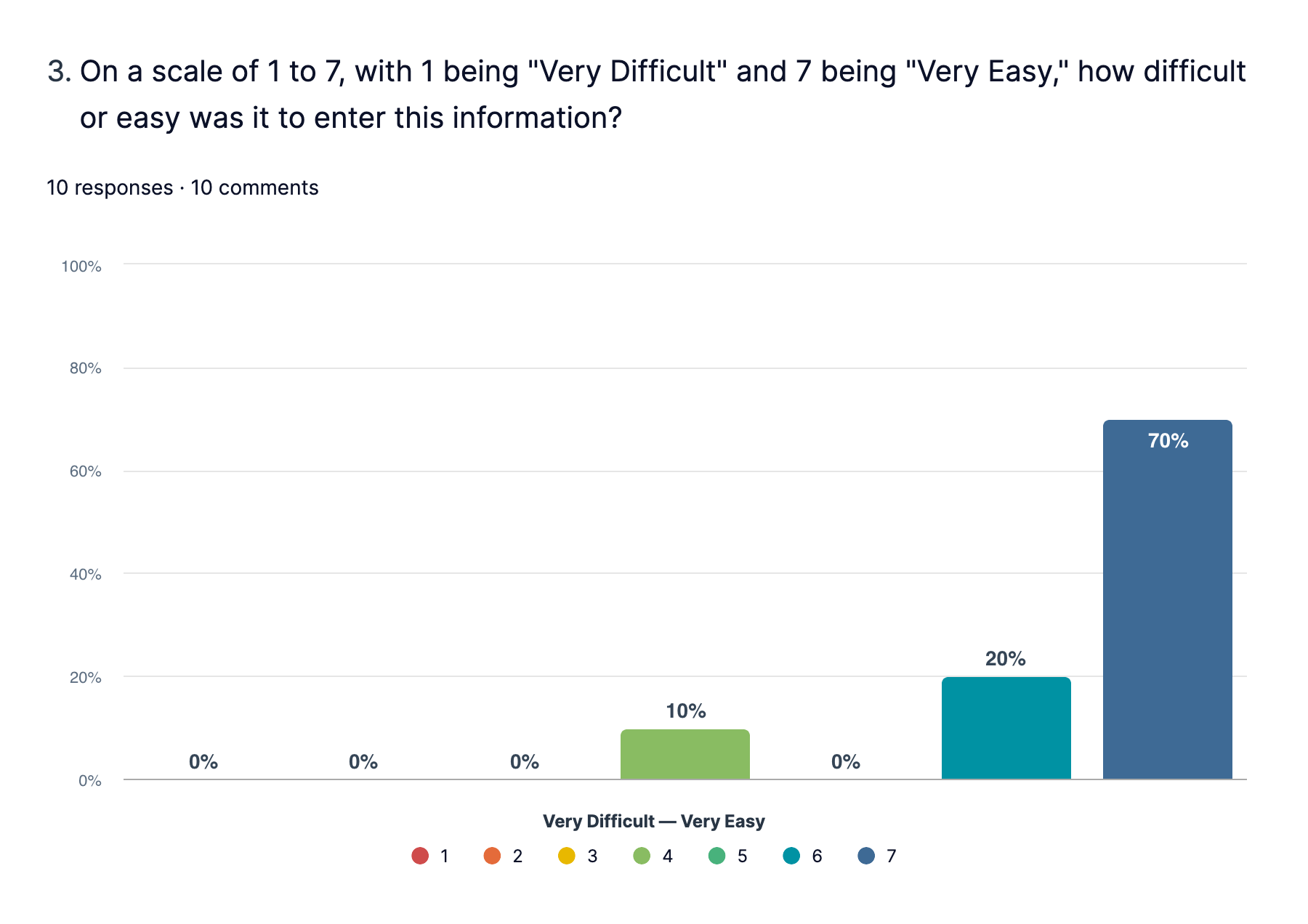
10 Total Completes
15 participants scheduled, 5 canceled or did not show.

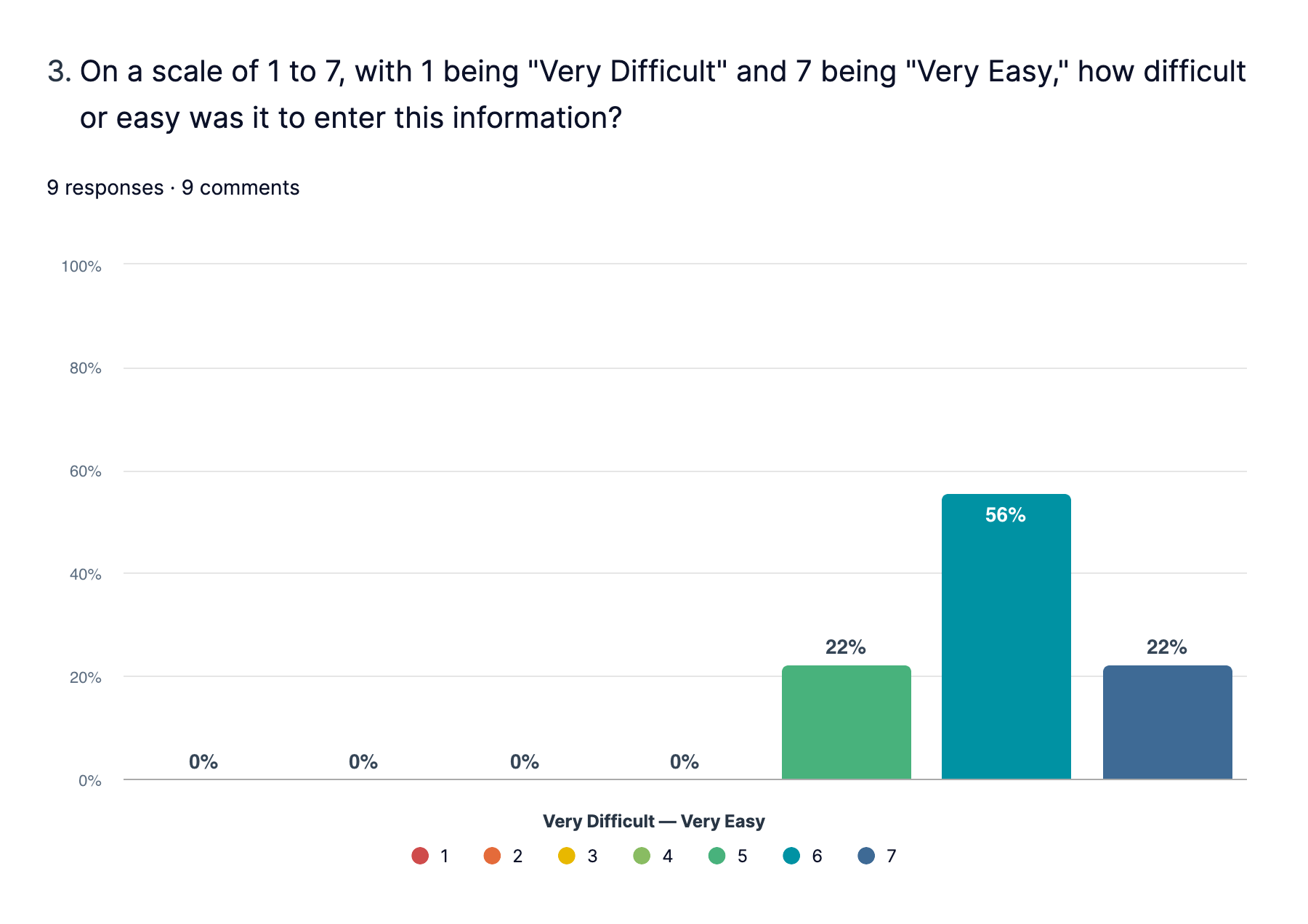
9 Total Completes
11 participants scheduled, 2 canceled or did not show.
Task Results
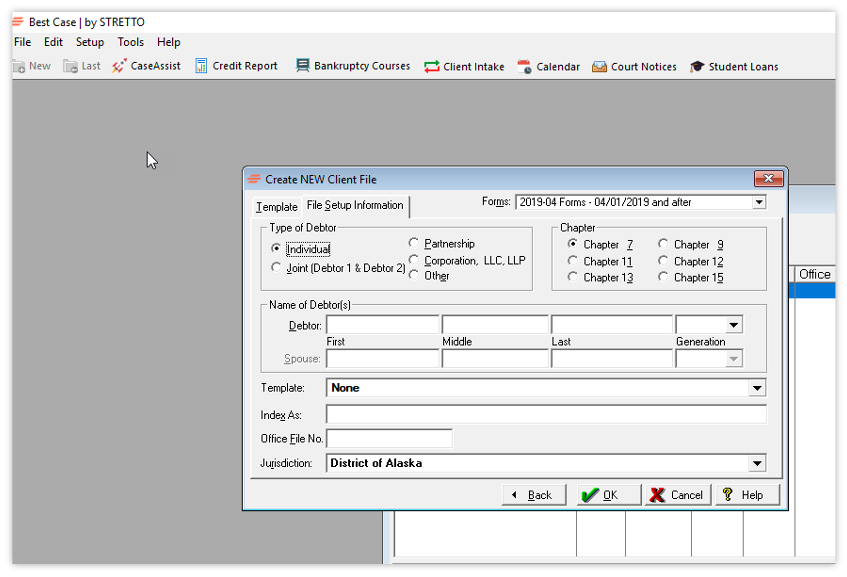
Task 1 - Add Client
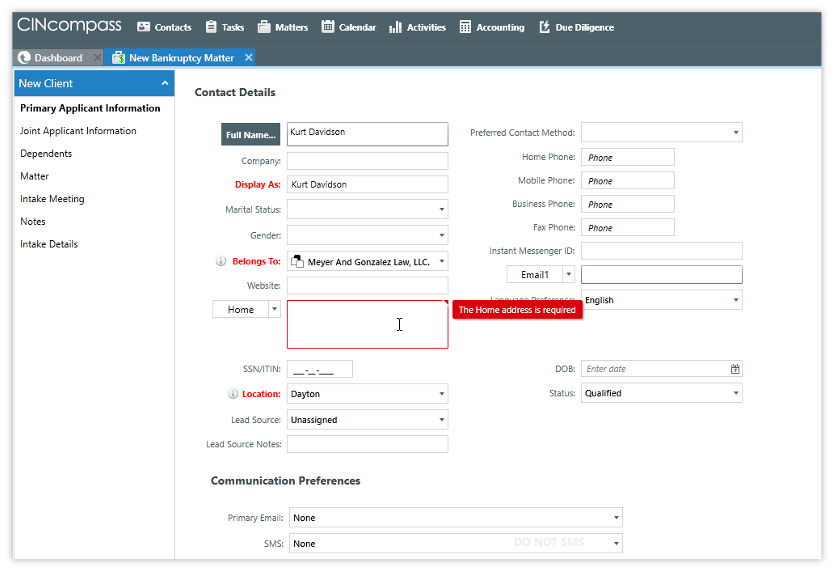
“You just retained a new client, Kurt Davidson. Enter them into Best Case by Stretto using the sample data provided.”
| Best Case by Stretto | CINcompass | |
|---|---|---|
| Task Completion | 4 of 10 participants | 9 of 9 participants |
| Task Time | 3m 9s | 2m 39s |
| SEQ | 6 (easy) | 6.1 (easy) |
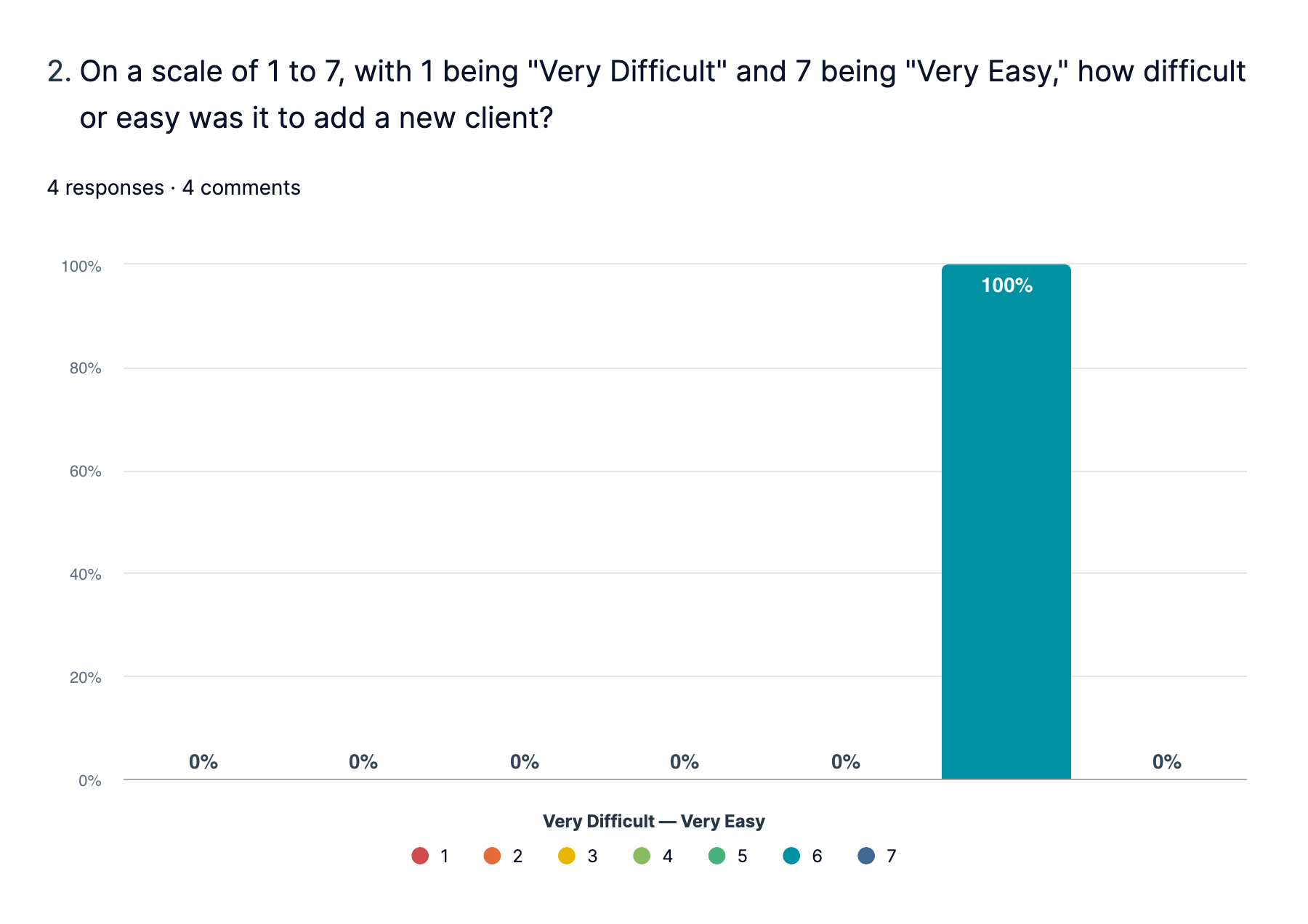
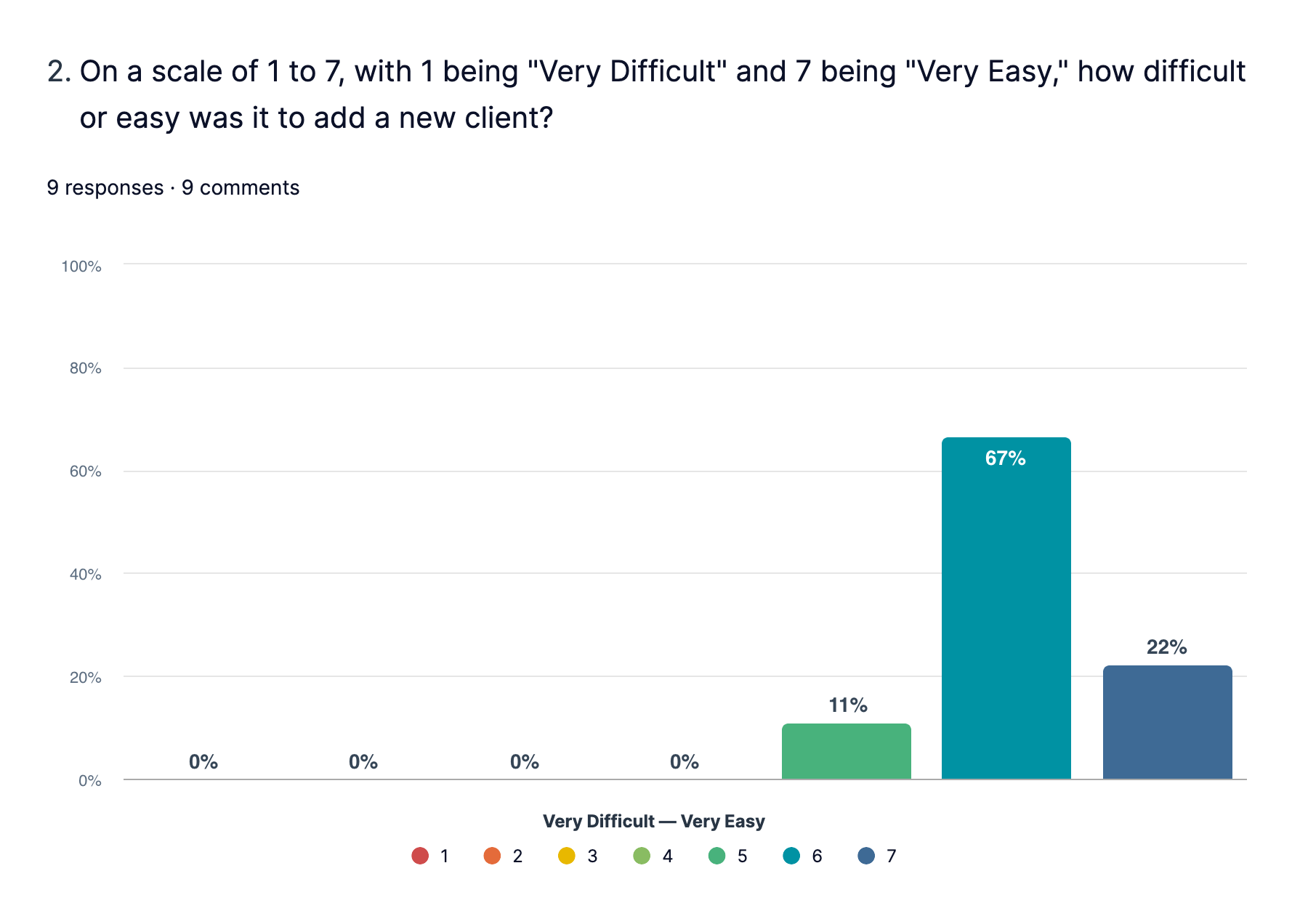
“The workflow of entering data that I gather for every new client is a bit disjointed, as I have to go through multiple unrelated screens.”
While 6 participants “failed” this task in Best Case by Stretto, all of them were able to technically successfully add a client. These attempts were considered failures because participants were unfamiliar with or could not find where to enter additional client information, as this is not part of the standard new client form (email, phone, lead source, etc.). If we still consider these attempts successful, the average time to add a client is reduced to 2 minutes and 31 seconds for Best Case by Stretto.
Task 2 - Data Entry
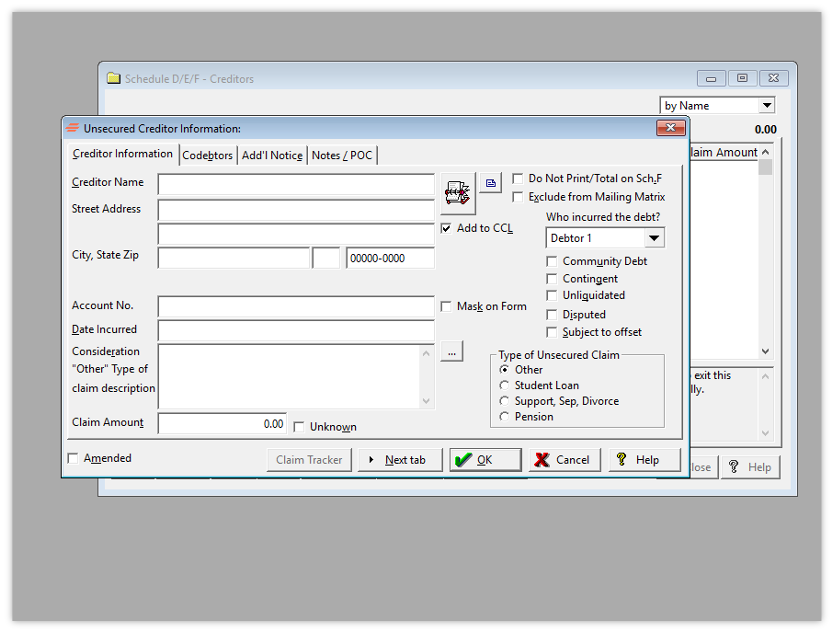
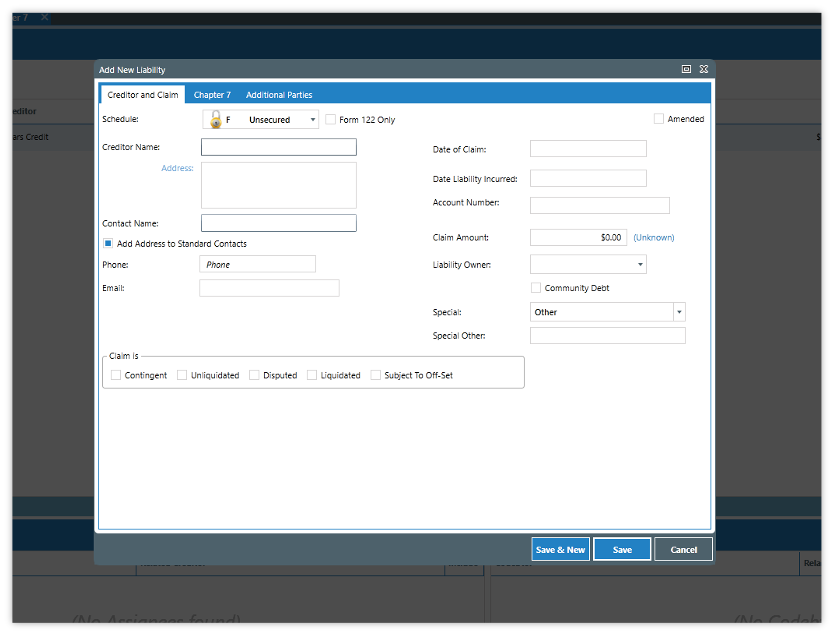
“Your client, Heather Preston, comes in and hands you her credit card statement. Enter this debt using the sample data provided.”
| Best Case by Stretto | CINcompass | |
|---|---|---|
| Task Completion | 10 of 10 participants | 9 of 9 participants |
| Task Time | 1m 36s | 2m 24s |
| SEQ | 6.5 (very easy) | 6 (easy) |
“This screen requires entering data on several lines. In Best Case, upon entering the name, a drop down menu appears so an address can be chosen. The software should use the address that the creditor has filed with the bankruptcy court.”
Task 3 - Finding Information
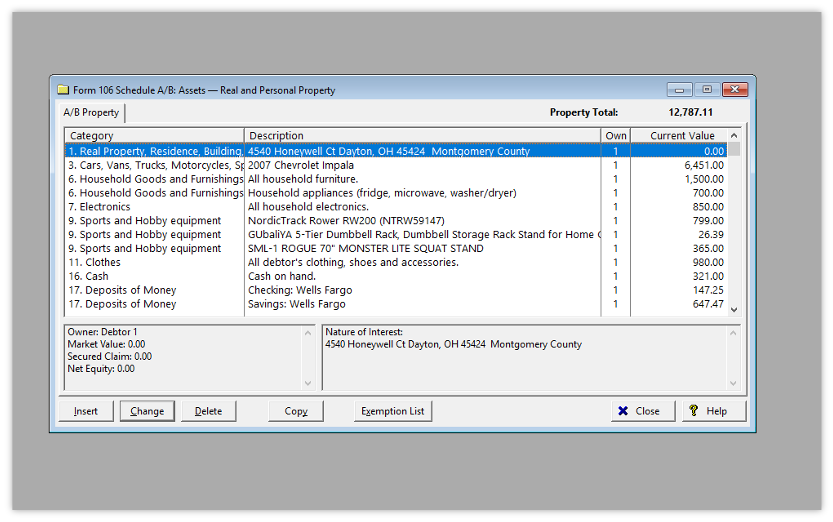
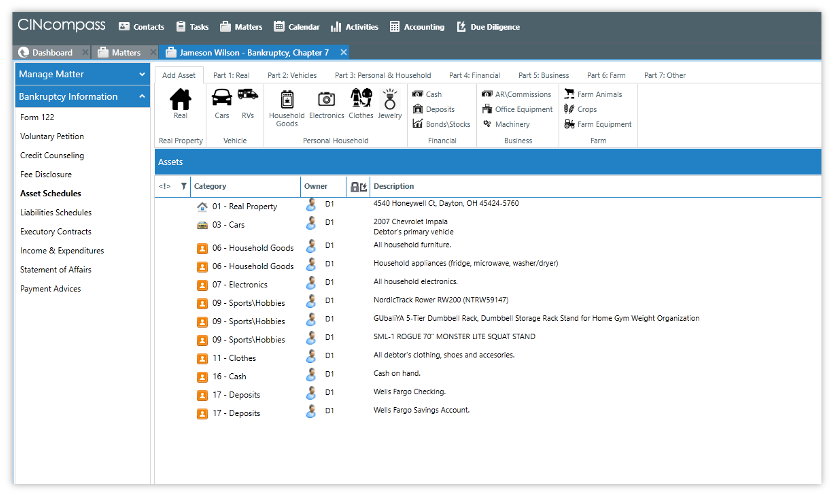
“Your client, Jameson Wilson, recently bought some new exercise equipment. Pretend you already entered this information in his case. Find out how many exercise machines Jameson is claiming.”
| Best Case by Stretto | CINcompass | |
|---|---|---|
| Task Completion | 8 of 10 participants | 9 of 9 participants |
| Task Time | 40s | 1m 45s |
| SEQ | 6.9 (very easy) | 6.7 (very easy) |
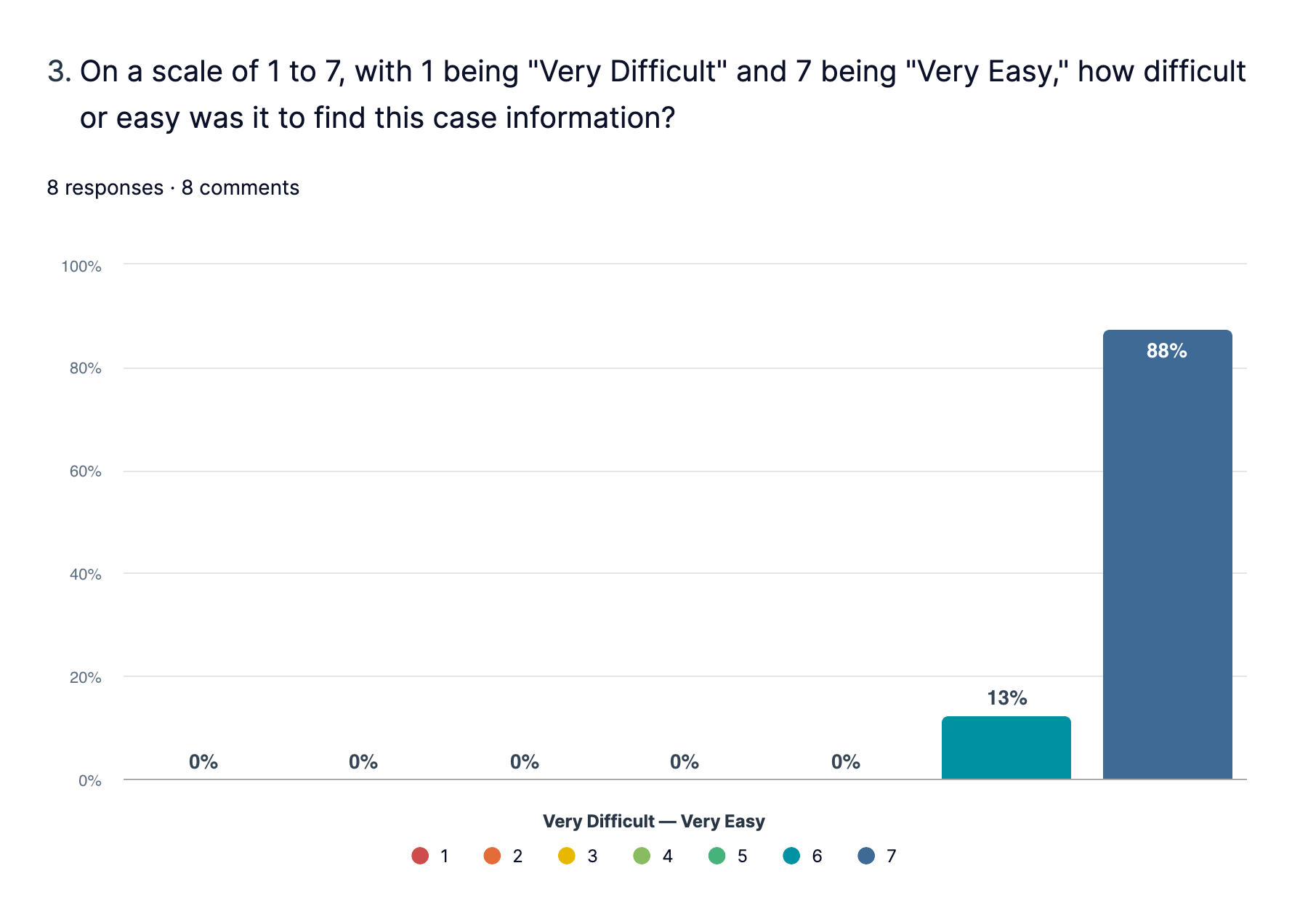
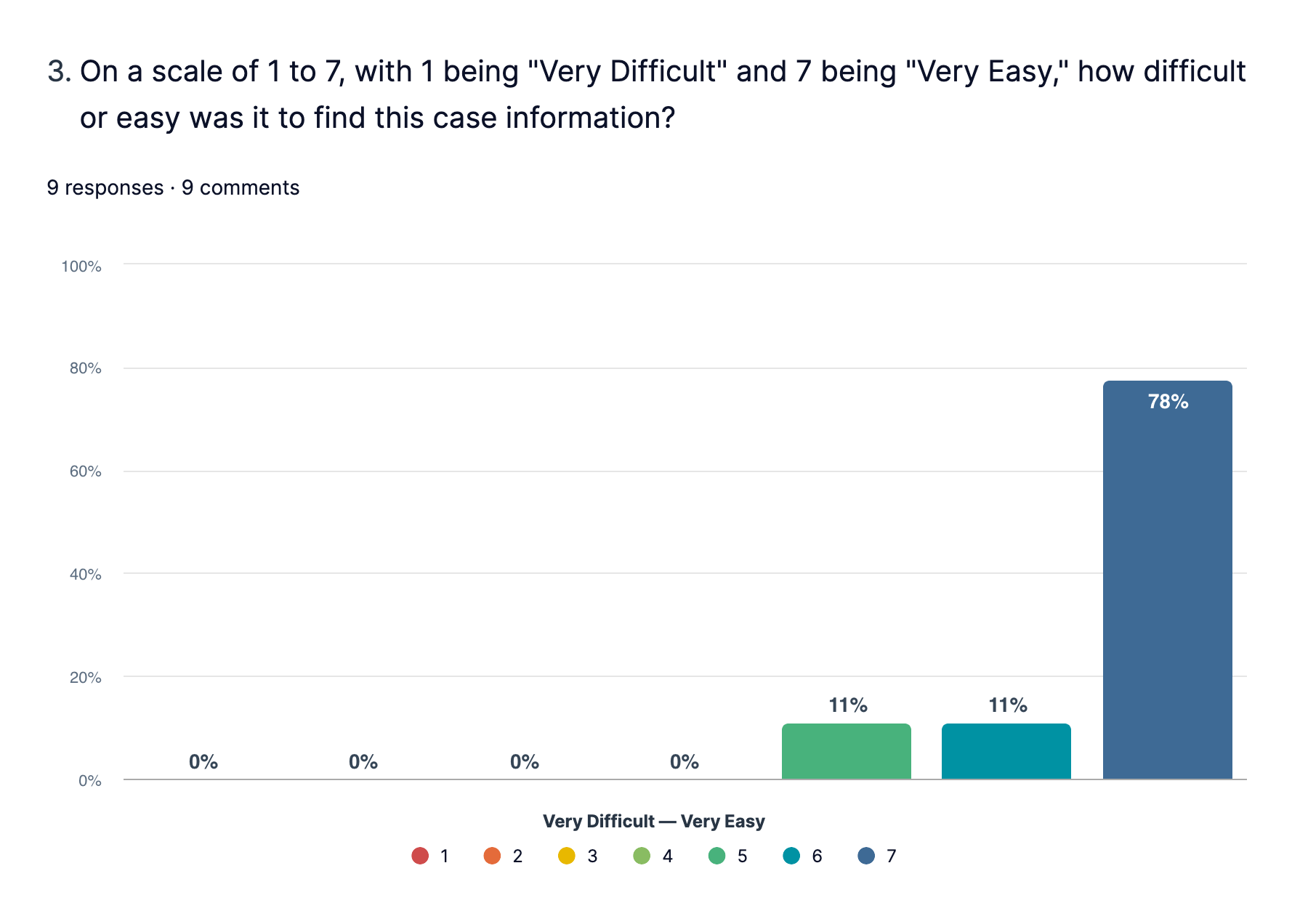
“Very simple to locate assets and category of each asset.”
Task 4 - Credit Reports
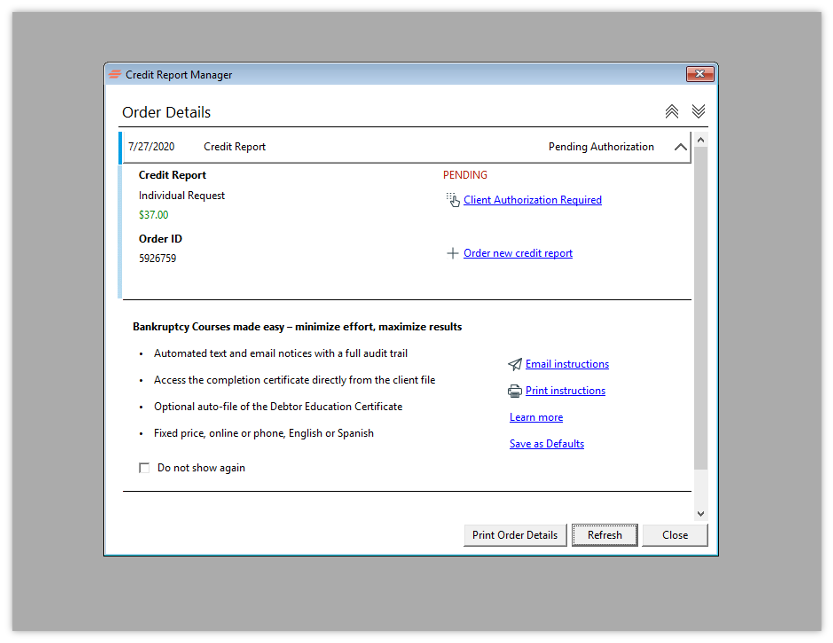
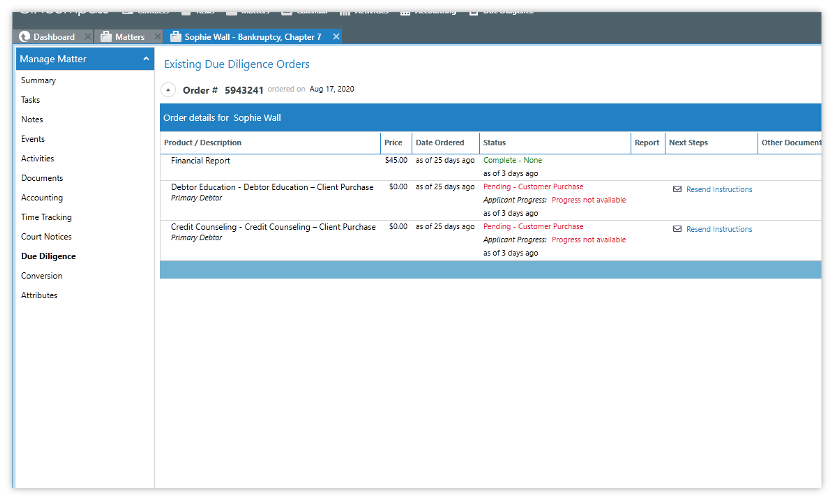
“Your colleague mentioned that you can order official credit bureau reports in Best Case by Stretto. Place an order for Sophie Wall’s report. Write down or copy the Order ID number before you finish.”
| Best Case by Stretto | CINcompass | |
|---|---|---|
| Task Completion | 8 of 10 participants | 6 of 9 participants |
| Task Time | 4m 5s | 2m 25s |
| SEQ | 5.4 (easy) | 5.8 (easy) |
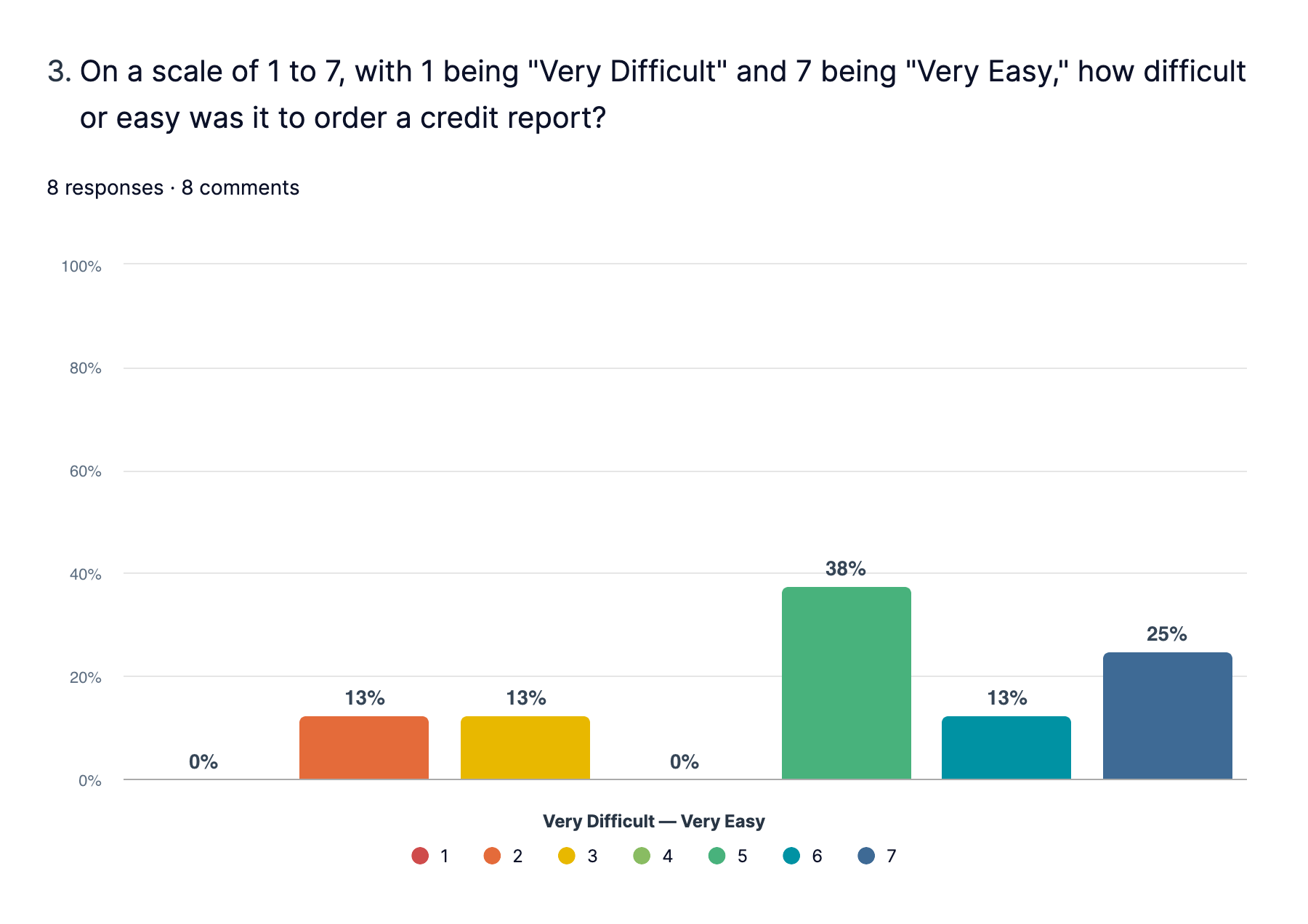
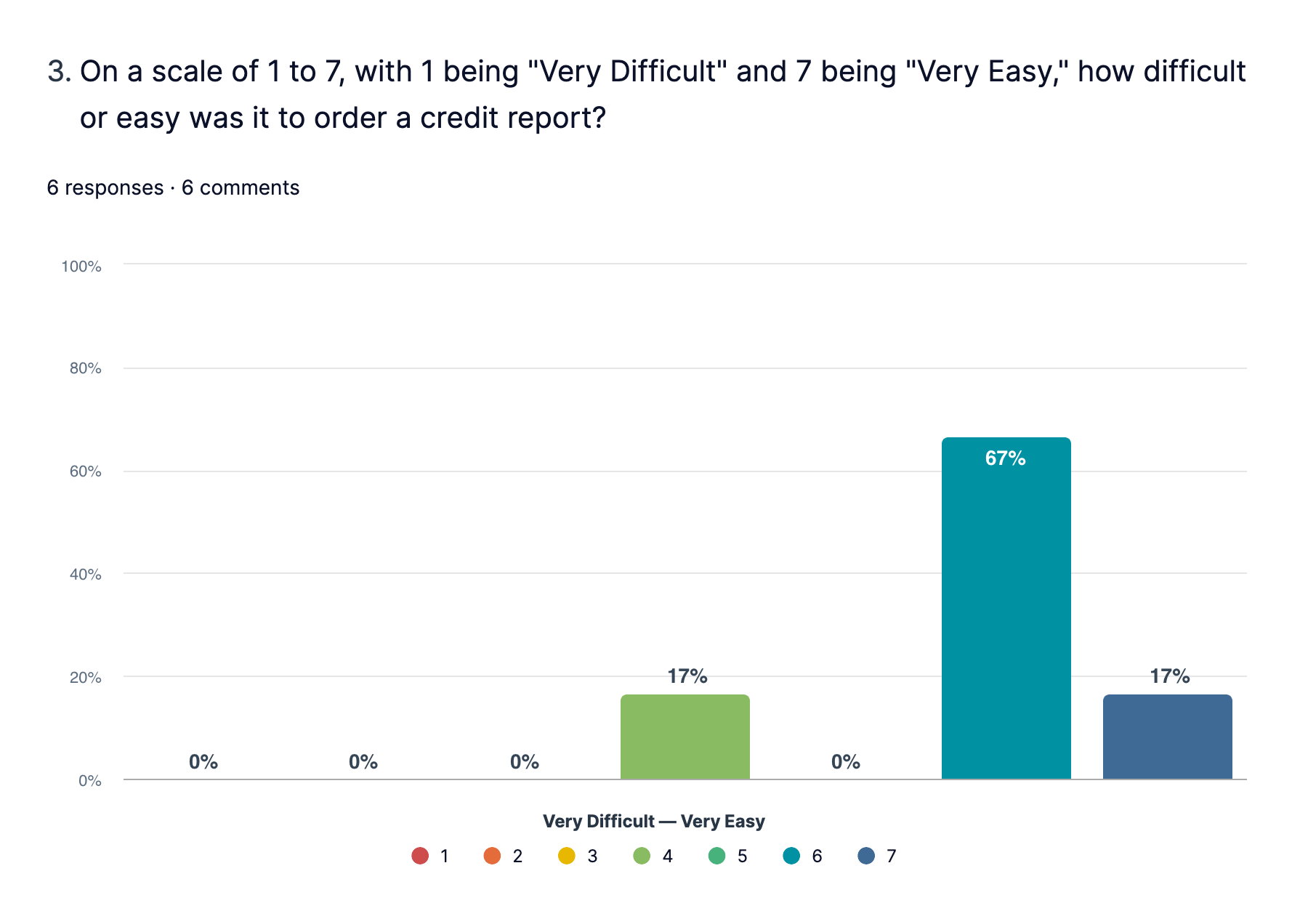
“Set a default credit report ordering for the firm, one click and done. We order a credit report in each case, every case, same one over and over, set it and forget it.”
3 participants failed this task in CINcompass, however, they were successful in navigating to the credit reports screen. The failure is due to an error with the client information saving (updating SSN in between test sessions did not always save). Participants were unable to order a new report because the system was showing an existing order.
Task 5 - Case Filing
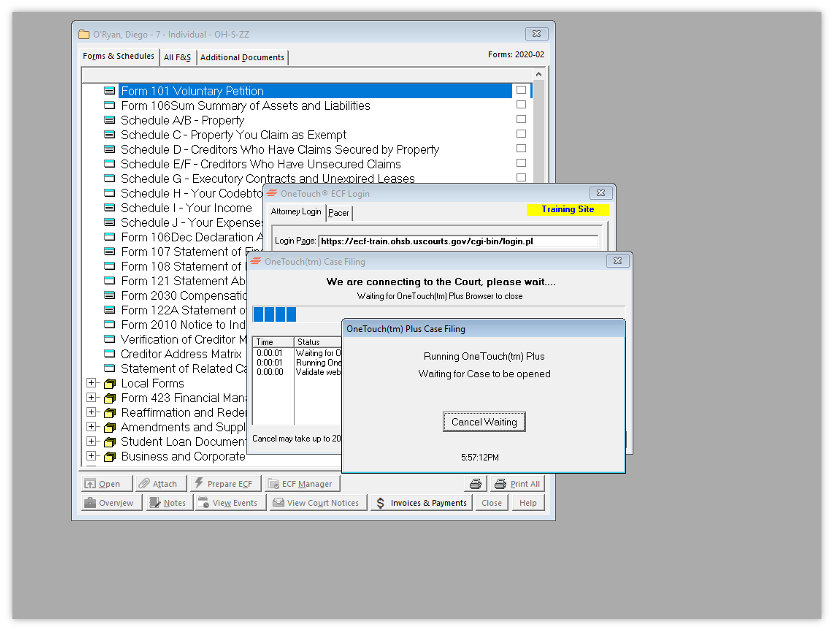
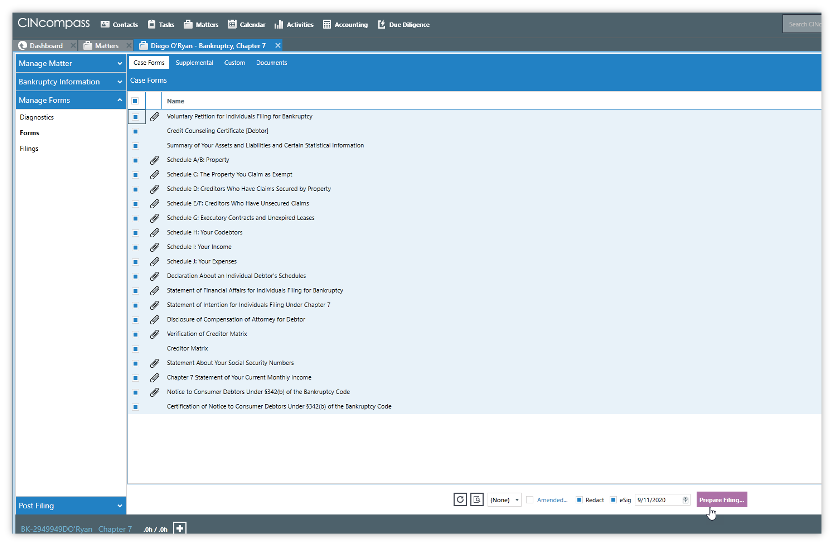
“Your client, Diego O’Ryan, just signed their forms and made their final payment. File their bankruptcy case with the Southern District of Ohio (OH-S).”
| Best Case by Stretto | CINcompass | |
|---|---|---|
| Task Completion | 5 of 10 participants | 3 of 9 participants |
| Task Time | 3m 49s | 13m 22s |
| SEQ | 6 (easy) | 4.7 (somewhat easy) |
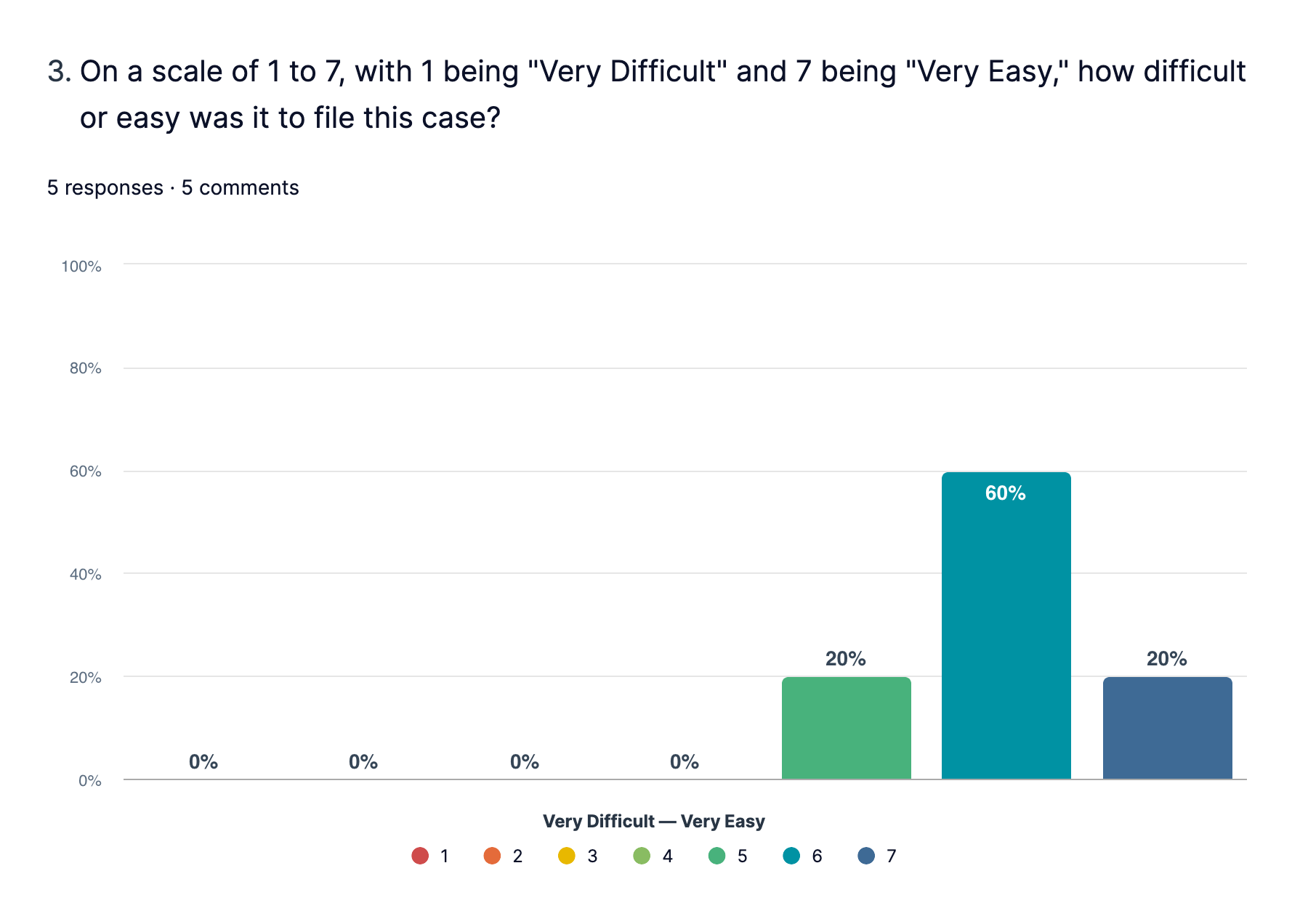
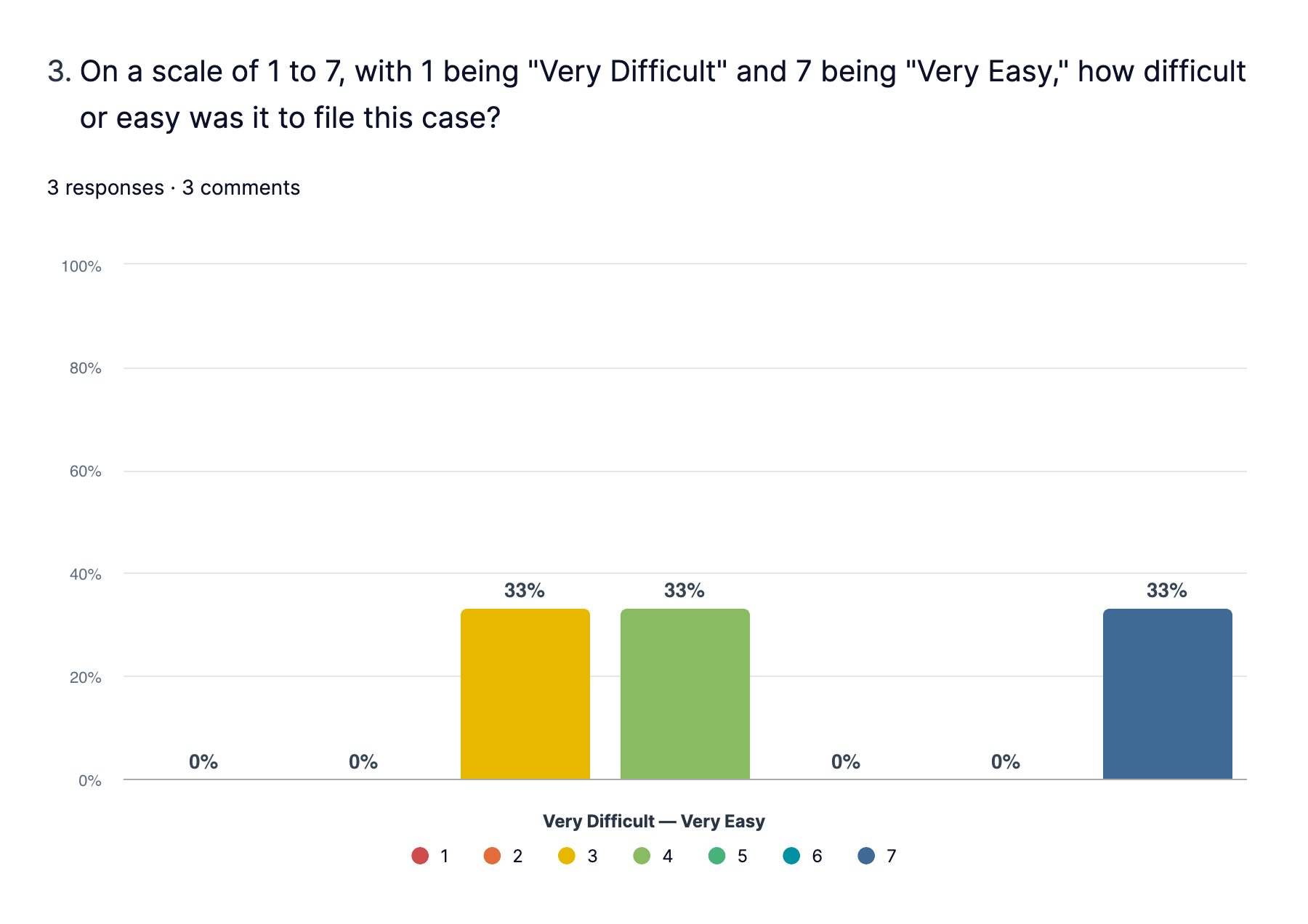
“There was nothing intuitive about the filing process. In Best Case, the filing process was easier and much quicker, with the attorney filing information already loaded into the system. With this, you had to go to Filings and know to check the top square, and then wait for everything to load.”
Most participants were unable to complete this task in CINcompass due to a pop-up blocker that appeared after the case filing was generated (sometimes takes up to 10 minutes to generate). The ECF Tool would not open and the page could not be reloaded…participants had to abort the system completely and log back in to attempt this task again. Even participants that successfully completed the task expressed frustration over the filing workflow in CINcompass.
A participant completing Task 5 (“Case Filing”) in Best Case by Stretto.
“It always impresses the clients that I push a button and a couple of minutes later we have their case number...Magic!”
System Usability Score (SUS)
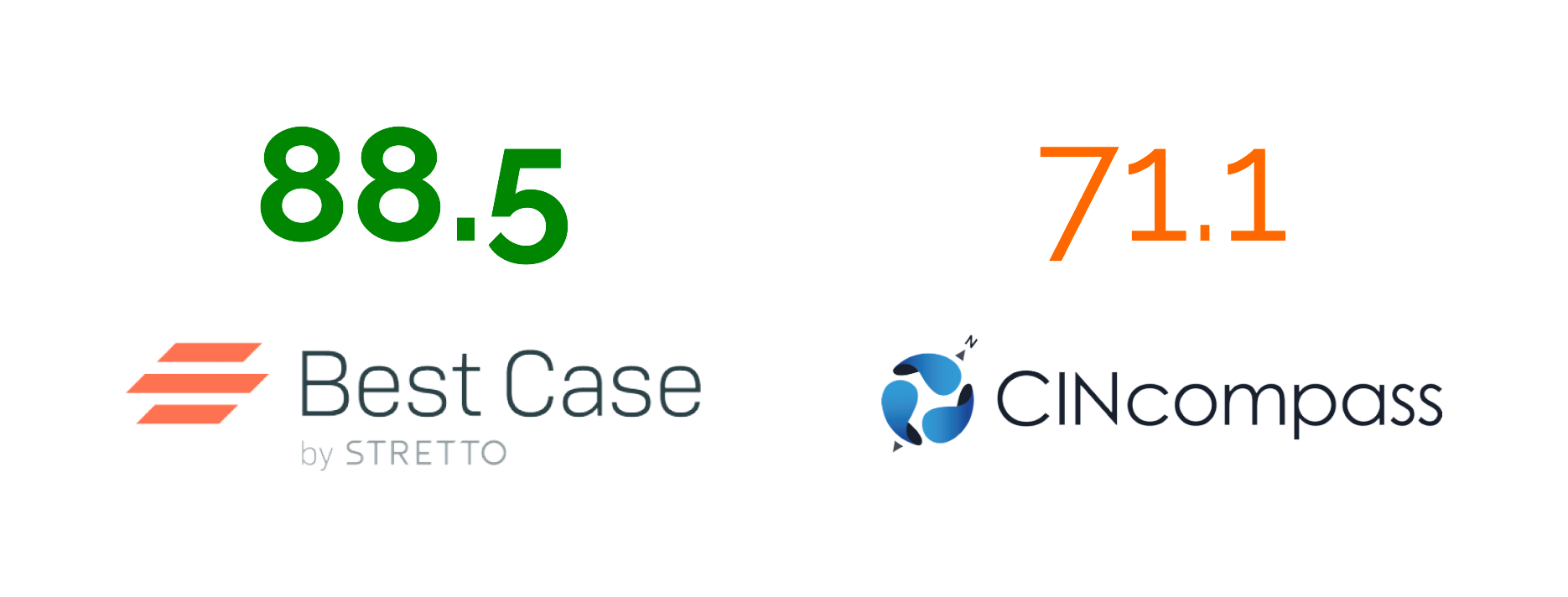
Participants finished the study with a System Usability Scale questionnaire to measure each product’s overall perception of usability.
Next Steps
Study Limitations
This was originally planned as an unmoderated study, but UserZoom does not support unmoderated testing for desktop-based applications — I was forced to facilitate this as a moderated, structured study and calculate task results manually.
Participants were asked to use demo versions of the test product. Aside from unexpected test environment errors, some users also have their actual products set up with default settings that support their workflows. It was impossible to create a demo that mirrors every participants’ actual license. The demo environment could have negatively influenced task performance for these participants.
This was not conducted in a controlled environment, so participants’ internet connection might have varied and could have resulted in slower task times for the CINcompass test.
All participants are considered experts in their practice and have extensive domain and product knowledge over more novice users. This could explain high-performing tasks.
Potential for sampling error. I was unsuccessful in recruiting my goal of 40 participants to complete the comparison study. I could not conduct statistical analysis (t-test) to measure significance in the data due to my small sample size.
Potential for coverage error. I only recruited attorneys for this study, but a lot of paralegals actually complete major workflows in the product. However, our largest user segment is the solo practitioner (does not have support staff). So while it was a deliberate decision to only recruit attorney users, this could be a contributing factor to any skewed results.
Potential for measurement error. The post-task survey responses in the Best Case by Stretto test were too vague due to poorly worded questions.